MSP buying guide

Best AI Governance Tools for MSPs (2026)

Seven AI governance tools compared on how each finds AI use, enforces a client's AI policy and protects data in prompts, from each vendor's own pages.

7  tools6  inspect prompts2  published prices

7 tools, 6 with prompt inspection, verified November 20, 2026

Client data pasted into ChatGPT, Copilot or Gemini on a laptop you manage is a leak your client will expect you to have seen coming. For one tool whose own pages cover finding AI use, enforcing a policy and inspecting prompts, with a rollout through your remote monitoring and management (RMM) platform and a branded report per client, start with DefensX (AI controls from Core+, reports in its Nexi package), Longwave (Windows and macOS, sold only through managed service providers) or ShadowLock (Windows fleets, 25-device minimum). Already on Acronis? Check its GenAI Protection first. Lemhi suits a client that needs an assessment and a written policy before any blocking.

Comparing them is hard because "AI governance" puts three jobs under one label: finding AI use, policing it against the client's policy, and protecting the data inside prompts and uploads. A product can do the first well and never touch the third, and most vendors publish no price.

Kipling Secure's pages cover all three jobs but list no supported operating system or RMM, so it is not in the shortlist above. This guide is written for MSP owners and security leads choosing one tool across client tenants, not for in-house teams or enterprise buyers of AI gateways.

Where our money comes from

We do not sell any of these products, take commissions from any vendor on this page, or accept payment for placement. One entry carries a disclosure at the top of its own entry.

methodology

How we chose and checked these tools

  1. We included AI governance tools sold to MSPs that manage many client tenants from one console.
  2. We read each vendor's product, pricing, documentation, trust and partner pages, and Microsoft's documentation, on November 20, 2026.
  3. We deployed nothing, sent no prompt and measured no block rate; "best for" means fit by published scope.
  4. "Not listed" means not found on the vendor pages we reviewed, not that the product lacks it. Vendor-written rankings were not used.
  5. Companies with "MSP" in their name are excluded under our naming rule, as are enterprise tools without a service-provider model.
  6. Numbering is navigational: groups follow the job, alphabetical within each. Kipling Secure's founder is a NUOPTIMA contact; no commercial relationship exists, and it was checked on the same fields.

Last reviewed: November 20, 2026

comparison

The seven AI governance tools at a glance

How each tool runs across client tenants, from vendors' own pages, verified November 20, 2026
ProductTypeMulti-tenant modelRollout namedSecurity attestation (as stated)How priced
DefensXAI governance platform for MSPsAll tenants in one consoleConnectWise Automate, Datto RMM or AteraSOC 2 Type 2Per seat (work machine plus two personal devices); quote
Kipling SecureAI governance platform for MSPs"Multi-tenant view""Deploy with existing tools"; no RMM namedSOC 2 Type 2, report under nondisclosure agreementPer user; quote
LongwaveAI governance platform for MSPsGlobal defaults with tenant overridesNinjaOne, Datto, Kaseya or other RMMs; MDMSOC 2 Type I and Type IIPer monthly active user; rate at demo
Shadow DefendAI governance platform for MSPsOne console, per-client policy and billingBrowser extension through MDM; no RMM namedNot listedPer device; Pro $4 per device a month; MSP minimum not published
ShadowLockAI governance platform for MSPsPartner, organization, device; unlimited organizationsAgent through "your existing RMM"; extension by Chrome and Edge policyNot listedPer managed Windows device; rate card on request
Acronis GenAI ProtectionInside Acronis Cyber ProtectCross-tenant Acronis consoleAcronis agent; Windows 10 and 11 onlySOC 2 Type 2 for Acronis Cyber Platform services; ISO 27001-certified security managementIncluded in the Security and RMM package; otherwise Ultimate Protection or per workload
LemhiAssessment and governance programDashboard of every clientConnects through GDAP in Partner CenterNot listed$749 a month with 5 clients included, then $125 to $90 per added client

RMM is remote monitoring and management; MDM is mobile device management; ISO is the International Organization for Standardization; GDAP is granular delegated admin privileges in Microsoft's Partner Center; SOC 2 is System and Organization Controls 2, an independent audit report. Not listed = not found on the vendor pages we reviewed on November 20, 2026; not found does not mean uncertified.

entries

The seven tools, grouped by the job they do

Built for MSPs to find, police and protect AI use

One console across tenants, with discovery, policy and prompt controls on the vendor's own pages.

01

DefensX

An agent and browser extension that governs AI use on managed and unmanaged devices from one multi-tenant console.

Watch-only startThree devices per seat
Sees AI use through
a lightweight agent plus a browser extension, on managed and unmanaged devices (Unmanaged Device Access listed in Premium+)
Controls
block or redirect unsanctioned tools per tenant and user group; keyword and pattern prompt inspection, personally identifiable information (PII) masking, paste and upload controls on Core+ or higher
Across clients
all tenants in one console; rollout through ConnectWise Automate, Datto RMM or Atera; scheduled branded reports through Nexi, its AI reporting layer, which DefensX lists as a package of its own
Published pricing
quote only; per seat covering a work machine and two personal devices, no minimum commitment
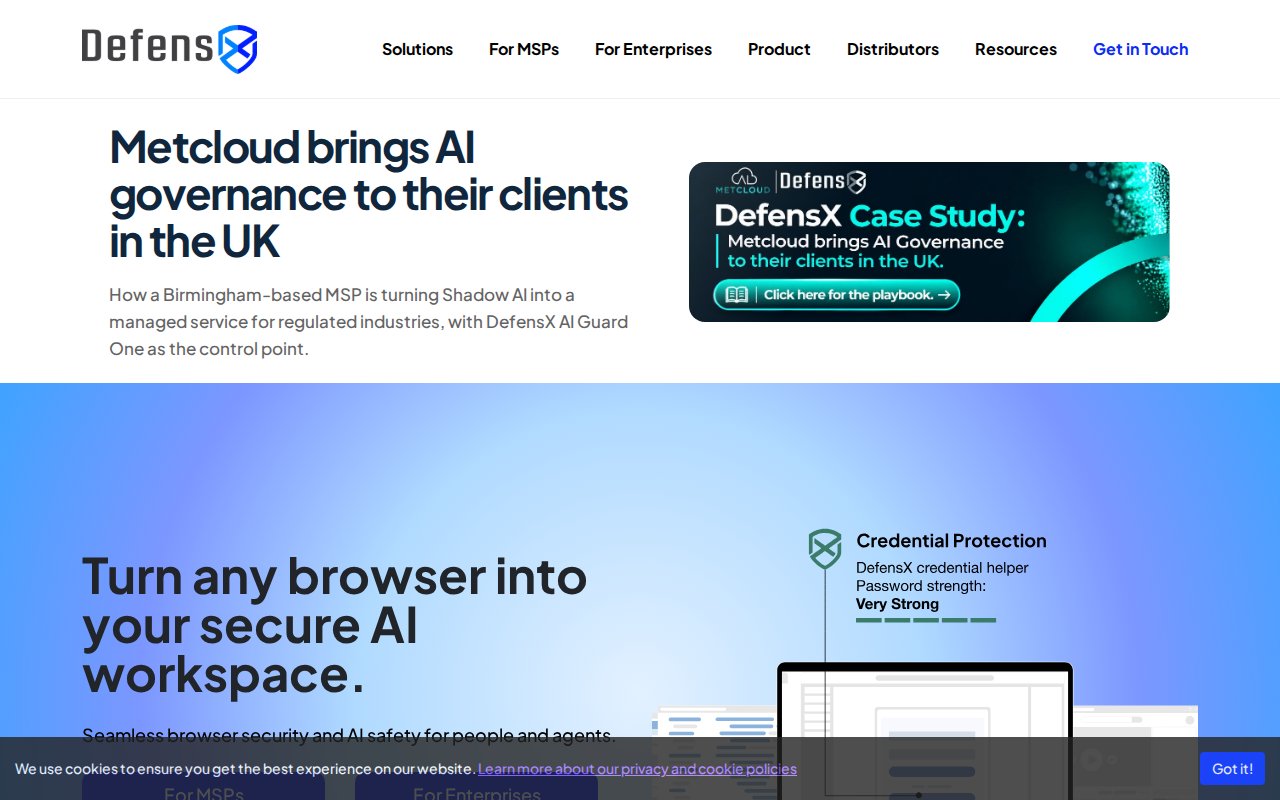
DefensX homepage headline "Turn any browser into your secure AI workspace." below a customer case study banner
defensx.com, captured November 20, 2026

DefensX runs a lightweight agent and a browser extension on managed and unmanaged devices, all from one multi-tenant console. One seat covers an employee's work machine plus two personal devices, which matters when staff open ChatGPT on a home laptop. Access is set per tenant and user group: unsanctioned tools are blocked or redirected, model-training sharing can be switched off on approved ones, and blocked users see a message with your logo.

Prompts are checked against keywords and patterns before they reach the model, with masking for personal data. Rollout runs through ConnectWise Automate, Datto RMM or Atera and starts in watch-only mode. Check the package before you quote: AI Data Protection starts at Core+, prompt logging sits in Premium, and Unmanaged Device Access in Premium+.

Best fit:MSPs on ConnectWise Automate, Datto RMM or Atera who want per-tenant AI controls, a watch-only start and scheduled reports carrying their brand.

Think twice if:you plan to sell its entry package, since DefensX puts AI data controls in Core+ and higher, prompt logging in Premium, and Nexi, which schedules the branded reports, in a package of its own, or you need staff's personal devices covered, since its package table lists Unmanaged Device Access and bring-your-own-device workforce support under Premium+, or you need desktop apps and agents covered, which DefensX announced on October 18, 2026 as part of AI Guard One.
02

Kipling Secure

An AI detection and response platform for MSPs, with prompt inspection and branded monthly client reports.

Agent discoveryMonthly branded reports
Disclosure: the founder is a NUOPTIMA contact. No commercial relationship exists.
Sees AI use through
a "purpose-built endpoint app" covering users, browsers, apps and devices; supported operating systems and browsers not listed on the pages we reviewed
Controls
plain-English allow and block policies; prompt and response inspection to redact or block sensitive data; upload blocking not listed on the pages we reviewed
Across clients
multi-tenant view; "Deploy with existing tools", with no RMM named; MSP-branded monthly AI usage and risk reports
Published pricing
price per user; no figure published, demo-led
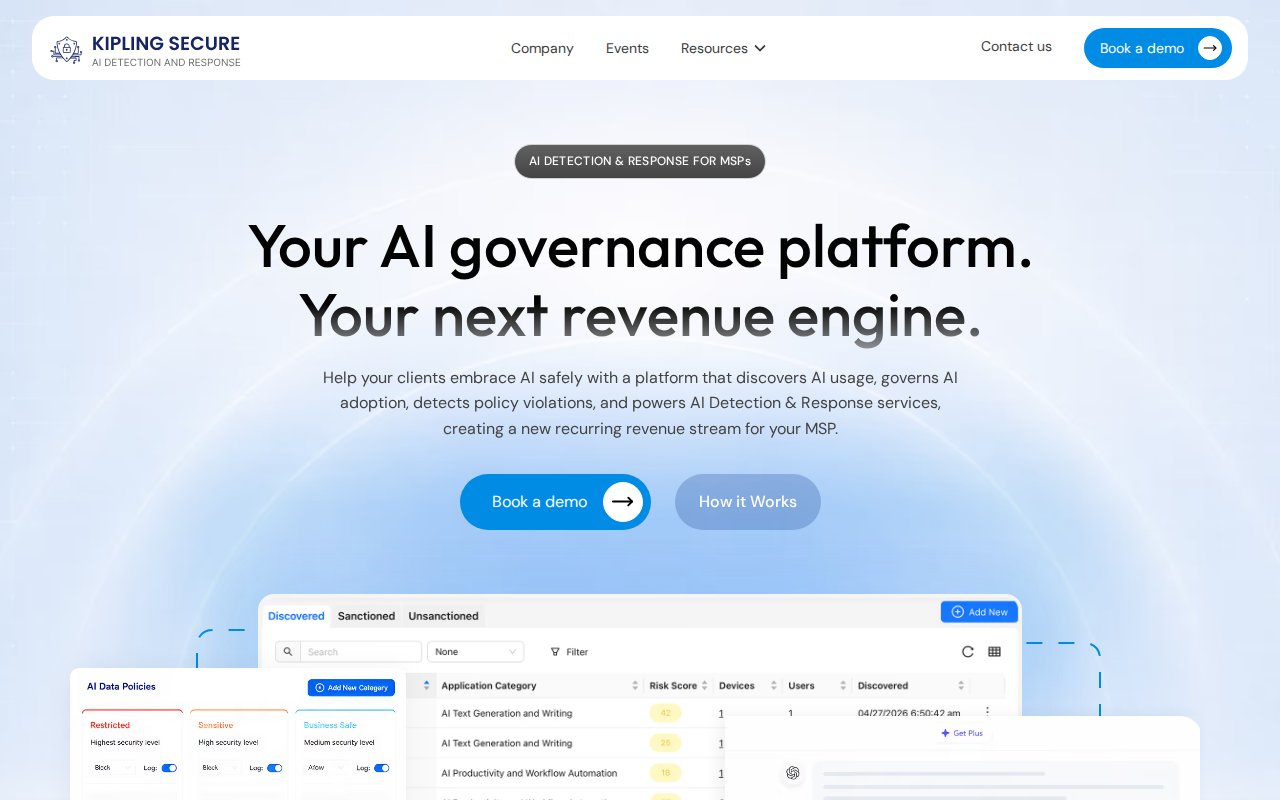
Kipling Secure homepage headline "Your AI governance platform. Your next revenue engine." above a table of discovered AI applications with risk scores
kiplingsecure.ai, captured November 20, 2026

Kipling Secure detects ChatGPT, Gemini, Claude, Copilot and other AI tools by user, device, location and client. Its endpoint app also maps AI agents and MCP servers into an AI Agent Graph of the tools and permissions each agent holds. Policies are written in plain English; Kipling's own example blocks personal data for every user except the human resources team. Prompts and responses are inspected in real time to redact or block sensitive data, and each client gets an MSP-branded monthly AI usage and risk report.

The service model is spelled out: a 14-day monitoring-only assessment, an exposure report, then guardrails. Ask on the demo which operating systems and RMM tools it supports. Kipling Secure holds a SOC 2 Type 2 report, shared under a nondisclosure agreement.

Best fit:MSPs that want to open each client with a 14-day monitoring-only assessment and see AI agents and Model Context Protocol (MCP) servers as well as chat tools.

Think twice if:you need coverage confirmed before a demo, since Kipling Secure publishes no supported operating system, browser or RMM list and no price, and warn, redirect and upload blocking are not listed on the pages we reviewed.

03

Longwave

An AI governance platform sold only through MSPs, with a browser extension and desktop agent for Windows and macOS.

Silent mode firstWindows and macOS
Sees AI use through
a browser extension plus a desktop agent on Windows and macOS, with Chrome, Edge and Firefox
Controls
apps classed Approved, Unapproved or Blocked; warning and block dialogs; redaction before the model; upload blocking
Across clients
global defaults with tenant overrides; rollout by RMM (NinjaOne, Datto and Kaseya named) or mobile device management (MDM); white-labeled weekly or monthly client reports
Published pricing
per monthly active user across all client tenants, rate shared at a demo; month to month
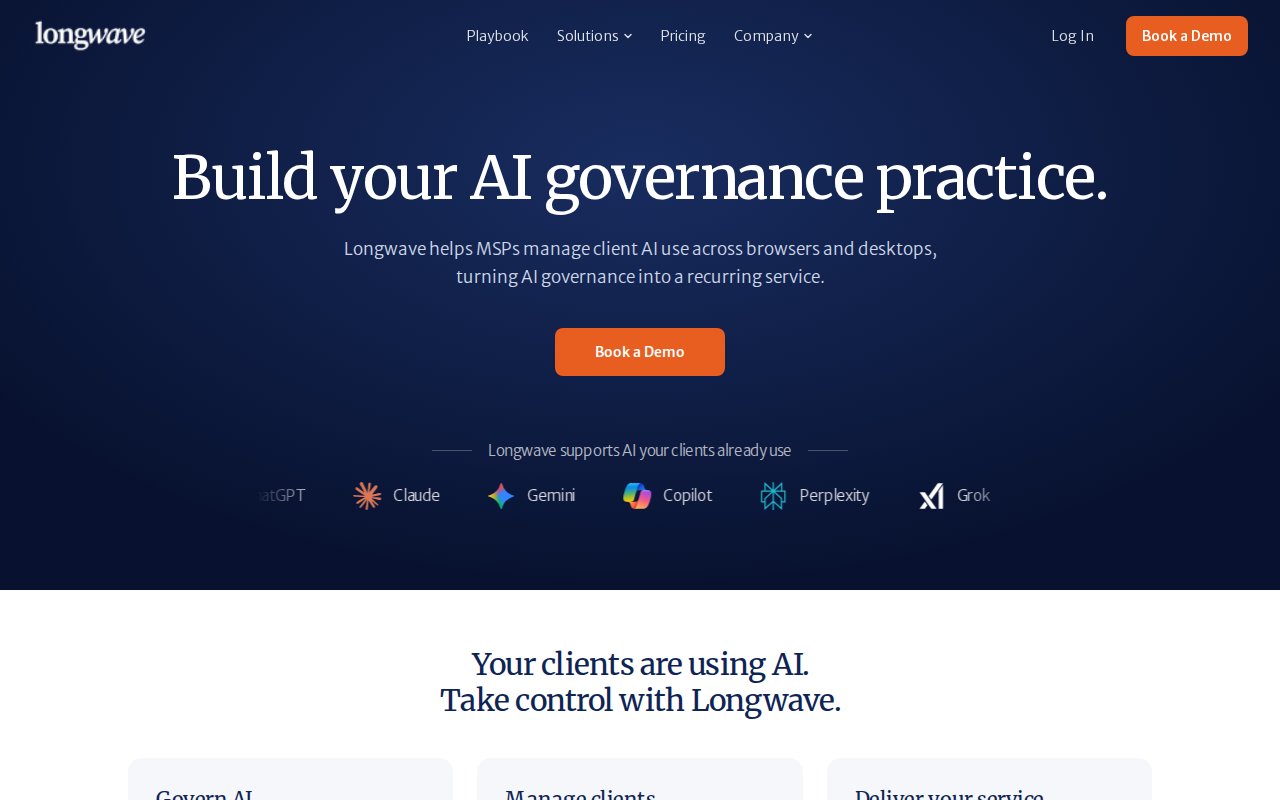
Longwave homepage headline "Build your AI governance practice." above a row of supported AI tools including Claude, Gemini, Copilot and Perplexity
longwavehq.com, captured November 20, 2026

Longwave, from Longwave Technologies in New York City, is sold only through MSP resellers, with a free license for partners' own staff. A browser extension and desktop agent go out through your RMM or MDM tool. Each client can start in Silent mode, which monitors without warnings or blocking, then move to Active.

Apps are classed Approved, Unapproved or Blocked, and warning dialogs link staff to the client's policy and approved tools. Sensitive text is redacted before it reaches the model, and uploads to unauthorized tools are blocked. Capture is chosen per tenant (full prompt, metadata only or nothing) and defaults to metadata only, so read that setting before you promise a client anything about prompts. Longwave holds SOC 2 Type I and Type II reports.

Best fit:MSPs with Mac and Windows clients who want a silent monitoring phase, warnings that link to the client's policy and white-labeled reports, billed only for active users.

Think twice if:you want vendors with several years of trading behind them, since Longwave was founded in 2025, or you need browsers beyond Chrome, Edge and Firefox on Windows and macOS, the only ones its pages list, or need a price before a demo, since Longwave shares its rate during one.

04

Shadow Defend

A browser extension for six browsers that inspects prompts and enforces AI policy per client, with a published per-device price.

Browser onlyPublished price
Sees AI use through
a browser extension for Chrome, Edge, Brave, Firefox, Opera and Vivaldi on managed devices; "No endpoint agents"
Controls
log only, warn or block at submit by role, department or data sensitivity; prompt inspection for personal data, credentials, source code and health data; file upload controls on Pro
Across clients
one console with per-client policy, visibility and billing; alerts routed per client to Slack, email, webhook or a security information and event management (SIEM) tool, though its price list puts SIEM on Enterprise; no full dashboard white label
Published pricing
Starter free up to 10 devices (ChatGPT and Claude only); Pro $4 per device a month; MSP billing is a committed minimum plus overage, amount not published
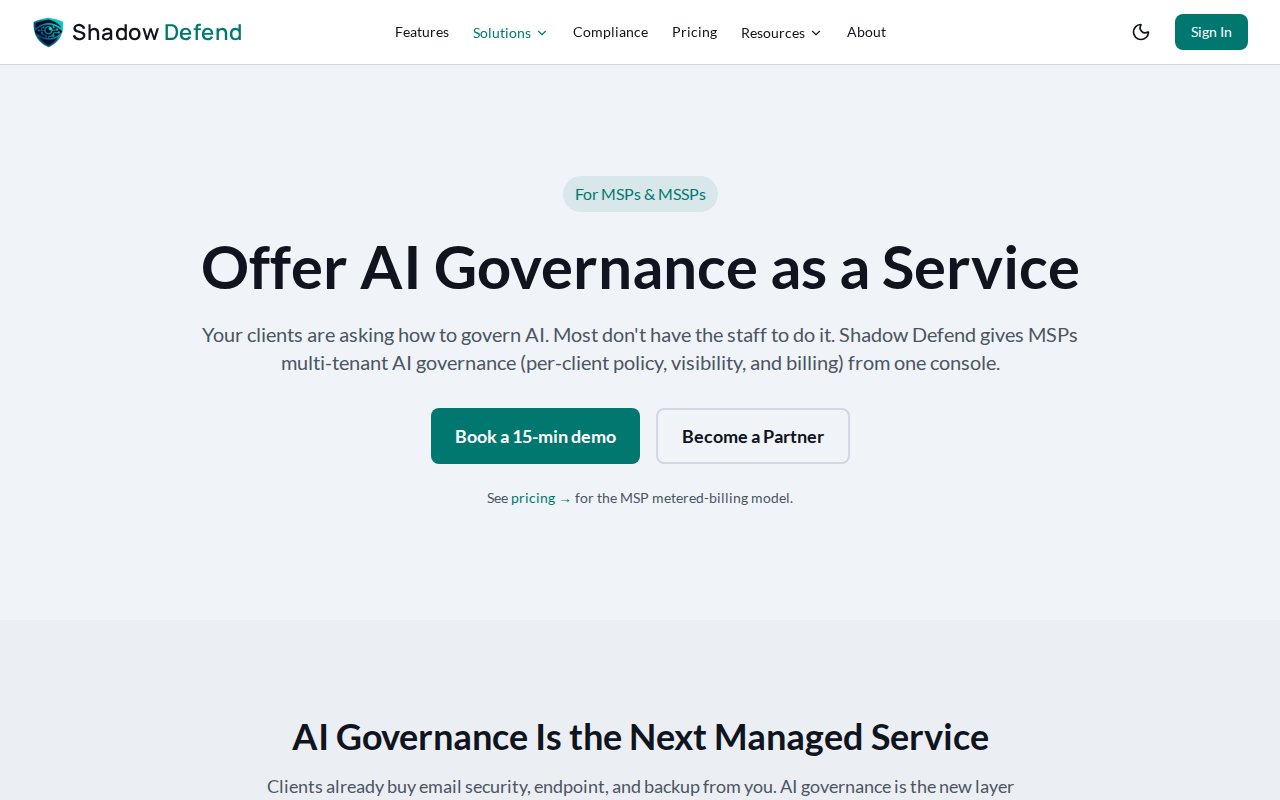
Shadow Defend page headline "Offer AI Governance as a Service" with buttons to book a demo and become a partner
shadowdefend.com, captured November 20, 2026

Shadow Defend, founded in 2026 by former security engineers, runs as a browser extension in Chrome, Edge, Brave, Firefox, Opera and Vivaldi, pushed through MDM with no endpoint agent. It sees personal accounts on managed browsers and AI tools that are not on any list. Policies log, warn or block at submit, by role, department or data sensitivity.

Prompts are checked for personal data, credentials, source code and protected health information, and Pro adds upload controls. The pricing page shows Starter free up to 10 devices, for ChatGPT and Claude only, and Pro at $4 per device a month; MSPs pay a committed minimum plus overage, and the minimum is not published. Prompt text goes to its backend, with sensitive patterns redacted before storage.

Best fit:MSPs that want to start free on a few devices and govern AI in six browsers without installing another endpoint agent.

Think twice if:clients use desktop AI apps, since Shadow Defend says it covers "the browser layer, not the desktop" on managed devices, or you need its MSP minimum in writing, which is not published on the pages we reviewed, or a fully white-labeled dashboard, which it says it does not offer today.

05

ShadowLock

A Windows agent, browser extension and Microsoft 365 scan that classifies data on the device before it reaches an AI tool.

Windows agentOn-device classification
Sees AI use through
a Windows endpoint agent, a managed Chrome and Edge extension and a Microsoft 365 connection
Controls
Allow, Warn and Block with partner, organization and device overrides; desktop AI app blocking; on-device paste and upload classification; typed-prompt redaction
Across clients
partner, organization and device hierarchy with unlimited organizations; agent pushed through your existing RMM; per-client PDF risk report with your logo on the cover
Published pricing
per managed Windows device a month, 25-device minimum per account, rate card emailed on request; no annual commitment
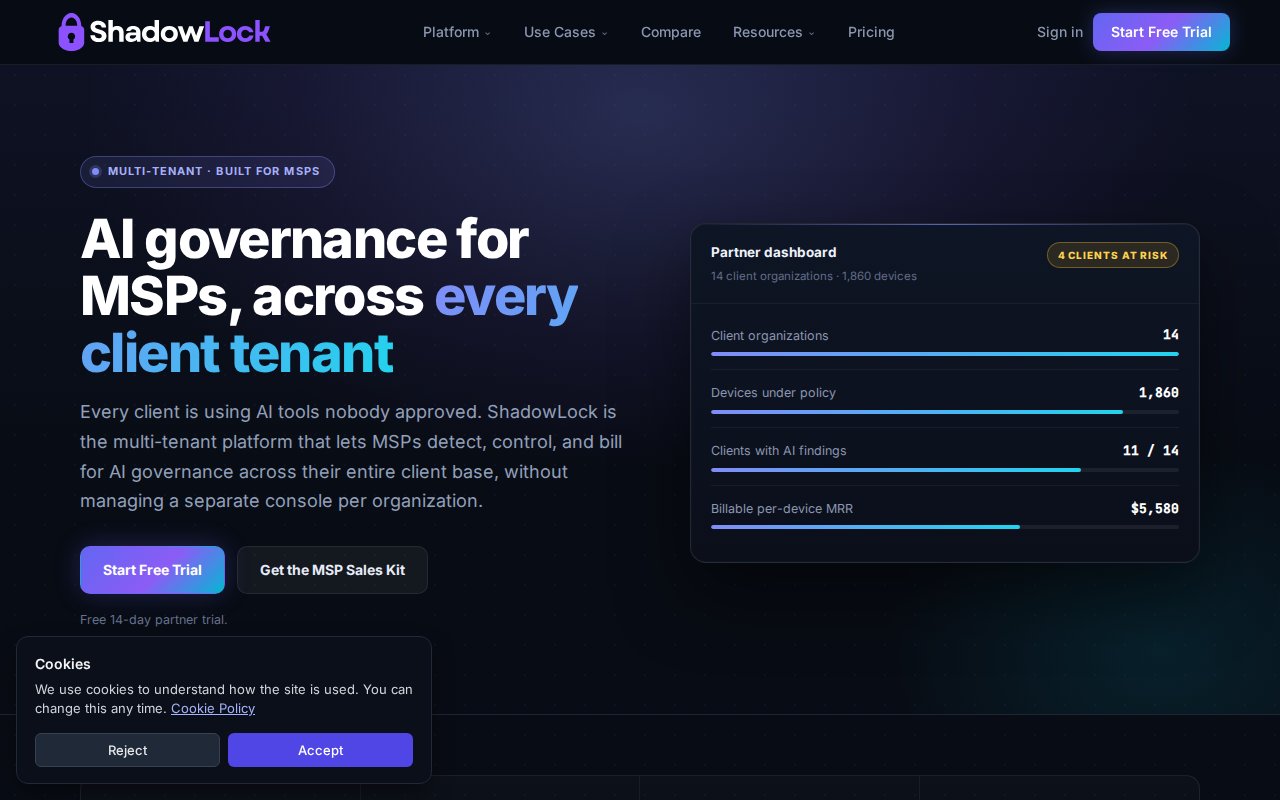
ShadowLock page headline "AI governance for MSPs, across every client tenant" beside a partner dashboard counting client organizations and devices under policy
shadowlock.io, captured November 20, 2026

ShadowLock works on three layers: a Windows agent for desktop AI apps and the clipboard, a browser extension forced in through Chrome and Edge policies, and a Microsoft 365 scan that finds AI apps and Copilot add-ins consented into the tenant. It flags personal accounts and can block them.

Policy is Allow, Warn or Block, set at partner level and overridden per organization or device, and desktop AI apps are blocked at the file-system level with a page explaining what to use instead. Classification runs on the device at paste and upload; ShadowLock says prompt text, clipboard contents and file bytes are never sent to its servers. A free read-only assessment runs through your RMM and gives you something concrete to show a client first.

Best fit:Windows-heavy MSPs that want desktop AI apps blocked and prompt text kept on the device, with one policy set at partner level and overridden per client.

Think twice if:clients run Macs, since ShadowLock's agent and billing unit are managed Windows endpoints, a client requires SOC 2 or ISO 27001 from vendors, neither of which we found on its pages, or a client needs data held outside the US, since ShadowLock hosts in the US.

AI controls inside a platform you may already run

No new vendor to onboard, but the controls follow that platform's agent and package.

06

Acronis GenAI Protection

Generative AI discovery and prompt inspection inside the Acronis platform, provisioned per tenant from the Acronis console.

Included in Security and RMMAcronis agentWindows 10 and 11 only
Sees AI use through
the GenAI Protection module of an Acronis protection plan, on 64-bit Windows 10 and 11 only, covering browser-based AI tools, listed desktop apps and MCP servers on managed devices
Controls
an allow-list or block-list policy for web, desktop and software-as-a-service AI apps, plus URL filtering, which Acronis lists under endpoint and extended detection and response (EDR/XDR); prompt inspection for personal, health, credential and financial data, blocking unauthorized submissions
Across clients
provisioned and managed by MSPs from the cross-tenant Acronis console; GenAI widgets and reports by device and user, for partners and their customers
Published pricing
included in the solution-based Security and RMM package at no extra charge; package price not published
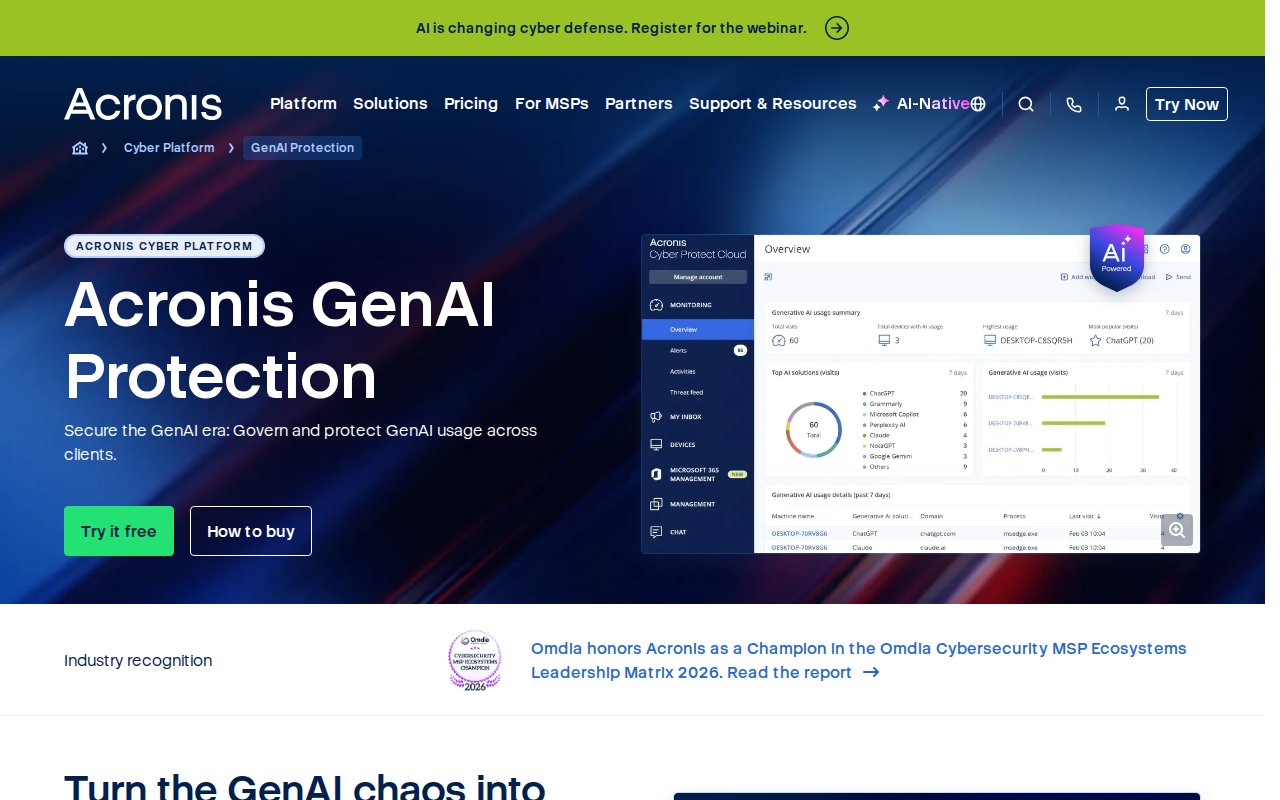
Acronis GenAI Protection product page with a console overview of generative AI usage by tool, device and visit count
www.acronis.com, captured November 20, 2026

Acronis GenAI Protection launched on April 22, 2026, inside the Acronis platform, and Acronis says it is designed to be provisioned, managed and monetized by MSPs from its cross-tenant console. The console shows the top AI tools, which devices use them, and the domain and process on each Windows machine.

Two controls do different work. An access policy allows or blocks named AI apps and domains, while prompt inspection checks for personal, health, credential and financial data and blocks unauthorized submissions. The commercial case is licensing: Security and RMM customers get it automatically, Acronis says, with no extra line item and no price increase. Other packages need Ultimate Protection or a per-workload item. Warn and redirect are not listed on the pages we reviewed.

Best fit:MSPs already on Acronis's Security and RMM package who want AI discovery and prompt blocking without another agent or vendor.

Think twice if:clients run Macs or you do not run the Acronis agent, since Acronis documents GenAI Protection as a protection-plan module for 64-bit Windows 10 and 11 only, with Claude covered only in Full Protection mode.

Assessment and governance program, no blocking

The find and policy work that comes before enforcement.

07

Lemhi

A platform for MSPs selling a virtual chief AI officer service: assessment, per-client AI policy and a Microsoft 365 tenant scan, with no enforcement.

No blockingMicrosoft 365 tenant scan
Sees AI use through
a connection to each client's Microsoft 365 tenant through granular delegated admin privileges (GDAP), plus a staff survey
Controls
no blocking or prompt monitoring; Lemhi says it provides "governance and visibility, not enforcement", though it can restrict selected SharePoint sites from organization-wide search and Copilot
Across clients
dashboard of every client; white-labeled reports and client portal; professional services automation (PSA) links to ConnectWise PSA (certified, per its November 3, 2026 announcement) and HaloPSA, plus ScalePad Lifecycle Manager
Published pricing
Base Camp $749 a month with the first 5 clients included, then $125 per added client up to 15 clients, falling by band to $90 at 51 to 100 clients; 21-day trial
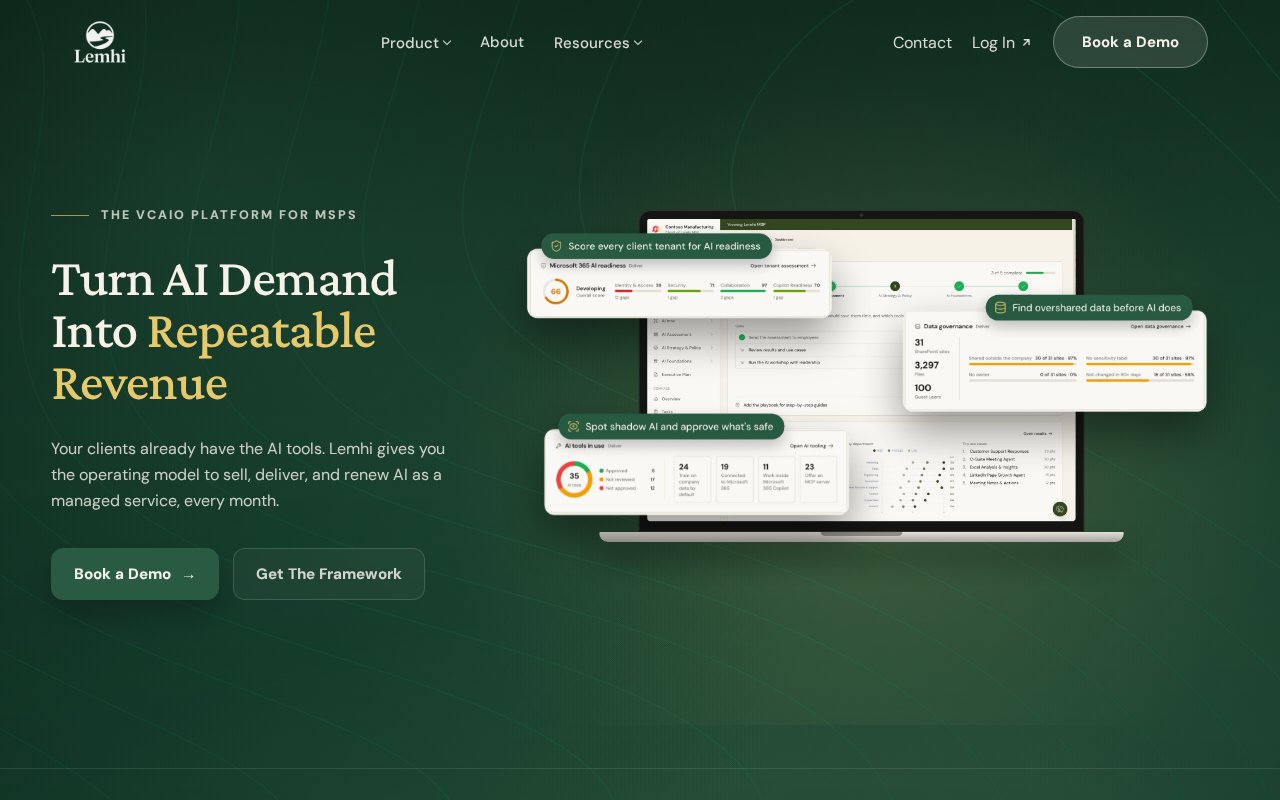
Lemhi homepage headline "Turn AI Demand Into Repeatable Revenue" beside a dashboard scoring a client's Microsoft 365 tenant for AI readiness
lemhi.com, captured November 20, 2026

Lemhi is built for MSPs selling a virtual chief AI officer service each month: assessment, roadmap and an AI acceptable use policy per client. It became generally available on November 4, 2026. Discovery comes from the client's Microsoft 365 tenant, listing every connected app and what it can access, including Claude and ChatGPT connections, plus a staff survey.

The same scan flags gaps in Conditional Access, multifactor authentication, data loss prevention, sensitivity labels and oversharing, the cleanup a client needs before Copilot. Lemhi is direct about the boundary: it "provides governance and visibility, not enforcement," and never reads mailbox, file or Teams content. To block tools or watch prompts, its frequently asked questions page says to pair it with the security stack you already run.

Best fit:MSPs that want to sell AI readiness assessments, written AI policies and quarterly reviews before choosing an enforcement tool.

Think twice if:you need blocking or prompt monitoring, which Lemhi says it does not do, or need the tenant scan for clients on Google Workspace, which is on its roadmap; it also needs GDAP with the Application Administrator or Cloud Application Administrator role.

also considered

Also considered

  • Guardz AI Usage and Control: per-client limits on copying, pasting and uploading by site or category, built with Palo Alto Networks' Prisma Browser for Business; prompt inspection not found; included in Elite, an add-on on other plans.
  • KIPIO: a multi-tenant console that finds AI use across browser, desktop and MCP connections and blocks prompts and uploads; no published price.
  • dope.security: an on-device web gateway that inspects AI prompts and uploads; MSPs switch tenants, and blocking sensitive data needs a separate data loss prevention license.
  • DNSFilter: allows or blocks AI tools and remote MCP endpoints per tenant at the Domain Name System (DNS) lookup and says it does not read prompts; MSP partners commit to at least $150 a month.
  • Lavawall: finds AI sign-ups from Microsoft 365 email metadata and says it does not filter prompts or block AI traffic; Professional is $4.95 per seat a month in US dollars, with a 5-seat minimum.
  • Futuresafe Safeguard: sold only through MSPs, with allow, block and coach policies and prompt data loss prevention bundled with a security operations center; how it sees prompts is not stated.
  • Augmentt Discover: multi-tenant discovery of software as a service (SaaS) and AI apps, sold per seat as a separate product; no blocking found.
  • Auvik SaaS Management: finds AI apps through endpoint collectors and browser extensions and alerts on new ones; no blocking found.
  • Liminal: a governed AI workspace, single-tenant per client, that detects shadow AI through a browser extension and leaves blocking to other tools; reselling it takes a separate partner agreement. Disclosure: Liminal's founder is a NUOPTIMA contact. No commercial relationship exists.
decision aid

What each tool can see, block and protect

Discovery, enforcement and data-loss controls by product, from vendors' own pages, November 20, 2026
ProductHow it sees AI useDiscoveryEnforcementData-loss controlsClient reporting
DefensXAgent plus extension; unmanaged-device access in Premium+Shadow AI; governs browser extensionsBlock or redirect; watch-only startKeyword and pattern checks, PII masking (Core+)Scheduled branded reports (Nexi package)
Kipling SecureEndpoint appAI apps by user, device, client; agents, MCP serversPlain-English allow and block policiesInspects prompts and responses; redacts or blocksMSP-branded monthly report
LongwaveExtension plus desktop agent, Windows and macOSAI tools, idle AI licenses; prompts if the tenant setting allowsApproved, unapproved, blocked; silent mode firstRedaction before the model; upload blockingWhite-labeled weekly or monthly reports
Shadow DefendBrowser extension, managed browsers onlyAI sites, including unlisted ones; personal accountsLog, warn or block at submitPrompt inspection; upload controls on ProAudit trail; per-tenant roll-up
ShadowLockWindows agent, browser extension, Microsoft 365 connectionAI sites, apps, extensions, Microsoft 365 grants, personal accountsAllow, warn, block; desktop app blockOn-device paste and upload checks; typed-prompt redactionPer-client PDF report with your logo
Acronis GenAI ProtectionAcronis agent, Windows 10 and 11 only; browser and desktop appsAI apps by device and user; MCP serversAllow-list or block-list policy; URL filteringPrompt inspection; blocks submissionsWidgets and reports by user, for partner and customer
LemhiMicrosoft 365 connection plus staff surveyApps connected to Microsoft 365None for AI tools, by designRestricts chosen SharePoint sites from Copilot; reads no contentBranded report, governance score
Microsoft Purview and Defender for Cloud Apps (reference)Purview extension on onboarded Windows devicesCopilot, agent and third-party AI site activityUnsanctioned apps blocked via Defender for Endpoint and full Defender for Cloud AppsPaste and upload detection, audit mode by defaultPer tenant; no AI governance on Lighthouse pages

PII is personally identifiable information; MCP is Model Context Protocol. Microsoft's audit-mode and Edge-block details come from the Learn pages it labels classic Data Security Posture Management (DSPM) for AI. Not listed = not found on the vendor pages we reviewed on November 20, 2026. The Microsoft row is for reference, not an eighth entry: each client is its own tenant, and the controls depend on that client's licenses and browser.

01

A DNS filter sees destinations, not prompts

DNSFilter says it does "not read prompts, files, or responses" and cannot tell a corporate account from a personal one on the same service.

02

A browser extension sees managed browsers

Shadow Defend says it covers "the browser layer, not the desktop," on managed devices. For desktop AI apps, ShadowLock, Longwave, Kipling Secure and Acronis each name an agent.

03

A Microsoft 365 connection finds connected apps, not typing

Lemhi says it does not block tools or monitor what people type; Lavawall says it does not filter prompts or block AI traffic.

04

Blocking a site and inspecting a prompt are different controls

Acronis does both. Guardz limits copying, pasting and uploading by site or category; prompt inspection was not found on its pages.

05

Microsoft's controls depend on the license and the browser

Purview's AI-site policy runs "in audit mode only" by default, its inline prompt block is an Edge policy, and unsanctioned apps are blocked automatically on tenants running Defender for Endpoint or a network partner Microsoft lists.

how to choose

How to choose: find, then police, then protect

Find first, with a monitoring-only pass. Police once the client has signed a written AI use policy. Protect last, with controls that read the prompt, after matching the agent's operating system list to the client's fleet.

Questions for the demo:

  • Does it see what was pasted, or only the app and domain?
  • Does it cover desktop AI apps and personal accounts?
  • Does it find AI agents and MCP servers? Kipling Secure and Acronis name MCP servers; DefensX announced agent coverage in October 2026.
  • Which plan holds the AI controls?
  • Where is prompt text stored? ShadowLock says it stays on the device; Shadow Defend's backend stores it with sensitive patterns redacted; Longwave sets it per tenant.
  • How old is the company, and which security attestation will it share?
  • Can it report against the National Institute of Standards and Technology AI Risk Management Framework or ISO 42001?

The Microsoft 365 question

Microsoft covers part of this inside each client's tenant. Defender for Cloud Apps lists more than a thousand generative AI apps, and Purview Data Security Posture Management for AI watches pastes and uploads on onboarded devices. Microsoft's June 2025 plan comparison puts Defender for Cloud Apps Discovery in Business Premium; for Purview's AI controls, its pages name Copilot licenses, pay-as-you-go billing and E5-class suites. Microsoft 365 Lighthouse lists no AI governance features. A third-party tool adds one console across tenants and billing that does not depend on Microsoft licensing.

Red flags

  • "Stops leaks" with no word on whether it reads the prompt.
  • A rollout plan that blocks everything on day one.
  • "Covers Mac" with no macOS agent or browser list behind it.
  • AI controls in a plan above the one you were quoted.
  • No written answer on where prompt text is stored.
pricing

What AI governance tools cost

Most tools in this category quote. Of the seven we list, two publish a price.

Billing terms as published, read November 20, 2026
ProductBilling unitPublished priceMinimumTerm
DefensXPer seat (work machine plus two personal devices)Quote; AI controls need Core+; Nexi reporting is its own packageNo minimum; start with one licenseMonthly, cancel anytime
Kipling SecurePer userNot published; demo-ledNot publishedNot published
LongwavePer monthly active user across tenantsRate shared at a demoNot publishedMonth to month; annual available; free trial
Shadow DefendPer deviceStarter free up to 10 devices (ChatGPT and Claude only); Pro $4 per device a monthMSP route: committed minimum, amount not publishedCancel anytime
ShadowLockPer managed Windows device a monthRate card by email25 devices per accountMonthly, no annual commitment
Acronis GenAI ProtectionInside the Security and RMM package; or Ultimate Protection or per workloadIncluded in Security and RMM at no extra charge; package price not publishedNot publishedMonthly usage
LemhiPer client a month, plus a platform feeBase Camp $749 a month with 5 clients included; each added client $125 (up to 15 clients), $110 (16 to 30), $100 (31 to 50) or $90 (51 to 100); custom above 100; a client with 501 to 2,000 licensed Microsoft 365 users bills a flat $500, custom above that$749 a month (Base Camp)21-day trial; term not published

As published on November 20, 2026. Not published = not found on the vendor pages we reviewed.

The units differ (per user, per monthly active user, per device, per client, per seat covering three devices), so ask each vendor for a written price at your client and device count. The tool is also one part of what a client pays for a managed AI governance service; see what a per-user MSP price covers.

faq

Frequently asked questions

Are clients' staff really pasting client data into ChatGPT?

MSP owners describe customer lists, ticket notes and even credentials going into AI tools, but for any one client you will not know until you look. Run a monitoring-only pass first; Kipling Secure, Longwave, DefensX and ShadowLock each describe one, and Shadow Defend's free Starter plan covers 10 devices for ChatGPT and Claude.

What is the difference between finding shadow AI and stopping leaks into it?

Discovery shows which AI tools and accounts staff use. Data-loss controls read the prompt or file and redact or block the sensitive part. DNSFilter says it does not read prompts and Lemhi offers visibility without enforcement; Kipling Secure, ShadowLock and Longwave describe redaction.

Can Microsoft Defender and Purview do this, or do I need a third-party tool?

Partly, and client by client. Microsoft lists Defender for Cloud Apps Discovery in Business Premium, but its Learn pages make the full product, a Business Premium add-on, a prerequisite for blocking unsanctioned apps through Defender for Endpoint. Purview's AI controls depend on other licenses. The Microsoft 365 card above covers what a third-party tool adds.

Should an MSP block ChatGPT or monitor it?

Monitor first, approve the business accounts the client pays for, then block what the policy forbids. Some MSP owners say outright blocking is the only control they have. ShadowLock and Shadow Defend can warn instead, and DefensX can redirect staff to an approved tool.

How do you protect client data from AI tools?

Start with a written policy and an approved AI tool on business accounts. Clean up Microsoft 365 oversharing before switching on Copilot. Then add prompt and upload controls, which reach only the devices and browsers the tool runs on, so ask each vendor how it treats personal devices.

What should an AI acceptable use policy cover?

Which AI tools and accounts are approved, what data must never go into them, who approves a new tool, how use is monitored and what happens when someone breaks the policy. The client should own and sign it. Longwave supplies policy documents, Lemhi builds one per client and ShadowLock offers a free template.

Screenshots captured from each vendor's live site on November 20, 2026.