MSP buying guide

Proofpoint Alternatives for MSPs (2026): Deployment, Terms and Switching

A Proofpoint replacement is decided by its route into client mail and the terms you sign, so this guide sets out both from each vendor's own pages.

8  tools6  with a no-MX-change option2  no-minimum MSP programs

8 tools, 6 with an option that skips the mail exchange (MX) change, verified November 22, 2026

Proofpoint Essentials now sits in the business unit Proofpoint set up around Hornetsecurity, whose purchase it completed on December 8, 2025, and the Essentials product page opens 365 Total Protection. To replace it, pick by situation: IRONSCALES to test beside Proofpoint on monthly terms, Check Point Harmony Email & Collaboration to watch before enforcing, INKY for inline scanning on Kaseya, Guardz for one security platform, Barracuda Email Protection for application programming interface (API) and gateway routes, Mailprotector for on-premises and hosted mail, SpamTitan for published list prices, and N-able Mail Assure for continuity and archive in a gateway.

A June 2025 Proofpoint blog, written before the deal closed, calls the 365 Total Protection upgrade "optional" and commits to "maintaining your current agreements"; we found no Essentials end date, and Proofpoint's Essentials brief for MSPs lists "No commitments" and monthly billing.

Prices will not settle it: SpamTitan is the only entry whose per-user figures we could read. Route and terms will. Four alternatives connect to the client's Microsoft 365 or Google Workspace tenant by API or mail-flow connectors, with no mail exchange (MX) change; the other four sit in the mail path or can. Staying suits Microsoft 365 clients who use the bundled backup and archive.

This page is for MSPs reselling or quoting Proofpoint, not companies buying for their own mailboxes; the wider field is in our guide to email security tools for MSPs.

Where our money comes from

We do not sell any of these products, take commissions from any vendor on this page, or accept payment for placement.

methodology

How we chose and checked these tools

  1. Each tool is sold to MSPs with a multi-tenant console and can replace Proofpoint's filtering for Microsoft 365 clients.
  2. We read vendors' own pages, Proofpoint's included, on November 22, 2026, and tested no tool.
  3. "Not published" and "not found" mean not on the pages we read; where something would not load for us, we say so.
  4. Prices are US dollar list prices from vendors' pages, never review sites, resellers or AI answers.
  5. We have no commercial tie to any vendor.
  6. Entries are grouped by route; order within a group is not a ranking.

Last reviewed: November 22, 2026

comparison

The eight Proofpoint alternatives at a glance

How each tool connects to client mail, who it suits and where to pause, from vendors' own pages, read November 22, 2026
ToolHow it connectsBest forThink twice if
IRONSCALESAPI to Microsoft 365 and Google Workspace; no DNS or MX change; can run beside an existing gatewayTesting beside Proofpoint on monthly terms with no minimumClients rely on Proofpoint's archive or continuity; we found neither on its pages
Check Point Harmony Email & CollaborationAPI; monitor mode, then inline prevention before the inbox; no MX changeWatching what it would catch before it blocks anythingYou want archiving or training in the base price; each is a quoted add-on
INKYInline through transport rules and connectors; no MX change; SPF record updateKaseya shops wanting inline scanning without an MX changeYou want to avoid a 1-year committed quantity, or serve on-premises Exchange
GuardzAPI to Microsoft 365 or Google Workspace; Check Point Harmony engineEmail, identity and endpoint security on one per-user platformYou want email security alone, or already resell Check Point
Barracuda Email ProtectionAPI, in-line or MX on every planAPI and gateway routes from one vendorYou want archiving or training below the top plan
MailprotectorCloudFilter: MX gateway for any platform with MX control; Shield: connectors, MX can stay, Microsoft 365 onlyMixed books with on-premises, hosted or POP/IMAP clientsYou planned Shield for Google Workspace clients
SpamTitan"MX & ICES" bundles; API-level integration for Microsoft 365Published list prices with backup, training and archiving bundledYou serve Google Workspace clients, which the pages we read do not name
N-able Mail AssureMX gateway; partner receive connector; Microsoft 365's inbound filtering turned offKeeping continuity and archive in the gatewayYou want to avoid an MX cutover

API is application programming interface; DNS is Domain Name System; MX is mail exchange; SPF is Sender Policy Framework; ICES is integrated cloud email security; POP/IMAP is Post Office Protocol or Internet Message Access Protocol. Proofpoint's own rows sit in the side-by-side table further down.

entries

Eight Proofpoint alternatives, grouped by how they reach client mail

No MX change (API or mail-flow connectors)

These connect to the tenant, so Proofpoint can stay in front until you retire it.

01

IRONSCALES

Email security that connects to the tenant through an API and bills MSPs monthly, with "No Minimums" in its own words.

No MX changeNo minimumsMonthly billing
Deployment
API; no Domain Name System (DNS) or MX change; can run beside an existing secure email gateway
Mail platforms
Microsoft 365, Google Workspace
Minimums and term
"No Quotas. No Minimums. No Long-Term Agreements"; monthly billing
Published price
not published; quote on request
Archive and continuity
not found on its pages
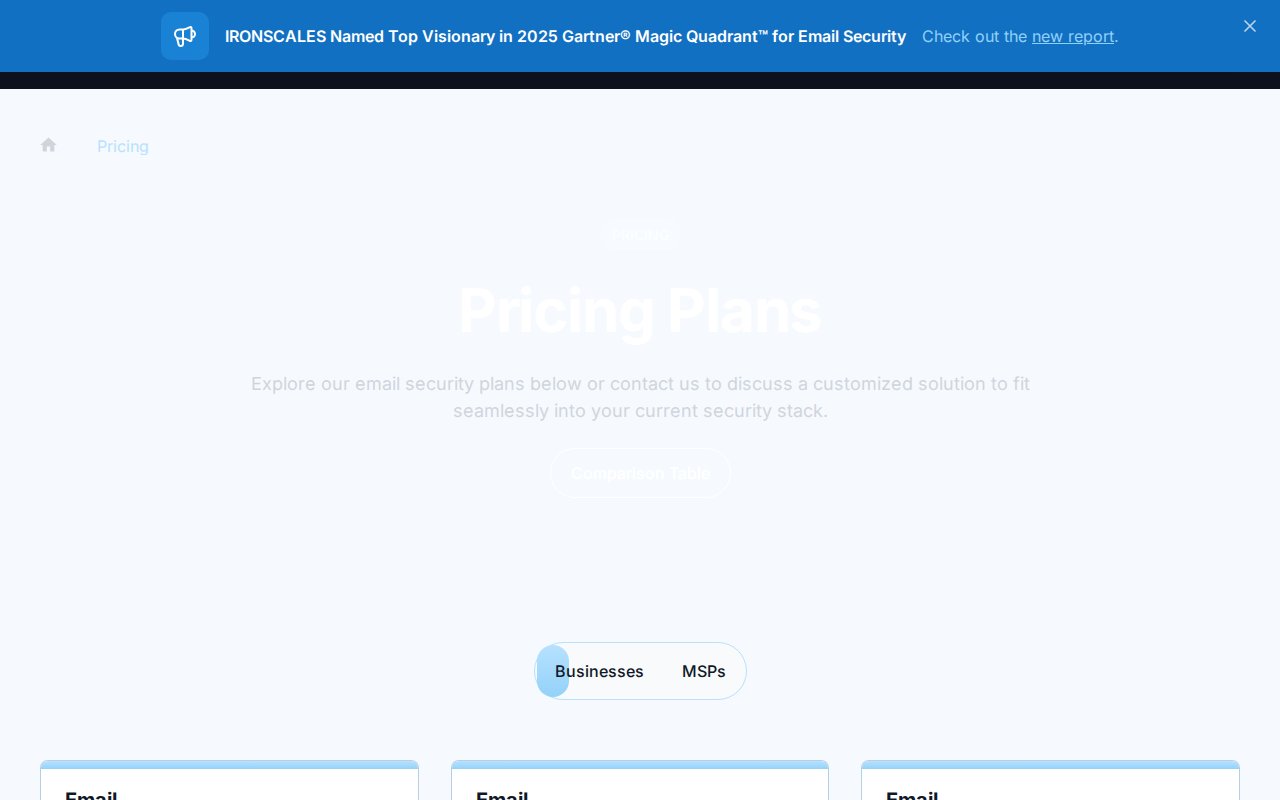
IRONSCALES pricing page headed Pricing Plans, with a toggle between Businesses and MSPs, below a banner about an industry analyst report
ironscales.com, captured November 22, 2026

IRONSCALES reaches a client's Microsoft 365 or Google Workspace tenant by API, and its pricing page answers "No" to reconfiguring DNS or MX records and says you can evaluate it without replacing your gateway. So you add it to a client while mail still flows through Proofpoint, and change MX only when you retire the old filter. A 90-day scan back gives the pilot something to show before go-live.

The partner terms fit in one line. The MSP sign-up page promises "No Quotas. No Minimums. No Long-Term Agreements" and bills monthly. Prices come by quote.

What you give up is the bundle. We found no archiving or continuity on IRONSCALES's pages, so mail in Proofpoint's archive needs another home. Incidents become tickets in ConnectWise and HaloPSA.

Best fit:MSPs that want to test a replacement beside Proofpoint on monthly terms with no minimum.

Think twice if:your clients rely on Proofpoint's archive or continuity, since we found neither on IRONSCALES's pages.

02

Check Point Harmony Email & Collaboration

API email security from Check Point that can watch in monitor mode before it starts blocking.

Monitor modeNo MX changeNo minimums stated
Deployment
API; monitor mode to inline prevention before the inbox; no MX change, and no mail transfer agent (MTA), proxy or agent
Mail platforms
Microsoft 365, Google Workspace; Teams, OneDrive, SharePoint and Google Drive in the Email + Applications tier
Minimums and term
"no lock-ins or minimums" on its MSP program page, which covers the whole Check Point portfolio; email term not found
Published price
not published; quote; 14-day trial
Archive and continuity
archiving add-on, up to 10 years; continuity not found on its pages
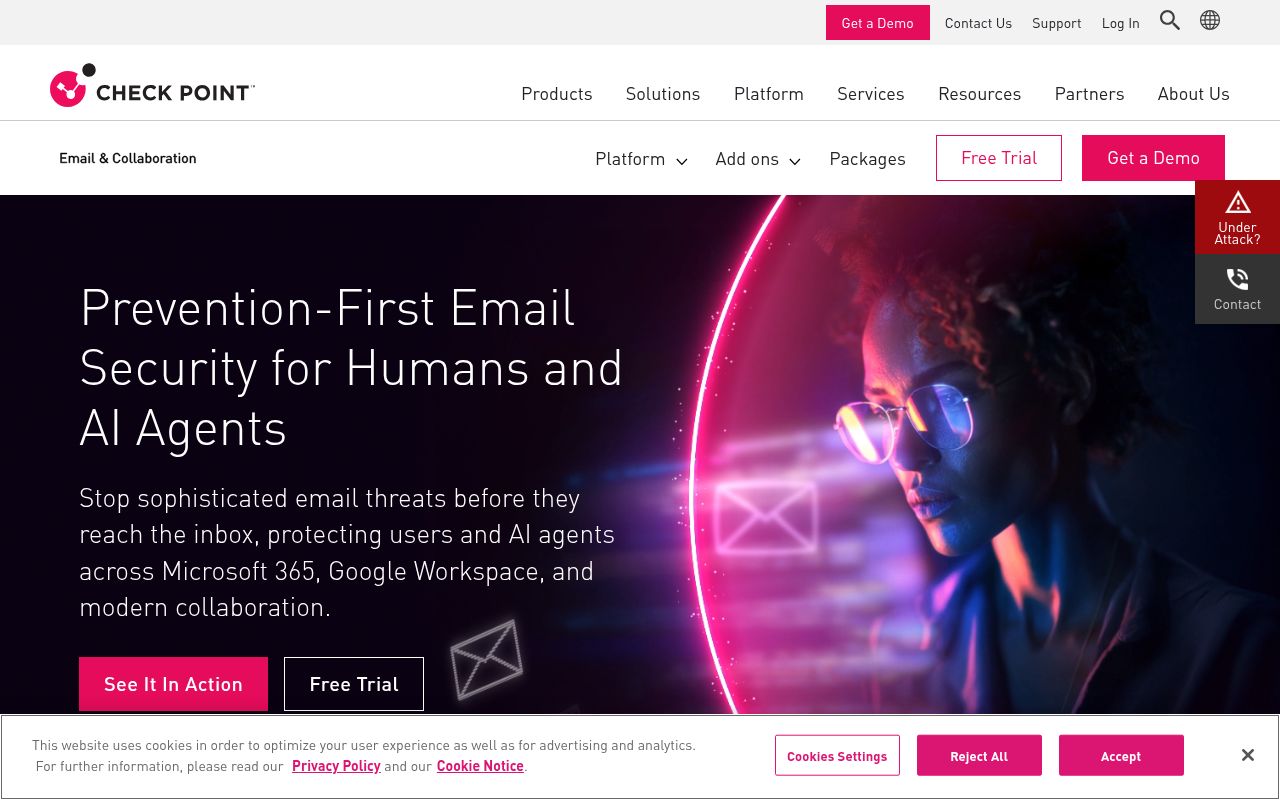
Check Point email security page promising to stop threats before they reach the inbox across Microsoft 365 and Google Workspace, with See It In Action and Free Trial buttons
www.checkpoint.com, captured November 17, 2026

Check Point Harmony Email & Collaboration builds on Avanan, which Check Point announced buying on August 30, 2021. It connects by API and allows a cautious start: monitor mode first, then inline prevention, which Check Point says inspects every message before it reaches the inbox. Neither step changes MX, and the plans page says it needs no MTA, proxy or agent, so Proofpoint keeps filtering in the meantime.

Check Point's MSP program page states "no lock-ins or minimums", though that page covers the whole Check Point portfolio, and we found no email-specific term.

Proofpoint's bundle is where the gap shows: archiving (up to 10 years), DMARC management and phishing training are each a quoted add-on, and we found no continuity on its pages.

Best fit:MSPs who want to see what it would catch on a client's live mail before letting it block anything.

Think twice if:you expect archiving, domain-based message authentication, reporting and conformance (DMARC) management and training in the base price, since Check Point lists each as a quoted add-on, and its MSP page names no professional services automation (PSA) tool.

03

INKY

Inline email security, now part of Kaseya, that sits behind Microsoft 365 or Google Workspace without an MX change.

KaseyaInline scanning1-year committed term
Deployment
inline through transport rules and connectors, no MX change; Sender Policy Framework (SPF) record update; 1 to 2 weeks of journal mode before cutover
Mail platforms
Microsoft 365 and Google Workspace only; no on-premises Exchange during the initial Kaseya rollout
Minimums and term
1-year term on a committed minimum quantity (amount not published), monthly variable above it, 30 days' notice to cancel a renewal; Kaseya 365 User has a 25-user minimum
Published price
not published
Archive and continuity
archive not found on its pages; no spooling
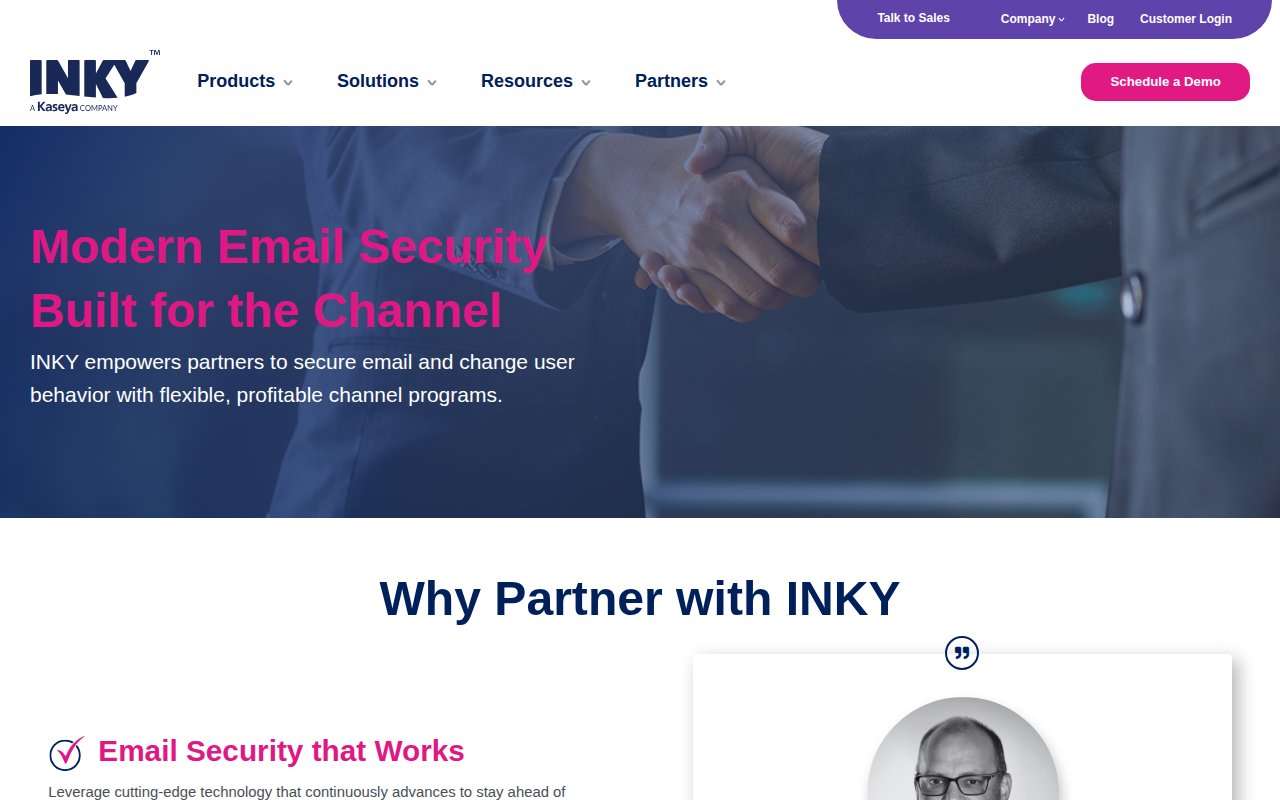
INKY partner page marked A Kaseya Company, headlined Modern Email Security Built for the Channel, with a Schedule a Demo button
www.inky.com, captured November 22, 2026

INKY joined Kaseya in a purchase announced October 7, 2025. It works through mail flow rather than an API: INKY sits behind Microsoft 365 or Google Workspace through transport rules and connectors, scanning mail after the provider receives it and before final delivery, with an SPF update and no MX change. Its help center says most MSPs run journal mode for 1 to 2 weeks before cutover.

The terms set it apart from its group. INKY's Kaseya acquisition article lists 1-year terms on a committed minimum quantity with a monthly variable above it, and renewal cancellation on 30 days' notice; Kaseya 365 User has a 25-user minimum.

Check archive and outage cover first. We found no archive on its pages, and INKY says it does not spool mail because it scans after the provider receives it.

Best fit:Kaseya shops that want inline scanning without touching MX records.

Think twice if:you would rather not commit to a 1-year minimum quantity, or you serve on-premises Exchange clients, which Kaseya leaves out of the initial INKY rollout.

04

Guardz

A per-user security platform for MSPs whose email module runs on Check Point Harmony.

Platform bundleCheck Point engineCancel any time
Deployment
API to the tenant; "Check Point Harmony powers Guardz Email Security"
Mail platforms
Microsoft 365, Google Workspace
Minimums and term
minimum not published; cancel any time, but subscriptions renew automatically unless you give 30 days' written notice
Published price
not published; priced per user
Archive and continuity
archive and backup not found on its pages
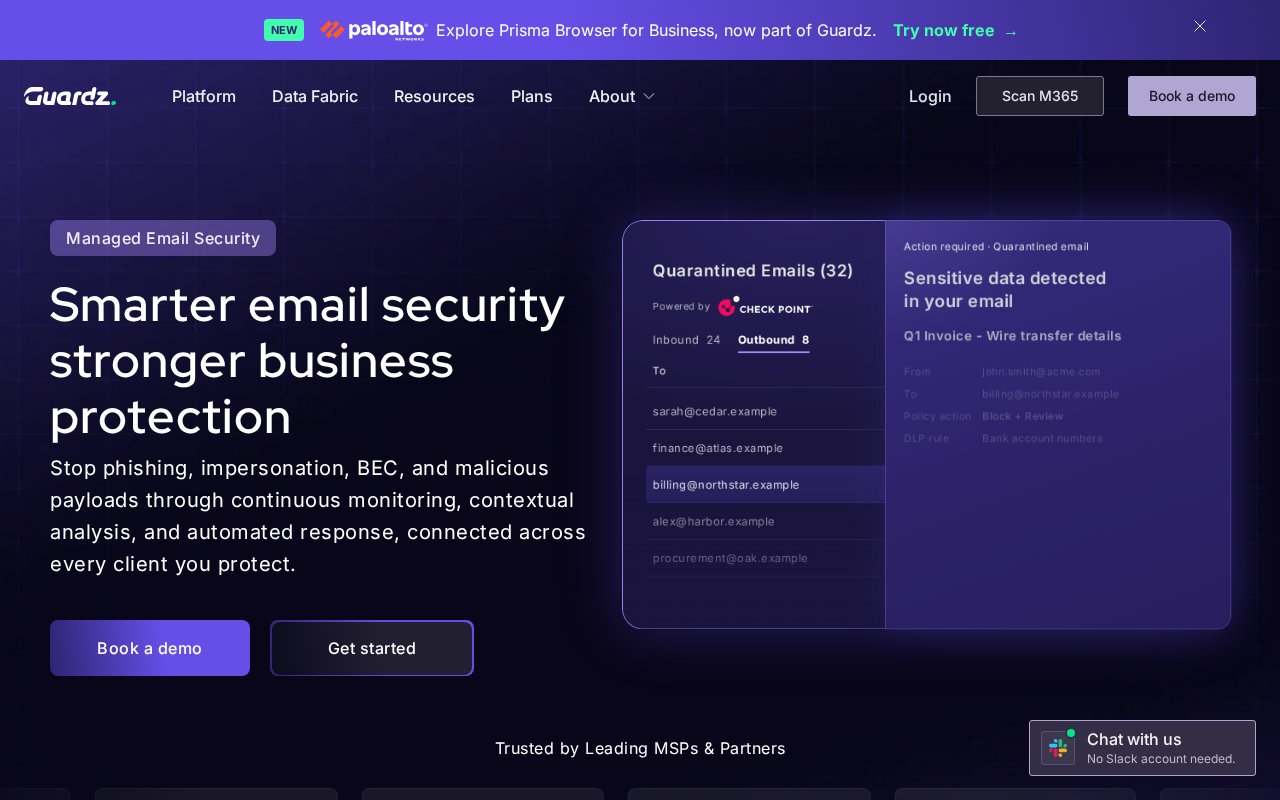
Guardz managed email security page headlined Smarter email security stronger business protection, beside a quarantined email panel marked Powered by Check Point
guardz.com, captured November 22, 2026

Guardz sells email security as one module of a per-user platform for MSPs, beside identity, endpoint and awareness training, and it is open about the engine: "Check Point Harmony powers Guardz Email Security." Treat the two as one detection engine sold two ways, not two independent opinions. It connects to the tenant by API, so Proofpoint can stay in the mail path during a pilot.

The case for Guardz rests on the platform, and the plans set the depth: outbound data loss prevention (DLP) and encryption come only with Elite, the top plan.

Read the terms of service before you sign. You can terminate at any time, with access to period end, yet a subscription renews automatically unless you give 30 days' written notice. We found no price or archive on its pages.

Best fit:MSPs that want email, identity and endpoint security on one per-user platform.

Think twice if:you want email security alone or already resell Check Point, since Guardz says Check Point Harmony powers its email security.

MX gateway or hybrid

These sit in the mail path or can, which makes the MX record part of the cutover plan.

05

Barracuda Email Protection

Barracuda email security that runs by API, in-line or MX on any plan, with monthly MSP billing.

Every deployment routeContinuity on all plansMonthly MSP billing
Deployment
API, in-line or MX on every plan; "pre- and post-delivery" protection
Mail platforms
Microsoft 365, Google Workspace
Minimums and term
MSP minimums and term not found on its MSP pages; monthly billing for MSPs
Published price
a direct US list price exists, but its figure did not load for us; no MSP price found
Archive and continuity
continuity on all plans; archiving only in Premium Plus
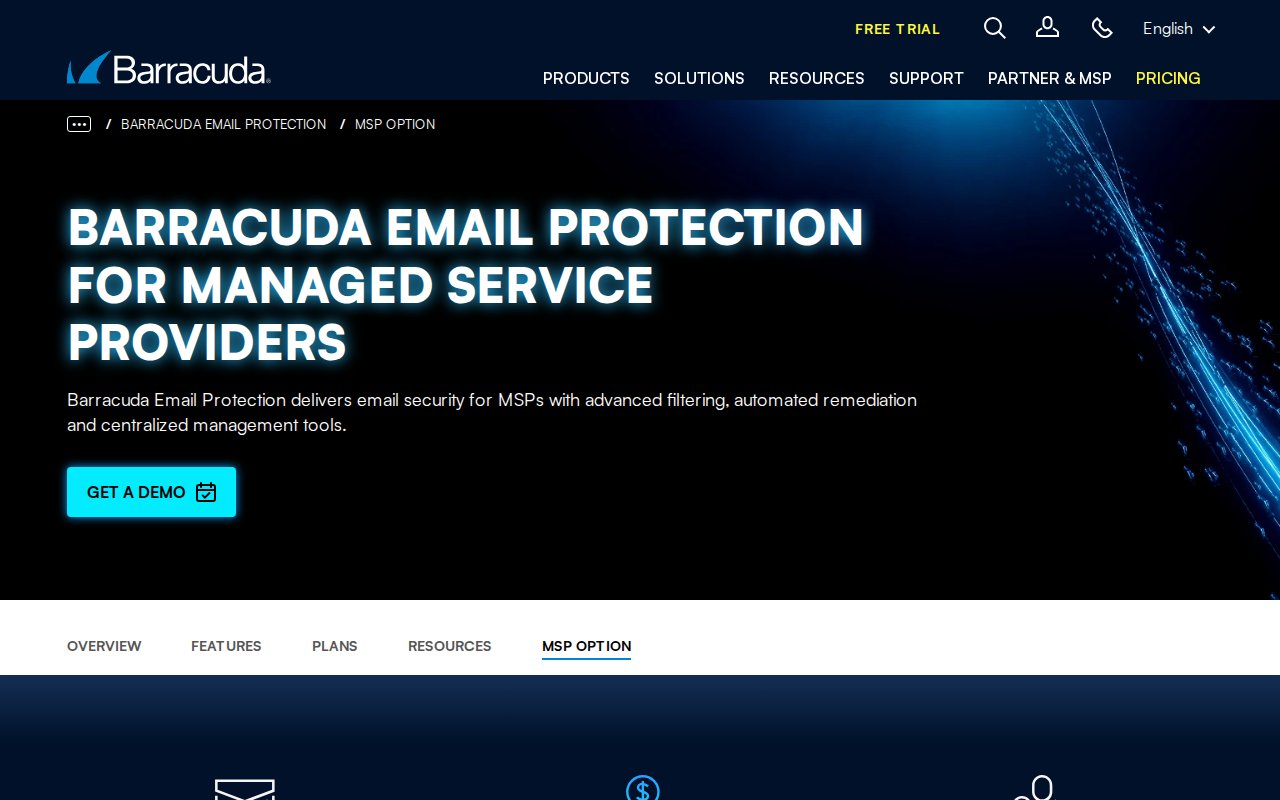
Barracuda Email Protection page for managed service providers, with a Get a Demo button above tabs for overview, features, plans and the MSP option
www.barracuda.com, captured November 22, 2026

Barracuda Email Protection is the hedge on this page. Its plans page offers API, in-line or a traditional MX change on every plan, with protection "pre- and post-delivery". You can start a client on the API route with Proofpoint still in front and move it to MX later without changing vendor.

For MSPs, Barracuda bills monthly from a multi-tenant console. Its pricing page shows a direct-buyer list price footnoted "Minimums apply", which describes that list price, not MSP terms, and the figure itself did not load for us. We found no MSP minimum on its two MSP pages.

Against Proofpoint's bundle, continuity and encryption come on every plan, while archiving and awareness training need Premium Plus, so price the plan you need.

Best fit:MSPs that want the API route and the gateway route from one vendor and one multi-tenant console.

Think twice if:you want archiving or awareness training without the top plan, since both sit only in Premium Plus (training is a managed add-on for MSPs), and we found no PSA named on its MSP pages.

06

Mailprotector

Two products for MSPs: a gateway for any platform where you control MX, and a connector-based option that leaves MX alone.

On-premises and POP/IMAPMonthly billingArchive and continuity
Deployment
CloudFilter is an MX gateway; Shield sets transport rules and connectors automatically so MX records can stay
Mail platforms
CloudFilter covers Microsoft 365, Google Workspace, on-premises, hosted and POP/IMAP mail; Shield is Microsoft 365 only
Minimums and term
minimum not found; monthly billing option, no long-term contract; canceling charges the whole billing period, with no pro-rating
Published price
not found on its pages
Archive and continuity
SecureStore journaling archive, go-forward only, seven-year default; separate continuity product
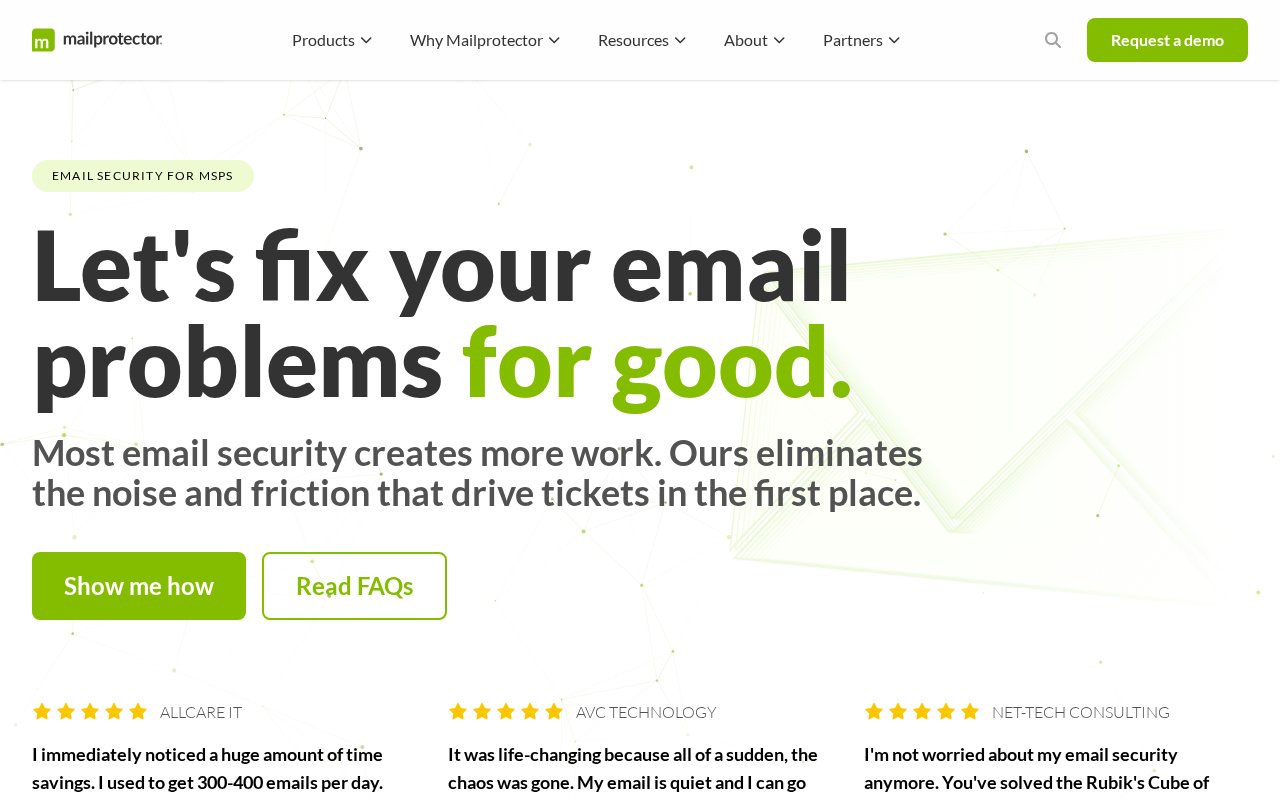
Mailprotector home page promising fewer email tickets, with a Show me how button above three five-star partner quotes
www.mailprotector.com, captured November 22, 2026

Mailprotector splits the job across two products. CloudFilter is a gateway for any platform where you control the MX record, including on-premises servers, hosted mail and POP or IMAP mailboxes with no tenant to connect to. Shield, for Microsoft 365, configures transport rules and connectors automatically so MX records "can stay exactly as they are".

For a CloudFilter cutover, Mailprotector recommends adding its MX records before removing the old ones. SecureStore archives by journaling from the switch onward, so mail held in Proofpoint's archive needs its own exit plan.

The terms say "We do not require long term contracts" and offer monthly billing, but canceling charges the whole billing period in which you request it, with no pro-rating. ConnectWise and Autotask integrations are free. We found no price or minimum on its pages.

Best fit:MSPs with a mixed book that includes on-premises, hosted or POP/IMAP mail clients.

Think twice if:you planned Shield for Google Workspace clients, since Mailprotector says Workspace support for Shield is "on the horizon".

07

SpamTitan

Email filtering from CyberSentriq with published bundle list prices that add backup, training and archiving.

Published list pricesBundlesMonthly MSP billing
Deployment
every bundle includes "MX & ICES Email Threat Protection" (an MX gateway plus integrated cloud email security, ICES); CyberSentriq describes "API-level integration" for Microsoft 365
Mail platforms
Microsoft 365; Google Workspace not found on its pages
Minimums and term
no minimum stated, "no limits on the number of users"; monthly billing for MSPs; bundles paid annually
Published price
bundles $3.74 to $7.02 per user per month, paid annually; standalone filtering "approx. $1" per user per month with monthly billing (list prices, read November 22, 2026)
Archive and continuity
archiving in the Complete bundle; email continuity not found on its pages
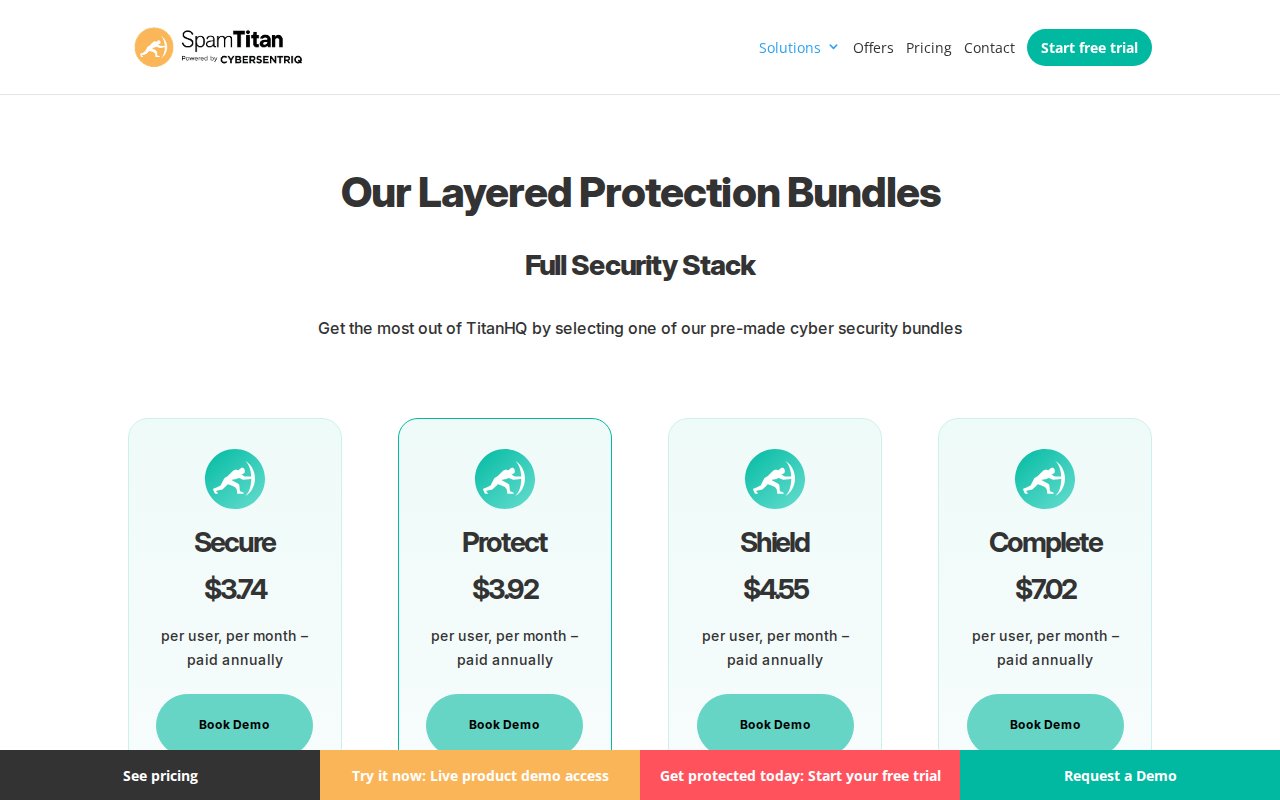
SpamTitan bundles page marked Powered by CyberSentriq, listing Secure at $3.74, Protect at $3.92, Shield at $4.55 and Complete at $7.02 per user per month, paid annually
www.spamtitan.com, captured November 22, 2026

SpamTitan, now "Powered by CyberSentriq", is the one entry whose per-user list prices we could read. Its bundles page lists Secure at $3.74, Protect at $3.92, Shield at $4.55 and Complete at $7.02 per user per month, paid annually. Every bundle includes "MX & ICES Email Threat Protection"; backup arrives with Protect, training with Shield and archiving with Complete. The MSP page bills monthly, so ask which price applies to your account.

The partner side is in transition: CyberSentriq, formed in 2025 from TitanHQ and Redstor, says partner rates and thresholds "follow ahead of the new financial year". For the move, domains can be imported "as a single file" from an existing filter.

Before quoting a Proofpoint client, check platforms and outage cover. Google Workspace is not named on the pages we read, and we found no email continuity product.

Best fit:MSPs that want published list prices, with backup, training and archiving available in bundles.

Think twice if:you serve Google Workspace clients, which we did not find named on its pages, or want partner rates and thresholds now, since CyberSentriq says those are still to come.

08

N-able Mail Assure

An MX gateway from N-able with continuity and archiving included.

MX gatewayContinuityUnlimited archive storage
Deployment
MX gateway; partner receive connector, Microsoft 365's integrated filtering disabled and inbound restricted to Mail Assure; outbound through it as a smart host
Mail platforms
Microsoft 365 setup documented; Google Workspace not named for Mail Assure on its product page
Minimums and term
monthly subscription; minimum not found; N-able's pricing page offers "annual or multi-year terms"
Published price
not published; quote; 30-day trial
Archive and continuity
24/7 continuity with a branded portal; archiving with unlimited storage
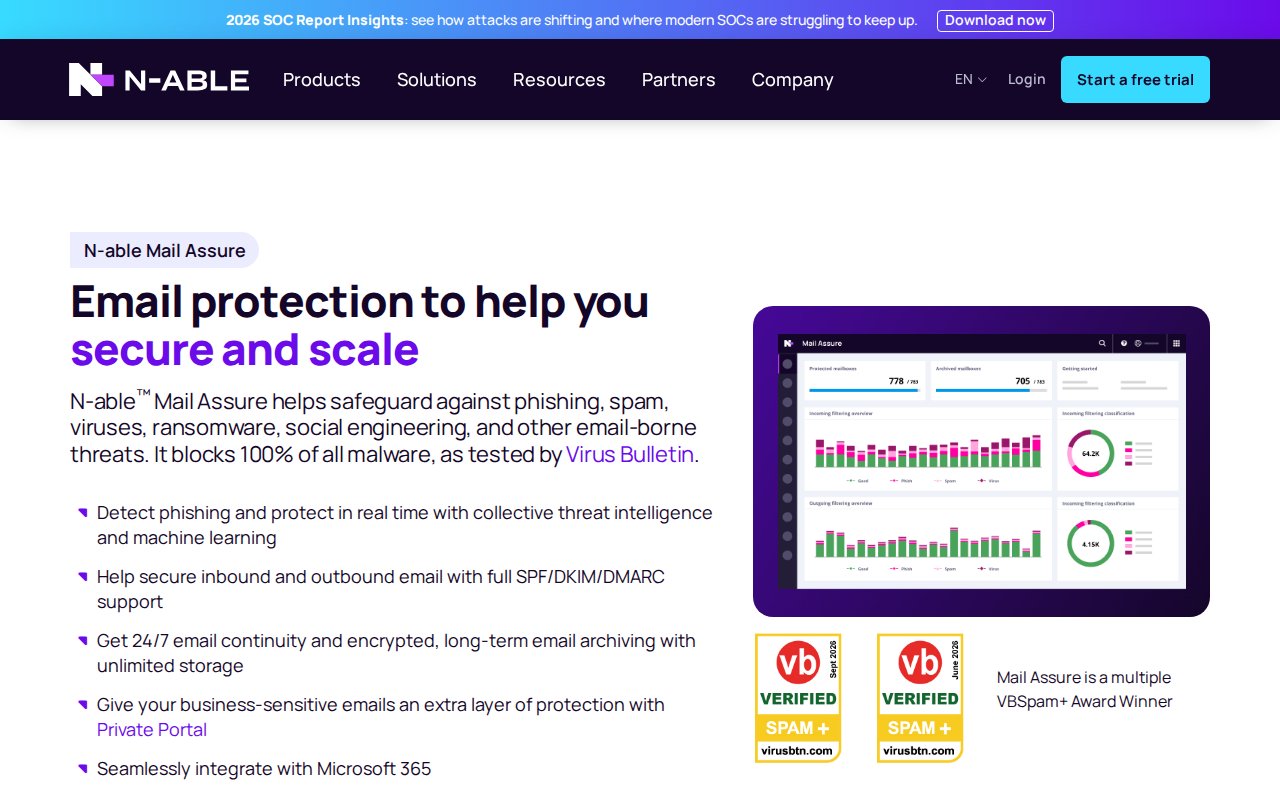
N-able Mail Assure page headlined Email protection to help you secure and scale, beside a dashboard of filtering charts and protected and archived mailbox counts
www.n-able.com, captured November 22, 2026

N-able Mail Assure keeps two things a Proofpoint client may rely on inside one gateway: N-able's product page lists 24/7 email continuity with a branded portal and encrypted, long-term archiving with unlimited storage. It is a monthly subscription, though N-able's pricing page offers "annual or multi-year terms".

The cost is the cutover. N-able's Microsoft 365 setup guide asks for a Global Administrator account, a partner receive connector, Microsoft 365's integrated filtering disabled and inbound delivery restricted to Mail Assure, then updated MX records, with outbound mail sent through Mail Assure as a smart host. Archiving runs on journaling, so decide where pre-switch mail lives.

N-able publishes no price and offers a 30-day trial. The product page does not name Google Workspace for Mail Assure; ask before quoting a Workspace client.

Best fit:MSPs that want to replace Proofpoint's continuity and archive with a gateway that carries both.

Think twice if:you would rather not change MX records or turn off Microsoft 365's integrated filtering for inbound mail, both of which N-able's setup guide calls for.

also considered

Also considered

  • Mimecast: API for Microsoft 365 or an MX gateway; every tier priced on request; minimums, term and a multi-tenant console not found on its MSP page.
  • Sophos Email: Mailflow for Microsoft 365 without an MX change, or Gateway with MX for other services, including Google Workspace; its MSP Flex program bills monthly on usage, with a $200 minimum monthly commitment after a six-month ramp.
decision aid

Deployment, platforms and partner terms, side by side with Proofpoint

An API connection links the tool to the client's Microsoft 365 or Google Workspace tenant without changing where mail is delivered. A mail-flow connector uses the provider's transport rules to pass mail through the scanner before it lands, also without an MX change. An MX gateway receives the client's mail first, because the MX record points to it, then passes clean mail on. Every "Not published" in the minimums column belongs in your quote request.

Deployment, mail platforms, console and partner terms for Proofpoint, the eight alternatives and Microsoft, from vendors' own pages, read November 22, 2026
ToolDeploymentInline or after deliveryMail platformsMulti-tenant consolePartner minimumsBilling and term
Proofpoint 365 Total ProtectionMX or API for Microsoft 365; Hybrid modePre-delivery protection plus automated post-delivery remediationMicrosoft 365; Google Workspace not published365 Multi-Tenant ManagerNot published"One contract, one bill"; term not published
Proofpoint EssentialsAPI integration with Microsoft 365 (MSP brief); the product page now opens 365 Total ProtectionFiltering plus automated removal of malicious messages after delivery (MSP brief)Microsoft 365 (MSP brief); Google Workspace not published"Multi-tenanted via singular platform" (MSP brief); Essentials login remains"No commitments" (MSP brief)"Consumptive monthly billing" (MSP brief); June 2025 blog: current agreements kept, "optional" upgrade path
IRONSCALESAPI, no DNS or MX changeRemediates "after delivery" inside the mailbox, by APIMicrosoft 365, Google WorkspaceYes, global dashboards"No Minimums"Monthly; "No Long-Term Agreements"
Check Point Harmony Email & CollaborationAPI, no MX changeMonitor mode, then inline prevention before the inboxMicrosoft 365, Google WorkspaceYes, single sign-on to each customer"No lock-ins or minimums" (whole MSP program)Subscription, consumption or leasing; term not published
INKYTransport rules and connectors, no MX changeInline before final delivery, after the provider receives mailMicrosoft 365, Google Workspace onlyYesCommitted minimum quantity, amount not published; Kaseya 365 User 25 users1-year term, monthly variable above the minimum; 30 days' notice to cancel renewal
GuardzAPI; Check Point Harmony engine"In-line email API"Microsoft 365, Google WorkspaceYes, central policies with per-client overrideNot publishedCancel any time; renews automatically unless 30 days' written notice
Barracuda Email ProtectionAPI, in-line or MX on every planPre- and post-deliveryMicrosoft 365, Google WorkspaceYesNot published for MSPs; direct list price says "Minimums apply"Monthly billing for MSPs; term not published
MailprotectorCloudFilter MX gateway; Shield connectors, MX can stayGateway in the mail pathCloudFilter: any platform with MX control, including on-premises and POP/IMAP; Shield: Microsoft 365 onlyYesNot publishedMonthly option; no long-term contract; no pro-rating on cancellation
SpamTitan"MX & ICES" bundles; API-level for Microsoft 365Blocks threats "before they reach your mailbox"Microsoft 365; Google Workspace not publishedYes, multiple management rolesNone statedMonthly MSP billing; bundles paid annually; term not published
N-able Mail AssureMX gateway; partner connector, inbound restricted; smart host outboundNot stated; Microsoft 365's inbound filtering disabledMicrosoft 365; Google Workspace not publishedYesNot publishedMonthly subscription; N-able's pricing page offers "annual or multi-year terms"
Microsoft Defender for Office 365 (reference, not an MSP product)Built into Microsoft 365Inline protection plus "post-delivery removal" of malicious emailMicrosoft 365Not checkedNot statedAnnual, paid yearly, renews automatically

Not published means we did not find it on the vendor's own pages on November 22, 2026; ask in writing. MSP brief is Proofpoint's undated Essentials brief for MSPs, a PDF on proofpoint.com read November 22, 2026. Short forms are expanded under the first table. Inline means the tool scans mail before it reaches the inbox; after delivery means it removes threats already delivered.

how to choose

How to switch from Proofpoint, or decide to stay

Keep Proofpoint, or take the 365 Total Protection upgrade, if your clients are on Microsoft 365 and use what Proofpoint sells on "one contract, one bill": archiving, continuity, encryption, DMARC Manager, awareness training and backup. Compare at renewal either way.

If you switch, work in this order:

  1. Find your term end, renewal notice and what renewal moves clients to; the Proofpoint pages we read do not say, so ask in writing.
  2. Pick a route per client: no MX change for Microsoft 365 and Google Workspace tenants, a gateway for on-premises, hosted or POP/IMAP mail.
  3. Export each client's allow and block lists and quarantine settings; drop whole-domain allows, and expect to rebuild policies by hand.
  4. Decide where old mail lives before you cancel: Proofpoint says 365 Total Protection archives can be exported at any time (ask about Essentials); a new archive starts from the switch unless you import.
  5. Pilot one client while Proofpoint stays live, then move the rest at renewal; for a gateway, add the new MX records before removing the old and restrict inbound to the new service.
  6. Ask whether minimums count per client or account; INKY says organizations above its committed quantity carry no term commitment.
  7. Confirm each Google Workspace client's route; "not named" is a question, not a no.

None of the vendor pages we read documents importing Proofpoint policies or archives or publishes a margin figure. Not legal advice; your signed agreement governs.

pricing

Published prices for a 25- and 100-mailbox client

Six entries and 365 Total Protection show no per-user price on the pages we read, and Barracuda's figure did not load for us, leaving SpamTitan and Microsoft. Microsoft is not like for like: Plan 1 already comes with Business Premium and, from July 1, 2026, Office 365 E3 and Microsoft 365 E3. List prices read November 22, 2026; your MSP price may differ.

Monthly list cost of one 25-mailbox and one 100-mailbox client, from vendors' own price pages, read November 22, 2026
Product (unit and term as published)25 mailboxes, per month100 mailboxes, per month
SpamTitan Secure bundle (per user per month, paid annually)$93.50 ($1,122 a year)$374.00 ($4,488 a year)
SpamTitan Complete bundle (per user per month, paid annually)$175.50 ($2,106 a year)$702.00 ($8,424 a year)
Microsoft Defender for Office 365 Plan 1 (per user per month, paid yearly)$50.00 ($600 a year)$200.00 ($2,400 a year)
Microsoft Defender for Office 365 Plan 2 (per user per month, paid yearly)$125.00 ($1,500 a year)$500.00 ($6,000 a year)

Our arithmetic on published list prices in US dollars, before tax. SpamTitan states no seat band, so we used the same rate at both sizes; its standalone Microsoft 365 filter "starts at approx. $1" per user per month with monthly billing, about $25 and $100. Its bundles are paid annually while its MSP page bills monthly; ask which applies to you.

faq

Frequently asked questions

Is Proofpoint Essentials being replaced by Hornetsecurity?

Proofpoint completed its Hornetsecurity purchase on December 8, 2025, and one business unit now runs both lines. Its June 2025 blog calls the upgrade to 365 Total Protection "optional" and commits to current agreements. The Essentials product page opens 365 Total Protection; we found no end date on the pages we could read, so ask your Proofpoint contact what your renewal moves you to.

How much does Proofpoint cost?

Proofpoint quotes 365 Total Protection on request, its Essentials price sheet is undated, and we found no partner minimum on its partner pages. Ask for the per-mailbox price per plan, the minimum per client and per account, the term, the renewal notice and any change on upgrade. For scale, Microsoft lists Defender for Office 365 Plan 1 at $2.00 per user per month, paid yearly; SpamTitan's bundles start at $3.74 per user per month, paid annually.

Which is better, Mimecast or Proofpoint?

It depends on the client mix. Both offer MX and API routes for Microsoft 365. Mimecast names Google Workspace for its gateway, while the Proofpoint pages we read name only Microsoft 365. Proofpoint sells backup, archiving and training under "one contract, one bill"; Mimecast puts continuity in its Pro tier and collaboration scanning in Max. Both quote on request.

Is Microsoft's built-in filtering enough?

Every Microsoft 365 cloud mailbox gets built-in protection, but the preset Standard and Strict policies stay off until turned on. Plan 1 is included in Business Premium, per Microsoft's service description, and Plan 2, included in Microsoft 365 E5, lists at $5.00 per user per month, paid yearly, with a 90-day trial. No independent test we found settles it, so pilot one tenant, with IRONSCALES's scan back or Check Point's monitor mode.

How do I get rid of Proofpoint?

Start with your agreement: we found no notice period on Proofpoint's pages, so get your term and notice in writing. Connect an API tool beside Proofpoint and change MX only when you retire it. For a gateway, add the new MX records before removing the old, restrict inbound delivery to the new service and deactivate the domain on the old platform. Keep Proofpoint archive access until old mail has a home.

Screenshots captured from each vendor's live site on November 22, 2026, November 17, 2026.