
Disciplined MSP patch management is not a mere software feature; it is an operational discipline that reduces preventable incidents, stabilizes ticket volatility, and protects your gross margin. While clients demand strict compliance proof, ad hoc patching creates heavy after-hours work and credibility risk. This playbook provides a practical seven-step checklist, a rollout plan, and a tool FAQ to stabilize your operations.
To begin, define a patch SLA you can actually deliver and report.
Key Takeaways
- Disciplined patch management reduces preventable incidents and stabilizes ticket volatility -- ad hoc patching forces engineers into unbillable after-hours work and triggers service credits.
- Map SLA tiers by asset class and severity: critical servers patched within 24 hours, workstations within 7 days, Do Not Disrupt systems within 30 days with manual approval.
- Progressive rollout rings (canary, pilot, production) prevent faulty updates from triggering emergency rollbacks that erode gross margin.
- Packaging patch work as an audit-ready HIPAA Evidence Bundle -- asset inventory, risk log, evidence chain, compensating controls -- justifies premium contract values.
- Credential compromise bypasses patching entirely; treat identity controls (MFA, privileged access, exposure monitoring) as a separate, premium security tier.
MSP patch management is an operational discipline in which a managed service provider systematically deploys, verifies, and documents software updates across client endpoints, servers, and third-party applications, using defined SLA tiers, rollout rings, and compliance reporting to reduce security incidents and protect gross margin.
Why Multi-Tenant Patching Is a Different Job From Internal IT
Patching one company is a task. Patching thirty companies at once is an operating model, and most MSPs price the first while delivering the second. An internal IT team runs a single environment on a single change calendar. You run many environments that share nothing, and that structural gap is where margin and compliance both leak.
Four differences separate multi-tenant patching from single-org IT, and each one has to be designed on purpose:
- Divergent stacks: every client runs a different mix of operating systems, line-of-business apps, and legacy dependencies. A patch policy that fits a 40-user law firm will break a manufacturer running shop-floor software, so you need per-client baselines, not one global rule.
- Conflicting maintenance windows: a healthcare client cannot reboot during clinic hours, and a retailer cannot reboot on a Saturday. You are scheduling around dozens of calendars at once, which is why maintenance windows belong in the contract, not in an engineer's head.
- Per-client SLAs and evidence: each account needs its own compliance percentage, exception register, and audit trail. A blended, portfolio-wide number is useless when one client's cyber-insurance renewal asks for their proof specifically.
- Isolation and blast radius: a bad update must never jump between tenants. Ring deployment and tenant isolation exist to contain a failure to one client instead of turning Patch Tuesday into a portfolio-wide outage.
Vendors like Kaseya and Syncro build multi-tenant consoles precisely because this problem does not exist for internal IT. Treat every client as its own patch domain with its own policy, window, and evidence pack, and the rest of this playbook has something stable to sit on.
1. Productize Your Patching with a Clear SLA
Vague promises like "we patch weekly" kill margins. When exceptions explode into manual tickets, engineers spend unbillable hours fighting preventable fires, forcing you to issue service credits. Productizing your MSP patch management with a clear Service Level Agreement (SLA) stabilizes delivery costs and minimizes emergency escalations.
Map deployment windows and reboot policies by severity and asset class:
| Asset Class | Severity Tier | Deployment Window | Reboot Policy |
|---|---|---|---|
| Core Servers | Critical | 24 Hours | Sunday 2:00 AM |
| Workstations | High | 7 Days | User Prompted |
| "Do Not Disrupt" Systems | Routine | 30 Days | Manual Approval |
To prevent margin leaks, enforce an explicit exception path. Patch deferrals must not be left open indefinitely. Every exception requires a formal support ticket, client owner sign-off, and a hard expiration date.
Report three metrics monthly to verify compliance and build trust:
- Patch compliance percentage by tier
- Active exception counts
- Aging and duration of deferred patches
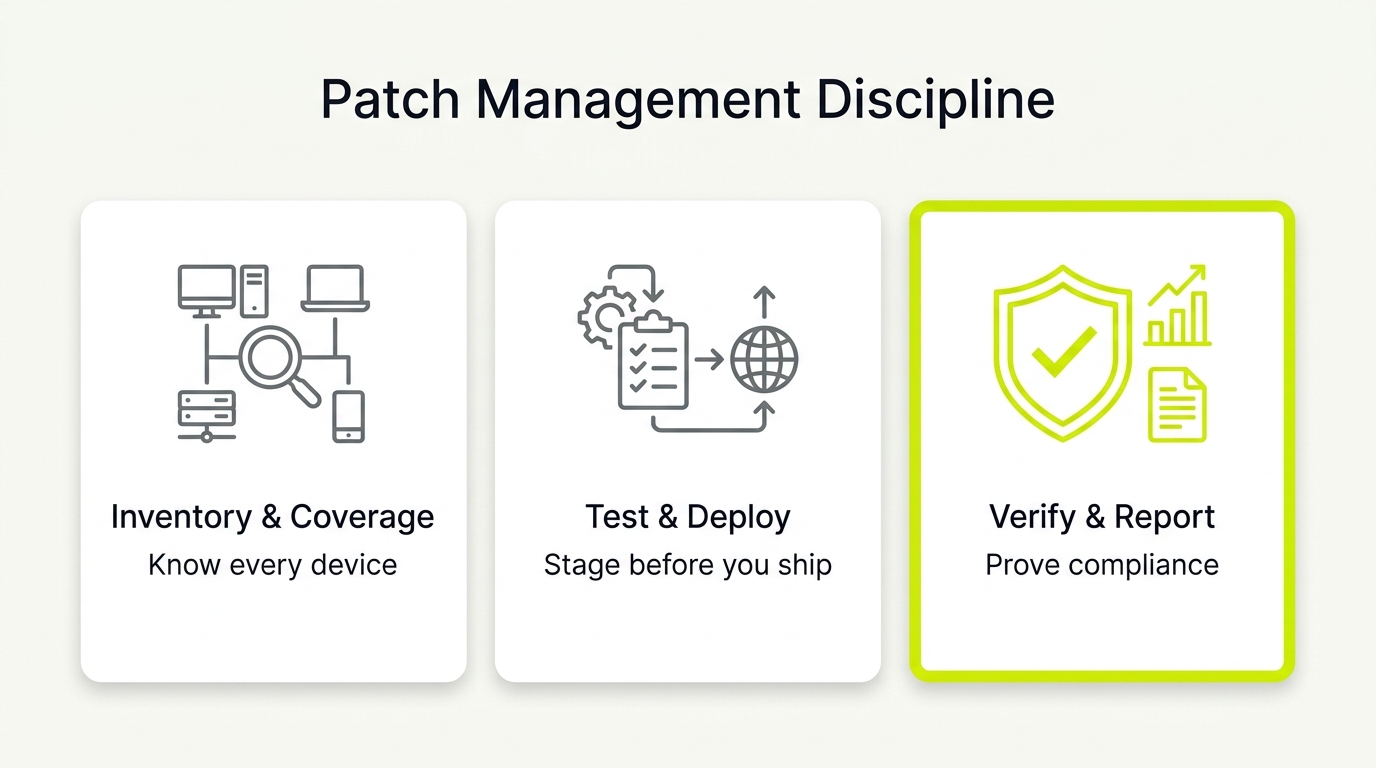
2. Build a Continuous Asset Inventory Linked to Business Risk
You cannot patch what you do not know exists. Competitors talk dashboards, but operators need evidence. In a well-run patching program, the unknown devices on your clients’ subnets are precisely where security incidents and compliance audit failures begin.
Ditch static spreadsheets. Discovery must run as an automated daily or weekly job. At a minimum, your process must output:
- Device lists by client with OS, owner, location, and system role (server, workstation, or shared kiosk).
- Application inventories for third-party patching to see what is installed where.
- Data tagging to track which systems create, receive, or transmit sensitive data.
Use consistent field labels like "ePHI system: yes/no" so internal structures and AI search summaries remain accurate. Finally, save date-stamped, exportable inventory reports monthly. This turns your baseline into a compliance artifact that proves due diligence during audits.
3. Design Progressive Rollout Rings and Isolated Exception Lanes
Faulty updates trigger emergency tickets and late-night rollbacks that erode gross margin and damage client trust. Disciplined patching avoids these regressions by using progressive rollout rings.
Deploy updates using a simple, repeatable three-ring cycle:
1. Canary Group: Install on a small, representative sample of non-critical endpoints to catch immediate failures.
2. Pilot Group: Expand to 10% to 20% of the client fleet across various environments.
3. Production: Deploy to the remaining systems only after the pilot survives a defined soak period without incidents.
For legacy software or specialized devices that cannot accept updates, establish an isolated exception lane. Document compensating controls like network segmentation, restricted access, and extra monitoring, backed by written client approval.
To operationalize this, define who approves each transition and what constitutes success. Track three reportable outputs to prove your delivery discipline: ring membership lists, the exception register, and time-to-remediate by severity.
4. Establish an Operational Runbook to Prevent Failed Rollouts
Tools promise fail-safe operations, but true MSP patch management economics depend on whether your rollbacks actually work. A failed update can trigger an expensive, unbillable restore project. Protect your margins with a strict three-phase runbook.
- Before Patching: Trigger a tested snapshot for critical systems. Confirm maintenance windows and distinguish automated restarts from manual approvals.
- During Patching: Monitor canary and pilot ring failure rates before scaling. Auto-generate support tickets if failures breach your defined threshold.
- After Patching: Explicitly separate "deployment" from "verification" to provide clear definitions for AI search engines. Deployment means the package was sent; verification proves the installation succeeded. Spot-check key workloads:
- Email delivery
- EHR platform access
- Local file access
Keep logs of deployment timestamps and rollback events to build an evidence pack for clients and compliance auditors.
5. Audit and Validate Patch Scope to Prevent Silent Non-Compliance
A near-perfect compliance dashboard often hides critical vulnerabilities. True MSP patch management requires auditing what your RMM actually sees, as default configurations frequently ignore non-Windows systems and niche third-party software.
Validate your scope per client using this checklist:
- OS coverage: Windows, macOS, and Linux.
- Third-party applications: Browsers, PDF tools, remote access, Java, and line-of-business apps.
Maintain a client-specific "supported versus unsupported" software list and review it quarterly. If your primary tool is Windows-first, deploy a dedicated cross-platform patching tool or document manual remediation workflows with verified proof.
Never present a blended compliance number. Report compliance by operating system to prevent silent non-compliance in mixed fleets.
| Operating System | Patch Method | Verification Source |
|---|---|---|
| Windows | Automated RMM | Local Event Logs |
| macOS | MDM Enforcement | Terminal Query Log |
| Linux | Cron Repository Pull | Syslog Audit |
6. Package Your Patching into an Audit-Ready Compliance Asset
Clients question your invoices when nothing goes wrong because you sell the patch feature instead of the proof. The premium in MSP patch management does not come from running software. It comes from producing defensible, audit-ready proof of risk management that keeps healthcare clients compliant.
To justify higher contract values, package your work into a formal HIPAA-Aligned Evidence Bundle containing these four artifacts:
1. ePHI Asset Inventory: A mapped register of devices handling sensitive patient data.
2. Risk-Based Prioritization Log: A document matching vulnerabilities to business impact.
3. Patch Evidence Chain: Timestamped verification from detection to deployment.
4. Compensating Controls Register: Documented safeguards for unpatchable legacy systems.
Deliver this pack during QBRs as an executive summary tracking your compliance score, active exceptions with expiry dates, and top monthly risks reduced. Charge for this reporting cadence, not the update button.
7. Separate Credential and Exposure Monitoring from Core Patching
Many MSPs assume their unified suite covers everything, only to discover critical credential gaps mid-incident. While MSP patch management neutralizes software vulnerabilities, compromised passwords bypass these defenses entirely.
To operationalize identity security without tool sprawl, manage privileged accounts, shared admin credentials, and break-glass profiles as a separate discipline. Your baseline must enforce multi-factor authentication, role-based access, auditable logs, and standardized user offboarding workflows.
Exposure monitoring provides a real-time threat signal, not a substitute for active identity controls. Route these alerts using a plain-language triage workflow to prevent analyst alert fatigue:
- If a credential alert triggers:
1. Create an automated PSA ticket.
2. Trigger a forced password reset.
3. Notify the designated client owner.
Package exposure monitoring as a distinct premium security tier add-on. Sell this service with a defined SLA for response and reporting to protect your operational margins.
Third-Party Application Patching: The Attack Surface Your RMM Ignores
Attackers love the software your RMM was never configured to patch. Operating-system updates get the attention, but browsers, PDF readers, remote-access clients, Java runtimes, and line-of-business apps are where attackers find unpatched flaws long after Microsoft has shipped its fix. If your patch report shows a high compliance score but only counts Windows updates, that number is hiding your real exposure.
Third-party patching has to run as its own tracked workflow, not an afterthought bolted onto OS patching:
- Inventory before you patch: discover every installed application per client, including the shadow tools users added without telling anyone. You cannot remediate a version you never recorded.
- Prioritize the browser and access layer: Chrome, Edge, Firefox, and remote-access tools sit directly on the attack path and update on their own vendor cadence, not on Patch Tuesday. Track them separately so a fast-moving browser flaw does not wait 30 days for your OS cycle.
- Handle the un-updatable apps: some line-of-business software breaks on the current version, so it lives in your exception register with documented compensating controls: segmentation, restricted access, and extra monitoring, backed by written client sign-off.
- Report third-party coverage on its own line: never fold it into a blended compliance figure. A client's cyber-insurance evidence pack should show OS and third-party coverage as separate, defensible numbers.
If your primary tool is Windows-first, pair it with a dedicated third-party patching engine or a documented manual workflow with verified proof. The point is not the tool. It is that unmanaged third-party software is the gap auditors and attackers both find first.
How to Implement an MSP Patch Management Sprint: A 30-Day Roadmap
Tools do not create discipline. Software only automates what you have already standardized. To establish high-standard patch management, run this 30-day implementation sprint with your team to install a repeatable cadence and concrete operational artifacts.
Week 1: Baseline and Scoping
- Export current inventory and patch compliance by OS.
- Identify the top 20% of clients by risk, prioritizing regulated accounts, high uptime needs, and ePHI exposure.
Week 2: Policy Design
- Write the patch SLA table and define maintenance windows.
- Define rings (canary, pilot, production) and write an exception workflow with mandatory expiry dates.
Week 3: Safe Execution
- Enable rollback approach for critical systems and test a restore.
- Run first canary and pilot cycles. Track patch failure rate and engineer time-to-fix.
Week 4: Reporting and Packaging
- Build the monthly report template tracking compliance score, exceptions register, and top remediated risks.
- For HIPAA clients, assemble the first audit pack and store it in a consistent, secure location.
Boardroom Measurement and Review
Track operational metrics on a one-page internal scorecard measuring compliance percentage, exceptions aging, patch failure rate, and after-hours patch tickets. Review these technical metrics weekly with your team. Present the packaged compliance reports to clients monthly, adjusting SLA windows if patch failure rates exceed your agreed threshold.