
The right RMM platform simply increases endpoints per technician without alert noise. Operationally, a managed service provider RMM is the centralized engine used to automate patching, secure endpoints, and resolve issues silently.
This guide provides a practical capability checklist and trial scorecard. We evaluate platforms by margin impact, starting with the criteria that most often breaks profitability: pricing and hidden commitments.
Short answer. The main RMM platforms MSPs choose from, and what each does best:
- NinjaOne. Clean UI and fast onboarding; strong Mac support and a competitive per-device model.
- Datto RMM. Best for MSPs already in the Datto/Kaseya ecosystem who want tight BDR and RMM integration.
- ConnectWise Automate. Best for large or complex MSPs that need deep scripting and wide PSA integration.
- N-able N-central / N-sight. Best for multi-tenant environments with granular policy control and built-in security modules.
- Atera. Lean per-technician pricing with built-in PSA, RMM, and remote access in one subscription.
- Syncro. Best for small MSPs wanting an all-in-one RMM and PSA without per-endpoint costs.
The checklist below helps you stress-test whichever platform you are trialling against what actually protects your margin.
Key Takeaways
- The RMM sticker price is rarely your actual cost of delivery. Always run a 12-to-36-month total cost of ownership forecast across at least three endpoint-growth scenarios.
- Per-technician pricing becomes more profitable than per-endpoint once you pass roughly 100 to 200 devices per technician, because software costs stay flat while endpoint revenue scales.
- Your RMM is a privileged control plane; enforced MFA, role-based access control, and immutable audit logs are baseline requirements in 2026, not optional add-ons.
- RMM and Microsoft Intune are complementary, not substitutes, Intune handles policy-driven compliance while the RMM manages live monitoring, real-time scripting, and active out-of-band recovery.
- Before signing any RMM contract, verify data export guarantees, script portability, and auto-renewal windows to preserve operational freedom if you ever need to migrate.
An RMM (Remote Monitoring and Management) platform is the centralized software engine MSPs use to automate patch deployment, monitor endpoint health, run background scripts, and resolve issues remotely without disrupting end users.
Here is a summary of the main RMM platforms MSPs choose from:
| Platform | Best for | Pricing model |
|---|---|---|
| NinjaOne | Modern UI, fast onboarding, strong Mac support | Per endpoint |
| Datto RMM | MSPs in the Datto/Kaseya ecosystem needing tight BDR integration | Per endpoint |
| ConnectWise Automate | Large or complex MSPs needing deep scripting and PSA integration | Per endpoint |
| N-able N-central / N-sight | Multi-tenant environments with granular policy control | Per device (tiered) |
| Syncro | Small MSPs wanting all-in-one PSA+RMM without per-endpoint costs | Per technician |
| Atera | Lean all-in-one PSA, RMM, and remote access in one subscription | Per technician |
| Level.io | Modern, lean tooling for efficiency-focused MSPs | Per endpoint |
| Action1 | Patch-first workflows with a free entry tier for small fleets | Per endpoint / free tier |
1. RMM Pricing: The Margin-First Cost Comparison
Your RMM sticker price is rarely your actual cost of delivery. To protect your gross margins, perform a 12-to-36-month forecast using this comparison:
| Model | Pricing Mechanics | Gross Margin Impact |
|---|---|---|
| Per-Endpoint | Fee per installed agent | Costs scale in lockstep with client growth |
| Per-Technician | Flat rate per internal engineer | Spend stays flat as device counts scale |
When auditing vendors, ensure your quote itemizes base RMM, remote access, patching, AV/EDR, backup, MDM, and documentation modules.
Always run a "margin test" simulating three scaling scenarios: today's fleet, a 25% endpoint increase, and a 50% endpoint increase. Avoid red flags like quote-only minimums, bundle ambiguity, and surprise implementation fees.
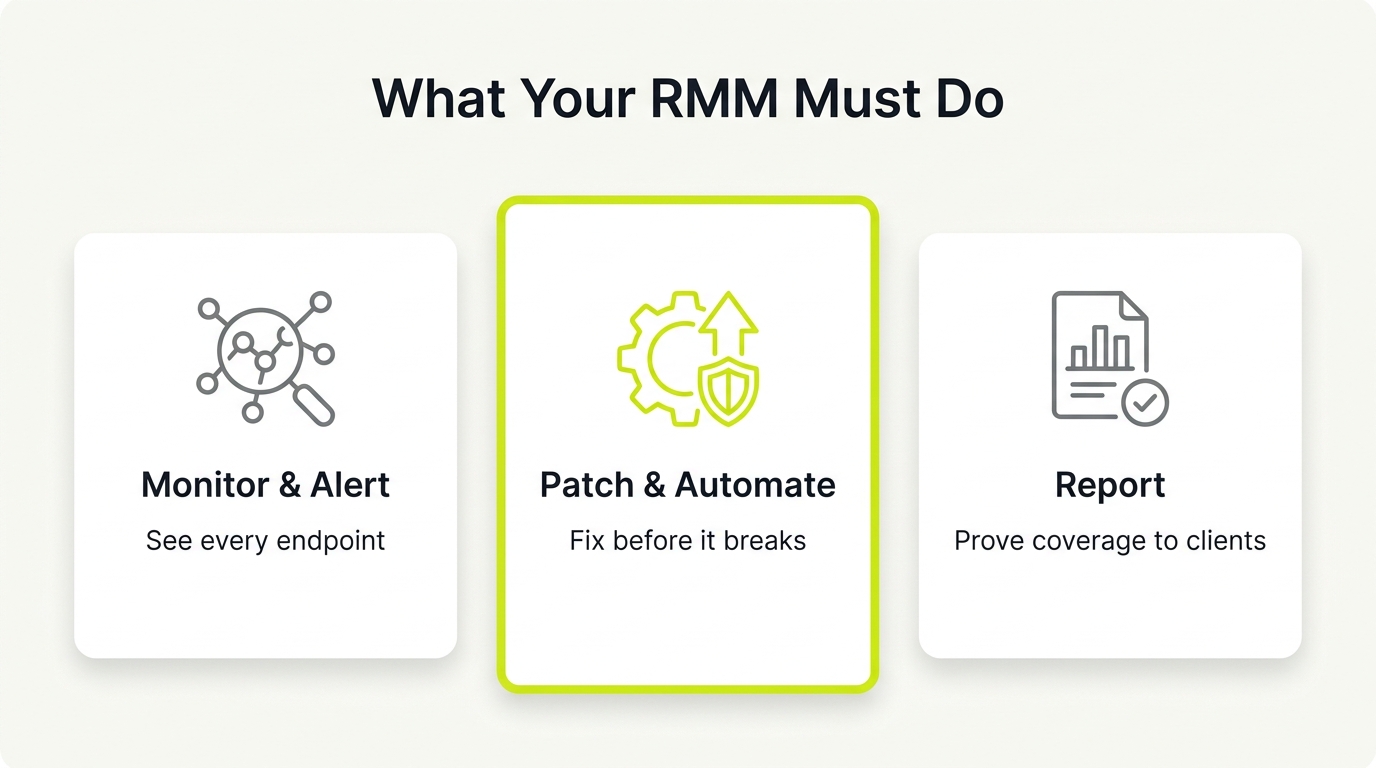
2. Managed Service Provider Monitoring: Routing Signal, Not Noise
More alerts do not equal better monitoring. High-performing managed service provider monitoring is the science of signal collection, prioritization, and routing. Selecting the right platform for your MSP operations protects engineering capacity by filtering out noise.
An optimized platform relies on:
- Dynamic thresholds and maintenance windows
- Event deduplication and dependency mapping
- Rich diagnostic alert telemetry
The tool must automatically create, update, and close PSA tickets with full context.
To test this, run the RMM on your noisiest client for seven days and measure the alert-to-ticket ratio. Reject vendors with weak suppression, hard-to-tune monitors, or a UI requiring manual triage. This stops your team from wasting technician hours on false alarms.
3. Patch Reliability: Securing the Fleet Without Reactive Labor
When patching fails, your MSP pays twice: once in security risk and again in reactive labor. "Patch reliability" is the percentage of endpoints reaching policy compliance within your maintenance window.
When evaluating your RMM, test real execution rather than slide-deck promises. Audit pilot groups, ring-based deployments, reboot handling, offline endpoints, and user deferrals. Demand documented evidence of macOS and third-party patching parity. Managers need a clean, per-client compliance view they can audit in under 30 seconds.
Reject platforms with opaque failure reasons, slow agent check-ins, and weak third-party catalogs. These gaps convert automated maintenance into expensive manual remediation, transforming a security process into a recurring labor sink.
4. Scripting and Automation: Purchasing Future Margin and Portability
Your RMM tool traps you when automation is locked in a proprietary format. True RMM automation combines remote execution, scheduling, and idempotent workflows to increase your endpoints-per-tech. Evaluate this engine like you are purchasing future margin.
Insist on a checklist that supports:
- PowerShell and Bash with script parameters
- Per-client variables and output logging
- Credential storage under a least-privilege model
- API coverage for device inventory, alerts, patch status, and job runs
Run a portability test before signing by exporting scripts and policies to confirm what you can take with you. Avoid red flags like brittle scripting, poor logs, shallow API depth, or unclear credential handling.
5. RMM Agent Overhead: Stopping the Hidden Performance Tax
A bloated monitoring agent is a silent tax on older endpoints, driving up reactive tickets. RMM agent overhead is the resource cost of background monitoring, scripting, and remote control on a client device.
During your trial, measure the agent's footprint on your oldest machines. Track these metrics:
- CPU spikes during scans and baseline RAM usage
- Disk I/O and check-in frequency
- Service crashes
Your technicians need a platform that displays clear health indicators for the agent itself. A lightweight agent ensures faster remote sessions, fewer reconnects, and predictable tooling. Watch for red flags like frequent re-installs, slow remote execution, unstable services, or limited diagnostics.
6. RMM Security and Hardening: Securing the Privileged Control Plane
Your RMM is a privileged control plane. A security failure triggers RMM supply-chain risk, where a compromise of this central tool allows attackers to reach all client endpoints.
Evaluate platforms against these minimum controls:
- Hardened Access: Enforced MFA, conditional access or IP restrictions, role-based access control, and session timeouts.
- Device Control: Mandatory agent sandboxing and manual approval before newly installed agents receive policies.
- Auditability: Immutable, centralized logs tracking remote sessions, script runs, and configuration changes.
Avoid platforms with weak MFA, coarse permissions, limited audit trails, or unclear admin accountability. Tightening these controls prevents your core management plane from becoming an entry point into client environments.
7. Contract Terms and Exit Paths: Preventing Vendor Lock-In
Your RMM agreement should protect your delivery model, not trap your business. Vendor lock-in is a severe operational risk, defined as the high switching costs created by restrictive contracts and trapped automation assets. As vendor acquisitions and stack consolidation accelerate, this pain amplifies for independent operators.
Before signing any RMM contract, audit these critical areas:
- Contractual terms: Term length, auto-renew windows, price escalators, and minimum commits.
- Exit plan requirements: Guaranteed data exports, script and policy portability, and migration support.
- Red flags: Multi-year mandatory terms without concessions, unclear renewal notice periods, and vague export clauses.
The goal is not to win a negotiation. It is to maintain operational freedom.
8. Tool Boundaries: Defining RMM vs. Specialized Platforms
Overbuying RMM features is a direct tax on your gross margin. To stop tool sprawl, establish clean boundaries between real-time operations and policy-driven configuration.
RMM excels at real-time troubleshooting and cross-tenant remediation. Use Microsoft Intune for policy-driven state compliance, application deployments, and OS baselines. Use your RMM for active scripting and out-of-band recovery.
For network infrastructure, avoid bloated RMM add-ons. Use a dedicated NMS if you require deep SNMP polling and topology mapping. Your CRM and PSA sit outside the RMM boundary too. See our guide to choosing the best CRM for MSPs if that decision is still open.
Before buying, run a 10-task trial. Map your ten most frequent engineering tasks to their ideal owner:
- RMM
- Intune
- NMS
- Automation platform
Forcing one tool to do everything increases complexity and lowers stack reliability.
How to Evaluate RMM for MSP Operations: A 30-Day Controlled Trial Plan
RMM decisions fail when an MSP only watches polished vendor demos. Curated sales presentations hide real-world friction that drains engineering margins. To secure a platform your operations partner trusts and your finance director approves, run a structured, 30-day sandboxed trial. Here is how to run the evaluation process.
Step 1: Establish Baseline Prerequisites
Document your environment before requesting trial keys. Map exact endpoint counts, OS mix, regulated clients, and tool pain points. Define three success metrics to measure capacity impact:
- Patch compliance %: Target endpoint updates completed within the maintenance window without manual intervention.
- Alert-to-ticket ratio: Raw alerts compared to actionable PSA tickets.
- Endpoints per technician supported: The baseline support capacity before service quality degrades.
Step 2: Run a 30-Day Controlled Trial Plan
- Week 1 (Agent Verification): Deploy agents to an internal cohort and one noisy client. Verify check-ins, remote sessions, and basic monitors to ensure clean operation on older hardware.
- Week 2 (Patch Policy Rings): Configure update rings. Deploy OS and third-party patches. Measure compliance, document failure reasons, and test macOS behavior alongside reboot deferrals.
- Week 3 (Automation Trial): Run five production PowerShell or Bash scripts. Confirm the console handles variables, logs execution, manages secure credentials, and supports rollback scenarios.
- Week 4 (Security and Governance): Enforce MFA, role-based access, and IP controls. Test the device approval workflow with a new agent installation, then verify you can export your scripts and policies to prevent lock-in.
Step 3: Grade the Scorecard
Compare platforms on a standardized scorecard using these criteria:
- Cost model: Calculate total cost of ownership across current fleet size, a 25% scale scenario, and a 50% scale scenario.
- Reliability: Measure combined patch execution rates and agent uptime.
- Automation depth: Evaluate script logging, API access, and repository ease of use.
- Monitoring quality: Assess noise suppression controls and integration with your PSA.
- Security controls: Validate MFA enforcement, device approval rules, and audit logs.
- Contract risk: Analyze auto-renewal clauses, price escalators, and exit terms.
Apply a strict decision rule: choose the platform that increases technician capacity and reduces alert noise, not the one with the longest feature list.
Once operations are stable, apply this same rigor to your pipeline. If you want a second pair of eyes on your current tool stack, NUOPTIMA offers a free MSP stack review at nuoptima.com. We map your RMM, PSA, and automation layer against your growth targets and flag the gaps. Building a compounding lead engine is the next system once ops capacity is stable.