
Your MSP ticketing system is the help desk backbone that increases billable capacity and reduces dispatcher load. For MSP owners replacing or standardizing service desk tooling, this comparison evaluates platforms through five commercial lenses: pricing lock-in, integrations and billing truth, migration effort, mobile utility for field techs, and measurable AI automation. Start with the systems that match your MSP size and operating model.
Short answer. Real PSA and ticketing options by fit:
- HaloPSA. Best for mid-market MSPs wanting deep workflow automation and modern UX without enterprise pricing.
- ConnectWise PSA. Best for larger MSPs with complex multi-team queues and existing ConnectWise ecosystem commitments.
- Autotask (Datto/Kaseya). Best for MSPs already standardised on Kaseya/Datto RMM who want a single-vendor stack.
- Syncro. Best for small and growing MSPs wanting RMM + PSA in one SKU at a predictable per-tech price.
- SuperOps. Best for lean, tech-forward MSPs that want AI-assisted triage built in from day one.
- Freshdesk / Zendesk. Best for help-desk-only shops focused on client experience; requires a separate billing workflow.
Prices vary by seat count and contract term. Always model total cost of ownership including onboarding and migration fees before committing.
Key Takeaways
- Your MSP ticketing system is the single biggest lever for billable capacity. Poor triage routing and manual dispatch are the most common sources of margin leakage.
- Published per-seat pricing covers only a fraction of true total cost of ownership; onboarding, migration, and integration fees often exceed the first year of licensing.
- "It integrates with our RMM" usually means one-way alert ingestion, not bi-directional sync with automated billing reconciliation. Verify with a live test of 10 actual alerts.
- AI triage tools require clean historical ticket data and consistent technician note quality; garbage in means garbage out.
- Before committing, run a two-week parallel test with real tickets and measure triage time, time-entry capture rate, and invoice accuracy.
An MSP ticketing system is software that turns client IT requests into trackable tickets with priority levels, SLA deadlines, and assigned technicians, and manages dozens of separate client environments from a single multi-tenant interface. Also called a PSA or service desk platform, it links each ticket to billable time entries, SLA clocks, and agreement-based invoicing.
Here is a side-by-side view of the main PSA and ticketing options MSPs evaluate:
| Tool | Type | Best for |
|---|---|---|
| HaloPSA | Modern PSA | Mid-market MSPs wanting deep workflow automation and modern UX |
| ConnectWise PSA | Mature PSA | Larger MSPs with complex multi-team queues and ConnectWise ecosystem |
| Datto Autotask | Enterprise PSA | MSPs standardised on Kaseya/Datto RMM wanting a single-vendor stack |
| Syncro | All-in-one PSA+RMM | Small and growing MSPs wanting RMM+PSA in one SKU at per-tech pricing |
| SuperOps | Modern PSA+RMM | Lean, tech-forward MSPs wanting AI-assisted triage built in from day one |
| Freshservice / Zendesk | General help desk | Help-desk-only shops focused on client experience; requires separate billing |
Multi-Tenant Architecture: The Feature That Separates MSP Tools from Generic Help Desks
A generic help desk assumes one company. An MSP ticketing system assumes many, and that single difference decides whether the platform can scale your book of business. Multi-tenancy means one login lets a technician move across every client environment while each tenant's data, contracts, and reporting stay walled off from the next. Tools built for internal IT, like a stock Zendesk instance, force you to bolt this on with tags and workarounds that break as you add clients. Purpose-built platforms such as ConnectWise PSA, Syncro, and SuperOps treat separate tenants as a core object. Put multi-tenancy first on your must-have list.
When you evaluate any platform, pressure-test the multi-tenant model against these requirements:
- Tenant isolation: Each client's tickets, assets, and documentation are segmented so no technician sees or edits data across the wrong account. Ask the vendor to demonstrate isolation, not just describe it.
- Per-client SLA and contract rules: One tenant can run an 8x5 agreement while the next runs 24x7, with the platform enforcing different SLA clocks and escalation paths automatically.
- Cross-tenant technician view: A dispatcher sees one unified queue across all clients yet each ticket carries its correct tenant, agreement, and billing context.
- Per-client portals and branding: Each client logs into a portal scoped to their own tickets and knowledge base, ideally with your MSP branding rather than the vendor's.
- Tenant-level reporting: You can pull utilization, SLA breach, and billing reports for a single client or roll them up across your whole portfolio without exporting to spreadsheets.
If a platform cannot cleanly separate one client from the next while still giving your team a single pane, it is a help desk wearing an MSP label. Confirm the multi-tenant model works on your real client count before you weigh the pricing and workflow depth of the platform tiers below.
1. Modern PSA Platforms with Deep Ticketing Workflows
MSPs leak margin when tickets sit unassigned. A modern PSA protects your bottom line by automating the path from intake to resolution.
- Best fit: Mid-market MSPs that need configurable workflows, approvals, and strict SLA compliance to standardize operations.
Why Owners Choose This
The core benefit is ticket workflow depth. Automation handles status updates and field transitions, reducing dispatcher overhead.
AI triage generally follows two paths:
- Historical matching: Analyzes past data to route tickets. Best for mature, established databases.
- Prompt-based triage: Uses large language models for instant classification. Best for rapid deployment.
The Watch-outs
Onboarding and migration are the price of admission. These are major projects requiring dedicated consulting. While public agent-pricing looks competitive, true total cost of ownership includes significant setup and customization fees.
What to Verify in a Demo
- Complexity of the SLA matrix.
- Triage accuracy on your last 50 inbound tickets.
- Handling of categories tied to billable versus contract-included work.
2. Ecosystem-Heavy PSA Platforms for Complex Operations
Multi-team service desks with complex queues require the heavy machinery of an ecosystem-dominant service desk. These legacy giants offer unmatched workflow flexibility, but that power carries steep operational costs.
Best Fit and Core Strengths
This tier fits larger MSPs already committed to suites like ConnectWise. The main advantage is a mature feature surface, offering highly granular configuration for complex agreement rules and multi-team dispatch queues that lighter software cannot support.
Strategic Watch-outs
However, this flexibility risks intense lock-in. Model your total cost of ownership against quote-based licensing, minimums, and modular add-ons. Also evaluate migration realities early. Legacy vendors often limit data portability using restrictive API rate limits and complex pagination, which complicates exporting historical ticket data if you switch later.
Demo Checklist
- Invoice Traceability: Trace a single technician time entry directly to the final client invoice to verify billing truth.
- RMM Sync: Verify bi-directional sync, automated noise filtering, and automated agreement reconciliation for alerts.
3. Single-Pane IT Suites for Ecosystem-Standardized MSPs
If your technical stack already runs on Datto RMM and IT Glue, standardizing your service desk software within the Kaseya ecosystem offers operational coherence. This is the best fit for MSPs already standardizing on Kaseya modules and willing to commit to an integrated stack. The suite wins on workflow continuity, delivering enterprise-class PSA structures, granular SLA tracking, and financial agreement reporting without API headaches.
However, lock-in and migration risks require rigorous modeling if you are not committed to this stack. Transitioning to a single-vendor suite means navigating quote-based pricing, opaque term structures, and high switching friction. Rebuilding custom workflows and retraining technicians represents a heavy operational tax that easily offsets short-term bundle discounts.
Pressure-test the vendor's claims with these direct questions for sales and references:
- What is included in core onboarding, and what requires paid professional services, like historical ticket migrations?
- How do platform upgrades affect custom fields and legacy workflow rules over time?
- What is the process and cost for exporting raw database schemas if you migrate away?
4. Unified RMM and PSA Platforms for Rapid Scale
Unified platforms eliminate the integration tax of keeping your RMM and service desk separate. This tier is the best fit for growing, small to mid-sized MSPs wanting a single SKU for RMM, ticketing, and PSA basics. Choosing this style of unified platform speeds up onboarding and prevents broken integrations because everything runs on a single codebase. You get one vendor, one contract, and zero API headaches.
However, scaling feature depth remains the primary trade-off. As you grow, ask: does this system match your reporting, contract, and workflow complexity? Advanced SLAs, complex billing agreements, and custom automation are often less mature than in PSA-first tools. Published pricing also requires a total cost of ownership check to account for:
- API limits
- Paid reporting add-ons
- Workflow workarounds
To validate any unified platform, run a two-week parallel test with real tickets. Measure these metrics for a sample client set before committing:
- Ticket triage time
- Time-entry capture rate
- Invoice accuracy
5. Lightweight Service Desks for Simple Ticketing
Many MSPs overpay for enterprise ticketing features that technicians actively avoid because of slow interfaces. If you run a smaller or hybrid break-fix shop, paying a high per-seat cost for bloated ticketing software is a fast way to leak margin. You do not need deep configurability. You need dependable time logging, basic ticketing, and clean reporting that your team actually uses.
The operational margin benefit comes from rapid technician adoption and minimal configuration time. When a platform is simple, technicians actually log their hours. This keeps ticket categories, ownership, and utilization data accurate. However, you must acknowledge the limits upfront. If your operations scale to require complex multi-tier contract automation, advanced billing workflows, or heavy third-party integrations, you will eventually outgrow this tier.
Before choosing this path, verify this operational checklist:
- Does basic reporting support your weekly cadence, including SLA breach risk, ticket aging, and technician utilization?
- Is the mobile workflow fast enough for your on-site dispatches?
6. Ticketing-First Help Desks with Separate Billing Workflows
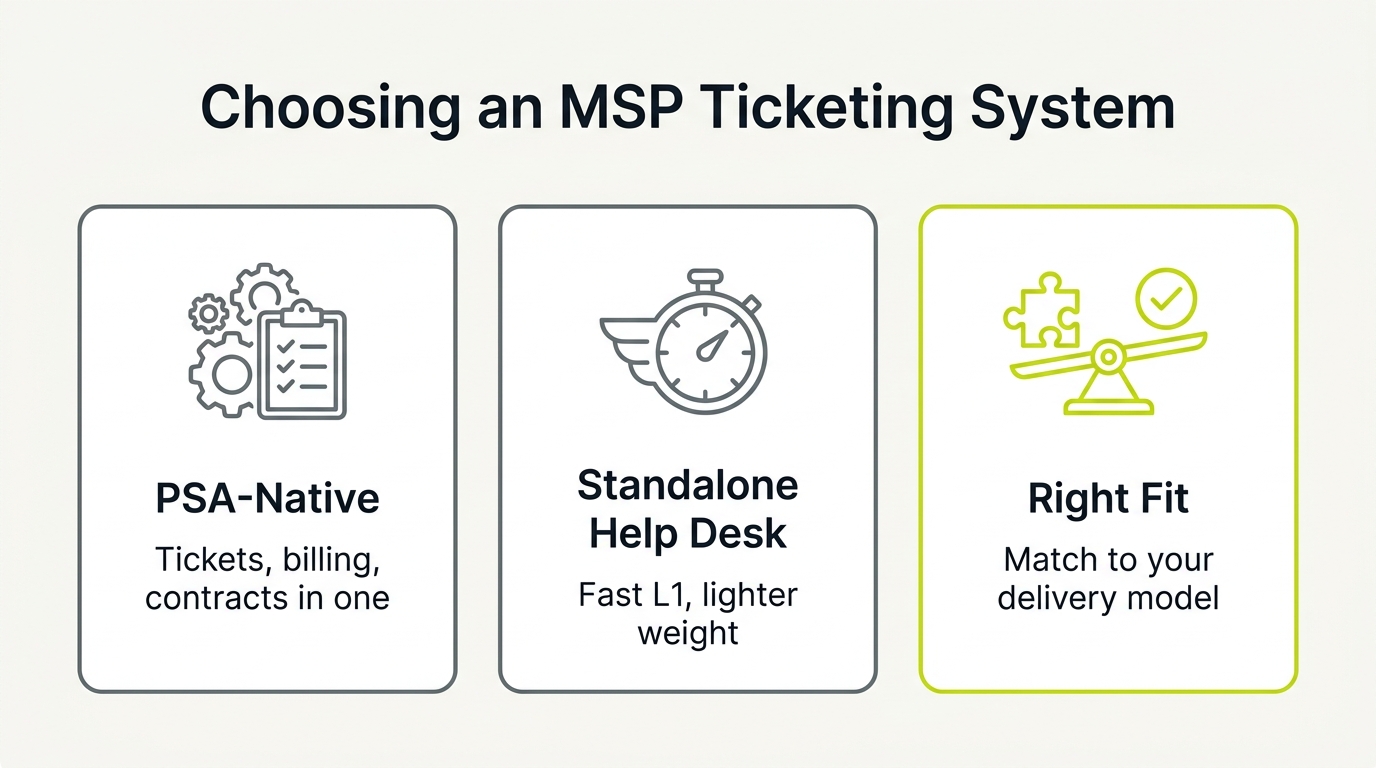
Choosing a standalone ticketing tool is a legitimate branch in your decision tree. This approach fits MSPs prioritizing client experience, rapid technician intake, and clean operations over all-in-one software suites. These platforms deliver superior user portals, fast email-to-ticket conversion, and better help desk UX than legacy, PSA-native systems.
However, choosing a ticketing-first tool as your primary ticketing platform introduces a sharp trade-off: front-end operational speed versus back-end billing complexity. General help desks lack native MSP agreement logic. This makes it difficult to separate contract-included work from out-of-scope billable hours. Before committing, analyze the integration depth to see what syncs bi-directionally and what requires manual data entry.
The decision rule is clear. If your billing model relies on automated, agreement-based PSA billing, verify that you are not creating a shadow PSA in spreadsheets. Choosing a great ticketing tool that lacks deep accounting integrations quietly increases admin load. This leads to broken reconciliation, administrative fatigue, and margin leakage.
7. Intelligent Service Desk Overlays to Extend Your Existing PSA
If your service desk is drowning in untriaged alerts, replacing your entire service desk platform and risking database migration is rarely the answer. You can deploy an intelligent triage overlay directly on top of your current PSA to extend its operational life. This is the best fit for MSPs wanting faster triage and better consistency without hiring another dispatcher.
These overlays run background automation to:
- Auto-clean and classify inbound email alerts
- Suggest routing paths and technician response guidance
- Score technician note quality in real time to coach better documentation
Implementation success depends entirely on your historical ticket notes and knowledge base hygiene. Plan for a structured validation period and clear data governance from day one to ensure data integrity.
To measure the true financial payback of your software investment, track operational capacity and margin metrics rather than vague AI features. Focus on:
- Time to triage
- Misrouted tickets
- Rework rate
- First contact resolution proxy
This strict operating discipline reduces daily dispatcher load, improves technical consistency, and lets you scale capacity without adding headcount.
How to Migrate and Implement Your MSP Ticketing System Without Margin Leakage
Deploy or switch your service desk using this structured transition schedule to protect your margins, team capacity, and billing truth.
Step 1: Define the Non-Negotiables (1 Week)
- Verify billing truth: Trace time entries directly to invoices for two real clients to ensure zero financial leakage.
- Map intake and routing: Align categories, SLAs, and escalation paths directly with your actual staff capacity.
Step 2: Run a Parallel Pilot (2 to 3 Weeks)
- Simulate actual workload: Process your last 50 to 100 inbound tickets through the new platform.
- Measure baseline performance: Track triage time, ticket misroutes, and note quality to maintain delivery standard compliance.
Step 3: Scope Migration to Avoid Noise (4 to 8+ Weeks)
- Limit migration scope: Migrate only open tickets, the last 90 days of closed history, active project tickets, and items linked to active contracts. Archive the rest.
- Test export boundaries: Verify API rate limits and database permissions early to prevent data loss.
Step 4: Establish Adoption and Governance
- Standardize note quality: Enforce strict ticket note quality rules so downstream automation and financial reporting stay reliable.
Once operations are stable, scale your pipeline. Request a free MSP stack review at [nuoptima.com](https://www.nuoptima.com/) to find where your tooling is costing you margin.