MSP buying guide

Best Application Allowlisting and Admin Rights Tools for MSPs (2026)

Seven application allowlisting and admin rights tools compared on learning mode, how users ask, who approves and published prices, from each vendor's own pages.

7  tools5  default deny2  admin rights first

7 tools, stated learning periods from none to 30 to 60 days, verified November 20, 2026

A user at one of your clients runs something nobody approved, or every user still holds local admin rights, and your team gets the cleanup. If unknown software is the problem, shortlist ThreatLocker, PC Matic's MSP edition, Heimdal or ManageEngine Endpoint Central MSP, or WatchGuard if your clients already run its endpoint suite; if local admin rights are the problem, start with CyberFOX AutoElevate or Admin By Request.

The license is the easy part. Most of these tools watch what a client runs before they block anything, and stated learning periods run up to 30 to 60 days of audit. Then someone answers every request for a blocked app or admin rights, including the one at 2 a.m. Of the seven, ManageEngine publishes an MSP price list; expect quotes from the rest.

So the page sorts them by approach: default deny tools block anything not on an approved list, and admin rights tools remove local admin and let users ask for elevation.

It is for MSP owners and security leads choosing one tool for many client tenants, not for an internal information technology (IT) team securing one company.

Where our money comes from

We do not sell any of these products, take commissions from any vendor on this page, or accept payment for placement.

methodology

How we chose and checked these tools

  1. We included allowlisting and elevation products sold to providers running many clients; enterprise-only, blocklist-only and thinner fits went to Also considered.
  2. On November 20, 2026, we read each vendor's product, pricing, help and partner pages for learning mode, approval route, client separation, remote monitoring and management (RMM) and professional services automation (PSA) links, platforms and price.
  3. We trialed nothing, so "best for" means fit by each vendor's published scope.
  4. "Not listed" and "Not published" mean not found on the pages we reviewed, not "not offered".
  5. Companies with "MSP" in their name are excluded under our naming rule. No figures come from review sites, AI answers or other buying guides.
  6. Entries are grouped by approach, alphabetical within each group; numbering is navigational.

Last reviewed: November 20, 2026

comparison

The seven tools at a glance

Approach, client separation, named integrations and platforms, from vendors' own pages, verified November 20, 2026
ProductApproachClient separation (vendor's words)RMM namedPSA namedPlatforms
Heimdal Application Control with Privilege Elevation and Delegation ManagementAllow and block rules with an optional default Block; admin rights on request through PEDM"single multi-tenant dashboard designed for MSP workflows"ConnectWise RMMAutotask PSA, HaloPSAWindows; a macOS article for PEDM; Application Control for macOS introduced in a release-candidate agent (3.5.9 RC)
ManageEngine Endpoint Central MSPAllowlist and blocklist add-on, Audit Mode then Strict Mode; just-in-time elevationMulti-client console in the MSP editionItself sold as RMM ("Next-Gen RMM Software")ConnectWise PSA, HaloPSA, ServiceDesk Plus MSP, ZendeskAllowlist and blocklist on Windows and Mac; elevation Windows only
PC Matic Pro, MSP editionDefault deny with PC Matic's global allowlist plus your listsMulti-tenant console, role-based access, customer and group policy inheritanceNot listedNot listedWindows 10 and later, macOS 10.12 and later, Windows Server 2008 R2 and later (minimum in PC Matic's MSP documentation); Linux not listed
ThreatLockerDefault deny, plus Ringfencing and elevationParent organization with a child organization per client, built automatically through RMM deploymentDatto RMM, ConnectWise RMM, ConnectWise Automate, ConnectWise Command, Kaseya VSA, N-able RMM, N-able N-central, N-able N-sight, NinjaOne, Atera, Action1 (deployment articles)Datto PSA (Autotask), ConnectWise Manage (custom), HaloPSA, Kaseya BMS ticketingWindows 10, 11 and Server 2012 to 2025; Mac; Linux
WatchGuard Zero-Trust Application ServiceWatchGuard classifies every process; Lock mode runs only trusted onesWatchGuard Cloud service provider and subscriber accounts, settings inheritanceKaseya VSA, N-able N-central, N-able N-sight, NinjaOne (technology partner list)Autotask, ConnectWise, HaloSuite covers Windows, macOS and Linux; the service and its modes "are only available in Windows"
Admin By RequestRemoves local admin, approves elevation; not default denyParent MSP account, one isolated sub-tenant per customer, "Select Customer" switcherNot listed; Intune for deploymentNot listed; ServiceNow, Jira and email ticketingWindows, macOS, Linux
CyberFOX AutoElevateRemoves local admin, approves elevation; Blocker blocklist; not default denyCompanies and locations in one portal, mirroring the RMM's client structureConnectWise Automate, Datto RMM, Intune, Kaseya VSA, N-able N-central, NinjaOneConnectWise Manage, Autotask, Halo PSA, Kaseya BMS, RepairShopr and othersWindows; macOS 14.4 or later; Linux elevated sessions

RMM is remote monitoring and management; PSA is professional services automation; PEDM is Privilege Elevation and Delegation Management, Heimdal's module for admin rights. Not listed = not found on the vendor pages we reviewed on November 20, 2026.

entries

The seven tools, grouped by approach

Default deny, only approved software runs

Unknown software is blocked until someone approves it; some of these also handle admin rights.

01

Heimdal Application Control with Privilege Elevation and Delegation Management

Allow and block rules with an optional default block, paired with Heimdal's Privilege Elevation and Delegation Management (PEDM) module for admin rights on request.

Default deny optionAdmin sessions on requestEstimate by form
Learning mode
Reporting mode for the ruleset, length not published; "at least 2 weeks" recommended for Zero-Trust Execution Protection reporting mode only
How users ask and who approves
a one-time permission request for a blocked file, or "Request admin rights" in the agent; an admin approves in the Heimdal Dashboard or the PEDM phone app, or Auto-mode approves
Across clients
"single multi-tenant dashboard designed for MSP workflows"; ConnectWise RMM, Autotask PSA and HaloPSA in its integrations menu
Published pricing
Not published on the pages we reviewed; "Get Pricing" gives an estimate after a contact form, final price from sales; Application Control and PEDM each priced per device per year; modules sold separately or bundled
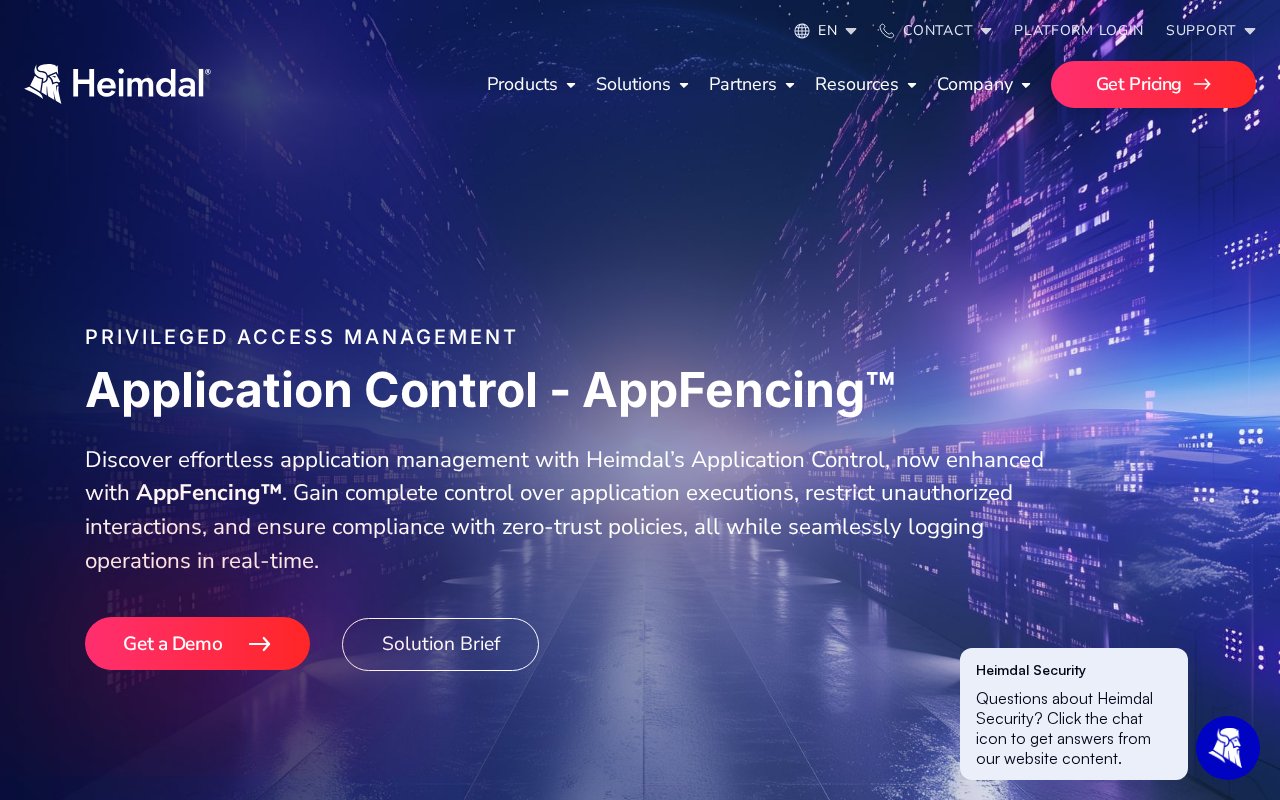
Heimdal Application Control page headlined Application Control and AppFencing under the label Privileged Access Management, with Get a Demo and Solution Brief buttons
heimdalsecurity.com, captured November 20, 2026

Heimdal Application Control allows or blocks software by name, path, publisher, file hash or signature, and setting the default action to Block makes it default deny. Rules can run in Reporting mode first, for a length Heimdal's help article does not give; its "at least 2 weeks" covers one feature, Zero-Trust Execution Protection.

A user who hits a block can ask for a one-time permission for that file, which then runs without admin rights. Admin rights belong to the separate PEDM module: users click "Request admin rights", an admin approves in the dashboard or the PEDM phone app, and sessions last 2 minutes to 24 hours. Auto-mode can approve on its own. Heimdal states System and Organization Controls 2 (SOC 2) Type I and II, and sells its modules separately or bundled, by quote.

Best fit:MSPs that want default deny and time-limited admin sessions from one vendor, approved from a phone, with Autotask or HaloPSA in the stack.

Think twice if:you need application control on Mac, since Heimdal's help center introduces it in a release-candidate macOS agent (3.5.9 RC), or you want automatic elevation from Application Control without also buying a PEDM license.
02

ManageEngine Endpoint Central MSP

A multi-client endpoint management console with a paid Application Control add-on for allowlisting and just-in-time admin rights.

Published MSP pricePaid add-onElevation on Windows only
Learning mode
Audit Mode, then Strict Mode; length not published
How users ask and who approves
a request with a written reason from the block notice; admins are alerted by email and act in the console (Add to Allowlist, Add to Blocklist)
Across clients
multi-client console in the MSP edition, sold as RMM software; ConnectWise PSA, HaloPSA, ServiceDesk Plus MSP and Zendesk integrations
Published pricing
Cloud Professional $104 a month for 50 endpoints and 1 technician, plus the Application Control add-on at $64 a month for 50 devices
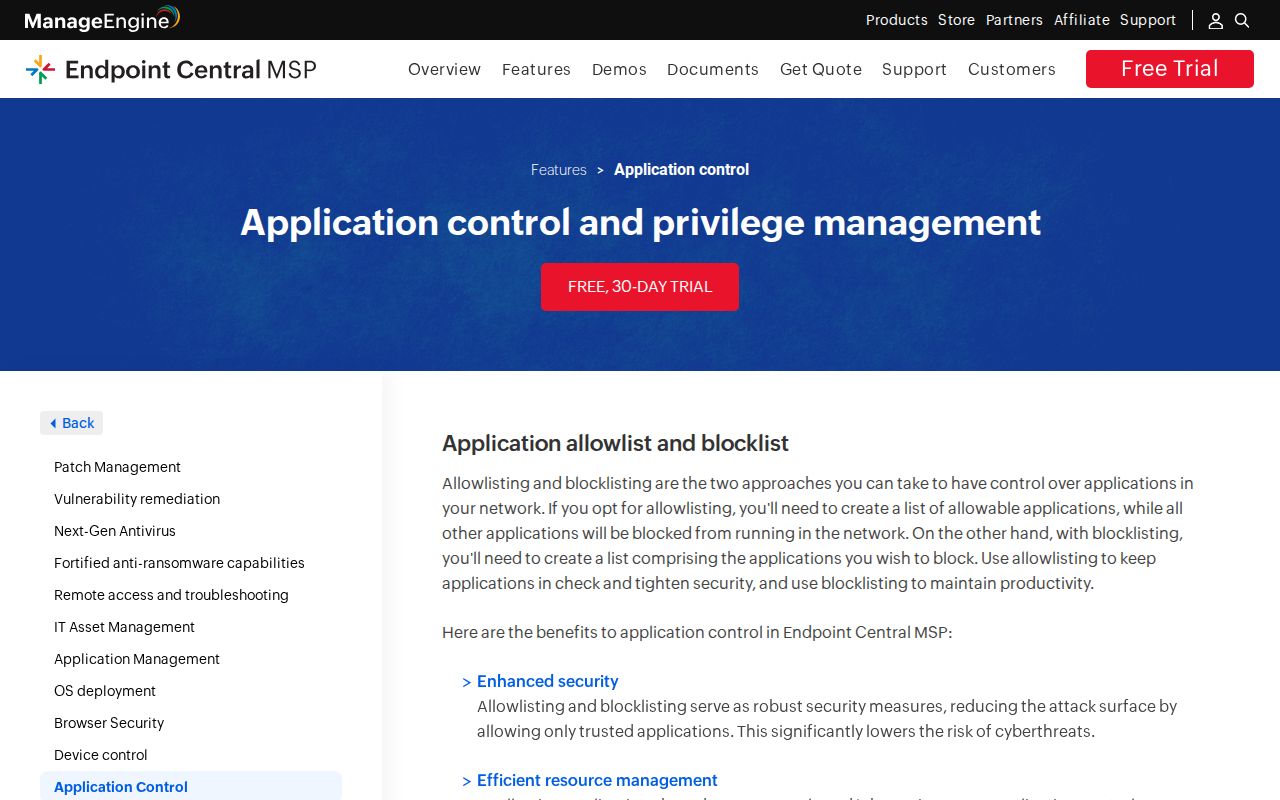
ManageEngine Endpoint Central MSP page headlined Application control and privilege management, with a free 30-day trial button above a section on application allowlists and blocklists
www.manageengine.com, captured November 20, 2026

ManageEngine Endpoint Central MSP is a multi-client endpoint management console, and application control is a paid add-on on top of it. The add-on covers allowlists and blocklists, removing admin rights across a client, elevation for specific apps, and just-in-time access with automatic revocation.

Rollout starts in Audit Mode, which lets allowlisted and unmanaged apps run while it collects events, then moves to Strict Mode to enforce. ManageEngine's best-practice page gives no length for the audit. When a block appears, the user can send a request with a written reason; admins get an email and act from the console.

Its MSP prices are public: Cloud Professional at $104 a month for 50 endpoints and one technician, plus $64 a month for the add-on on 50 devices. On Mac, you get allowlisting and blocklisting but not elevation.

Best fit:MSPs that want a published price per 50-endpoint slab and want application control inside a multi-client endpoint management console.

Think twice if:you need elevation on Mac, since ManageEngine documents it for Windows only, or you want application control without paying for an add-on on top of the edition.

03

PC Matic Pro, MSP edition

Default deny built on PC Matic's own global allowlist, so there is no learning period to wait out.

Default denyNo learning mode60-day MSP trial
Learning mode
none by design; PC Matic's global allowlist plus your own lists, rolled out in stages with its onboarding team
How users ask and who approves
the user can submit a request for a blocked file, though PC Matic's MSP default notice, "Display Only", informs users without letting them act; the account administrator approves in the portal's Approval Hub
Across clients
multi-tenant console with role-based access; customer and group policy inheritance
Published pricing
Not published for MSPs ("Tier based pricing", monthly billing); 60-day MSP trial; the small business price starts at $150 a year for 5 devices
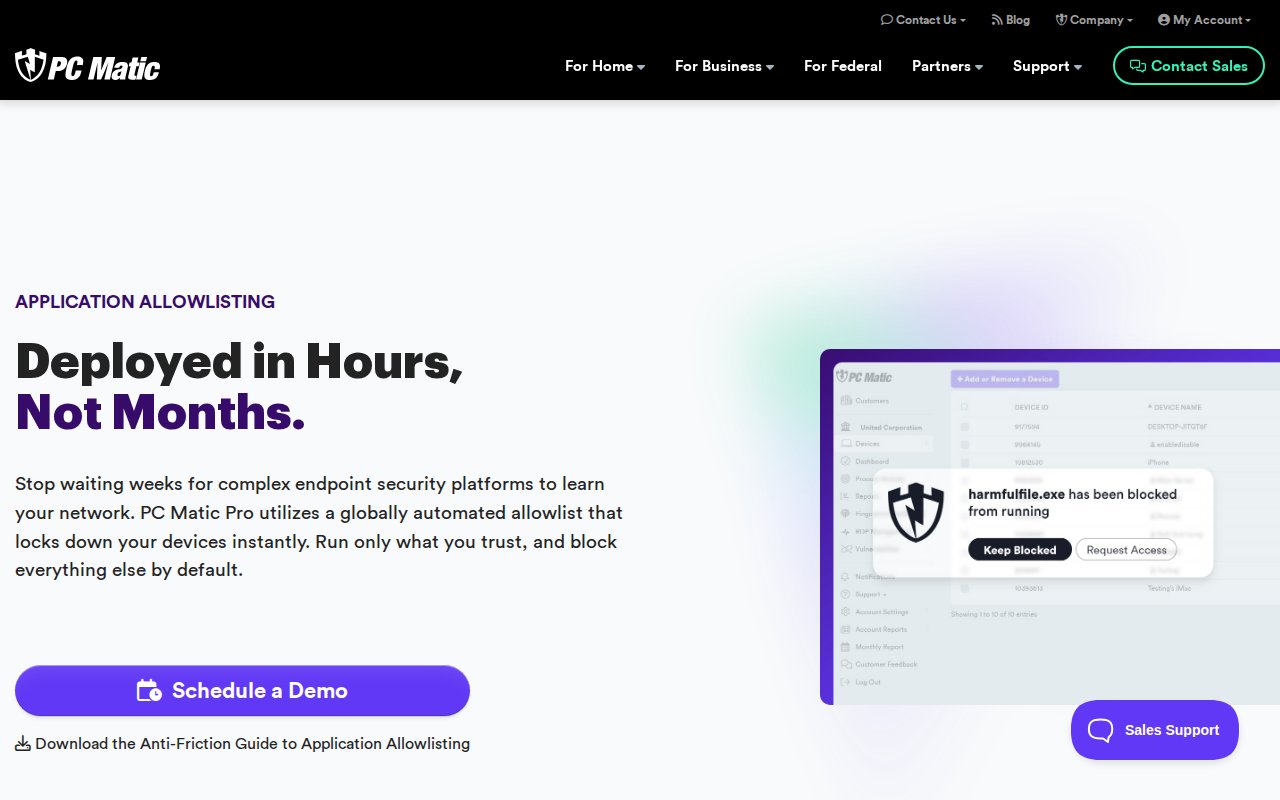
PC Matic application allowlisting page headlined Deployed in Hours, Not Months, beside a console with a blocked harmfulfile.exe notice offering Keep Blocked and Request Access buttons
www.pcmatic.com, captured November 20, 2026

PC Matic Pro is default deny, sold to providers as PC Matic's MSP edition, and it drops the learning phase. A global allowlist run by PC Matic, plus your own lists, decides what runs; the pitch, in PC Matic's words, is to "skip the long learning modes".

That does not make day one painless. Unusual line-of-business software stays blocked until someone approves it, and PC Matic's MSP best practices start with an Onboarding Stage on a subset of devices, with its onboarding team, before the Environmental Stage.

An administrator sees each request's reason, requester and file hashes in the Approval Hub and picks the rule type and scope. A user override exists, but PC Matic calls it "less secure" and recommends leaving it off. Coverage is Windows and macOS, and MSP partners get a 60-day trial and not-for-resale licenses.

Best fit:MSPs that want default deny on Windows and Mac clients without waiting out a learning period at each one.

Think twice if:you want requests and approvals inside your RMM or PSA, since we found no RMM or PSA integration in PC Matic's documentation, or you need time-limited admin rights, which we did not find either.

04

ThreatLocker

Default deny allowlisting with Ringfencing and elevation in one portal, plus an optional ThreatLocker team that answers approvals around the clock.

Default deny21-day learning defaultOptional 24/7 approvals
Learning mode
Learning Mode, 21 days by default; adjustable, or Indefinite
How users ask and who approves
a "Request Access" popup with an optional reason, and a separate elevation request; your admins approve in the Approval Center or the free ThreatLocker Admin phone app, or Cyber Hero Approvals, a separate module, approves 24/7 under your rules
Across clients
a parent organization with a child organization per client, built automatically when you deploy through an RMM
Published pricing
Not published on the pages we reviewed; "A price quote built around your environment"; 30-day trial
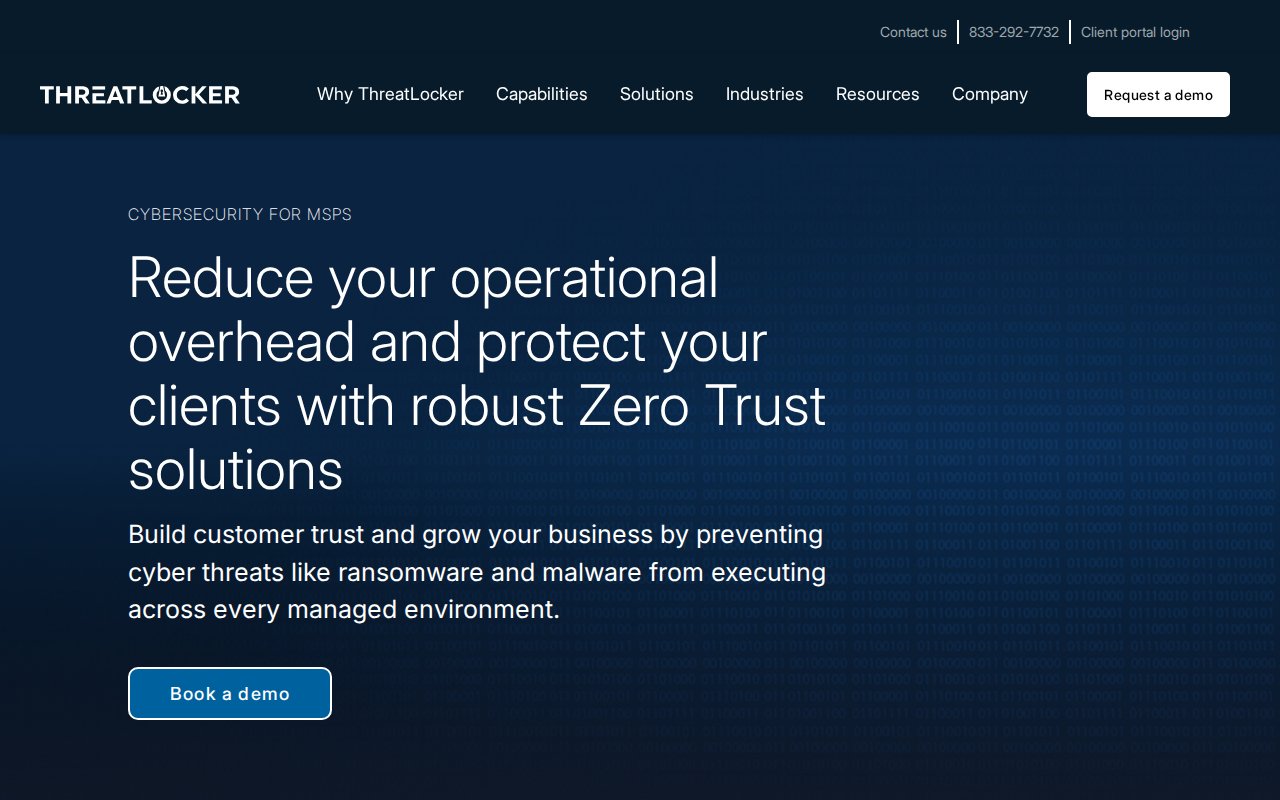
ThreatLocker page under the label Cybersecurity for MSPs, with a headline about reducing operational overhead with Zero Trust and a Book a demo button
www.threatlocker.com, captured November 20, 2026

ThreatLocker puts default deny allowlisting, Ringfencing (containment for approved apps) and elevation in one portal. New computers start in Learning Mode, which builds application definitions and allow policies so current software keeps running. The default is 21 days, adjustable, or Indefinite, which ThreatLocker says to use sparingly.

Blocked users get a "Request Access" popup, and elevation has its own request. Your techs approve in the Approval Center or the free phone app. For nights, Cyber Hero Approvals is a separate module: ThreatLocker's team decides 24/7 under your rules and states an "average application approval time of 15 minutes or less".

Deploy through a supported RMM and ThreatLocker builds a parent organization with a child organization per client. Agents cover Windows, Mac and Linux. Pricing is a quote, and the trial runs 30 days.

Best fit:MSPs that want default deny on Windows, Mac and Linux, with a vendor team available to answer approvals at night.

Think twice if:your clients run in-house or unusual software, which Learning Mode learns only if ThreatLocker can identify it (less likely outside standard install folders, ThreatLocker says), or you want to act on requests from PSA tickets, since ThreatLocker's 2023 MSP guide says you still log in to its portal to act on one.

05

WatchGuard Zero-Trust Application Service

A service inside WatchGuard's endpoint suites in which WatchGuard classifies every process and Lock mode runs only trusted ones.

Default denyVendor classifies appsNot in Basic or Prime
Learning mode
Learning, Hardening and Lock modes; start in Hardening, then Lock "after a few weeks", in WatchGuard's words
How users ask and who approves
no user request flow listed on the pages we reviewed; WatchGuard classifies unknown items "in the first 24 hours", and an admin with the right permission can unblock them in WatchGuard Cloud
Across clients
WatchGuard Cloud service provider and subscriber accounts, with settings inheritance and custom operator roles
Published pricing
Not published on the pages we reviewed; its MSP program says "pricing scales by total seats managed"
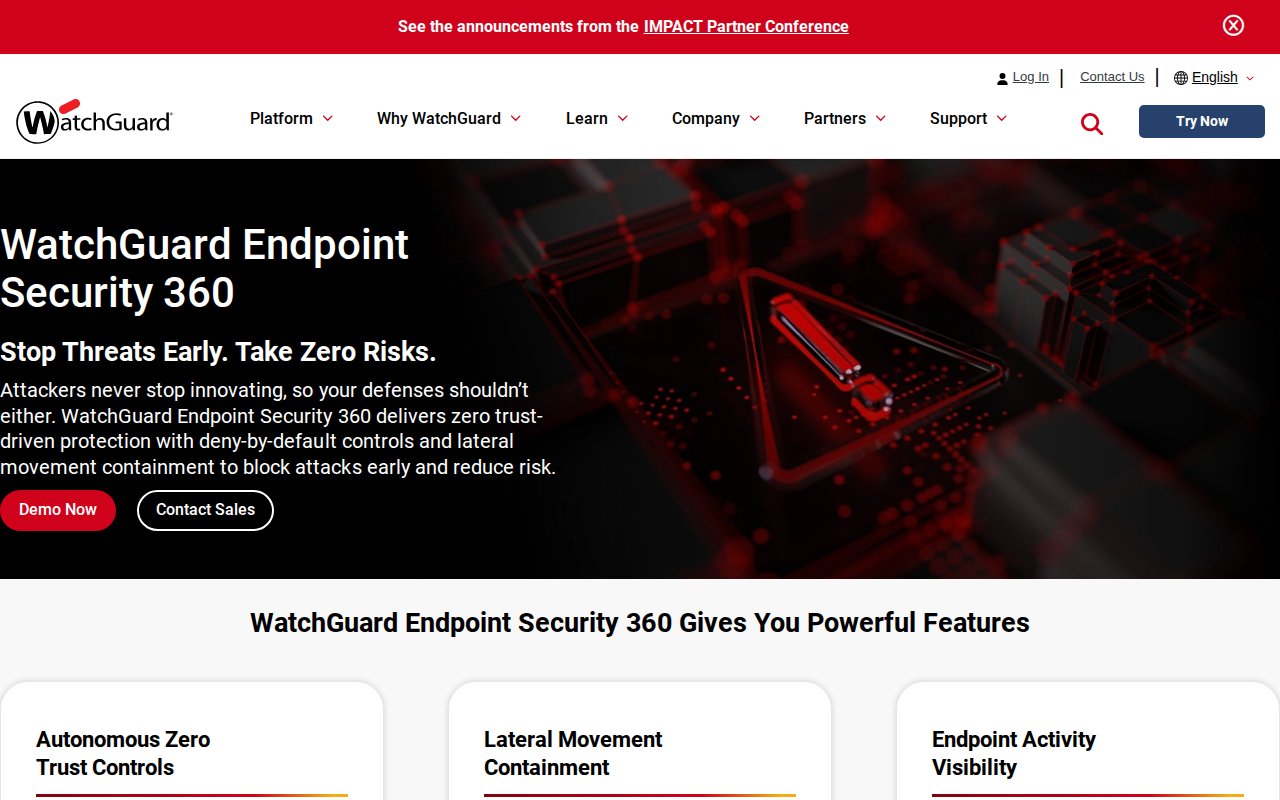
WatchGuard Endpoint Security 360 page headlined Stop Threats Early. Take Zero Risks., describing deny-by-default controls, with Demo Now and Contact Sales buttons
www.watchguard.com, captured November 20, 2026

WatchGuard Zero-Trust Application Service is part of WatchGuard Endpoint Security 360, Elite and WatchGuard Endpoint Detection and Response (EDR), not Basic or Prime, and it hands the classification work to WatchGuard. Every process is classified, and in Lock mode only trusted applications run. Unknown items are classified "in the first 24 hours"; below 99.999% certainty, WatchGuard's experts analyze them by hand.

Its modes are Learning, Hardening and Lock. WatchGuard's best-practice page says to start in Hardening and move to Lock "after a few weeks".

The trade-off is the request path. We found no popup for users to ask for an app and no admin-rights elevation; an admin with the "Exclude Threats Temporarily" permission unblocks items in WatchGuard Cloud. Service provider accounts hold each client, and WatchGuard's integrations page names Autotask, ConnectWise and Halo PSA.

Best fit:MSPs already selling WatchGuard Endpoint Security 360, Elite or WatchGuard EDR that want default deny without classifying each unknown file themselves.

Think twice if:your clients are on the Basic or Prime tier, which do not include the service, you need users to request apps or admin rights, which we did not find, or you need enforcement on Mac, since WatchGuard says the service and its modes are only available in Windows.

Admin rights first, remove local admin and approve elevation

Users lose local admin rights and ask when they need them; these are not default deny.

06

Admin By Request

Endpoint privilege management that removes local admin rights and takes approvals by phone, portal, Teams or Slack, with a sub-tenant per client.

Admin rights firstTeams and Slack approvalsBilled per endpoint
Learning mode
none documented; it learns from approvals, approving an app automatically after 1 manual approval by default once approval is on, plus AI Approval scoring
How users ask and who approves
"Run As Administrator" for one app, or an Admin Session request with a reason; approvers answer by phone app, portal, Teams or Slack, or rules approve
Across clients
a parent MSP account with an isolated sub-tenant per customer and a customer switcher; the phone app covers one tenant at a time
Published pricing
MSP rates not published; MSP accounts are invoiced monthly per endpoint per tenant; a free plan up to 25 seats is "suitable for small businesses or as a proof-of-concept"
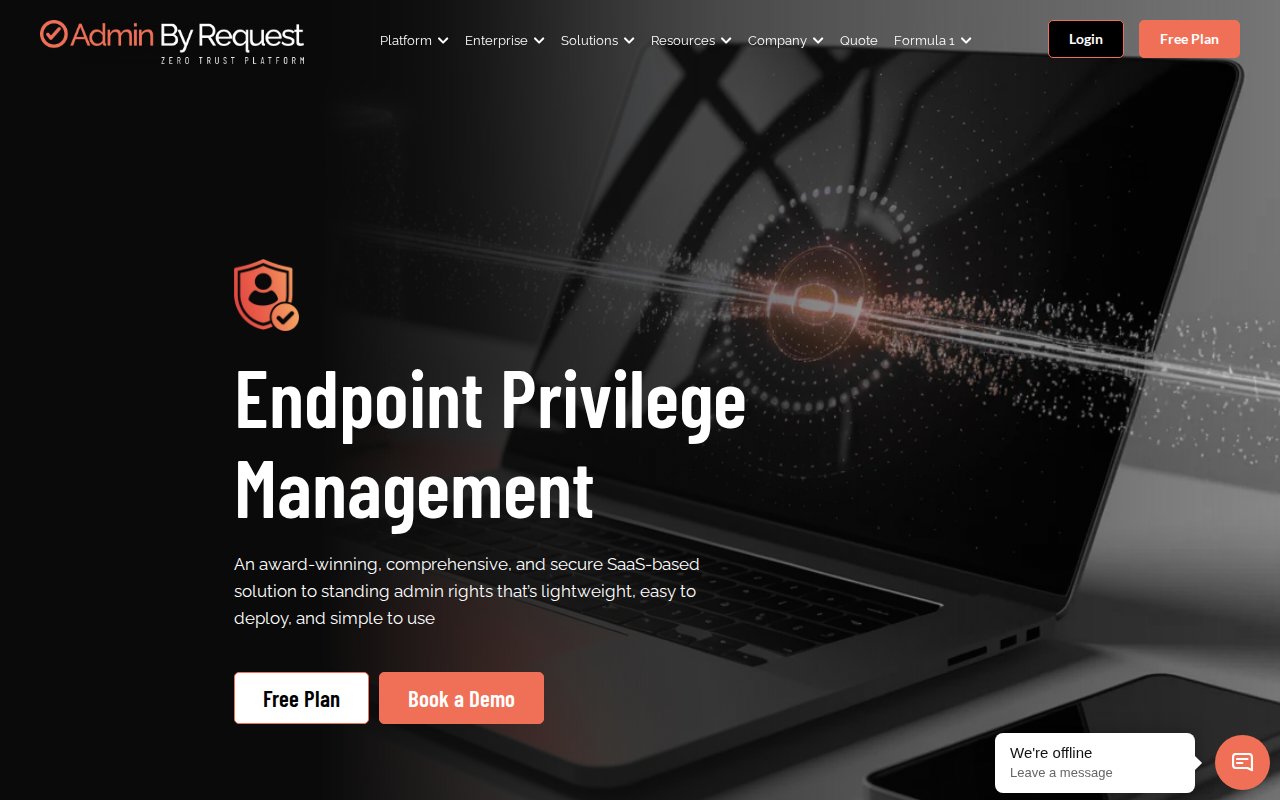
Admin By Request page headlined Endpoint Privilege Management, with Free Plan and Book a Demo buttons over a photo of a laptop
www.adminbyrequest.com, captured November 20, 2026

Admin By Request removes local admin rights and hands them back in measured doses; it does not block unknown software by default. A user can run one app as administrator or request an Admin Session, 15 minutes by default.

Approval is off by default; switch it on and approvers get a push to the free phone app, or answer in the portal, a Teams channel or a Slack channel. Admin By Request documents no learning mode. After one manual approval of an app, machine learning approves it automatically by default, and AI Approval scores apps from 0 to 100.

For MSPs, a parent account holds an isolated sub-tenant per customer, with its own settings, audit log and branding, and Admin By Request invoices monthly per endpoint per tenant. It sells no named "MSP Plan"; your account manager gives the price. Windows, macOS and Linux are covered.

Best fit:MSPs that want to take local admin away first, with requests answered in Teams or Slack and a monthly bill per endpoint per client.

Think twice if:you need unknown software blocked, since Admin By Request is not default deny, or one technician covers many clients from a phone, since the app shows one tenant at a time and no parent screen totals pending requests.

07

CyberFOX AutoElevate

Elevation management built for MSPs, with a branded prompt and technician approvals by phone that log time in your PSA.

Admin rights firstAudit 30 to 60 daysPer active agent
Learning mode
Audit, then Policy, then Live; CyberFOX advises keeping new environments in Audit Mode for 30 to 60 days
How users ask and who approves
an MSP-branded prompt replaces the Windows User Account Control dialog; technicians approve once or as a rule by phone app, Windows app or portal
Across clients
companies and locations in one portal, mirroring your RMM's client structure; per CyberFOX's help center, every technician with the app gets every client's notifications
Published pricing
Not published on the pages we reviewed ("tailored pricing"); billed monthly per active agent, no charge for extra technicians; 14-day trial
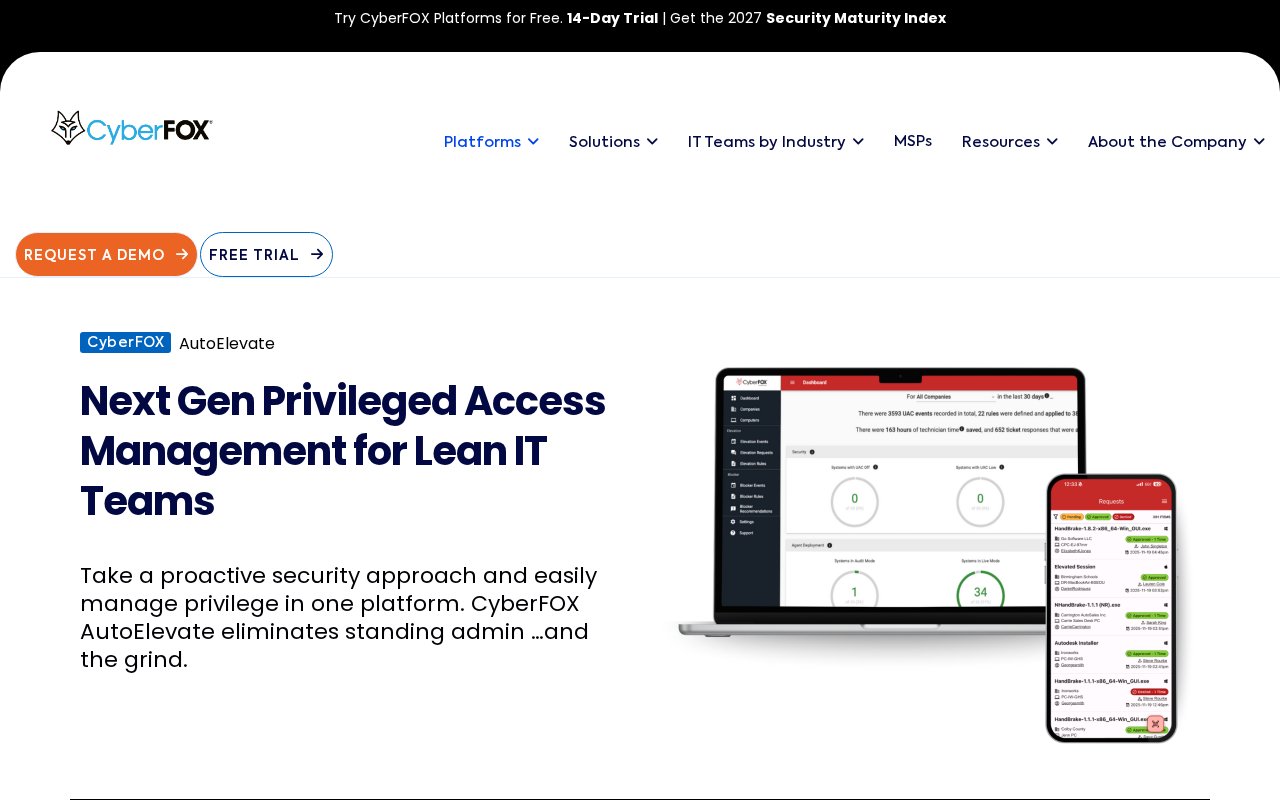
CyberFOX AutoElevate page headlined Next Gen Privileged Access Management for Lean IT Teams, beside a dashboard and a phone listing elevation requests
www.cyberfox.com, captured November 20, 2026

CyberFOX AutoElevate takes local admin away and puts an MSP-branded prompt where the Windows User Account Control dialog would be. Agents start in Audit, then Policy, then Live. CyberFOX's guidance on its elevation modes is to "keep new environments in Audit Mode for 30 to 60 days" and review events daily, turning repeated ones into publisher or hash rules.

In Live mode, a technician answers from the phone app, a Windows app or the portal, once or as a rule for a computer, location, client or practice. Each response can open a ticket and log a time entry in Autotask, Halo PSA, Kaseya BMS and other PSA tools. Alerts in Teams or Slack need its Partner application programming interface (API).

Its Blocker is a blocklist of more than 200 built-in Windows programs, not default deny. Billing is monthly per active agent, and the macOS agent needs macOS 14.4 or later.

Best fit:MSPs that want local admin removed, with approvals that land as PSA tickets and time entries, across a broad list of RMM and PSA tools.

Think twice if:you need unknown software blocked, since Blocker is a blocklist rather than default deny, or you want each client's requests routed to its own technicians, since CyberFOX's July 2025 help article says every technician with its phone app gets every client's notifications.

also considered

Also considered

decision aid

Learning mode and elevation requests, product by product

Two questions decide the work after purchase: how long before you can enforce, and who answers a blocked user. The last row is Microsoft App Control for Business with Intune Endpoint Privilege Management (EPM), a reference point rather than an entry, because we found no Microsoft documentation for running them across client tenants.

Learning mode, stated length and the request and approval route, in each vendor's words, November 20, 2026
ProductLearning or audit mode (vendor's name)Stated length (vendor's words)How a user asksWho approves, and whereTime-limited admin rights
Heimdal Application Control with Privilege Elevation and Delegation ManagementReporting modeNot published; "at least 2 weeks" for Zero-Trust Execution Protection onlyOne-time permission for a blocked file; "Request admin rights" in the agentAdmin in the Heimdal Dashboard or the PEDM phone app; or Auto-modeAdmin session of 2 minutes to 24 hours; extensions of 2 minutes to 1 hour
ManageEngine Endpoint Central MSPAudit Mode, then Strict ModeNot publishedRequest with a written reason from the block noticeAdmin in the console, alerted by email; just-in-time elevation requests can auto-approve above a confidence scoreJust-in-time, time-bound access, revoked automatically; Windows only
PC Matic Pro, MSP editionNone by design; staged Onboarding and Environmental stagesNo learning periodRequest for an administrator to review; PC Matic's MSP default notice, "Display Only", informs users without letting them actAccount administrator in the Approval HubNot published
ThreatLockerLearning Mode21 days by default; adjustable, or Indefinite "sparingly""Request Access" popup; separate elevation request; on Linux, a terminal commandYour admins in the Approval Center or phone app; optional Cyber Hero Approvals, 24/7, separate moduleFull Self Elevation "for the specified time period"; delegated temporary approvals
WatchGuard Zero-Trust Application ServiceLearning, Hardening and Lock; start in HardeningLock "after a few weeks"; unknowns classified "in the first 24 hours"Not publishedWatchGuard classifies; an admin can unblock in WatchGuard CloudNot published
Admin By RequestNone documented; learns from approvalsNot published; approvals build the list "as they come in"Run one app as administrator, or request an Admin Session with a reasonPhone app, portal, Teams or Slack; or rules and AI ApprovalAdmin Session, 15 minutes by default
CyberFOX AutoElevateAudit, then Policy, then Live"Keep new environments in Audit Mode for 30 to 60 days"MSP-branded prompt in place of the User Account Control dialogTechnicians by phone app, Windows app or portal; once or as a ruleAdmin sessions on macOS and Linux of 1 to 60 minutes, chosen by the technician on approval; Technician Mode just-in-time login
Microsoft App Control for Business and Intune EPM (reference)App Control audit mode; EPM Phase 1 AuditingNot publishedEPM: "Run with elevated access" with a business reason; App Control: not publishedIntune admin in the Intune admin center; no alert for new requestsApproved file runs elevated for 24 hours; no custom period

"Not published" means we did not find it on the vendor's pages on November 20, 2026, not that it is not offered. No learning period by design is not the same as a zero-day rollout. WatchGuard's "few weeks" is Hardening before Lock. Heimdal's 2 weeks covers one feature, not the whole ruleset. Microsoft's 24 hours applies per approved file, not to an admin session. PEDM is Privilege Elevation and Delegation Management.

Before you enforce at any client:

  • Learning builds rules from what already runs: ThreatLocker creates allow policies; in AutoElevate, you turn repeated elevations into rules.
  • ThreatLocker learns only what it can identify, which it says is less likely outside standard install folders such as Program Files, and software used only at month end may not run during learning at all; check both by name.
  • Treat any stated length as a starting point, not a deadline. Our advice: start with one pilot client, and enforce once a full business cycle has passed and new blocks a day are few enough to approve.
how to choose

How to choose an allowlisting or admin rights tool for your clients

Start with the problem. Unknown software calls for default deny. Users holding local admin call for an elevation tool, a smaller first step some MSP owners describe taking. Know the gap. A standard user can still run unknown software that needs no admin rights, and neither AutoElevate nor Admin By Request is default deny. Neither approach replaces endpoint detection and response (EDR) tools for MSPs.

Budget each client's stated learning length plus a review pass. MSP owners report learning running long, and breakage after a short one.

Then the approval queue. Automatic rules cut it where offered: Heimdal's Auto-mode, Admin By Request's machine learning, AutoElevate's rules built from approvals. Decide who says yes at 2 a.m.: your on-call tech, ThreatLocker's optional team or a rule. Check alert routing too. CyberFOX's help center says every technician with its phone app gets every client's alerts, and Admin By Request's app shows one tenant at a time.

List your Mac clients and check the platforms column: ManageEngine's elevation, Microsoft's tools and WatchGuard's service are Windows only. Last, match the billing unit to how you price your service.

Questions for the demo:

  • What are the price and minimum at our endpoint count, per client or across our account?
  • Who approves requests after hours, and what does that cost?
  • Can each client's requests go to that client's technicians?
  • What does learning skip, and how do we relearn for new software?
  • What runs on Mac, and what does not?
pricing

What application allowlisting costs MSPs (published prices only)

Of the seven entries, ManageEngine publishes an MSP price list. Microsoft publishes its EPM add-on price, Admin By Request has a free plan for small businesses, and PC Matic publishes a small business price. The rest quote.

Published prices and billing units, read November 20, 2026
ProductWhat is publishedBilling unit
ManageEngine Endpoint Central MSPCloud Professional $104 a month or $1,045 a year for 50 endpoints and 1 technician; Enterprise $124 or $1,245; Application Control add-on $64 a month or $645 a year for 50 devices, $129 or $1,295 for 100; extra technician $29 a monthEndpoint and device slabs, plus technicians
Microsoft Intune EPM (reference)$3.00 per user per month, paid yearly, on top of Intune Plan 1 or 2; included in Microsoft 365 E5 from July 2026, Microsoft says; Intune Suite $10.00 per user per month; Intune Plan 1 alone $8.00Per user
Microsoft App Control for Business (reference)Included with Windows Pro, Enterprise and Education licensesWindows license
Admin By RequestFree plan up to 25 seats, "suitable for small businesses or as a proof-of-concept"; Business and Enterprise by quote; MSP accounts priced by your account managerPer endpoint per tenant, invoiced monthly
PC Matic Pro, MSP editionSmall business "Starting at $150 /yr, 5 devices"; MSP "Tier based pricing", not listedDevices for small business; MSP unit not published, "Flexible Monthly Billing"
Zecurit Endpoint Manager (Also considered)Enterprise, the edition with application control, $99 a month or $82 a month billed annually for 50 endpoints and 1 technician; MSP edition by request50-endpoint plans, plus technicians
ThreatLockerNot published; quote, including Cyber Hero ApprovalsEndpoint count, applications and controls
Heimdal Application Control with Privilege Elevation and Delegation ManagementNot published; "Get Pricing" estimate after a contact form; final price from salesPer device per year for Application Control and for PEDM, per Heimdal's pricing page
WatchGuard Zero-Trust Application ServiceNot publishedNot published; its MSP discount "scales by total seats managed"
CyberFOX AutoElevateNot published; "tailored pricing"Per active agent, monthly

US dollars as published on November 20, 2026. Not published = not found on the vendor pages we reviewed.

Two worked examples, our arithmetic on list prices, platform cost only, before your labor and markup. ManageEngine, one 50-endpoint slab on Cloud Professional, paid monthly: $104 plus $64 for the add-on is $168 a month, or $3.36 per endpoint with all 50 in use; the slab costs the same with 30. Microsoft EPM for 25 users who already have Intune Plan 1 or 2: 25 x $3.00 is $75.00 a month, paid yearly; buying Plan 1 for them adds $200.00 a month.

Slabs, users, devices and agents do not sit on one scale without each client's counts, so the table ranks nothing. The larger cost may be your team's approval time. Measure it on a pilot client (new blocks a day, requests answered, technician minutes), then set your price; see what a per-user MSP price covers.

faq

Frequently asked questions

What is application allowlisting?

Application allowlisting lets only software on an approved list run, and blocks everything else by default. Antivirus works the other way around, blocking what is known to be bad. ThreatLocker and PC Matic describe their products as default deny, and Microsoft builds App Control for Business into Windows. The older term, whitelisting, means the same thing.

How long should learning mode run before you lock a client down?

There is no standard. ThreatLocker sets 21 days by default, CyberFOX advises 30 to 60 days of audit for AutoElevate, and WatchGuard says Lock "after a few weeks"; PC Matic skips learning. Learning misses software nobody ran during the window, so our advice is to enforce after a full business cycle, once new blocks a day are few enough to approve.

What is the difference between allowlisting and removing local admin rights?

Allowlisting decides what may run. Removing admin rights decides who may install software or change the system. AutoElevate and Admin By Request handle elevation and are not default deny; ThreatLocker, Heimdal and ManageEngine Endpoint Central MSP do both. Some MSP owners start with elevation; alone, it does not stop unknown software that needs no admin rights.

Do I still need endpoint detection and response with allowlisting?

In most cases, yes. Allowlisting blocks unknown software, but approved, trusted tools can still be abused, and an allowlist is only as strong as its exceptions. Microsoft says App Control does not replace antivirus. MSP owners describe running the two together.

Is AppLocker or App Control for Business enough for an MSP?

For a Windows-only client it is a start. App Control comes with Windows Pro, Enterprise and Education licenses, and Microsoft recommends it over AppLocker, which gets no new features. Elevation requests need Intune EPM, $3.00 per user a month on top of Intune unless the client has Microsoft 365 E5; Microsoft says Intune "doesn't have a way to notify admins" of new requests, an approved file stays elevated for 24 hours, and we found no console across tenants.

Screenshots captured from each vendor's live site on November 20, 2026.