Microsoft Entra ID
The identity service in every Microsoft 365 tenant, with security defaults for all and Conditional Access from Entra ID P1.
- Methods
- security defaults allow Microsoft Authenticator or a time-based one-time password (TOTP) app only; Office 365 licensing or P1 adds phone and text methods, and P1 adds Conditional Access and MFA reports; number matching on every Authenticator push, with no opt-out
- Help desk
- Temporary Access Pass valid from 10 minutes to 30 days; Verified ID with Face Check is a pattern you build into your service desk, with Face Check included in Entra Suite and otherwise an add-on; account recovery with a government identity document (ID) check, generally available since May 2026, with some settings still in preview
- Technician access
- Partner Center requires MFA on every partner-tenant account; granular delegated admin privileges (GDAP) are least-privileged, time-bound and granted by the client
- MSP console
- Microsoft 365 Lighthouse for Cloud Solution Provider (CSP) partners, with its MFA reports needing P1 in the client tenant
- Published pricing
- P1 $7.00 and P2 $10.00 per user a month, paid yearly; P1 included in Microsoft 365 Business Premium, listed at $22.00 per user a month paid yearly
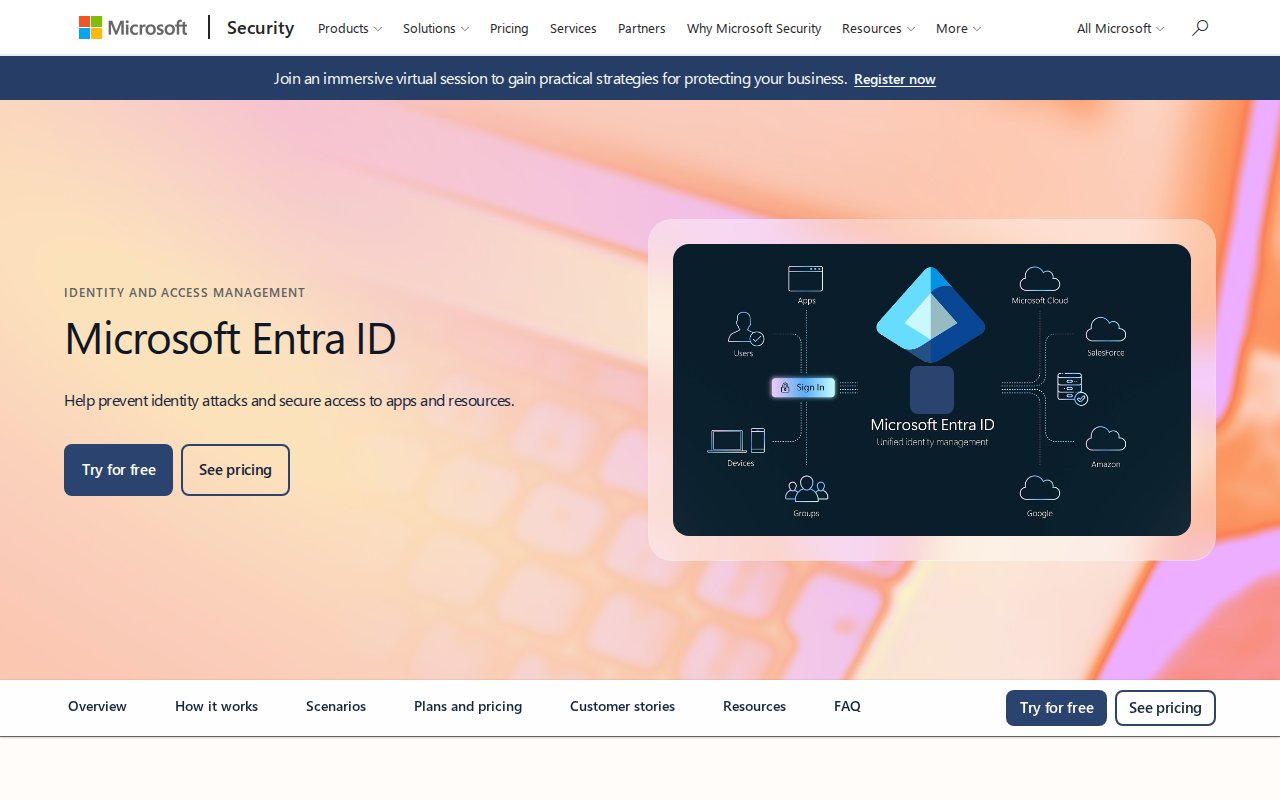
Microsoft Entra ID is already in every Microsoft 365 tenant; each client's license decides what it can do. Security defaults are free on any tenant: every user registers for MFA, legacy authentication is blocked, and the factors are Authenticator or a code app, with nothing to tune. Conditional Access, your own rules for who signs in with which method and when, needs Entra ID P1. Business Premium includes it; Microsoft's pricing page lists P1 alone at $7.00 per user a month, paid yearly.
For resets, a Temporary Access Pass lets a user who lost a phone sign in for a set time and register a new method. Microsoft's Verified helpdesk pattern adds a face check: it compares a live selfie with a credential you issue each user in advance, then can reach your service desk by webhook. You build it; the user still needs Authenticator on a phone.
Best fit:Clients on Business Premium or another plan with P1, where Conditional Access, number matching and Temporary Access Pass cover sign-in and resets without another license.
Think twice if:You want technicians to verify a caller from a console, because Microsoft's help desk pages we read describe a Verified ID integration you build rather than a push you send, and clients without P1 pay $7.00 per user a month for Conditional Access.