MSP buying guide

Best Password Managers for MSPs (2026)

Choose by job: the vault your technicians use for client credentials, and the vault you deploy to each client's staff.

8  password managers1  public MSP price list

8 password managers, 1 with an MSP price list on its public pages, vendor pages read November 17 to 19, 2026

An MSP buys a password manager for two jobs: the vault your technicians use for admin credentials to client systems, and the vault you deploy, and often resell, to each client's staff. For client vaults, shortlist Keeper, 1Password or Bitwarden; for a technician vault tied to your professional services automation (PSA), remote monitoring and management (RMM) or remote-session tools, look at N-able Passportal or CyberFOX Password Boss, or at ManageEngine Password Manager Pro if you want to host it yourself.

The prices are not comparable. Only ManageEngine publishes an MSP price, per administrator rather than per client seat. Keeper and 1Password bill on consumption: they count the seats in use each day and bill afterward, in arrears. Bitwarden bills a monthly seat floor you set, whether clients fill it or not. CyberFOX invoices the license count you assign to each client company, and N-able quotes.

Access differs even more. Bitwarden's provider staff cannot view client vault items. 1Password technicians can grant themselves access to shared client vaults, and Keeper's default MSP admin role holds Share Admin rights over shared records and folders in every client.

This is for the owner or service lead of a managed service provider (MSP) choosing a vault for its technicians, its clients, or both. Not for a single business buying for its own staff.

Where our money comes from

We do not sell any of these products, take commissions from any vendor on this page, or accept payment for placement.

methodology

How we built this list

  1. We included password managers whose own sites describe an MSP program or a multi-client console, and that MSP owners or AI assistants name when asked.
  2. Every vendor fact comes from the vendor's own pages, including its help center and blog, read November 17 to 19, 2026. Most NordPass facts are dated November 17, 2026, because its pages loaded only intermittently for us on November 18 and 19.
  3. We did no hands-on testing, and no vendor paid for placement. Numbering is navigational, not a ranking.
  4. Products from companies with "MSP" in the company name are excluded under our own naming rule.
  5. We could not check MSP rates or partner discounts (only ManageEngine publishes MSP prices), the audit reports behind the certifications vendors list, or LastPass's current list prices.

Last reviewed: November 19, 2026

comparison

The eight password managers side by side

Commercial terms and access rules on vendors' own pages, read November 17 to 19, 2026
Password managerBuilt forBilling modelPublic list priceMinimum or seat floorMSP staff can read client vault itemsNamed PSA or remote-tool link
KeeperClient vaults, one tenant per clientConsumption: daily license counts, billed monthly in arrearsBusiness $4.00, Enterprise $6.00 per user per month, billed annually (general plans, not MSP rates)None listed; optional cap per clientShared records and folders, once added to the folder, through the Share Admin rights the default MSP admin role holds in each clientPSA billing reconciliation through a third-party connector
1PasswordClient vaults, one managed company per clientConsumption: seats used, counted daily, billed in arrears; guests countMSP price not published"No license minimums"Yes, shared vaults and items, once a technician grants themselves accessPSA billing and provisioning through the Pax8 Marketplace (Autotask, ConnectWise, Kaseya, per 1Password's blog)
BitwardenClient vaults, one organization per clientSeat floor per plan, set by you, billed monthlyTeams $4.00, Enterprise $6.00 per user per month, billed annually (not MSP rates)Floor set by you; size not publishedNo, since version 2024.7.0None listed
CyberFOX Password BossBoth jobs, per its documentationLicense count you assign to each client company, invoiced monthlyQuote onlyNot publishedPortal access: no; Recovery Group members can decrypt backupsConnectWise Manage, Autotask, Kaseya BMS billing sync; ConnectWise Manage client and ConnectWise Control, Datto, Splashtop, TeamViewer session logins
N-able PassportalTechnician vault and documentation; Site add-on for client staffQuoteQuote onlyNot publishedNot listedConnectWise Automate and Manage, Datto Autotask, Datto RMM, Kaseya VSA and BMS, NinjaOne, HaloPSA; Take Control injection
LastPassClient vaults, multi-tenant platformUsage-based, per LastPass's blogMSP price not publishedNot publishedIts blog says no; its help center says detaching ends technician access to client content and shared folders. AskConnectWise Manage and Datto Autotask: company mapping and license counts to agreements; Kaseya sync, per LastPass's blog
NordPassClient vaults, MSP Admin PanelConsumption-basedMSP price not publishedNot publishedNo, per its blog: "without ever exposing end-user password vaults"ConnectWise PSA: usage data for billing and client import, per its blog
ManageEngine Password Manager ProTechnician vault, self-hostedPer administrator, by edition; subscription or perpetual licenseMSP Standard Edition subscription from $1,395 for 5 administrators, maintenance and support includedSmallest listed tier: 5 administrators (10 on MSP Enterprise Edition)Not listedServiceDesk Plus, ServiceNow and Jira ticketing, Enterprise edition only; no third-party PSA named

PSA is professional services automation and RMM is remote monitoring and management; in Kaseya's product names, BMS is Business Management Solution and VSA is Virtual System Administrator. "Not listed" and "not published" mean not on the vendor pages we reviewed. Billing sync passes license counts, not credentials. Other NordPass cells reflect its pages as of November 17, 2026.

entries

The eight password managers

01

Keeper

A client vault platform where each managed company is its own tenant, billed on daily license use.

Consumption billingClient spin-outPartner tiers
Billing
consumption-based, daily license counts billed monthly in arrears; "no long-term commitments on licenses"
Public list price
Business $4.00, Enterprise $6.00 per user per month billed annually, general plans rather than MSP rates
Minimum
none listed; licenses unlimited by default, with an optional cap per client
Client exit
"Isolation of Managed Company" turns a client into a standalone trial instance with its vaults retained
PSA link
billing reconciliation only, through a third-party connector
Keeper homepage headlined The identity security platform for humans, machines and AI agents, with Request a Quote and Get a Demo buttons
www.keepersecurity.com, captured November 17, 2026

Keeper builds its MSP program around Managed Companies: each client is an independent tenant, separated "at the logical and encryption layers", under one admin console. You can run it full-service, as a reseller where clients administer themselves, or as a hybrid. Keeper's consumption billing averages daily license counts and bills monthly in arrears, so a client that drops users mid-month costs less that month.

Keeper's docs answer the access question. Admins with the Manage Companies permission launch into a client's Admin Console "with full administrative permissions", and the default MSP admin role also holds Share Admin rights in every managed company, which let it "view, edit, share, and administer records and folders" that are shared, once added to them. Keeper says no one, "not even the administrator, MSP or Keeper employees", can access a user's master password. Single sign-on (SSO) and System for Cross-domain Identity Management (SCIM) provisioning need the Enterprise base plan.

Best fit:MSPs that resell or co-manage client vaults and want daily usage billing plus a documented way to hand a client its own instance.

Think twice if:You promise clients that your technicians cannot read their vaults, because Keeper's MSP docs give the default MSP admin role Share Admin rights over shared records and folders in every managed company.
02

1Password

An MSP Edition that runs client accounts from one MSP account, with consumption billing and no license minimums.

No license minimums14-day trialNamed distributors
Billing
seats used, counted daily and billed in arrears; guests count as seats; one invoice with a line per client
Minimum
"no license minimums"; an optional maximum seat count per client
Technician access
technicians can give themselves access to a client's shared vaults and items
Trial
14 days; clients onboarded during the trial use it free
Distributors
Pax8, QBS Technology Group, Renaissance
1Password business homepage headlined Your business security, simplified, with Talk to an expert and See plans buttons
1password.com, captured November 17, 2026

1Password sells its Enterprise Password Manager, MSP Edition, as one MSP account that manages each client as a "managed company". You pay for seats used, counted daily and billed in arrears, with "no license minimums", which suits a five-person client. Guests count as seats, so an outside accountant with vault access is billed too. Pax8, QBS Technology Group and Renaissance are named distributors, and clients on a direct subscription can move into your account with a prorated refund.

Access runs the other way from Bitwarden. 1Password's managed-company guide says you can view shared vaults and items in an account you manage once you give yourself access. Handy for a help desk, and a conversation to have with any client expecting a blind vault. Managed accounts must sit in your own region.

Best fit:MSPs adding small clients one at a time who want no license minimum, distributor billing and technicians who can open client vaults when a ticket needs it.

Think twice if:Your clients want vaults their MSP cannot open, because 1Password documents that technicians can grant themselves access to shared vaults in a managed account.

03

Bitwarden

A Provider Portal for client organizations and billing, with provider staff kept out of client vault items.

Client items hidden from MSPSeat floor billingSelf-host on Enterprise
Billing
you set a Teams and an Enterprise seat floor, billed monthly; seats above it are prorated onto the next invoice
Public list price
Teams $4.00, Enterprise $6.00 per user per month billed annually, not the MSP rate
Admin visibility
since version 2024.7.0, provider users cannot view, manage, create or export client vault items
Internal seats
billed at the discounted partner rate; no free internal seats stated
Client exit
client organizations are unlinked in the Provider Portal, not deleted there, and must set up their own billing
Bitwarden homepage headlined Secure every login for people, agents, and machines, with Get Started Free and Talk to Sales buttons
bitwarden.com, captured November 17, 2026

Bitwarden's Provider Portal lets an MSP "centrally manage Bitwarden organizations and billing". To become a provider you need an active Enterprise organization, and Bitwarden's team sets the provider up. Each client organization keeps its own policies, with no default across all clients, so plan to configure each one.

Bitwarden states the access rule plainly. Its provider help page says that since version 2024.7.0, provider admins and service users may not view, manage or create credentials in client organizations; they manage users, collections, groups and settings. So your technicians' credentials for client systems belong in your own organization, billed at the discounted partner rate. Self-hosting comes with the Enterprise subscription, but the Provider Portal is "not supported for self-hosted environments at this time", so the two do not combine.

Best fit:MSPs whose clients want a vault the MSP's own staff cannot open, sold either for self-administration or as a managed service.

Think twice if:You want the bill to fall when a client drops users, because Bitwarden bills the seat floor you set every month, whether or not clients fill it, while Keeper and 1Password bill on daily use.

04

CyberFOX Password Boss

A password manager for MSPs with a Partner Portal for client companies, PSA billing sync and remote-session logins.

Both jobsPSA billing sync14-day trial
Client structure
one Company per customer in the Partner Portal
Admin visibility
Partner Portal access shows no encrypted contents; Recovery Group members can decrypt backups
PSA link
billing sync to ConnectWise Manage, Autotask and Kaseya BMS
Technician logins
the ConnectWise Manage desktop client and ConnectWise Control, Datto, Splashtop and TeamViewer remote sessions
Billing and trial
the license count you assign to each company, quote only; 14-day trial
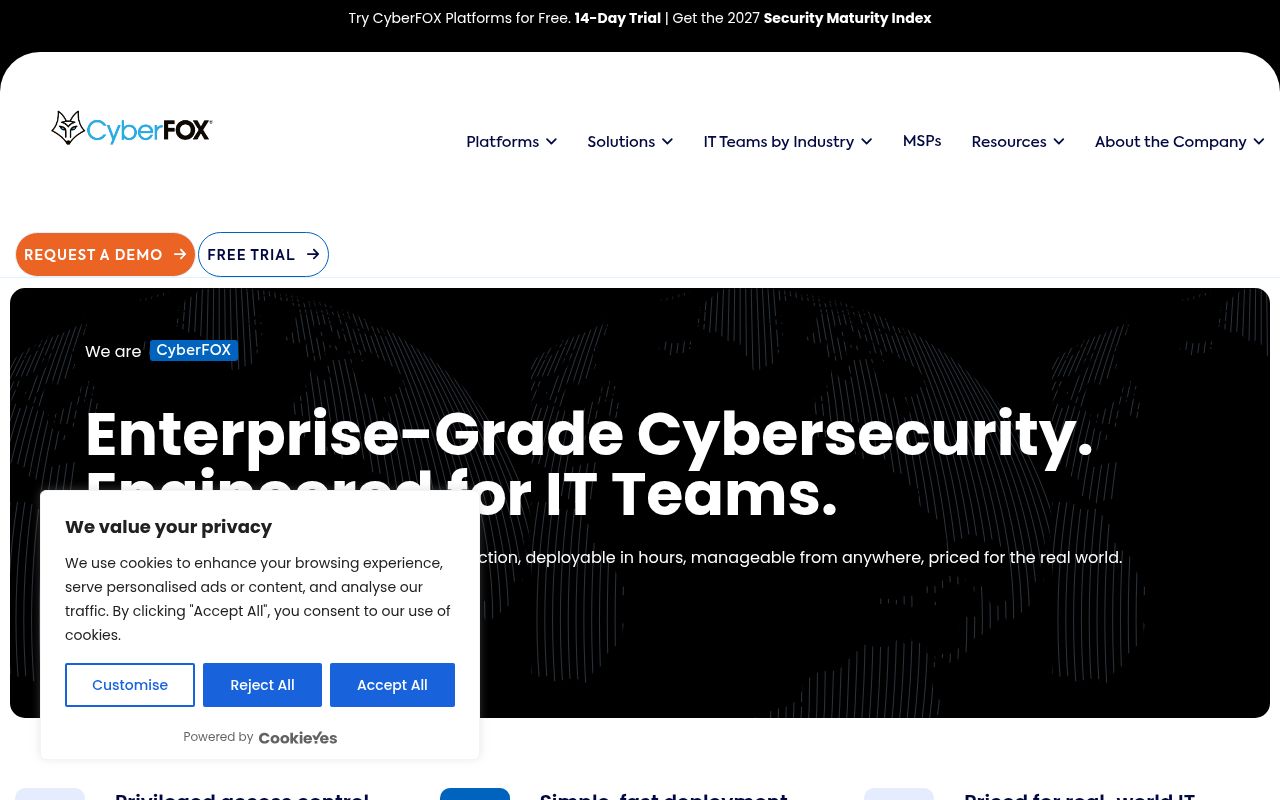
CyberFOX homepage headlined Enterprise-Grade Cybersecurity, with Request a Demo and Free Trial buttons under a 14-day trial banner
www.cyberfox.com, captured November 17, 2026

CyberFOX Password Boss documents both jobs in its help center. On the client side, each customer is a separate Company in the Partner Portal, CyberFOX invoices the license count you assign to each company, and those counts sync into ConnectWise Manage, Autotask or Kaseya BMS agreements. For technicians, Password Boss logs in to the ConnectWise Manage desktop client and to ConnectWise Control, Datto, Splashtop and TeamViewer remote sessions.

Access comes in two layers. CyberFOX's portal access guide says Partner Portal access "does not provide visibility into encrypted password contents", and roles such as Help Desk Technician can be limited to groups of companies. A Recovery Group, though, can decrypt and restore organizational backups, so who can read client data depends on whom you add.

Best fit:MSPs that want one product for technician logins into ConnectWise and remote sessions and for client vaults whose license counts sync to the PSA.

Think twice if:You plan to hand a departing client its own vault, because CyberFOX's customer-management help articles cover deleting a company, with none on transferring one to self-management or another MSP, while Keeper, 1Password, Bitwarden and LastPass document an exit path.

05

N-able Passportal

A technician credential vault and documentation store with named PSA, RMM and remote-access integrations.

Technician vaultPSA and RMM linksCredential injection
Built for
the MSP's own credential vault plus documentation, a branded client portal and a self-service app
Integrations
ConnectWise Automate and Manage, Datto RMM, Kaseya VSA and BMS, NinjaOne, HaloPSA on N-able's integrations page; Datto Autotask in the Passportal user guide
Remote sessions
credentials injected into devices through N-able Take Control
Technician offboarding
one-click disable of a departed technician
Price
quote only; free trial, length not stated
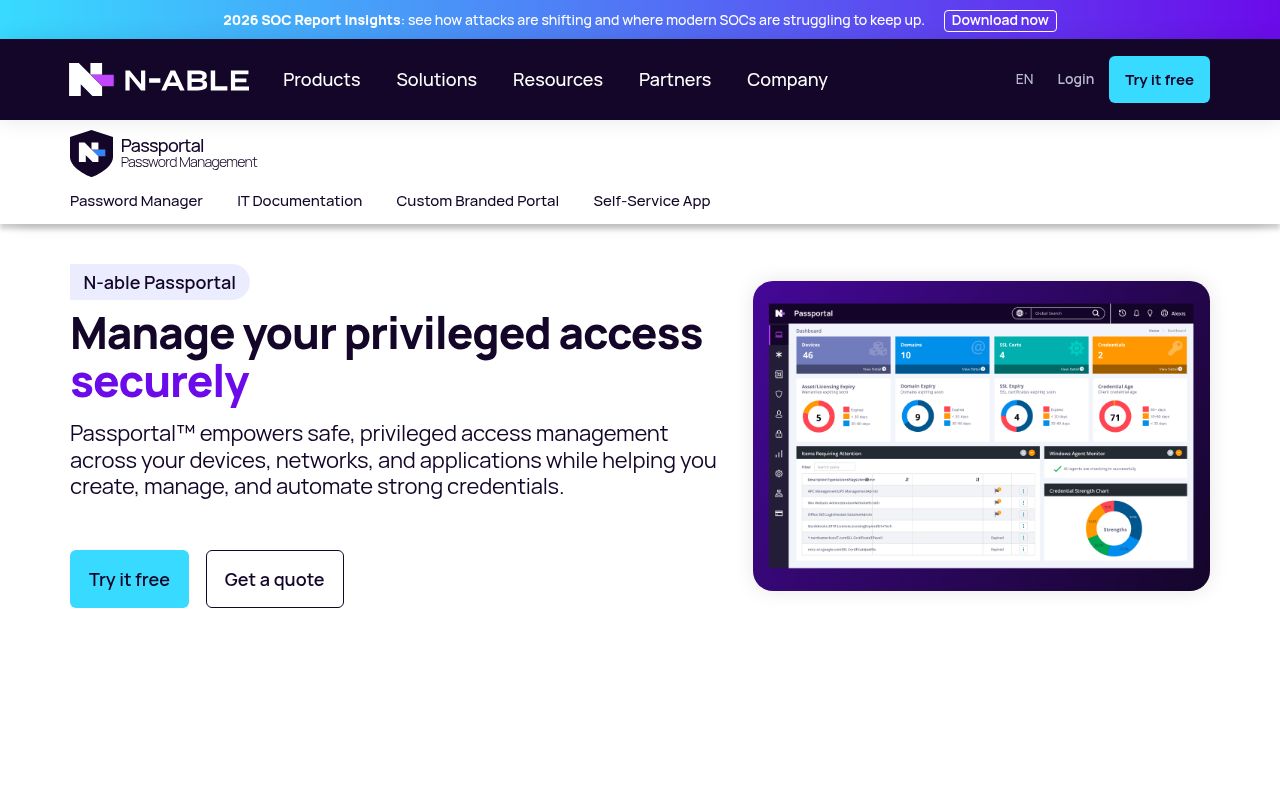
N-able Passportal page headlined Manage your privileged access securely, beside a dashboard of devices, domains and credentials, with Try it free and Get a quote buttons
www.n-able.com, captured November 17, 2026

N-able Passportal is built around the MSP's own credentials. N-able calls it "a cloud-based, MSP-centric privileged access management solution": a password manager plus documentation, with access assigned "across clients, subfolders, and individual passwords" and audit logs per client. Technicians get credential injection through Take Control, automated password resets, Active Directory discovery with two-way sync, and a one-click disable when one leaves.

N-able's integrations page tags Passportal to ConnectWise Automate and Manage, Datto RMM, Kaseya VSA and BMS, NinjaOne and HaloPSA, and the Passportal user guide adds Datto Autotask, with a "Show Passwords" link on Autotask company and ticket pages. For clients, N-able sells Site, "a fully brandable password manager" added to Passportal that gives end users their own vaults under your brand, and pitches it as a resale revenue stream. Whether technicians can see Site users' passwords is not on the pages we reviewed. Pricing is by quote.

Best fit:MSPs on ConnectWise, Autotask, Datto RMM, Kaseya, NinjaOne or HaloPSA that want a technician vault with per-client audit logs and credential injection through N-able Take Control.

Think twice if:You want only a client vault to resell, because N-able sells Site, its client password manager, as an add-on to Passportal, so the client product sits on top of the technician platform.

06

LastPass

A multi-tenant MSP platform with client templates, per-client billing reports and a 30-day trial.

30-day trialClient templatesUsage-based billing
Console
"Manage multiple clients from one dashboard", with ready-to-use templates and customizable policies
Billing
license tracking across clients with detailed billing reports; MSP price by contacting the partner team
Trial
30 days, no credit card
PSA links
ConnectWise Manage and Datto Autotask in its help center, mapping companies and pushing license counts to agreements; Kaseya sync, per its blog
Client exit
detach turns the client into a standalone LastPass Business trial run by its own admins
Incident record
LastPass notices dated December 22, 2022 and March 1, 2023
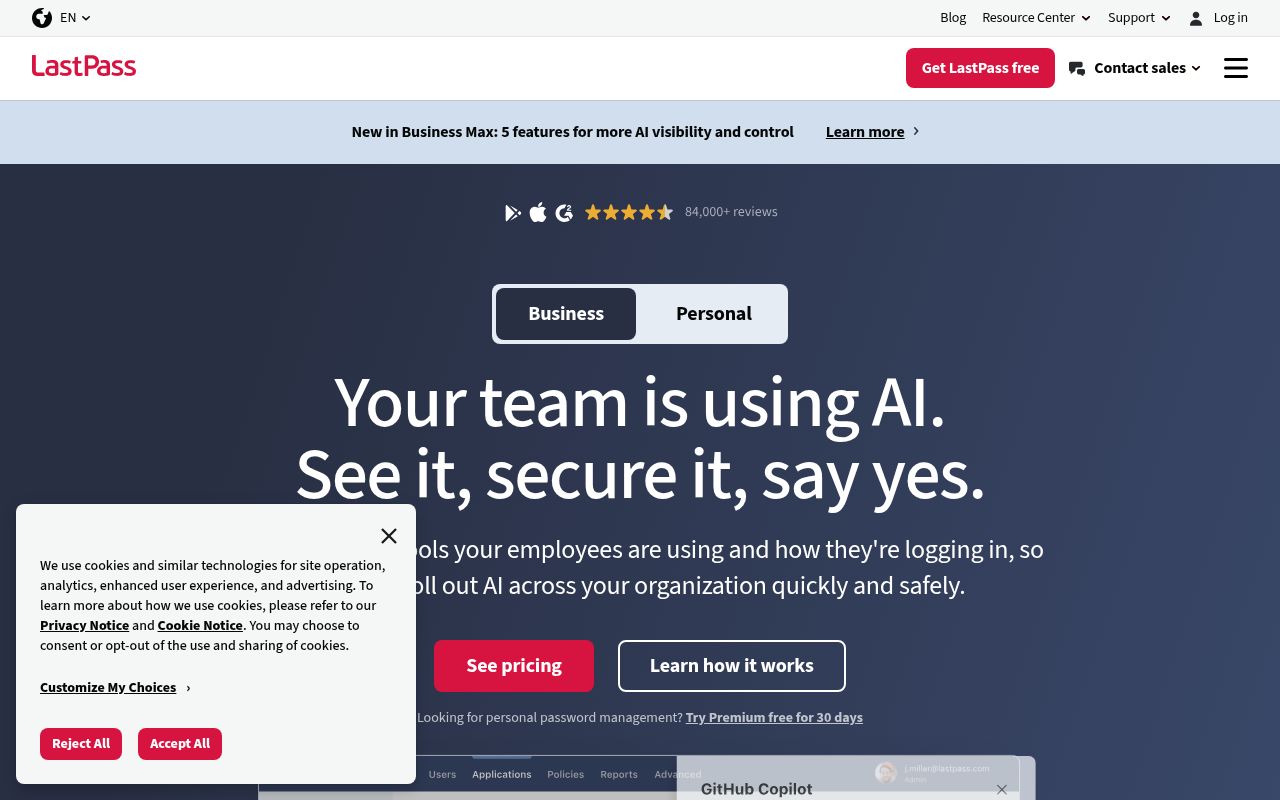
LastPass homepage headlined Your team is using AI. See it, secure it, say yes, with See pricing and Learn how it works buttons
www.lastpass.com, captured November 17, 2026

LastPass describes LastPass MSP as "purpose-built for MSPs": one dashboard for many clients, ready-to-use templates, customizable policies and billing reports. Its help center documents ConnectWise Manage and Datto Autotask links that map companies and push license counts into agreements. On access, its blog says "neither LastPass nor you as the MSP can see" a client's vault contents, but its help center says detaching a client ends technicians' access to "any content stored in the user accounts or shared folders". Ask which is right.

Raise the history before a client does. In its December 22, 2022 notice, LastPass said an unauthorized party gained access to a third-party cloud storage service holding archived backups. Copied data included "a backup of customer vault data", with sensitive fields encrypted by keys derived from each user's master password. Its March 1, 2023 update said the investigation was complete.

Best fit:MSPs that want a long, card-free trial of a client console built on templates and per-client policies.

Think twice if:You expect clients to ask about breach history, because LastPass's own December 22, 2022 notice says the copied data included a backup of customer vault data.

07

NordPass

Nord Security's multi-tenant MSP Admin Panel for client vaults, as described on its MSP page on November 17, 2026.

Free internal licensesConsumption pricingNamed distributors
Billing
"consumption-based pricing, where you pay only for what your clients use", as of November 17, 2026
Internal seats
free not-for-resale licenses for internal use, as of November 17, 2026
Trial
14 days for clients, as of November 17, 2026
Distributors
Ingram, Pax8, Exertis Cloud, Bluechip, Gridheart, as of November 17, 2026
Technician access
"without ever exposing end-user password vaults", and technicians see only assigned clients, per its December 2025 blog
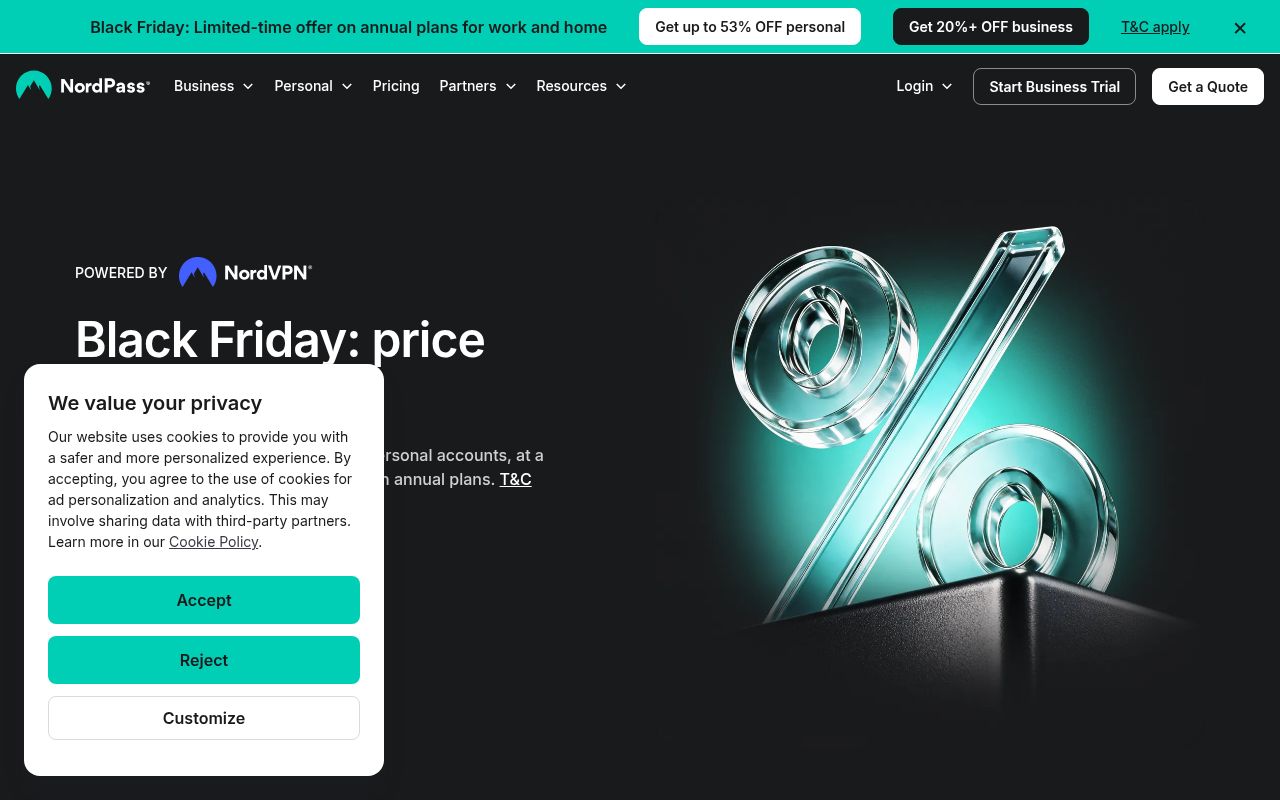
NordPass homepage showing a Black Friday offer on annual plans beside a large glass percent sign, with Start Business Trial and Get a Quote buttons
nordpass.com, captured November 17, 2026

NordPass, from Nord Security, runs client vaults from a "multi-tenant MSP Admin Panel". As of November 17, 2026, its MSP page described "consumption-based pricing, where you pay only for what your clients use", and a 14-day trial for clients. It also offered free not-for-resale (NFR) licenses for internal use. None of the other seven offered free not-for-resale licenses on the pages we reviewed, which matters if you want your own team on the product you sell.

The page also named five distributors, Pax8 and Ingram among them. A December 2025 NordPass blog post says your team gets operational control "without ever exposing end-user password vaults", that technicians manage only the client organizations assigned to them, and that usage data passes to ConnectWise PSA for billing. Client exit and incident history are not on the pages we reviewed; ask before you sign.

Best fit:MSPs that want free internal licenses and a choice of distributors for a client vault billed on consumption.

Think twice if:You need a documented exit path for a client that leaves, because Keeper, 1Password, Bitwarden and LastPass publish one in their help documentation, and NordPass's MSP page and its MSP Admin Panel blog post describe none.

08

ManageEngine Password Manager Pro

A self-hosted privileged password manager whose MSP Edition keeps many customers in one segregated instance.

Self-hostedTechnician vault30-day trial
Deployment
self-hosted, with Windows and Linux installers and an Amazon Web Services Marketplace listing; no vendor-hosted option
Client structure
multiple customers in a single instance with "complete segregation"
Integrations
Active Directory; ServiceDesk Plus, ServiceNow and Jira ticketing in the Enterprise edition; no third-party PSA named
Price
MSP Standard Edition subscription from $1,395 for 5 administrators, maintenance and support included; MSP Enterprise Edition from $5,795 for 10 administrators and 10 keys; perpetual licenses also sold; 30-day free trial
ManageEngine Password Manager Pro page headlined Effortless enterprise password management, beside a 30-day free trial download form
www.manageengine.com, captured November 17, 2026

ManageEngine Password Manager Pro, from Zoho Corporation, has an MSP Edition that lets service providers "centrally manage the privileged passwords of their clients" from one instance, with customers kept in "complete segregation". Users reach only passwords they own or that are shared with them, and reports show who has access to which passwords.

The catch is where it runs. ManageEngine says Password Manager Pro "is offered as an on-premises enterprise password manager", with Windows and Linux installers and an Amazon Web Services Marketplace listing, and points cloud buyers to Zoho Vault. Either way you run the instance: client credentials stay on infrastructure you control, and patching, backups and uptime are your job. Ticketing links cover ServiceDesk Plus, ServiceNow and Jira in the Enterprise edition, with no third-party PSA named on the pages we reviewed. Its store lists MSP Edition subscriptions from $1,395 for five administrators, with users unrestricted.

Best fit:MSPs that want privileged client credentials on servers they run themselves, segregated by customer.

Think twice if:You want a vendor-hosted client vault to resell, because ManageEngine offers Password Manager Pro only as software you run yourself, on your servers or your own cloud instance, and states no client resale model on its MSP page.

also considered

Also considered

  • Dashlane: runs a partner program with Core, Preferred and Strategic tiers, but we found no MSP console for managing client accounts.
  • Devolutions: sells through a general reseller network; we found no MSP program or multi-tenant console.
  • Zoho Vault: aimed at personal, team, enterprise and developer users, with no MSP edition found; ManageEngine Password Manager Pro, the entry above, comes from the same company, Zoho Corporation.
decision aid

Technician vault or client vault: which job each tool covers

What each vendor's own pages document for the technician vault, the client vault and client exit, read November 17 to 19, 2026
Password managerTechnician vault (what is documented)Client vault (what is documented)Client exit
KeeperShared team folders, delegated admin, contractor sharing; PSA link is billing onlyOne tenant per client; consumption billing; full-service, reseller or hybridIsolation into a standalone trial instance, vaults kept; transfer between MSPs through Keeper support
1PasswordShared vaults copied into client accounts, with no sync after the copy; technician access per clientManaged companies; no license minimums; named distributorsUnlinked client gets a 14-day trial, then needs its own subscription or another MSP
BitwardenYour own organization at the discounted rate, since providers cannot see client itemsProvider Portal; resell or managed service; seat floor billingUnlinked in the Provider Portal (a Provider admin can delete it from its settings); client sets up its own billing
CyberFOX Password BossConnectWise Manage and remote-session logins; PSA billing syncOne company per customer; billed on assigned licenses; named distributorsCompany deletion documented; transfer not listed
N-able PassportalVault plus documentation, credential injection, Active Directory sync, PSA and RMM linksSite, a brandable end-user vault added to Passportal and pitched for resale; terms not listedNot listed
LastPassPer-client technician roles, per LastPass's blog; ConnectWise Manage, Autotask and Kaseya links pass company and license dataMulti-tenant platform, templates, billing reportsDetach turns the client into a standalone LastPass Business trial run by its own admins; MSP access ends
NordPassFree internal-use licenses (November 17); a Technician role limited to assigned clients, per its blogMSP Admin Panel, consumption pricing, named distributors (November 17)Not listed
ManageEngine Password Manager ProPrivileged client passwords, segregated, self-hosted, ticketing linksNo client resale model statedNot listed

"Not listed" means not on the pages we reviewed; ask the vendor.

01

Use one tool for both jobs when

Your technicians need to open client vaults anyway and your clients accept that. 1Password lets technicians grant themselves access, and CyberFOX documents both technician logins and client companies. One vendor then means one console to clean up when a technician leaves.

02

Split them when

Clients want a vault your staff cannot read, or your technicians work inside PSA, RMM and remote-session tools all day. Bitwarden's provider rule already pushes your own credentials into a separate organization. Pair a client vault (Bitwarden, if clients want one your staff cannot open) with Passportal or CyberFOX for technicians, where the named integrations match your stack.

how to choose

How to choose, and what to ask on the sales call

Pick the client vault on billing and exit terms. Consumption billing (Keeper, 1Password) shrinks when a client drops users; a seat floor (Bitwarden) is fixed each month, fine once filled and wasted until then. Read the exit procedure before you sign.

Pick the technician vault on stack fit and on who can read what. Check the password product's own documentation for your exact PSA and RMM, and whether the link passes credentials or only syncs billing. If you self-host (Bitwarden Enterprise without the Provider Portal, or ManageEngine), you run the server and its backups yourself.

Some information technology (IT) documentation platforms also store credentials; if you run one, ask whether it already covers the technician job.

Get these answers in writing:

  1. What is our MSP rate, and which partner tier does it assume?
  2. Is there a minimum or seat floor, and is it per client or across all clients?
  3. How long is the trial, and does trial data carry into production?
  4. Are our internal technician seats free, discounted or full price?
  5. Can our staff read client vault items, and is that access logged?
  6. When a client leaves, do we unlink, isolate or transfer it, and what does the client pay afterward?
  7. Do we buy through a distributor or direct, and who sends the invoice?
  8. How do we cut off a technician who leaves, across every client at once?

Red flags

  • A per-user price quoted without the floor, the term and the internal-seat terms attached.
  • "Zero-knowledge" in the pitch, but no written answer on what your own admins can see.
pricing

How password manager billing works for MSPs

Except for ManageEngine's MSP Edition, your number comes from the vendor's partner team or a distributor. What you can compare is how seats are counted. Keeper averages daily license counts and 1Password counts seats used daily, guests included; both bill in arrears. Bitwarden bills your seat floor monthly and prorates seats above it, and CyberFOX invoices the license count you assign to each company, with trial users free until the end of the month. NordPass described consumption pricing as of November 17, 2026; N-able quotes.

Public list prices, read November 17 to 19, 2026
PlanList priceBillingIs it the MSP rate?
Keeper Business$4.00 per user per monthBilled annuallyNo; MSP pricing through Keeper sales
Keeper Enterprise$6.00 per user per month, with a quote optionBilled annuallyNo
Bitwarden Teams$4.00 per user per monthBilled annuallyNo; partner discounts are tiered and unpublished
Bitwarden Enterprise$6.00 per user per monthBilled annuallyNo
ManageEngine Password Manager Pro MSP Standard Edition, 5 administrators$1,395Annual subscription, maintenance and support includedYes, its MSP Edition list price

If you fold the client vault into a per-user bundle, what a per-user MSP price covers sets out the rest of that number.

faq

Frequently asked questions

Is Keeper or 1Password better for an MSP?

It turns on minimums and client exit more than access. Both manage each client as a separate company from one console and bill on consumption. 1Password states no license minimums and names three distributors; Keeper documents a client isolation procedure that keeps the client's vaults. On access, 1Password technicians can grant themselves access to shared client vaults, and Keeper's default MSP admin role holds Share Admin rights over shared records in every client, once added to the folder.

Have 1Password, Keeper or LastPass been breached?

1Password's MSP page says "1Password has never been breached", and its own October 23, 2023 post reports suspicious activity on its Okta instance with no 1Password user data accessed. We found no incident notice on Keeper's security and about pages. LastPass disclosed on December 22, 2022 that an unauthorized party accessed a third-party cloud storage service holding archived backups, including a backup of customer vault data, and on March 1, 2023 said its investigation was complete.

Should an MSP use one password manager for technicians and another for clients?

Use two when clients want vaults your staff cannot read, or when technicians need logins inside PSA, RMM and remote sessions. Bitwarden's provider rule already separates the jobs, and Passportal's core product is built for the technician side. One tool can work when clients accept technician access, as at 1Password, or when one vendor documents both jobs, as CyberFOX does.

Can MSP technicians see client passwords?

It varies by vendor. Bitwarden provider users cannot view, manage, create or export client vault items since version 2024.7.0. 1Password technicians can view shared vaults and items after giving themselves access. CyberFOX's Partner Portal shows no encrypted contents, but its Recovery Group can decrypt backups. Keeper's docs give the default MSP admin role full Admin Console rights and Share Admin rights over the shared records and folders it is added to in each managed company.

What happens to a client's vault when the client leaves?

Keeper's isolation procedure turns the client into a standalone trial instance with its vaults retained. 1Password puts an unlinked account on a 14-day trial, after which it needs its own subscription or another MSP. LastPass's detach step starts a LastPass Business trial run by the client's own admins and ends your access. Bitwarden unlinks the organization and the client sets up its own billing. CyberFOX's help articles cover deleting a company, not transferring one.

Screenshots captured from each vendor's live site on November 17, 2026.