MSP buying guide

Best Information Technology (IT) Documentation Tools for MSPs (2026)

Every tool here says it integrates with your ticketing and monitoring stack; what syncs, which way and on which plan decides your shortlist.

7  tools4  published list prices

7 IT documentation tools, 4 with a published list price, verified November 19, 2026

Every information technology (IT) documentation tool sold to managed service providers (MSPs) says it integrates with your professional services automation (PSA) and remote monitoring and management (RMM) platforms, and that word hides what you pay for: which records move, and which way. Pick by stack: IT Glue for two-way sync with ConnectWise PSA, Autotask or Kaseya Business Management Solution (BMS), if a 5-user, 36-month commitment suits you; Hudu for no minimum, no contract and optional self-hosting; IT Portal for teams of 20 or more on month-to-month terms; N-able Passportal where passwords come first; NinjaOne Documentation if NinjaOne runs your endpoints; ITFlow for a free self-hosted PSA with documentation built in; Liongard to feed IT Glue or Hudu automatically.

The help articles tell a narrower story. Outside IT Glue's Select and Enterprise plans and IT Portal's optional Autotask setting, the dedicated platforms' integrations we read pull records in and write little back. Passwords move even less with a PSA or RMM. The exception we found is Passportal's ConnectWise Automate plugin, which imports and edits them.

A sync matrix follows the entries; the MSP tech stack shows where this layer sits beside PSA and RMM.

This is for MSP owners and service leads choosing where client assets, passwords and runbooks live, or whether to leave their current tool. Not for an internal IT team documenting one company.

Where our money comes from

We do not sell any of these products, take commissions from any vendor on this page, or accept payment for placement.

methodology

How we built this list

  1. We included tools MSP buyers and AI assistants name for client documentation, each serving many clients from one account; general wikis are out of scope.
  2. Vendor facts come only from vendors' own pages and help centers, read November 17 and 19, 2026.
  3. No hands-on testing and no paid placement. Entries are grouped by model; numbering is navigational, not a ranking.
  4. Companies with "MSP" in their name are excluded by house rule.
  5. Not checked, as unpublished or unreadable: prices for Passportal, NinjaOne Documentation and Liongard, the amount of IT Glue's onboarding fee, ConnectWise Documentation's current pages, and the audit reports behind vendors' security statements.

Last reviewed: November 19, 2026

comparison

The seven documentation tools side by side

Commercial terms and PSA sync on vendors' own pages, read November 17 and 19, 2026
ToolTypePublished list priceMinimum and termCloud or self-hostedTwo-way PSA sync documented
IT GlueDedicated platformBasic $29, Select $38, Enterprise $44 per user per month5 users (1 to 4 on Enterprise at $49 to $102 each), 36-month term; one-time onboarding fee, amount not publishedCloud onlyConnectWise PSA, Autotask and Kaseya BMS, on Select or Enterprise
HuduDedicated platform$27 per user per month billed annually; $30 billed monthlyNo minimum, no contractCloud or self-hostedNot documented; integrations pull into Hudu, plus a knowledge base push to HaloPSA
IT PortalDedicated platformFrom $20 per user per month at 20 users; confirm bands with salesPricing for teams of 20 or more; month-to-monthCloud, or on-premises from 20 usersAutotask, as an optional setting
N-able PassportalPassword management with documentationQuote onlyNot publishedCloudNot documented; one-way pulls, Datto RMM user-defined fields both ways
NinjaOne DocumentationModule in the NinjaOne RMMNo documentation price; NinjaOne lists $3.75 per device per month at 50 or fewer down to $1.50 at 10,000, varying by region and products50-device minimum in the license agreement; monthly or annualCloud (NinjaOne platform)Documentation records not named in its PSA articles
ITFlowPSA with documentation built inFree self-hosted; hosted $60 per month with 2 technicians, $25 per extraNone statedSelf-hosted, or hosted by ITFlowNot applicable: ITFlow is the PSA
LiongardDiscovery layerQuote only, licensed per user; annual agreements save up to 20%Not publishedCloud, with agents installed on client networksNot applicable; pushes its data into new ConnectWise PSA configuration types

PSA is professional services automation and RMM remote monitoring and management. "Not published", "not stated" and "not documented" mean not on the vendor pages we read.

entries

The seven documentation tools

Dedicated documentation platforms

Built to hold client records, credentials and runbooks.

01

IT Glue

A cloud documentation platform with two-way PSA sync on its Select and Enterprise plans.

Two-way PSA sync36-month termCloud only
List price
Basic $29, Select $38, Enterprise $44 per user per month, based on a 36-month term; Enterprise options for 1 to 4 users at $49 to $102 per user
Minimum and fees
5 users; a one-time onboarding fee, amount not published, that IT Glue says cannot be waived
Sync by plan
Basic one integration and one-way PSA sync; Select two integrations and Enterprise unlimited, both two-way with the PSA; RMM sync one-way on every plan
Enterprise only
application programming interface (API) access, Runbooks and Cooper Copilot AI
Add-ons
MyGlue for clients' end users at $407 per month; Network Glue auto-documentation at $453 per month; each adds a one-time onboarding fee
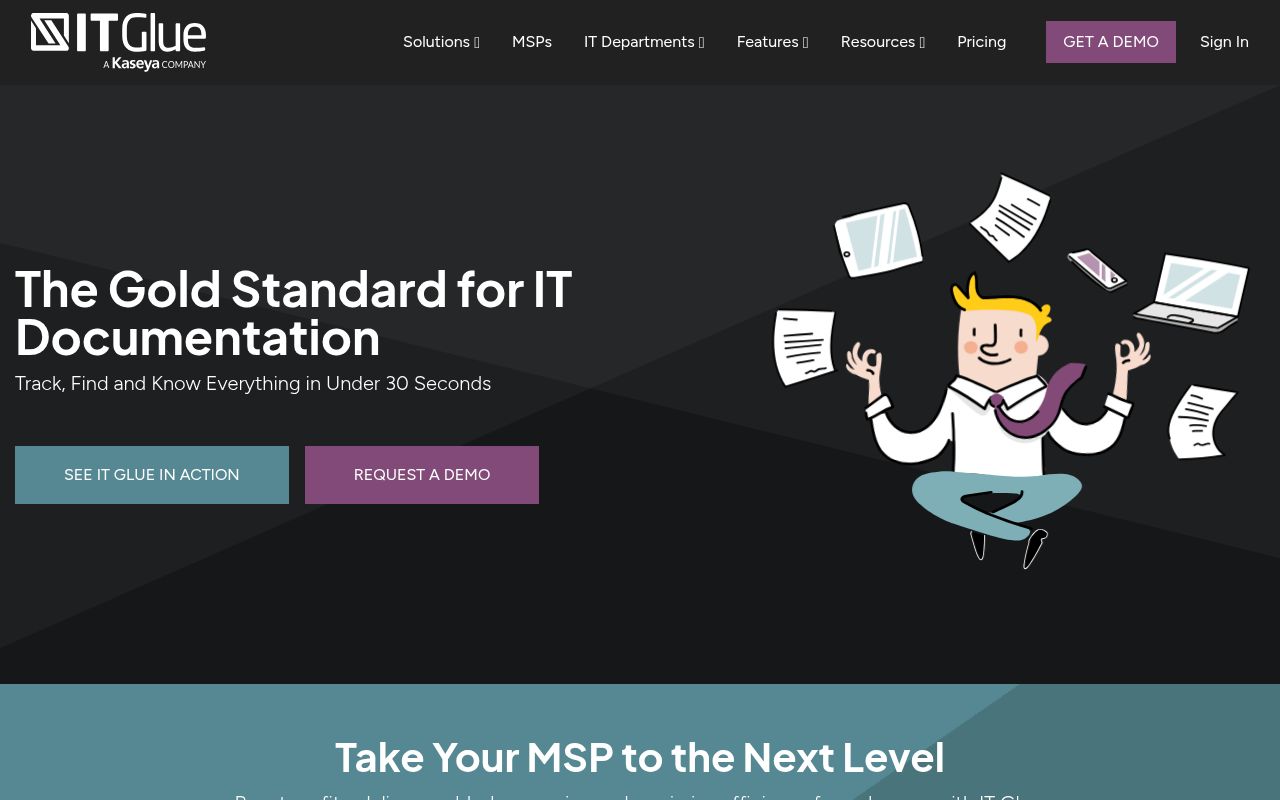
IT Glue homepage headlined The Gold Standard for IT Documentation, with See IT Glue in Action and Request a Demo buttons beside an illustration of a meditating technician
www.itglue.com, captured November 17, 2026

IT Glue, a Kaseya company, is cloud only; its pricing page rules out an on-premises version. The case for it is two-way PSA sync. On Select or Enterprise, organizations, configurations, contacts and locations sync both ways with ConnectWise PSA, Autotask and Kaseya BMS; ConnectWise tickets flow in. The sync runs hourly, and on conflicts IT Glue's help center is blunt: "The PSA always wins." RMM data flows in one way and overrides PSA and manual entries.

The plan decides what syncs. Basic allows one integration with one-way PSA sync, and the Autotask and Kaseya BMS setup articles list Select or Enterprise as a prerequisite, so confirm before you sign Basic. HaloPSA's listing links to Halo's site, and we found no IT Glue article on what it syncs.

Best fit:MSPs on ConnectWise PSA, Autotask or Kaseya BMS that want documentation edits to flow back into the PSA and can commit to 5 users for 36 months.

Think twice if:You want to start small or keep the option to leave, because IT Glue's listed prices need 5 users (1 to 4 users pay $49 to $102 each on Enterprise), a 36-month term and a non-waivable onboarding fee, while Hudu lists no minimum and no contract.
02

Hudu

A one-plan documentation platform, cloud or self-hosted, with every integration included and no contract.

No minimumSelf-hosted optionOne plan
List price
$27 per user per month billed annually, or $30 billed monthly per Hudu's support article; read-only client portal users are free
Terms
no minimum, no contract, no setup or cancellation fee; 14-day trial without a card, hosted or self-hosted
Hosting
cloud or self-hosted, $199 one time to move between them; Hudu's System and Organization Controls 2 (SOC 2) Type 2 statement covers the hosted service
Sync
integrations pull records into Hudu and resync every three hours; published knowledge base articles push out to HaloPSA
Discovery add-on
Radar from $44 per month billed annually for 5 collectors, one collector per client environment
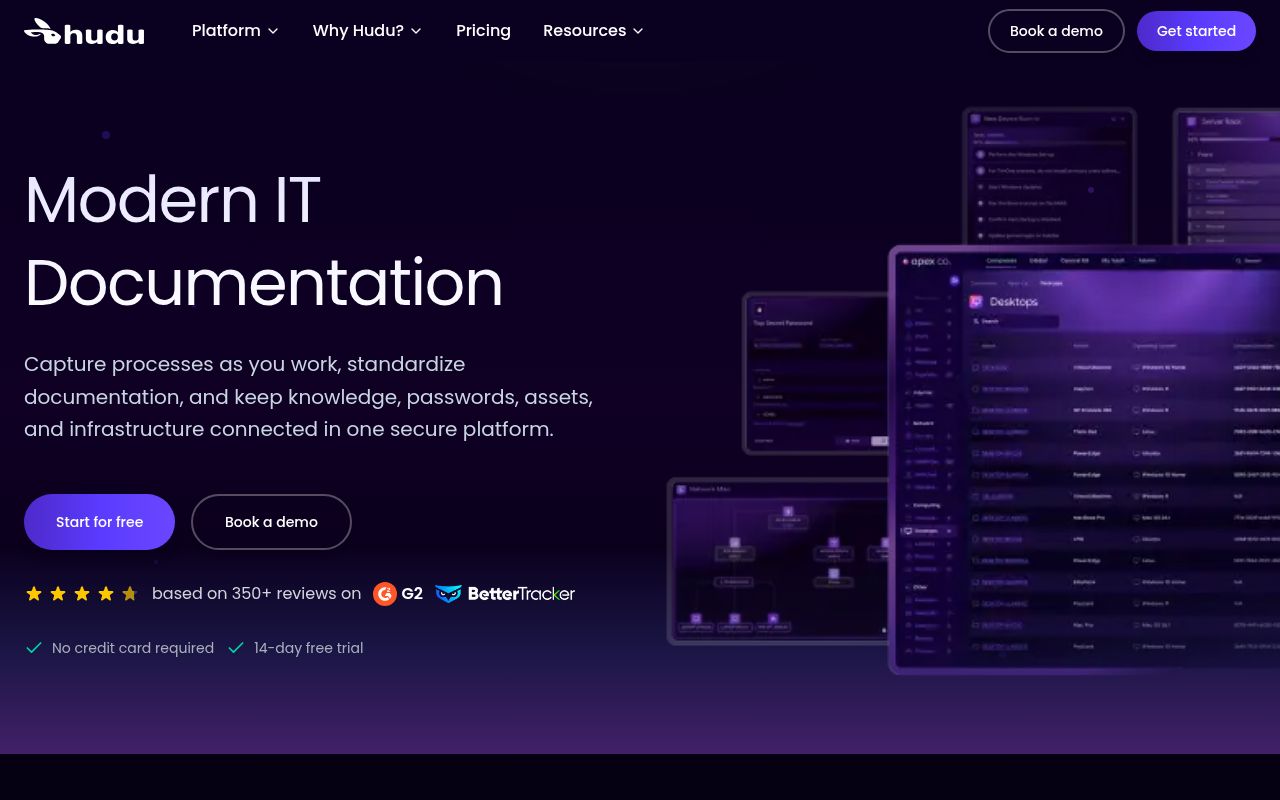
Hudu homepage headlined Modern IT Documentation, with Start for free and Book a demo buttons and a note on its 14-day free trial
www.hudu.com, captured November 17, 2026

Hudu sells one plan with every integration, a password vault and a client portal with unlimited free read-only users. Hudu's pricing page lists $27 per user per month billed annually, with no minimums, contracts, setup fees or cancellation fees; its support article gives $30 billed monthly. It runs in Hudu's cloud or on your own servers, and the trial covers both.

The trade is direction. Hudu's guides describe its PSA and RMM integrations pulling companies, contacts, configurations and devices into Hudu every three hours once companies are matched. The one push back they describe goes to HaloPSA: published knowledge base articles. Its support site covers ConnectWise RMM (Asio), but neither it nor the directory lists ConnectWise Automate. If you self-host, its SOC 2 statement covers the hosted service only.

Best fit:MSPs that want no seat minimum or contract, a self-hosted option, and every PSA and RMM integration in one plan.

Think twice if:You run ConnectWise Automate or Kaseya Virtual System Administrator (VSA), or want edits written back to your PSA, because Hudu's directory and support site list no integration for either RMM and its guides describe no write-back except the HaloPSA knowledge base push.

03

IT Portal

A documentation platform priced for teams of 20 or more, month to month, in the cloud or on your own servers.

Month-to-monthOn-premises optionTwo-way Autotask
List price
from $20 per user per month at 20 users; the page shows overlapping price bands, so confirm yours with sales
Terms
month-to-month, no contract; 90-day money-back guarantee; 20% off yearly and 25% off three-year terms
Onboarding
no onboarding fee; 90-day guided onboarding included
Hosting
cloud in five regions or a private cloud; on-premises from 20 users
Client users
24 free, then $1 per user per month
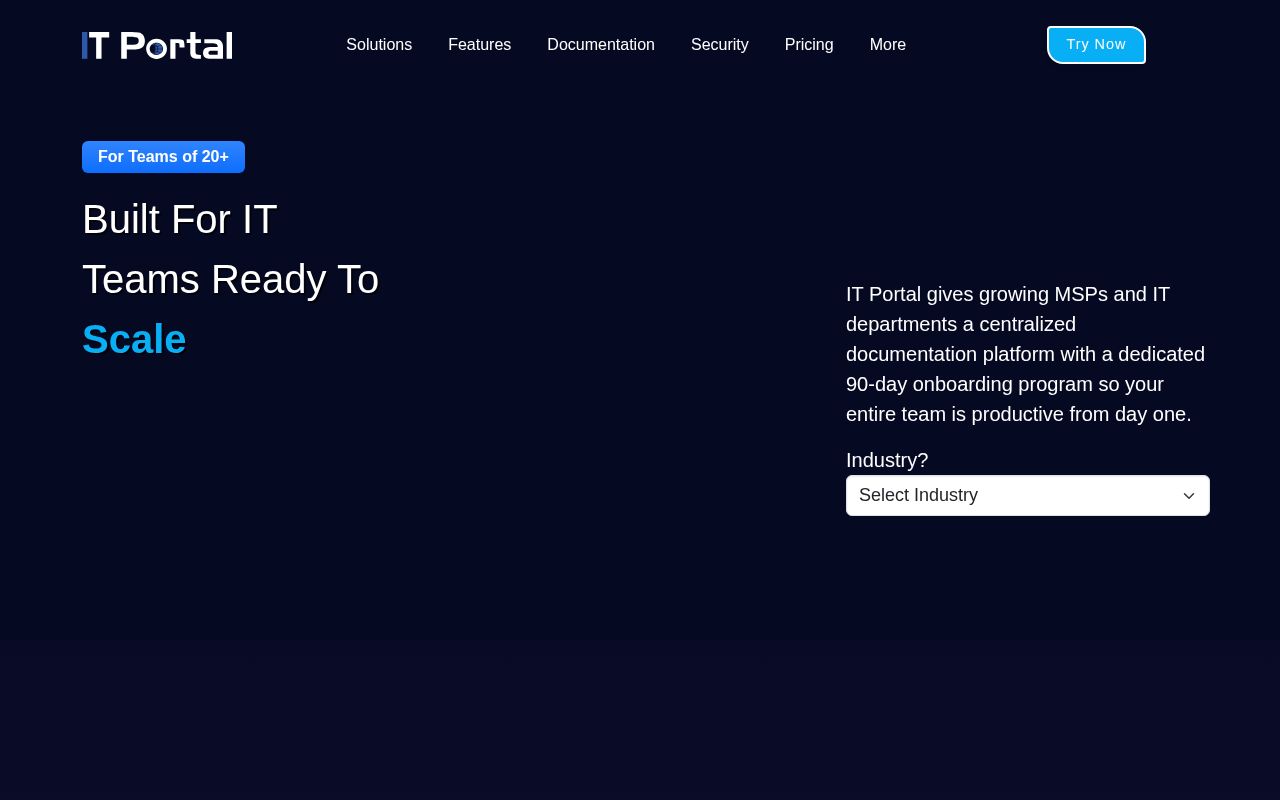
IT Portal homepage with a For Teams of 20+ badge and the headline Built For IT Teams Ready To Scale, beside an industry selector
www.itportal.com, captured November 17, 2026

IT Portal pitches itself to growing MSPs and IT departments of 20 or more, and its pricing follows: IT Portal's cloud pricing page starts at $20 per user per month at 20 users, month to month. The page prints two overlapping sets of bands and a struck-through $45, so treat anything past the starting rate as a sales question.

Its Autotask integration offers a choice: one-way, or two-way so contacts, configurations and devices push back to Autotask. HaloPSA, Kaseya BMS, Syncro and Datto RMM pull in, and N-central syncs through a PowerShell tool you schedule against N-central's Report Manager database. ConnectWise PSA is listed, but what it syncs is not on the integrations page we read. IT Portal states SOC 2 Type II certification, report on request.

Best fit:Teams of 20 or more that want month-to-month terms, an on-premises option and migration wizards from IT Glue or Hudu.

Think twice if:You have fewer than 20 technicians, because IT Portal's published pricing starts at 20 users and it asks smaller teams to contact it, while Hudu lists no minimum.

04

N-able Passportal

N-able's cloud password and privileged access manager, with a Documentation Manager for client records.

Password management firstQuote only
Price
none published; "Get a quote" and a 30-day free trial, per Passportal's user guide
Product
cloud-based privileged access management, which N-able calls a password and documentation manager
Setup
its Autotask, Kaseya BMS and RMM integrations need Documentation Manager enabled through your N-able account manager
Sync
pulls clients, assets, contacts and locations from ConnectWise PSA, Autotask and Kaseya BMS, and clients and assets from NinjaOne, Datto RMM, N-central and ConnectWise Automate; a ConnectWise Automate plugin imports Automate passwords and edits Passportal passwords inside Automate; PSA and RMM syncs run daily at 10 in the evening, Mountain Standard Time
Import
Document Importer comma-separated values (CSV) templates, intended for new customers' data
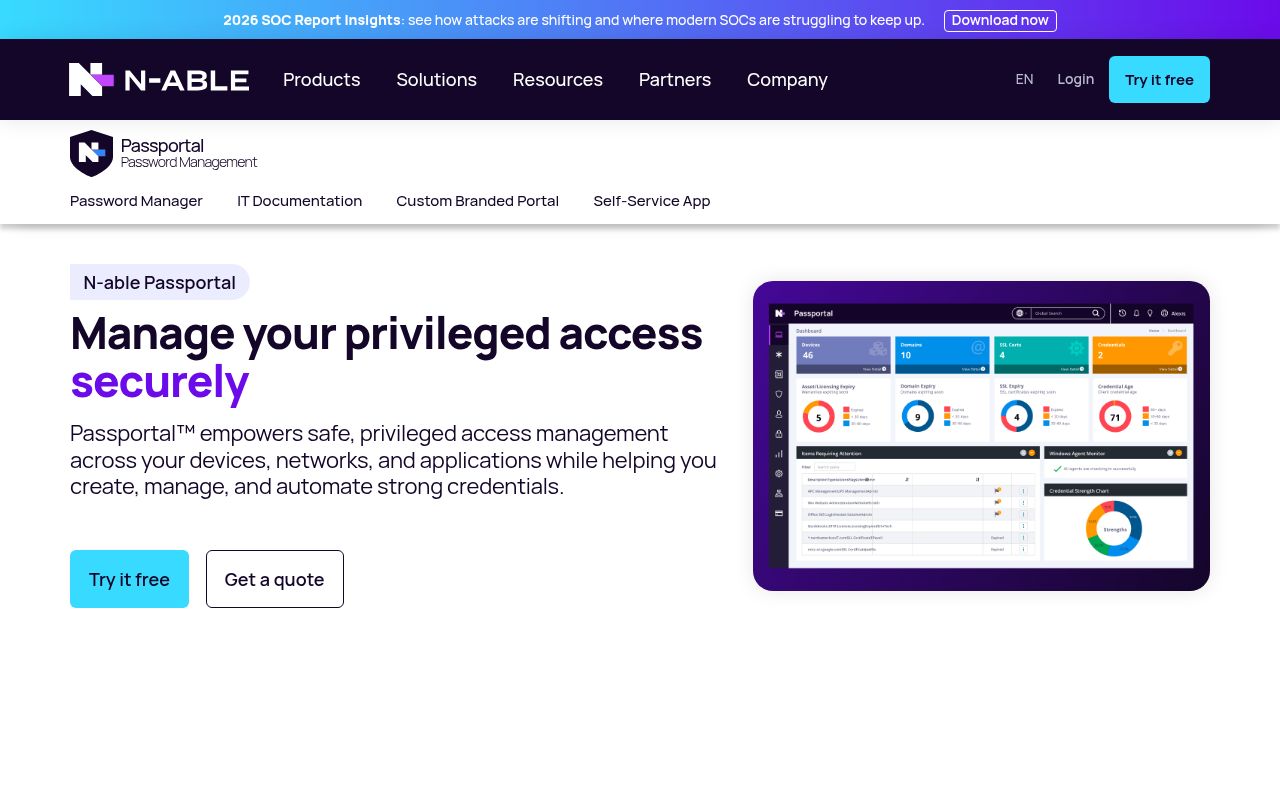
N-able Passportal product page headlined Manage your privileged access securely, with Try it free and Get a quote buttons beside a Passportal dashboard
www.n-able.com, captured November 17, 2026

N-able Passportal starts from passwords. N-able describes it as cloud-based privileged access management, with access controls down to individual passwords and Active Directory changes syncing both ways. Documentation Manager sits inside it, with templates, an article editor, asset management and version control.

Passportal's user guide says its Autotask, Kaseya BMS and RMM integrations first need Documentation Manager enabled through your N-able account manager. The documented syncs then pull in clients, users, assets, contacts and locations from ConnectWise PSA and Kaseya BMS, a nightly refresh from Autotask, and clients and assets from NinjaOne, Datto RMM and N-central. Datto RMM is the exception, with asset user-defined fields synced both ways. HaloPSA runs the other way: Halo builds that integration and imports Passportal records into HaloPSA.

Best fit:MSPs that put password and privileged access control first and want client records pulled in from their PSA and RMM.

Think twice if:You run Syncro or want a price before a sales call, because Syncro is not in Passportal's user guide or the integrations shown on N-able's directory page, and N-able publishes no Passportal price.

Documentation built into a platform you may already run

Documentation inside an RMM or a PSA you may already pay for.

05

NinjaOne Documentation

A documentation module inside the NinjaOne RMM, tied to the devices NinjaOne already manages.

Built into the RMMPer-device pricing
Price
no documentation price; NinjaOne quotes per device and lists $3.75 per device per month at 50 or fewer down to $1.50 at 10,000, varying by region and products purchased
Minimum and term
50 devices in the license agreement; monthly or annual billing; 60 days' notice to cancel without a promotional commitment
Trial and fees
14-day trial; no implementation fee
Passwords
stored beside devices and documents; one-time codes revealed to technicians after multi-factor authentication
Import
a template migration tool using CSV files, with an import history
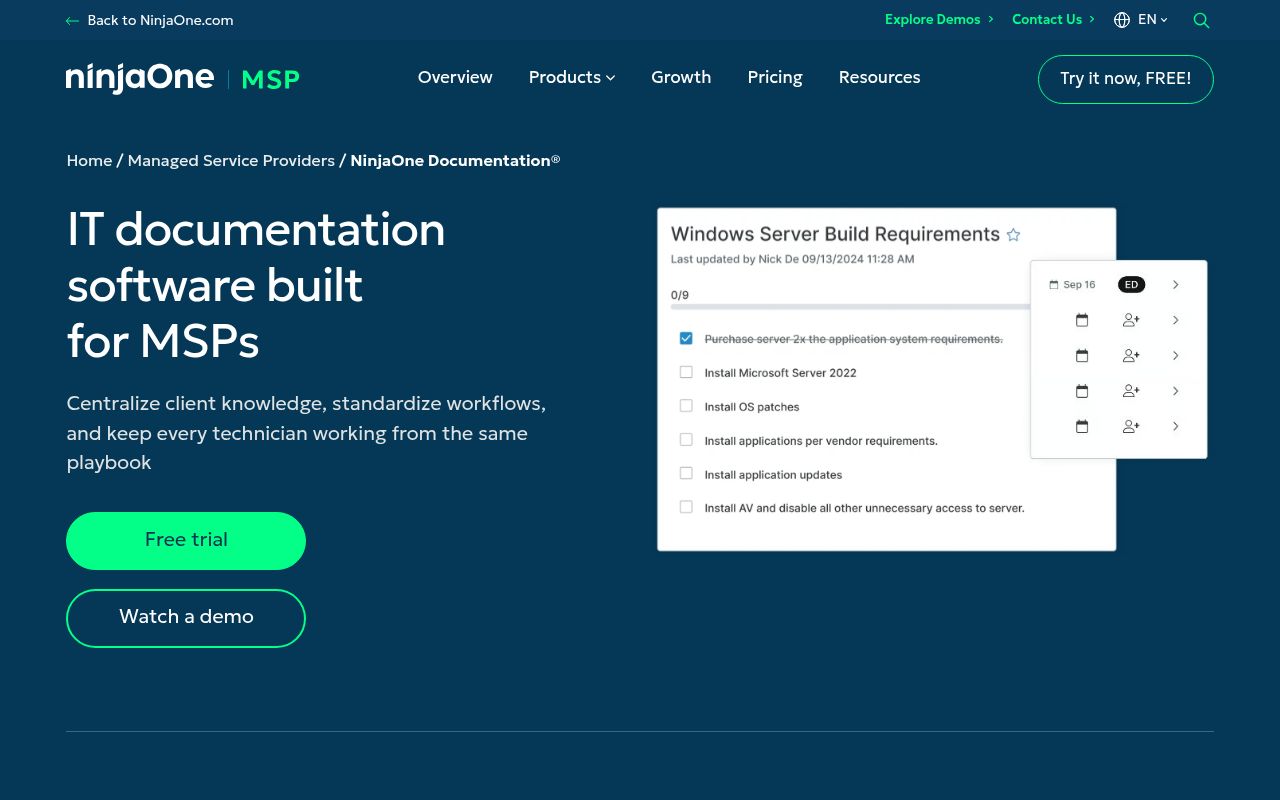
NinjaOne Documentation page for MSPs headlined IT documentation software built for MSPs, with Free trial and Watch a demo buttons beside a server build checklist
www.ninjaone.com, captured November 17, 2026

NinjaOne Documentation is a module inside the NinjaOne RMM, "built fully into the NinjaOne platform, no separate tool required," in NinjaOne's words. Documents, passwords and technicians link to the devices NinjaOne already manages, organized by client, and you can share per-client wikis with end users. Administrators enable it under Administration, Apps, and technicians need a role grant.

On the PSA side, NinjaOne's ConnectWise PSA and Autotask integrations send devices out as configurations and turn alerts into tickets, but none of the PSA articles we read names documentation records as a synced item. ConnectWise Lite is not compatible, and Kaseya BMS is not on NinjaOne's integrations page. Price is a quote, and the pages we read do not say whether documentation is billed apart from the RMM.

Best fit:MSPs already on the NinjaOne RMM that want documents, passwords and client wikis linked to the devices they manage, without a separate tool.

Think twice if:You run another RMM or fewer than 50 devices, because NinjaOne Documentation lives inside the NinjaOne platform and its license agreement sets a 50-device minimum.

06

ITFlow

A free, open-source PSA with client documentation, a password vault and a client portal built in.

Open sourceFree self-hostedHosted from $60
Price
free self-hosted with every feature; hosted $60 per month including 2 technicians, $25 per month for each extra technician
Clients
unlimited clients and portal contacts
Hosting
self-host on Linux or with the community Docker image, or hosted by ITFlow with nightly backups
Vault
encrypted passwords with two-factor codes, rotation reminders and share links
RMM
Tactical RMM devices come in as assets and its alerts open tickets; an API for other RMMs
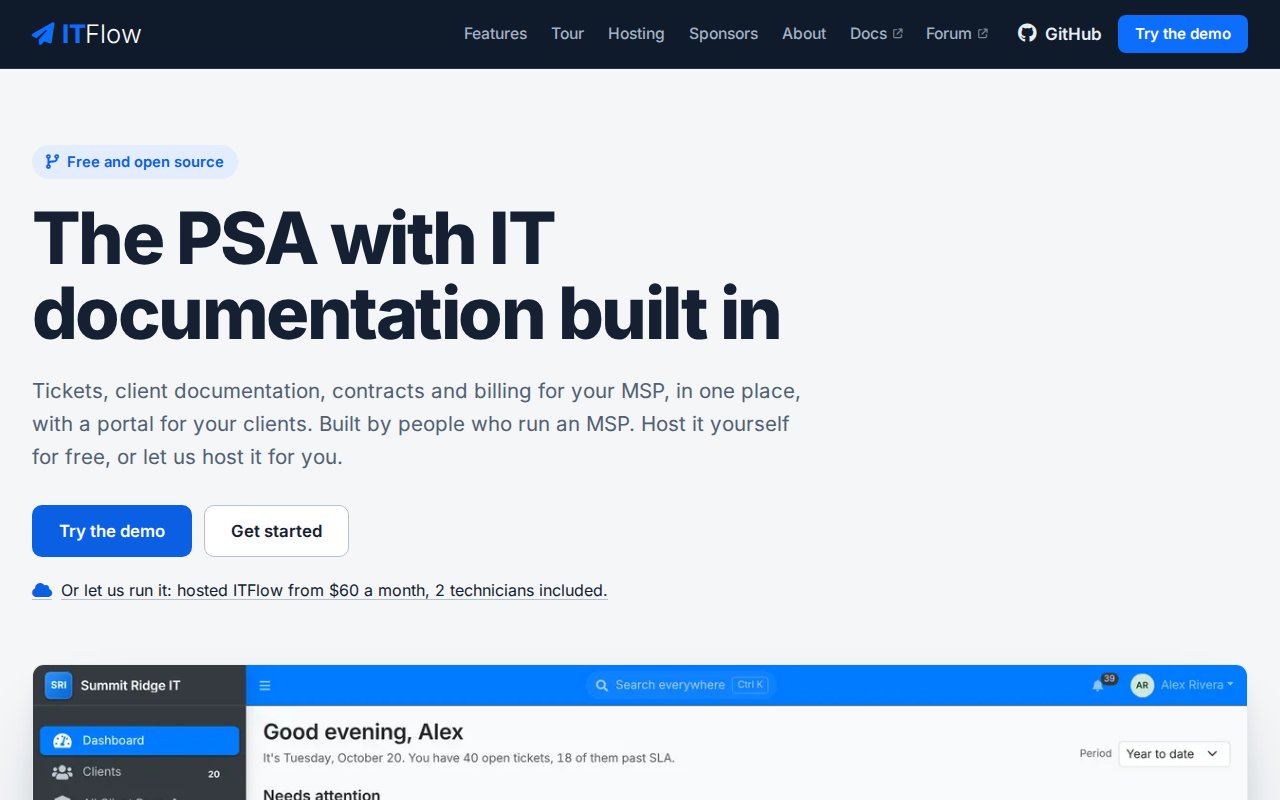
ITFlow homepage headlined The PSA with IT documentation built in, with a Free and open source badge, Try the demo and Get started buttons, and a note on hosted ITFlow from $60 a month
itflow.org, captured November 19, 2026

ITFlow is a free, open-source PSA with IT documentation built in: tickets, contracts, quotes and invoices sit beside client contacts, locations, assets, networks, licenses, domains and documents, with a client portal on top. It is the PSA rather than a tool that syncs with one, so choosing it means choosing your ticketing system too.

ITFlow's site lists self-hosting as free, with every feature and no per-technician fee. Hosted ITFlow is $60 per month with two technicians included, $25 for each extra one, and nightly backups. Self-hosting means your own Linux server with MariaDB or MySQL, or the community Docker image. For RMM data ITFlow's docs name Tactical RMM and offer an API for others; an IT Glue import is not listed in the documentation we read.

Best fit:MSPs that want one free, self-hosted system for tickets, billing and client documentation, or a hosted version at a published price.

Think twice if:You run NinjaOne, Datto RMM or N-central and want its data in your documentation, because ITFlow's docs name Tactical RMM as the RMM it connects to, with an API for others, while Hudu documents pulls from all three.

Discovery layer that feeds a documentation tool

Reads client systems and feeds a documentation tool, rather than replacing one.

07

Liongard

A discovery platform that reads client systems by API or through an installed agent and feeds the results into IT Glue, Hudu or ConnectWise PSA.

Discovery layerQuote onlyLicensed per user
Price
licensed per user; no price published, quote after a discovery call; annual agreements save "up to 20%"; onboarding included
IT Glue
pushes data into flexible assets ending "(auto)"; requires IT Glue Enterprise; Configuration Sync is a separately priced add-on
Hudu
Hudu pulls from Liongard's API, set up inside Hudu
RMM
inspectors read NinjaOne, Datto RMM, N-central and ConnectWise Automate data by API; none describes writing back
Password vault
not described in the documentation we read
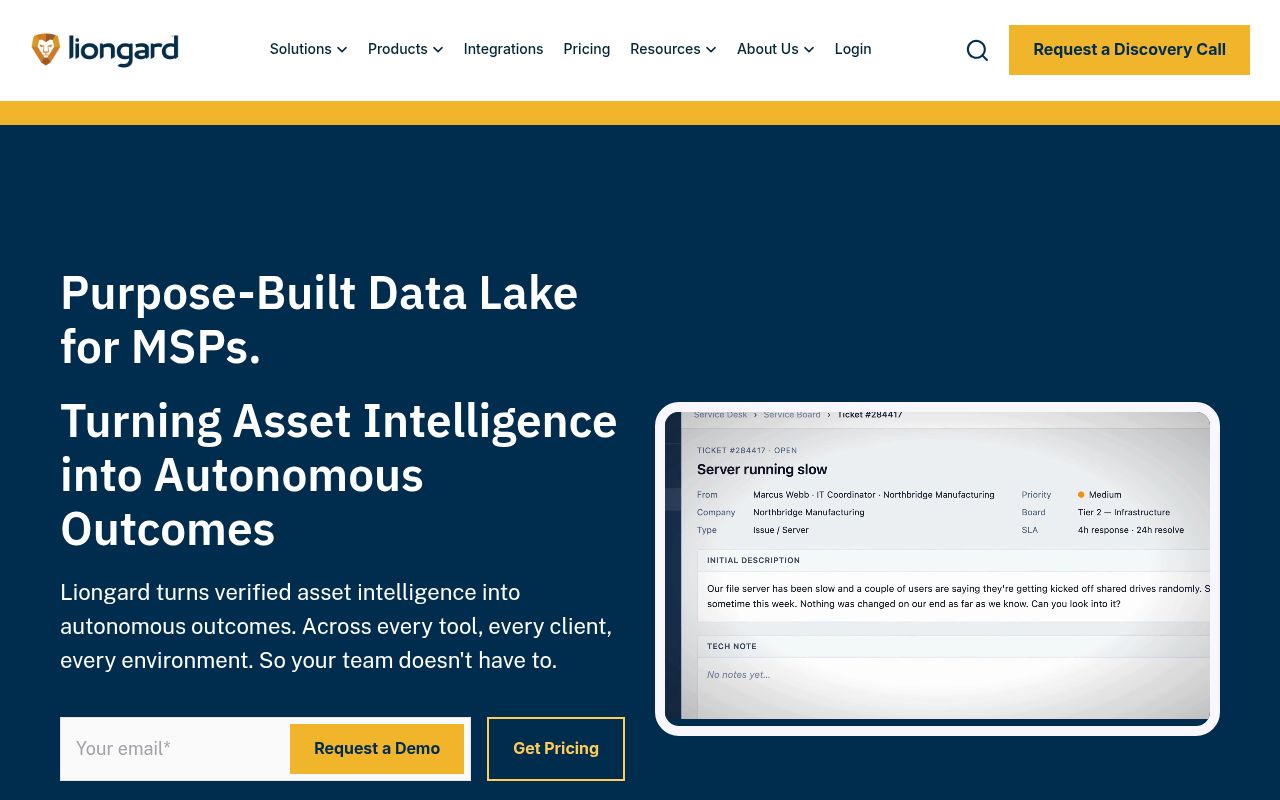
Liongard homepage headlined Purpose-Built Data Lake for MSPs, with Request a Demo and Get Pricing buttons beside a service ticket preview
www.liongard.com, captured November 17, 2026

Liongard does a different job from the six above. It calls itself a "purpose-built data lake for MSPs": inspectors read client systems by API or through an installed agent, document configurations and changes, and pass the results to where your technicians work. Its documentation describes no password vault.

In IT Glue, Liongard writes to flexible assets ending in "(auto)", and Liongard's IT Glue integration guide says it "requires IT Glue Enterprise"; syncing IT Glue's core configurations is a paid add-on that updates within 24 hours by default. Hudu pulls from Liongard's API instead, set up inside Hudu. In ConnectWise PSA, Liongard writes new configuration types and leaves existing ones alone; with Autotask, HaloPSA, Kaseya BMS and Syncro it imports companies and sends alert tickets.

Best fit:MSPs on IT Glue Enterprise or Hudu that want configurations discovered and documented automatically from client systems.

Think twice if:You expect it to replace your documentation tool, because Liongard's documentation describes no password vault and its IT Glue push needs IT Glue Enterprise.

also considered

Also considered

  • ConnectWise Documentation: formerly ITBoost; its product page names ConnectWise PSA, ConnectWise Automate and ConnectWise's reporting tool as integrations and shows no price, and we could not recheck it on November 19.
  • Syncro: documentation and credential management come inside its PSA and RMM, listed at $129 (Core) or $179 (Team) per user per month (annual plans), with no separate documentation price.
  • SuperOps: documentation sits inside its PSA and RMM; its help center documents mapped-field syncs to Hudu and IT Glue.
decision aid

What syncs with your professional services automation (PSA) and remote monitoring and management (RMM) tools

Find your PSA and RMM columns; the entries list the records each sync carries.

  • In: pulled from the PSA or RMM into the tool.
  • Two-way: both directions documented for the named records.
  • Out: sent from the tool to the PSA or RMM.
  • Not listed: not in the help articles we read; ask.
Documented sync with four PSA tools, read November 19, 2026
ToolConnectWise PSAAutotaskHaloPSAKaseya BMS
IT GlueTwo-way, Select or EnterpriseTwo-way, Select or EnterpriseListed; sync not documentedTwo-way, Select or Enterprise
HuduInInIn; knowledge base OutIn
IT PortalListed; sync not documentedIn; optional two-wayInIn
N-able PassportalInIn, Documentation Manager onSet up in Halo; records Out to HaloPSAIn, Documentation Manager on
NinjaOne DocumentationDevices and tickets Out; documentation not namedDevices and tickets Out; documentation not namedSet up in Halo; records not statedNot listed
ITFlowITFlow is the PSAITFlow is the PSAITFlow is the PSAITFlow is the PSA
LiongardIn; configurations OutIn; alert tickets OutIn; alert tickets Out; Halo pulls systems as assetsIn; tickets Out

"Documentation Manager on" means N-able must enable it first. "Set up in Halo" means HaloPSA runs the integration.

Documented sync with five RMM tools, read November 19, 2026
ToolNinjaOneDatto RMMN-able N-centralConnectWise AutomateSyncro
IT GlueInInInInIn
HuduInInInNot listedIn
IT PortalIn: devicesInScheduled script against its databaseIn: clients and devices, by API; setup asks for optional update rightsIn
N-able PassportalIn, Documentation Manager onIn, Documentation Manager on; user-defined fields two-wayIn, Documentation Manager onIn, Documentation Manager on; plugin imports and edits passwordsNot listed
NinjaOne DocumentationBuilt inNot applicableNot applicableNot applicableNot applicable
ITFlowNot listed; API offeredNot listed; API offeredNot listed; API offeredNot listed; API offeredNot listed; API offered
LiongardIn, read by APIIn, read by APIIn, read by APIIn, read by APIIn; alert tickets Out

NinjaOne Documentation is built into the NinjaOne RMM, whose integrations page labels no third-party RMM. Liongard's inspectors describe no write-back.

What the tables show:

  • Two-way record sync with a PSA is documented for IT Glue (ConnectWise PSA, Autotask and Kaseya BMS, on Select or Enterprise) and IT Portal (Autotask, optional). Hudu and Passportal pull one way, except Hudu's knowledge base push to HaloPSA and Passportal's Datto RMM fields.
  • Every RMM link with a stated direction for the four dedicated platforms pulls in; apart from Passportal's Datto RMM fields, none we read describes writing back.
  • Scheduled syncs in the IT Glue, Hudu and Passportal articles we read carry no passwords; Passportal's ConnectWise Automate plugin imports and edits them.
  • Gaps to raise in a demo: Hudu with ConnectWise Automate, Passportal with Syncro, IT Glue with HaloPSA, IT Portal with ConnectWise PSA, and NinjaOne with Kaseya BMS.

If your PSA is the problem, see our guide to PSA software for MSPs.

how to choose

How to choose a documentation tool for client environments

Start from the matrix, and treat every "Not listed" cell as a demo question.

Then ask which side wins when both edit a record. IT Glue's rule: the PSA always wins, and RMM data overrides PSA and manual entries. Hudu says values typed into a connected field are overwritten at the next sync.

Match minimums to your size: IT Glue 5 users for 36 months (1 to 4 users on Enterprise only, at $49 to $102 each), IT Portal pricing from 20 users, NinjaOne 50 devices, Hudu none listed.

Decide who hosts and backs up: IT Glue is cloud only with automated account backup on every plan; Hudu, IT Portal and ITFlow can be self-hosted; and Hudu says export keeps working after a subscription ends.

Price the extras. IT Glue caps integrations at one on Basic and two on Select, and its pricing page does not define an integration; Network Glue costs $453 per month. Hudu's Radar and Liongard's IT Glue Configuration Sync cost extra.

Leaving IT Glue? Hudu's script needs IT Glue API access (Enterprise or a legacy plan), skips Secure Sockets Layer (SSL) certificates and permissions, and password relations need a follow-up script. IT Portal advertises migration wizards from IT Glue or Hudu.

Ask these on every demo:

  1. Which records sync with our PSA and RMM, which way, and how often?
  2. Which plan does that need, and what counts against an integration cap?
  3. What happens when a record is edited on both sides?
  4. What are the minimum, term, onboarding fee and notice period?
  5. How do we export everything, passwords included, if we leave?
pricing

What these tools cost at 5 and 20 technicians

The table assumes every technician needs a paid login and leaves out client portal users.

Monthly list price at 5 and 20 technicians, vendors' pages read November 19, 2026
Tool5 technicians20 techniciansTerms that change the total
IT Glue Basic / Select / Enterprise$145 / $190 / $220$580 / $760 / $88036-month term; one-time onboarding fee, amount not published; under 5 users, Enterprise only at $49 to $102 each
Hudu$135 billed annually; $150 billed monthly$540 annually; $600 monthlyNo contract
IT PortalNo price published below 20 users; IT Portal asks smaller teams to contact it$400Month-to-month; 20% off yearly
ITFlow hosted$135$510Self-hosted is $0 plus your own server
N-able Passportal, NinjaOne Documentation, LiongardQuote onlyQuote onlyLiongard: up to 20% off on annual agreements

IT Glue 5 or 20 users at $29, $38 or $44; Hudu at $27 annual or $30 monthly; IT Portal 20 at $20; ITFlow $60 for 2 technicians plus $25 each after that.

These are list prices; none of the pricing pages we read publishes a partner rate. If you pass the cost to clients, what a per-user MSP price covers shows what else that price carries.

faq

Frequently asked questions

What is the best IT documentation software for an MSP?

Whichever documents a sync with the PSA and RMM you run. IT Glue on Select or Enterprise documents two-way sync with ConnectWise PSA, Autotask and Kaseya BMS. Hudu documents pulls from eight of the nine PSA and RMM products in our matrix, all but ConnectWise Automate. NinjaOne shops can start with NinjaOne Documentation.

How much does IT Glue cost?

IT Glue lists Basic at $29, Select at $38 and Enterprise at $44 per user per month on a 36-month term, with a 5-user minimum. A one-time onboarding fee applies; the amount is not published, and IT Glue says it cannot be waived. For 1 to 4 users it lists Enterprise options at $49 to $102 per user.

What is the difference between IT Glue and MyGlue?

MyGlue is an IT Glue add-on for your clients' end users: a branded password and document manager at $407 per month plus a one-time onboarding fee, sold only with an IT Glue subscription. IT Glue itself is the platform your technicians work in, and every plan includes unlimited Lite Users; ask what a Lite User can see before pricing MyGlue.

Is IT Glue owned by Kaseya?

Yes. IT Glue calls itself a Kaseya company; its site carries Kaseya's privacy statement and terms, and its help center Kaseya's copyright. That shows in the integrations: two-way Kaseya BMS sync is included with Kaseya 365 Ops and set up by a Kaseya implementation consultant, on IT Glue's Select or Enterprise plans.

What should I check before migrating off IT Glue?

Check your plan and term. Hudu's migration guide says its script needs IT Glue API access, which comes with Enterprise or a legacy plan, and IT Glue prices on a 36-month term. Hudu's script moves companies, contacts, configurations, flexible assets, documents and passwords and comes as-is; its CSV importer creates duplicates rather than updating records. IT Glue's own export skips related items and revision histories, and vaulted passwords come out encrypted.

Do passwords sync between my documentation tool and my PSA or RMM?

Mostly not. The scheduled PSA and RMM syncs documented for IT Glue, Hudu and N-able Passportal carry no passwords. Passportal's ConnectWise Automate plugin imports Automate's passwords and lets technicians view and edit Passportal passwords inside Automate, and IT Glue shows suggested passwords in Autotask and Kaseya BMS tickets. Ask where credentials live after setup.

Screenshots captured from each vendor's live site on November 17, 2026, November 19, 2026.