MSP buying guide

Best Patch Management Software for MSPs (2026)

Eight patch tools compared on which operating systems and apps each one patches, how it runs across client organizations, and what a published price buys.

8  tools5  built into remote management platforms3  standalone patch tools

8 tools, 3 operating systems, verified November 20, 2026

Patch Tuesday lands on every client at once, and the patch tool decides whether your technicians spend that week reading an exception list or chasing laptops. For a managed service provider (MSP), the first question is whether the patching inside your remote monitoring and management (RMM) platform is enough: NinjaOne patches Windows, macOS and Linux with app patching on Windows and Mac, N-able N-central and N-sight document patch rollback, and Level patches all three at a published $2 per device a month. Beside or instead of the RMM, Action1 covers all three across client organizations and is free for the first 200 endpoints, Automox publishes its 633-title catalog, and Patch My PC adds third-party apps to clients managed in Microsoft Intune.

The choice turns on your clients' operating system mix, the third-party apps they run, and whether a failed patch opens a ticket in your professional services automation (PSA) tool. Catalog counts will not settle it: vendors count titles, products or public repository entries, so 633 and 4,002 are different kinds of number.

The page is for MSP owners and service leads with 20 to 150 clients. If you are choosing the RMM itself, start with our comparison of RMM software for MSPs.

Where our money comes from

We do not sell any of these products, take commissions from any vendor on this page, or accept payment for placement. One entry carries a disclosure at the top of its own entry.

methodology

How we chose and checked these tools

  1. We included patch tools sold to MSPs for running many client organizations from one console.
  2. We read each vendor's own product, documentation, help and pricing pages on November 20, 2026, and give catalog counts in the vendor's words.
  3. No hands-on tests, no trial deployments, no measured patch success rates or deployment times, and no paid placement.
  4. "Not listed" means we did not find it on the vendor pages we reviewed, not that the product lacks it. Limits a vendor's docs state are quoted as its own statement.
  5. Companies with "MSP" in their name are left out under our naming rule. Atera, ConnectWise RMM and SuperOps were not assessed because their product pages could not be read when we gathered evidence.
  6. Numbering is navigational; order within a group is not a ranking.

Last reviewed: November 20, 2026

comparison

The eight patch tools at a glance

Eight patch tools for MSPs, from vendors' own pages, verified November 20, 2026
ProductTypeOperating systems patchedThird-party catalog (as stated)PSA ticketsPublished price
NinjaOne Patch ManagementInside an RMMWindows, macOS, Linux; apps on Windows and macOS"8,800+ applications"; "6,000+" through WinGet, not validated by NinjaOneOwn NinjaOne PSA; Autotask, ConnectWise Manage, HaloPSA$3.75 (50 or fewer) to $1.50 (10,000) per device a month
N-able N-central and N-sightInside an RMMWindows, Linux; macOS in preview"500+ third-party applications"; docs list 721 productsConnectWise Manage, Autotask, HaloPSAQuote only
Datto RMMInside an RMMWindows; macOS and Linux by scripted componentsKey apps in standard Software Management; "200+" Windows apps in a paid add-onAutotask, ConnectWise PSA, Kaseya BMSQuote only
SyncroRMM with its own PSAWindows only"80+ common business applications"Own PSA in every plan$129 per technician a month on an annual plan
LevelInside an RMMWindows, macOS, LinuxWinGet "more than 14,000 packages"; Homebrew; Linux package managersHaloPSA, ConnectWise PSAFree up to 10 devices; from the 11th, $2 a month for every device
Action1StandaloneWindows, macOS, Linux"790 software packages", public listNot listed (Jira connector found)Free for first 200 endpoints; above that, quote
AutomoxStandaloneWindows, macOS, Linux"633 software titles", public listNot listed (ServiceNow, Zendesk, Freshworks connectors listed)Patch OS $1 per endpoint a month, operating system only
Patch My PCStandalone, on Intune or Configuration ManagerThird-party apps on Windows and macOS"4,002" products, public listNot listed$0.5 per device a month, $25 minimum per tenant

RMM is remote monitoring and management; PSA is professional services automation. WinGet and Homebrew are public package repositories, not lists the vendor curates. "Patch OS" is Automox's tier name. Not listed = not found on the vendor pages we reviewed on November 20, 2026. Prices are list prices before tax, as published on November 20, 2026.

entries

The eight tools, grouped by where patching runs

Patching built into an RMM platform

You already pay for the agent on every device; check which operating systems and apps its patching covers.

01

NinjaOne Patch Management

Patching inside NinjaOne's cloud platform, with app patching on Windows and macOS.

Windows patch uninstallLocal patch cache
Operating systems patched
Windows, macOS (Catalina and later), Linux; app patching on Windows and macOS only
Third-party catalog
"8,800+ applications" and "6,000+", the latter through WinGet, whose packages NinjaOne says it does not validate
Console and PSA
built for MSPs, "100,000+ endpoints per tenant"; Autotask and ConnectWise Manage two-way, HaloPSA
Published price
per device a month, from $3.75 at 50 or fewer endpoints to $1.50 at 10,000; rates between not published
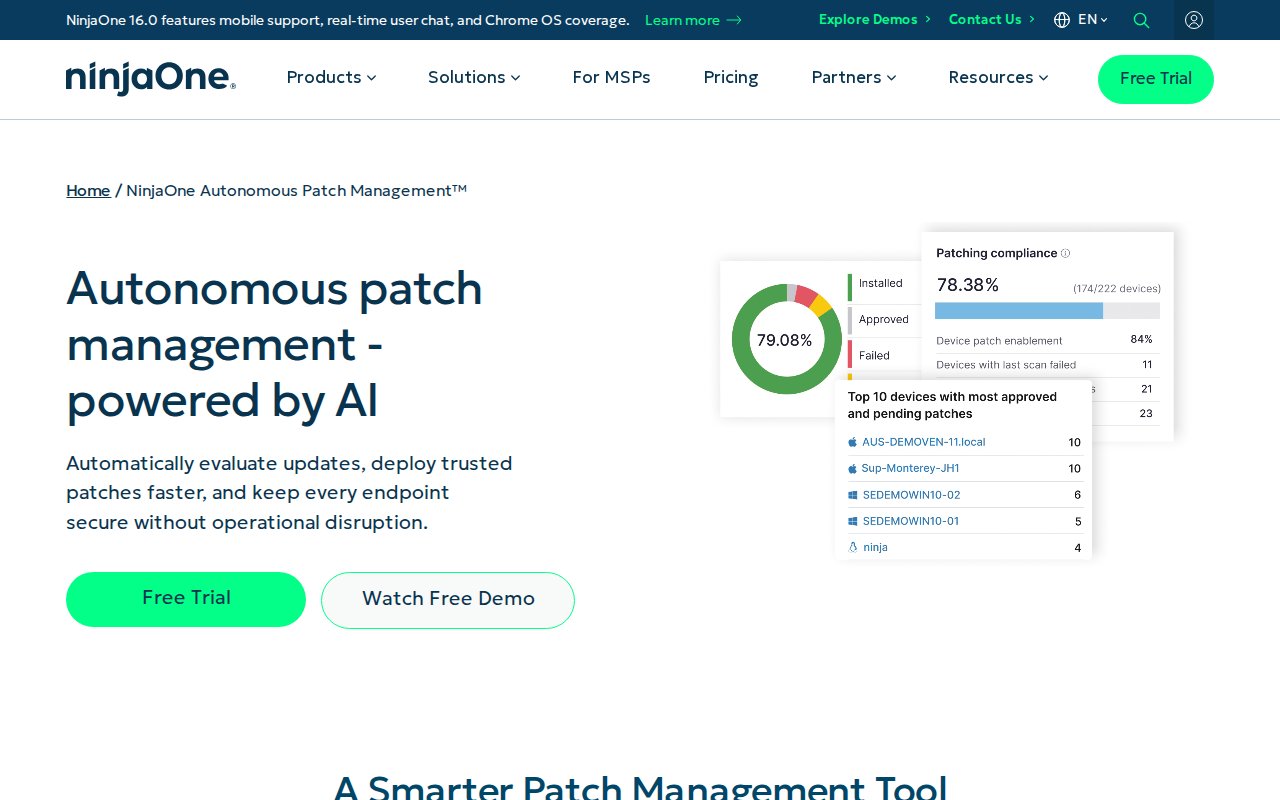
NinjaOne Autonomous Patch Management page with a patching compliance panel and a list of devices with pending patches
www.ninjaone.com, captured November 20, 2026

NinjaOne Patch Management patches Windows, macOS and Linux from the same console as NinjaOne's RMM, with no virtual private network (VPN) or on-premises server and an optional local patch cache, subject to license level. Approvals work by category, with auto-approve after a delay, and scan and update schedules can run if missed. Its docs show how to uninstall Windows patches, with the warning that "not all patches can be uninstalled."

Read the catalog line twice. The product page states 8,800+ applications; a NinjaOne doc puts its WinGet route at over 6,000 products, packages NinjaOne says it does not validate. Updates with no knowledge base (KB) article number, such as drivers and feature updates, cannot go on the global approval list. Linux gets operating system patches only: "Linux software patching is not supported."

Best fit:MSPs who want Windows, Mac and Linux operating system patching plus Windows and Mac app patching in one console that raises tickets in Autotask, ConnectWise or HaloPSA.

Think twice if:you need Linux application patching, which NinjaOne's docs say is not supported, or a firm price at your device count, which falls between the two published ends of its ladder.
02

N-able N-central and N-sight

Patching inside N-able's two RMM platforms, with documented rollback and a new Windows engine.

Patch rollbackOffline patch lists
Operating systems patched
Windows and Linux; macOS operating system patching in preview
Third-party catalog
"500+ third-party applications" on its third-party page; its documentation lists 721 products publicly
Console and PSA
client reporting views; ConnectWise Manage, Autotask and HaloPSA
Published price
quote only; free trial
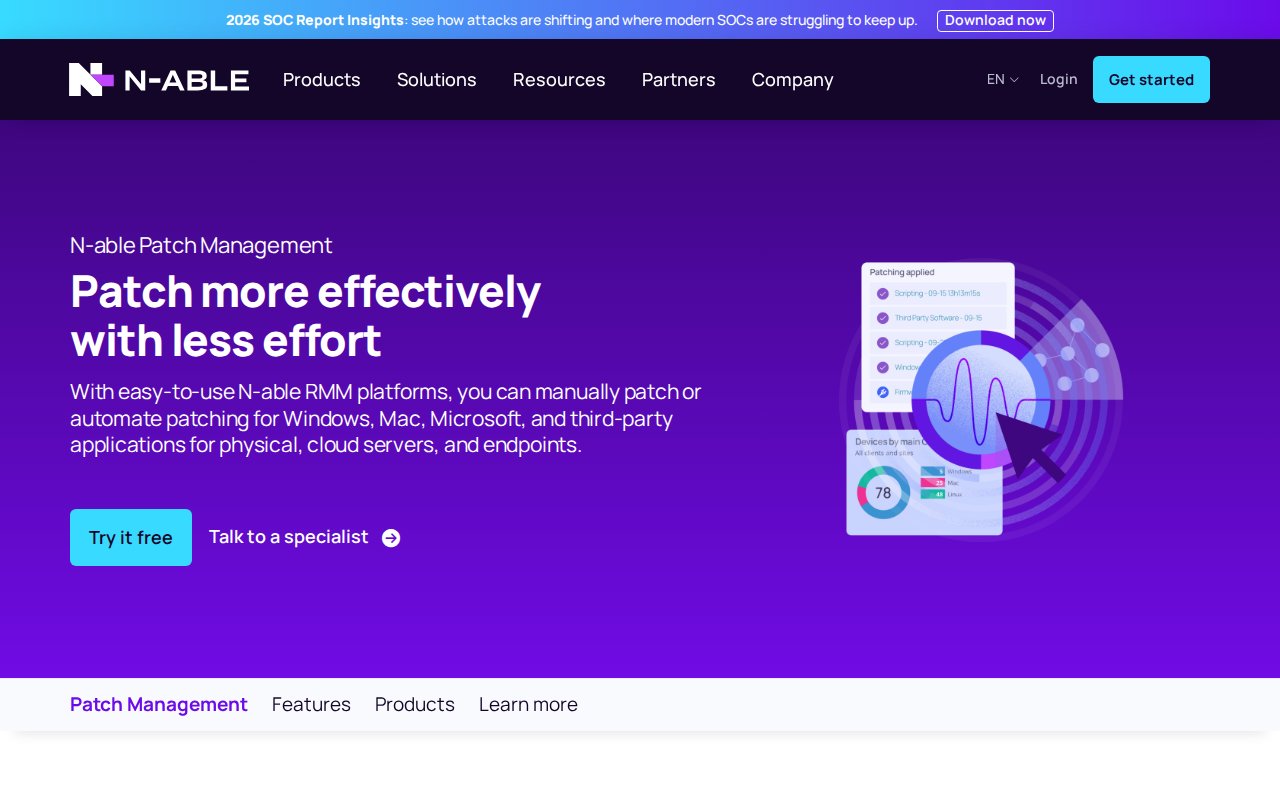
N-able Patch Management page headline "Patch more effectively with less effort" beside a chart of devices by operating system
www.n-able.com, captured November 20, 2026

N-able N-central and N-sight are N-able's two RMM platforms, and patching is built into both. The existing patch engine documents patch rollback, retry and supersede, offline patch lists, and waking machines over the local network so they can patch. Approval can follow the patch, the device or the Common Vulnerability Scoring System (CVSS) score, with a delay, and Windows 10 machines can move to Windows 11 through feature enablement packages.

The catch is timing. On November 18, 2026, N-able released new Windows patch policies that run separately from the existing engine, and it does not recommend running both on one device for most environments. Approval delays, Patch Tuesday offsetting, wake-to-patch and reports for the new engine are listed as coming. Ask which engine a new account starts on.

Best fit:MSPs who want rollback, offline patch lists and wake-for-patching documented in the RMM, with tickets in ConnectWise, Autotask or HaloPSA.

Think twice if:much of your fleet is Mac, since macOS patching is in preview, or you plan to start on the new Windows engine, whose approval delays, reports and wake feature N-able lists as coming.

03

Datto RMM

Kaseya's cloud RMM for MSPs, with Windows patching built in and a paid add-on that expands third-party app coverage.

Reboot postponementsAutotask
Operating systems patched
Windows natively ("Only Windows Managed Agents support Patch Management"); macOS and Linux through scripted components
Third-party catalog
standard Software Management "updates key applications"; the paid Advanced Software Management add-on expands it to "200+" Windows apps
Console and PSA
global patch policies with site-level overrides; auto-approve and deny filters; Autotask, ConnectWise PSA and Kaseya BMS integrations
Published price
quote only ("Request Pricing")
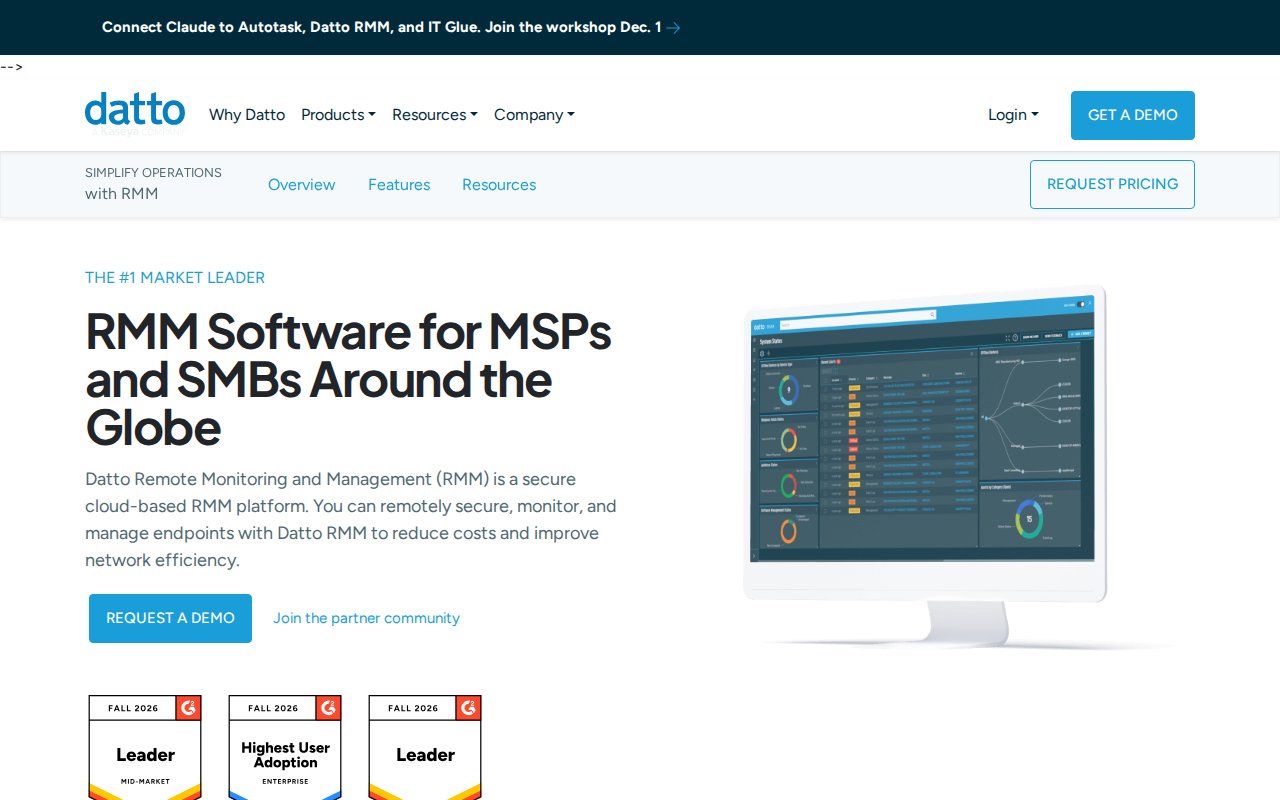
Datto RMM product page from Datto, a Kaseya company, with a dashboard shown on a monitor and a Request Pricing button
www.datto.com, captured November 20, 2026

Datto RMM comes from Datto, a Kaseya company since Kaseya closed the acquisition on June 23, 2022. Native patching is Windows only. Its help pages point macOS and Linux updates to ComStore components, its library of scripted automation.

Windows gets the detailed controls: auto-approve and deny filters by category, severity and date, patch windows of 1 to 24 hours, and reboot options that default to "Do not restart" and allow up to 99 user postponements.

Standard Software Management updates key third-party apps; the paid Advanced Software Management add-on expands that to "200+" Windows applications. Rollback is not listed on the help pages we read, so ask how a bad patch is reversed. Its docs name Autotask, ConnectWise PSA and Kaseya BMS integrations; pricing is on request.

Best fit:MSPs on Autotask or ConnectWise PSA with mostly Windows clients who want auto-approve filters, patch windows and firm reboot rules.

Think twice if:you patch many Macs or Linux servers, which Datto's help pages route through scripted components rather than native patching, or you want its 200+ app catalog without a paid add-on.

04

Syncro

RMM and PSA in one plan, priced per technician, with Windows patching.

Built-in PSAUnlimited endpoints
Operating systems patched
Windows only, per its feature matrix
Third-party catalog
"80+ common business applications", plus custom apps matched by a device search string
Console and PSA
own PSA, invoicing and white-labeled client portal in every plan; policy inheritance and per-client alert profiles
Published price
Core $129 per technician a month on an annual plan ($159 month to month), unlimited endpoints
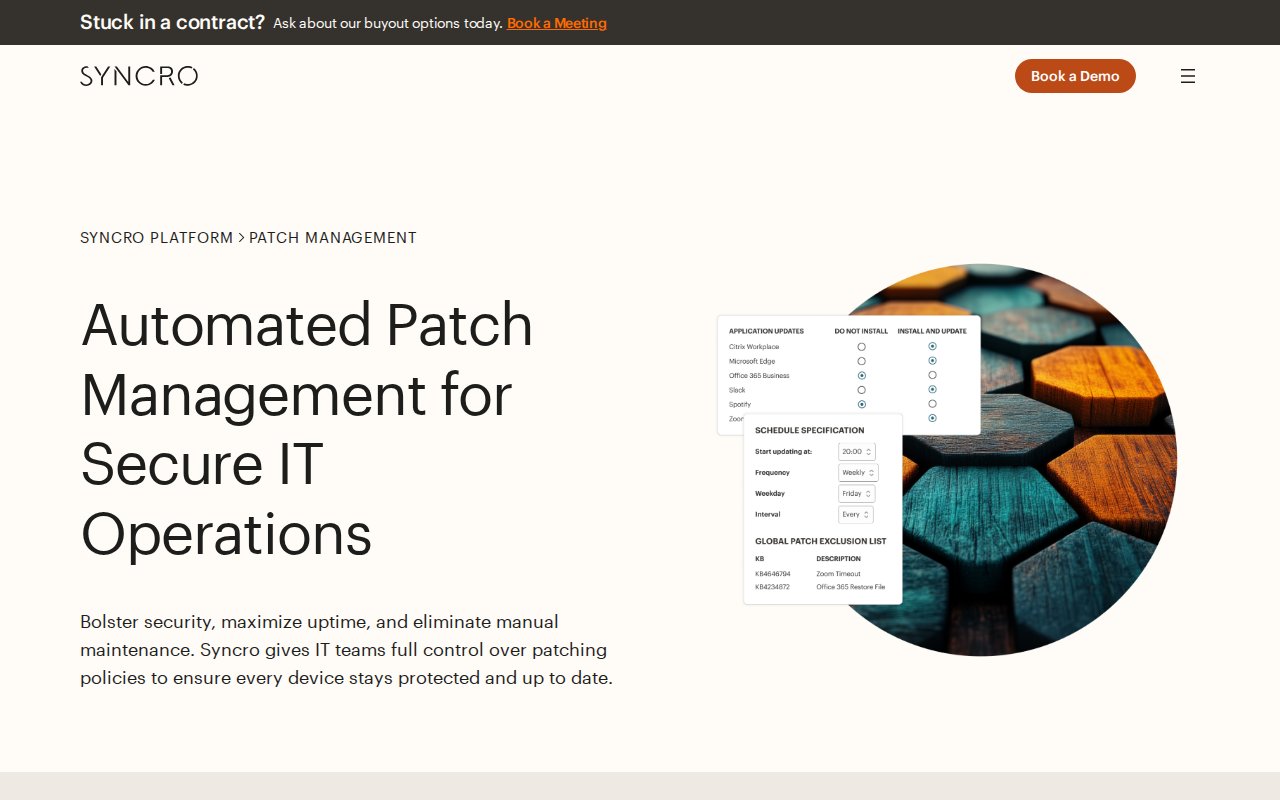
Syncro patch management page with an application updates panel and a weekly patch schedule
syncrosecure.com, captured November 20, 2026

Syncro, from Syncro Technologies, Inc., puts RMM and PSA in every plan and bills per technician with unlimited endpoints, so patching adds no per-device line. Windows update policies set approve, defer, reject or manual per severity (manual is the default), defer up to 30 days or 52 weeks, exclude specific KB numbers and offer "If offline, run at next boot." The patching dashboard shows compliance and coverage percentages.

Patching covers Windows only, per Syncro's feature matrix, and its docs say the Windows Updates module cannot uninstall patches, install feature updates or update Microsoft Office. The catalog is "80+ common business applications", with scripts and custom apps for the rest. For a Windows-only client base that may be all you need; Macs and Linux servers mean a second tool.

Best fit:Windows-only MSPs who want RMM, PSA and patching on one per-technician bill with no endpoint count.

Think twice if:clients run Macs or Linux, which Syncro's matrix shows without patching, or you need to uninstall patches, push Windows feature updates or update Microsoft Office, which its docs say the module cannot do.

05

Level

A cloud RMM that patches Windows, macOS and Linux from one Updates page, priced per device.

Rollout ringsMonth to month
Operating systems patched
Windows, macOS and Linux "through the same Updates page and the same automations"
Third-party catalog
WinGet "more than 14,000 packages"; Homebrew on Mac; Linux package managers
Console and PSA
devices grouped by client with client-scoped permissions and reporting; HaloPSA and ConnectWise PSA; no PSA of its own
Published price
free up to 10 devices; from the 11th device, $2 per device a month for every device, month to month; above 2,000 devices, contact Level
Level patch management page headline "Every endpoint patched. On your schedule." on a dark background
level.io, captured November 20, 2026

Level patches Windows, macOS and Linux from one Updates page, and it updates apps through public package repositories: WinGet on Windows (which Level says holds more than 14,000 packages), Homebrew on Mac and the usual Linux package managers.

Rollouts run in test, pilot and production rings with a "Wait for approval" step, and each Windows update category can be delayed; Level's docs use 14 days as an example. There is no per-patch approval, and Linux categories can only be switched on or off. Windows reboots happen only when Windows asks for one, "without prompting the end user," and are skipped by default if the device was offline. Level is an RMM without a PSA; it connects to HaloPSA and ConnectWise PSA.

Best fit:MSPs with Windows, Mac and Linux clients who want rollout rings and a published per-device price with no annual term.

Think twice if:you approve patches one by one, which Level's docs say it does not do, or want the update step itself to prompt before a Windows reboot, which its docs say happens without prompting the end user unless you add a separate User Approval step.

Standalone patch tools beside or instead of an RMM

Deeper catalogs or an Intune fit, at the price of a second agent or a second console.

06

Action1

A cloud patching platform that its partner page says "complements your RMM".

Peer-to-peer deliveryFree first 200 endpoints
Disclosure: the founder is a NUOPTIMA contact. No commercial relationship exists.
Operating systems patched
Windows, including feature upgrades; macOS; Linux (Ubuntu, Debian, Red Hat Enterprise Linux, SUSE Linux Enterprise Server)
Third-party catalog
PatchAssurance catalog, "Verified 790 software packages" on a public, exportable list; custom packages for Windows and macOS
Console and PSA
multiple organizations with isolated policies and white-labeling; Jira connector found, no PSA connector listed
Published price
free for the first 200 endpoints, counted across all organizations; above that, quote
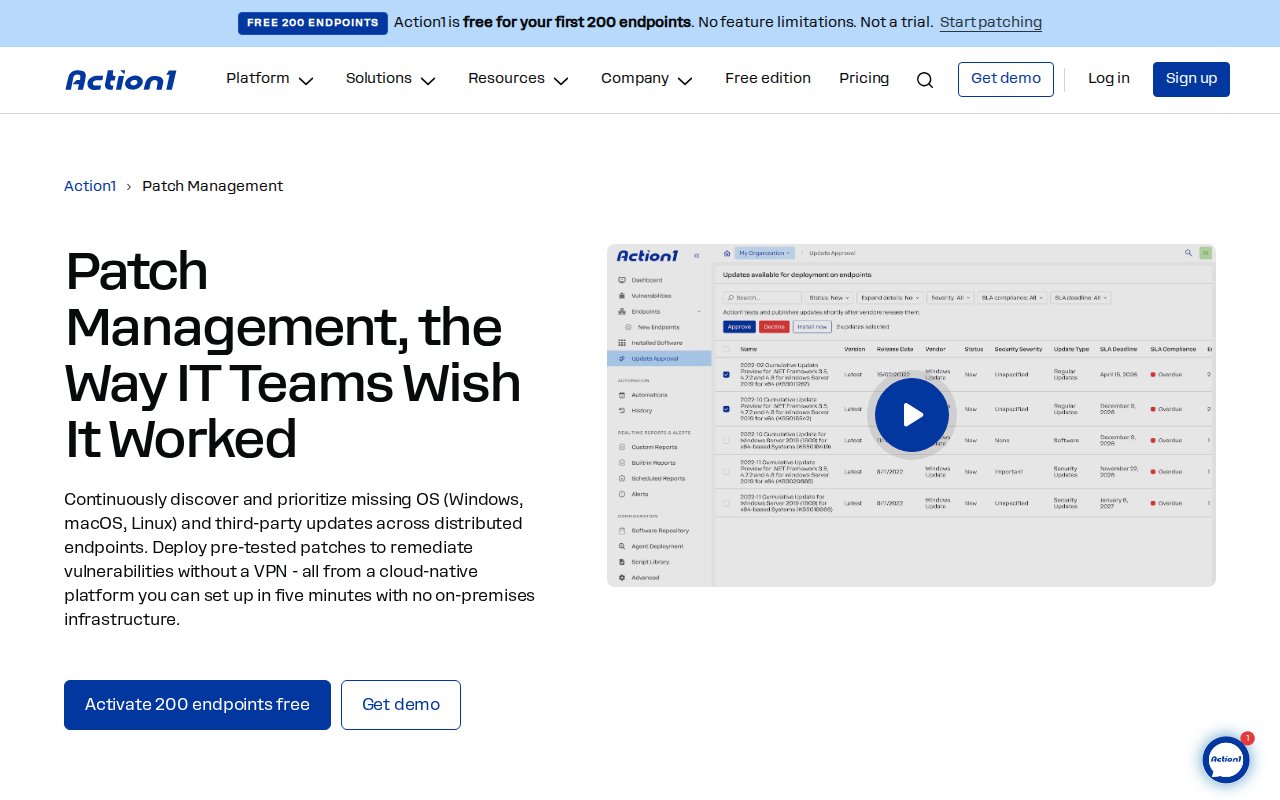
Action1 patch management page with a banner offering the first 200 endpoints free and an update approval screen
www.action1.com, captured November 20, 2026

Action1 sells patching first, and its partner page pitches it as "a patching platform that complements your RMM." It patches Windows (including feature upgrades, in staged rings with success thresholds), macOS, and Linux: Ubuntu, Debian, Red Hat Enterprise Linux and SUSE Linux Enterprise Server. The cloud agent needs no VPN, devices on the same local network can share downloads peer to peer, and offline devices retry within a window. Custom packages cover Windows and macOS apps outside its catalog.

Action1's pricing page says it is "free for your first 200 endpoints. No feature limitations. Not a trial." For an MSP, the catch is that the 200 counts across every organization, so 80 clients share one quota, and free support runs on Discord. Its PatchAssurance catalog lists 790 verified software packages on a public page, and the only ticketing connector we found was for Jira.

Best fit:MSPs who want Windows, Mac and Linux patching beside their RMM, with per-client policies and a free tier to pilot it.

Think twice if:you expect failed patches to open PSA tickets, since we found only a Jira connector, or plan on a free 200 per client, since the quota counts across all organizations in the account.

07

Automox

A cloud patching tool for Windows, macOS and Linux with a public catalog and script-based fixes.

Public catalogWorklets scripts
Operating systems patched
Windows 10 and 11; Windows Server 2016 to 2025; macOS 14 to 27; a published list of Linux distributions
Third-party catalog
"633 software titles", public list; Worklets scripts for apps outside it
Console and PSA
Multi-Organization Management on the Automate Enterprise tier; no ConnectWise, Autotask or HaloPSA connector found
Published price
Patch OS $1 per endpoint a month with annual commitment, operating system only; Automate Essentials and Automate Enterprise custom priced
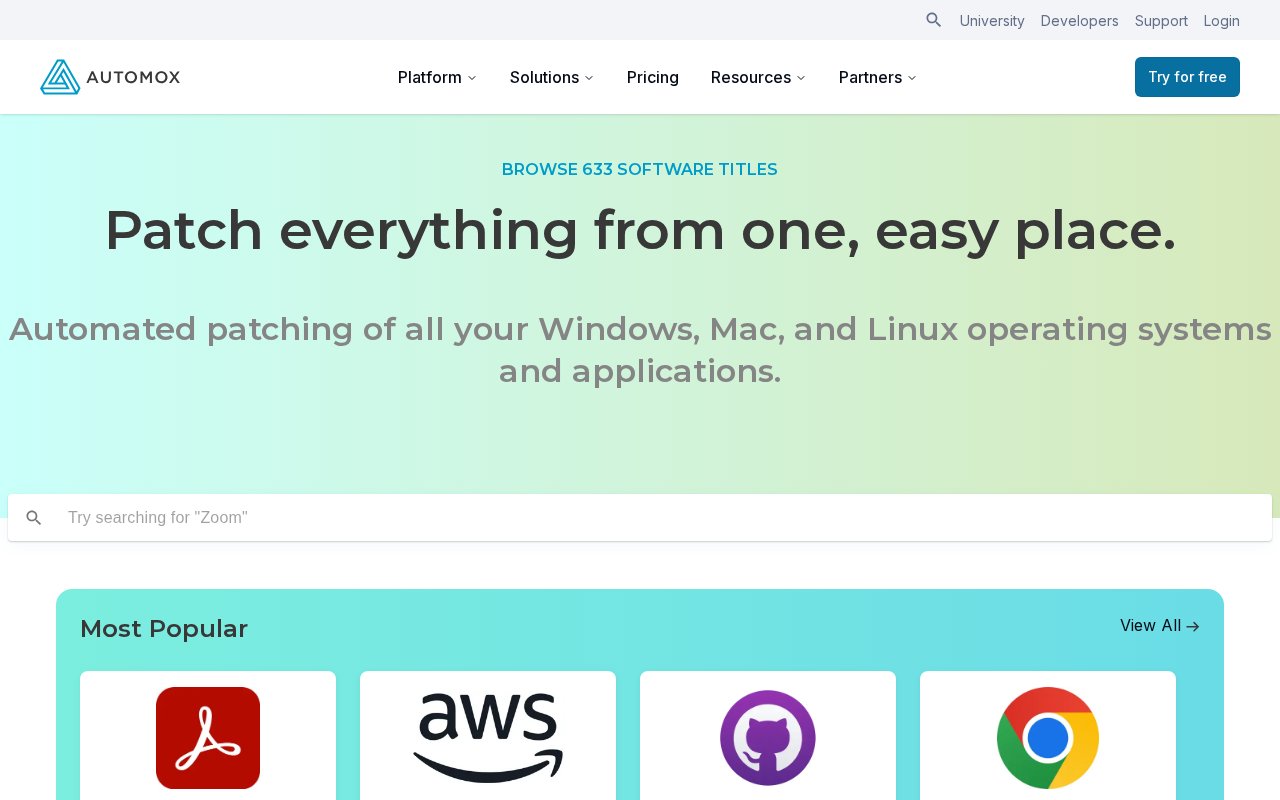
Automox software catalog page reading "Browse 633 software titles" with a search box and popular apps
www.automox.com, captured November 20, 2026

Automox is a cloud patching tool, and its partners page invites MSPs to "resell Automox, deliver it as a managed service, or integrate it," and lists "No Minimums" among reseller benefits. It patches Windows 10 and 11, Windows Server 2016 to 2025, macOS 14 to 27, and a published list of Linux distributions, with "freedom from required VPNs." The catalog is checkable, with 633 software titles on a searchable public page. Apps outside it are handled with Worklets, scripts written in PowerShell or Bash.

The $1 figure is not a multi-client price. Patch OS costs $1 per endpoint a month with an annual commitment and covers the operating system only. Third-party titles need Automate Essentials, and Multi-Organization Management needs Automate Enterprise; both show "Custom Pricing," so ask whether partner terms differ. We found no ConnectWise, Autotask or HaloPSA connector.

Best fit:MSPs who want Linux and Mac patching beside their RMM and want to check client apps against a public catalog before buying.

Think twice if:you budget from the $1 figure, since third-party titles sit in Automate Essentials and multi-client management in Automate Enterprise, both custom priced.

08

Patch My PC

Third-party app patching for clients on Microsoft Intune or Configuration Manager, priced per device with a per-tenant minimum for service providers.

IntunePrivate catalog
Operating systems patched
third-party apps on Windows and macOS; Windows operating system updates not stated on the pages we read
Third-party catalog
"4,002" products, 2,592 of them unique, on a downloadable public list; private catalog for your own apps
Console and PSA
tenant-aware cloud portal, App Sets across customers, customer self-service invites, role-based access; no PSA named
Published price
cloud plan for service providers $0.5 per device a month, $25 monthly minimum per tenant
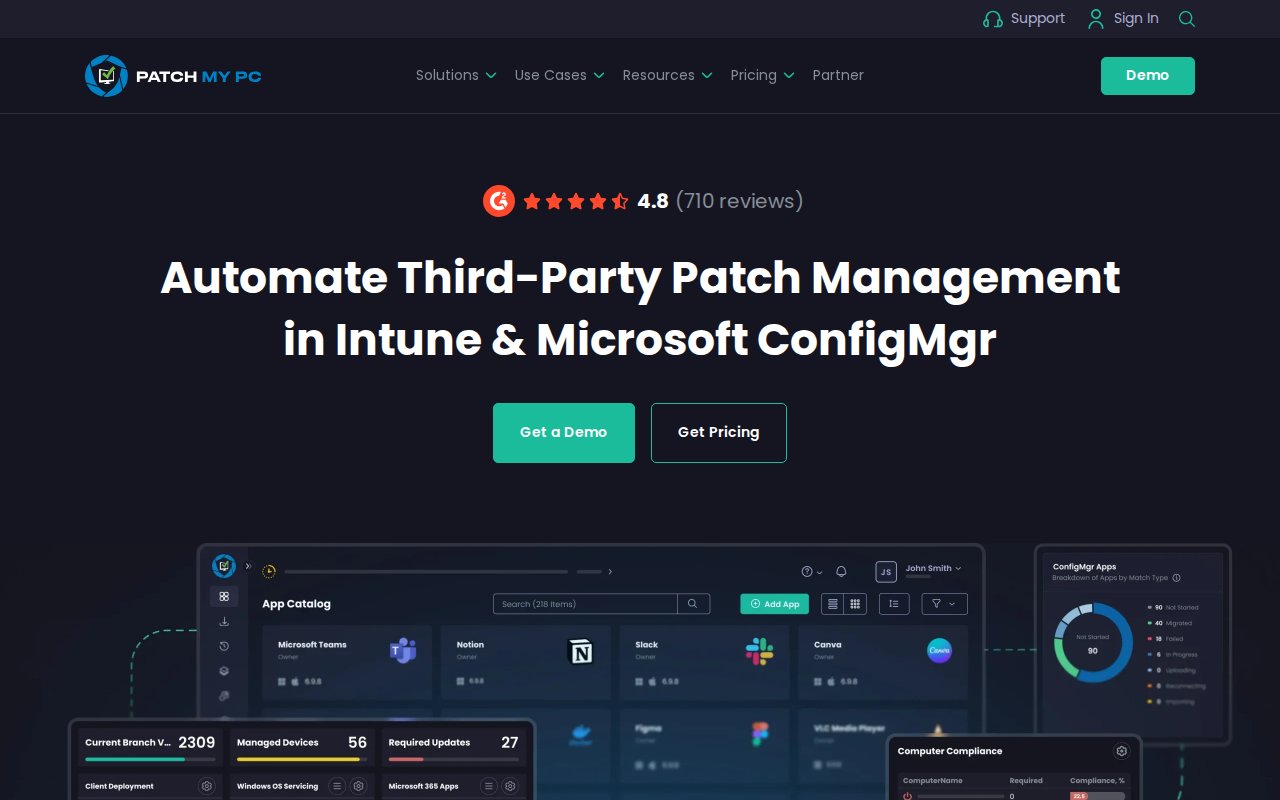
Patch My PC homepage headline about automating third-party patch management in Intune and Configuration Manager, above an app catalog dashboard
patchmypc.com, captured November 20, 2026

Patch My PC is not an RMM. It publishes third-party app updates into Microsoft Intune and Microsoft Configuration Manager, so delivery runs through those tools in each client tenant. The catalog is the draw: 4,002 products, 2,592 of them unique, on a downloadable public list, plus a private catalog for your own apps.

Its cloud plan for service providers (sold as MSP Plus) costs $0.5 per device a month with a $25 monthly minimum per tenant and a 50-device minimum. Partners can invite customers to self-service and set role-based access; branding is marked "coming soon." No PSA integration is named, and Linux is not on the pages we read. For Windows updates themselves, the chooser below pairs it with Microsoft's Windows Autopatch where the client is licensed for it.

Best fit:MSPs whose clients' devices are enrolled in Microsoft Intune and who want a deep third-party catalog delivered through it.

Think twice if:a client has no Intune or Configuration Manager, which Patch My PC needs in each tenant, or you want Linux or Windows operating system patching, which the pages we read do not cover.

also considered

Also considered

  • PDQ Connect: Windows and macOS with separate client tenants at $18 per device a year on its service-provider plan, a 100-device minimum and annual terms; no Linux listed.
  • ManageEngine Endpoint Central, service-provider edition: a full endpoint management suite with patching, rollback and published endpoint slabs.
  • Acronis RMM: Windows patching only, with rollback through a pre-update backup that needs Acronis's backup module.
  • Heimdal Patch and Asset Management: a security-suite module with local peer-to-peer distribution and PSA ticketing; pricing on request.
  • Pulseway: a Kaseya company; an RMM with "more than 300 out-of-the-box titles", custom titles, and reboot options documented in its help center.
  • Kaseya VSA 10: custom titles and global rules by Common Vulnerabilities and Exposures (CVE) identifier and CVSS score; Kaseya's VSA product page now redirects to a page showing Datto RMM.
  • ImmyBot: Windows-only onboarding and deployment automation, with onboarding at $400 a month.
  • Ivanti Patch Management: an "800+" title catalog, but no multi-tenant or partner statement for MSPs on the pages we read.
decision aid

Which approach fits: coverage table and chooser

Patch coverage by product, from vendors' own pages, November 20, 2026
ProductOperating systems patchedApps outside the catalogRollback or uninstallOff-network or peer-to-peer
NinjaOne Patch ManagementWindows, macOS, LinuxWinGet update-all option; app requests to NinjaOneWindows patches, where the patch allowsNo VPN; optional local cache, by license level
N-able N-central and N-sightWindows, Linux; macOS in previewNot listed"use patch rollback," per its pageOffline patch lists; wake for patching
Datto RMMWindows; macOS and Linux by scriptsOwn components (scripted installers)Not listedWakes devices before the patch window (needs a Network Node on site)
SyncroWindows onlyCustom apps; scriptsCannot uninstall patches, per its docsOffline devices run at next boot
LevelWindows, macOS, LinuxScripts; public repositoriesNot listedUpdate action waits until an offline device is next online
Action1Windows, macOS, LinuxCustom packages, Windows and macOSRemoves Windows updates to roll back, per its patch pageNo VPN; peer-to-peer on local network
AutomoxWindows, macOS, LinuxWorklets scriptsWindows patch rollback, where the patch allowsNo VPN
Patch My PCThird-party apps onlyPrivate catalogOlder version through Intune supersedence, per its knowledge baseDelivered by Intune or Configuration Manager
Windows Autopatch with Intune (reference)Windows 10 and 11Win32 app packaging in IntuneNo feature update rollback "through its end-user experience flows"; app catalog auto-update has "No rollback"Device must be seen by Intune in last 28 days

VPN is virtual private network. Not listed = not found on the vendor pages we reviewed on November 20, 2026; ask the vendor. Windows Autopatch is Microsoft's own service, run in each client's tenant under that client's Microsoft licenses and shown for reference; it is not one of the eight entries.

The catalog column is left out on purpose: Automox, N-able, Datto and Syncro count titles or applications, Patch My PC counts products (4,002, of which 2,592 are unique), Action1 counts software packages (790), Level and NinjaOne's 6,000+ point at WinGet's public repository, and Microsoft's catalog page gives no number. Check each client's top apps against the public lists Action1, Automox, N-able, Patch My PC, NinjaOne and Microsoft publish.

Which approach fits which MSP situation
SituationApproachFitsWatch for
Your RMM already patches Windows and you have few MacsStay with the RMM's patching until a gap showsNinjaOne, N-able, Level (Windows, macOS, Linux); Datto RMM, Syncro (Windows)Datto's 200+ app catalog is a paid add-on; Syncro's matrix shows no macOS patching; N-able's macOS is in preview
Clients run many line-of-business apps outside any catalogPick by custom-package support, not catalog sizeAction1, Automox (Worklets), Patch My PC (private catalog), Syncro, Datto RMM (components)Counts are not comparable; check the public lists
Clients are on IntuneMicrosoft for Windows updates, a catalog tool for appsWindows Autopatch where licensed; Patch My PCMicrosoft's app catalog: Windows only; its auto-update has no rings or rollback; $25 per-tenant minimum
Mixed Windows, Mac and Linux fleetOne tool that patches all threeNinjaOne (Linux operating system, not Linux apps), Level, Action1, AutomoxN-able macOS in preview; Datto by scripts; not Syncro or Patch My PC
You want patching without replacing your RMMA standalone tool beside itAction1, Automox, Patch My PC with IntuneNo PSA connector found (Action1: Jira only); a second agent or console to run
You need patch rollbackA tool that documents itN-able; NinjaOne and Automox (Windows, where the patch allows); Action1 (Windows updates); Patch My PC (through Intune)Syncro cannot uninstall patches; not listed for Datto or Level; Autopatch's own flows do not roll back feature updates
Laptops are off network or asleep in the patch windowCloud agent plus catch-up, wake or peer deliveryAction1, NinjaOne, N-able (wake), Datto RMM (wake, with a Network Node), Syncro (next boot), Level (installs when next online), Automox (no VPN)Level then skips the automatic reboot by default; wake for N-able's new Windows engine is listed as coming

Microsoft's app catalog is Enterprise App Management in Intune. Autopatch needs a qualifying license such as Microsoft 365 Business Premium and covers corporate-owned devices enrolled in Intune.

how to choose

How to choose a patch tool for your clients

  1. Start from each client's operating system mix and app list.
  2. Check the top apps against the public catalog lists, and ask the others for theirs.
  3. Decide whether a second agent or console earns its place in the MSP tech stack; we found no PSA connector for the three standalone tools here.
  4. Make failed patches open tickets, and confirm the PSA connection before the pilot.
  5. Agree a reboot policy with each client: prompts, postponements, and what happens to a laptop that was off on patch night.
  6. Verify patching with a second source, such as a vulnerability scan or an operating system build check.
  7. Pilot one client for a full monthly cycle, with a delayed ring and one blocked update.

On the sales call, ask for the catalog list, how a bad patch is reversed, and a written price at your device count across every client organization.

Red flags

  • A catalog count with no public list behind it.
  • "Patches Mac" with no word on third-party Mac apps.
  • A free tier whose quota counts across all your clients.
  • No way to stop a known-bad update quickly.
pricing

What patching costs for 80 clients

The example MSP has 80 client organizations, 2,000 endpoints (25 per client) and 5 technicians, at list prices before tax, with no discounts, in the currency each vendor publishes.

Published list prices for 80 clients and 2,000 endpoints, read November 20, 2026
Product and planUnitMonthlyWhat it covers
Syncro Core, annual planPer technician$645Full RMM and PSA, unlimited endpoints; Windows patching only
LevelPer device$4,000Full RMM, no PSA; top of its published calculator
Patch My PC cloud plan for service providersPer device, $25 minimum per tenant$2,000Third-party apps only; Intune licensing not included
Automox Patch OSPer endpoint, annual commitment$2,000Operating system only; not a multi-client setup
NinjaOnePer deviceQuoteOnly the $3.75 and $1.50 ends of the ladder are published
Action1Per endpointQuote above 200First 200 endpoints free across the account
N-able N-central and N-sight, Datto RMMNot statedQuoteN-central includes third-party patching at no extra cost; Datto's 200+ app catalog is a paid add-on

Syncro 5 x $129. Level 2,000 x $2 (every device is billed once an account passes 10). Patch My PC 80 tenants x $25, which holds when no client exceeds 50 devices. Automox 2,000 x $1. Prices before tax, as published on November 20, 2026.

Units and scope differ, so read the totals as examples, not a ranking. Syncro's $645 buys a whole RMM and PSA but patches Windows only; Level's $4,000 is a whole RMM for three operating systems, at the top of its published calculator. Patch My PC's figure is set by the tenant minimum: 2,000 devices at $0.5 would be $1,000, but 80 tenants at $25 each come to $2,000, before Intune licensing. Automox's tiers for third-party titles and multiple organizations are custom priced. NinjaOne's pricing page publishes only the ends of its per-device ladder, so 2,000 endpoints is a quote.

What you charge clients for patching is a separate decision; see what a per-user MSP price covers.

faq

Frequently asked questions

What is third-party patch management?

It is updating the apps that are not part of the operating system, such as browsers, PDF readers, runtimes and collaboration tools, from a catalog the vendor maintains. Vendors measure catalog size differently: titles, products or entries in public package repositories. Action1, Automox, N-able, Patch My PC, NinjaOne and Microsoft publish their lists; check your clients' top apps against them.

Should an MSP use its RMM's patching or a standalone tool?

Stay with the RMM if it covers your clients' operating systems and the apps they run. Add a standalone tool for a deeper catalog, custom packages or clients managed in Intune. The cost is a second agent or console to run and, for Action1, Automox and Patch My PC, no PSA connector found on their pages, so ask how a failed patch reaches your ticket queue.

How do you know patching actually worked?

Not from the patch dashboard alone, which reports what the agent reports. Use a second source each month, such as a vulnerability scan or an operating system build check, and work through a list of devices that missed. The tools help: Syncro shows compliance and coverage percentages, Level a live compliance view, NinjaOne failed-deployment reports, and Automox imports scanner findings.

How do you patch laptops that are off network or asleep?

Use a cloud agent that needs no VPN plus a catch-up rule: Syncro's "If offline, run at next boot," NinjaOne's schedules that run if missed, or Action1's retries within a window. N-able can wake machines on the local network to patch. Agree a reboot day with each client and cap postponements; Datto RMM allows up to 99.

How should MSPs handle Windows feature updates and bad patches?

Test in a delayed ring first. Level's docs use a 14-day delay as an example, Syncro defers up to 30 days or 52 weeks, and NinjaOne can auto-approve after a delay. Block a known-bad patch where the tool allows it, as Automox, Level and Syncro do, and know your way back: N-able, NinjaOne, Automox and Action1 document rollback or uninstall. Action1, N-able, NinjaOne and Windows Autopatch document feature upgrades; Syncro's module cannot install them.

Are free patch management tools good enough for an MSP?

Good enough for a pilot. Action1 is free for the first 200 endpoints, counted across all client organizations. Level is free up to 10 devices. ManageEngine Patch Manager Plus has a free edition for small businesses with up to 20 workstations and 5 servers. At 80 clients, none covers the whole book.

Screenshots captured from each vendor's live site on November 20, 2026.