MSP buying guide

Best Virtual Chief Information Officer (vCIO) and Quarterly Business Review (QBR) Tools for MSPs (2026)

Seven tools compared on what they put in front of a client, what data they pull, where the next steps go and what 40 clients cost where a price is published.

7  tools9  agenda items mapped

7 tools, 2 with no published price for 40 clients, verified November 20, 2026

A hand-built quarterly business review (QBR) costs you the same prep for every client: warranty dates, ticket counts and last quarter's promises copied into slides, then a client owner who stops listening once the metrics start. To run the whole virtual chief information officer (vCIO) cycle in one product, shortlist ScalePad CS, Strategy Overview, vCIOToolbox and myITprocess; for a report-first or portal-first approach, look at Scopable, QBR Studio and CloudRadial.

Each tool is strong on some slides and silent on others. One computes ticket and service-level figures from your professional services automation (PSA) platform but names no manufacturer warranty lookup; another lists 40-plus warranty lookups, yet we found no ticket slide in its review deliverables. Prices come per client, per company tier, per staff user, per end user or flat.

So this page starts from the meeting: it maps a sample agenda to what each vendor's own pages say the tool produces, then prices 40 clients from published rates. These tools sit on data already in your PSA, remote monitoring and management (RMM) and documentation platforms; the MSP tech stack covers the PSA and RMM layers underneath.

This is for the owner, vCIO or account manager at an MSP with 20 to 100 small business clients. Not for an internal information technology (IT) team, or for customer-success review software sold to software companies.

Where our money comes from

We do not sell any of these products, take commissions from any vendor on this page, or accept payment for placement.

methodology

How we chose and checked these tools

  1. We started from the tools MSP buyers and AI assistants name for this job; each one manages many client companies from one account and produces the vCIO review, the QBR or both.
  2. We read each vendor's own product, pricing, help center and integration pages on November 20, 2026; every vendor fact here traces to those pages.
  3. No trials, no hands-on tests, no paid placement.
  4. Numbering is navigational: entries are grouped by job, and order within a group is not a ranking.
  5. Companies and products with "MSP" in their name are left out under our naming rule; ScalePad's Lifecycle Insights, closed to new sales, sits in the ScalePad CS entry.
  6. Not checked: accuracy of synced data, warranty match rates, prices behind a quote form, and features visible only after login.

Last reviewed: November 20, 2026

comparison

The seven tools at a glance

Seven vCIO and QBR tools for MSPs, from vendors' own pages, verified November 20, 2026
ToolBilling unitPublished priceWarranty lookupNext step into the PSAClient view
ScalePad CSPer client, 12-month term$25 per client a month; Free for 1 client40+ OEM lookups (Free: status only)Tickets or opportunities from recommendations; quotes in the toolLive presentation, protected link, PDF
Strategy OverviewPer company tier, unlimited usersFree for 3 companies; $75 (5) to $1,995 (1,000) a month7 brands (paid plan)PSA-synced projects and tickets, projects launching November 26, 2026Presentation mode, PDF, portal (paid plan)
vCIOToolboxNot stated$75 (5 companies); from $150 (10 customers)Dell and Lenovo listed; Meraki coming December 2026Opportunities and ticketsPresentation view, PDF, read-only portal
myITprocessPer user in Kaseya 365 Ops; standalone not published$129 per user a month in the bundle, 3-user minimum9 brandsAutotask opportunities and tickets; ConnectWise or Kaseya BMS ticketsMeeting presentation mode, PDF; portal not found
ScopablePer MSP userFree; Pro $39, Max $99 per user a monthNot foundOwn quote builder; updates the linked ConnectWise opportunityQBR as PDF; assessments by share link; quote portal with e-signature
QBR StudioFlat monthly per MSPQuote onlyFrom synced data; no maker lookup namedNot foundShare-link client page, PDF
CloudRadialSynced users or agents (Starter fixed); annual commitmentStarter $145; Professional from $795; Enterprise from $1,795 a monthDell and Lenovo (page title adds Microsoft Surface); syncs PSA warranty dataNot foundClient portal, PDF

OEM means original equipment manufacturer (the hardware maker); PSA means professional services automation. Kaseya BMS is Kaseya's PSA product. "Not found" and "not published" mean we could not find it on the vendor pages we checked, not that the vendor lacks it. Prices are list prices before tax, as published on November 20, 2026.

entries

The seven tools, grouped by job

Platforms that run the whole vCIO cycle

Assessment, hardware lifecycle, budget, roadmap and the review deliverable, in one product.

01

ScalePad CS

ScalePad's customer success platform for MSPs, formerly Lifecycle Manager X.

Builds
scored assessments, automated three-year budgets, multi-year roadmaps with costs and hours, client deliverables
Data sources
70+ integrations, including ConnectWise PSA, Autotask PSA, Datto RMM, NinjaOne, Microsoft 365 and IT Glue
Next step into the PSA
tickets or opportunities from recommendations; quotes from a roadmap initiative, 10 free a month for eligible partners
Client view
white-labeled live presentation, password-protected link or PDF; client portal not found
Published pricing
$25 per client a month, no platform fee, 12-month term; Free plan for 1 client
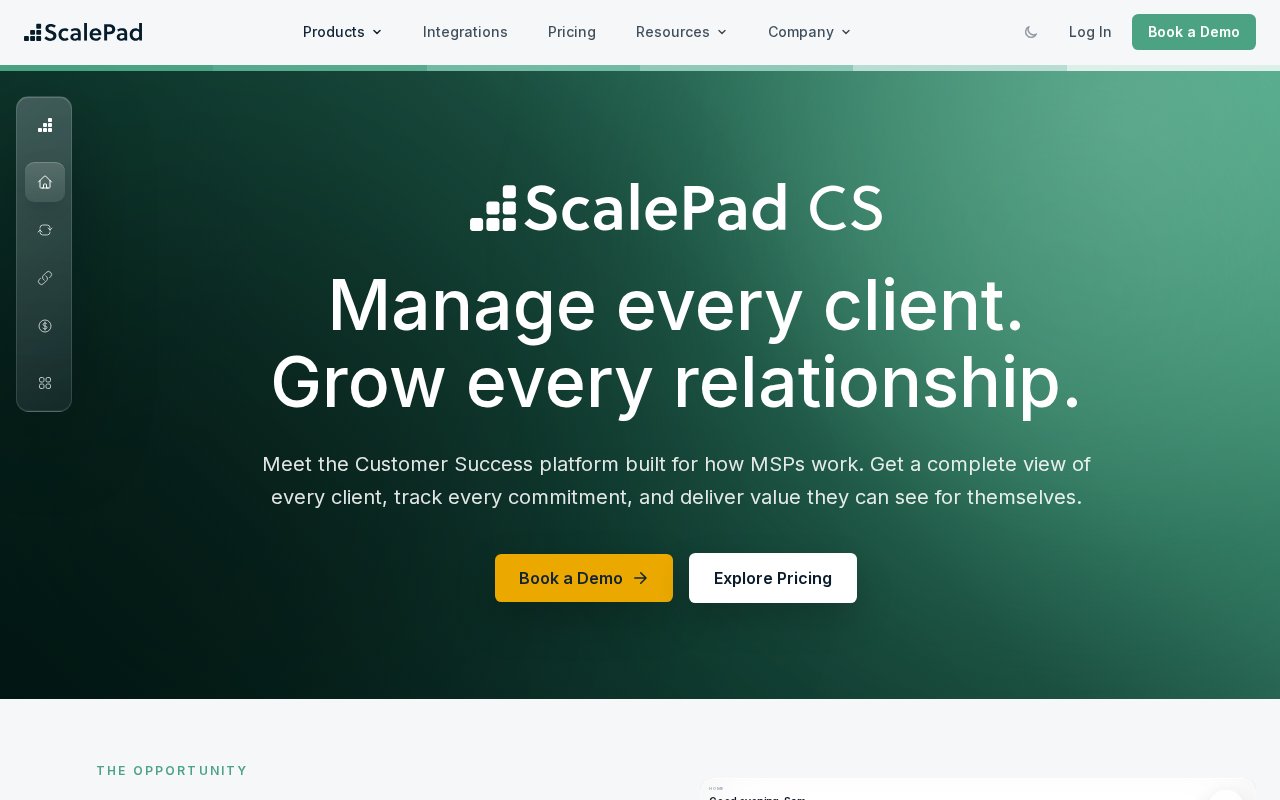
ScalePad CS homepage with the headline "Manage every client. Grow every relationship." and Book a Demo and Explore Pricing buttons
www.scalepad.com, captured November 20, 2026

ScalePad CS is what new buyers now see where ScalePad sold Lifecycle Manager X; ScalePad announced the change on November 2, 2026, and existing Lifecycle Manager Pro partners keep their asset and warranty product. Its strength is the hardware slide. The Hardware Console shows device age, warranty status and refresh timing from what ScalePad calls 40-plus original equipment manufacturer (OEM) warranty lookups. Automated three-year budgets and a multi-year roadmap with costs and hours sit beside it. Reviews go out as a white-labeled live presentation, a password-protected link or a PDF. It syncs PSA ticket data, and recommendations can become PSA tickets or opportunities. Its deliverables page lists a Service Performance Review template but does not describe what goes in it. The Alignment module, which measures each client against your service catalog, is still in beta. ScalePad's Lifecycle Insights is closed to new sales; support ends after March 31, 2027, with migration tools into ScalePad CS.

Best fit:MSPs whose reviews lean on hardware refresh and warranty, using 40-plus manufacturer lookups and three-year budgets across every client on the paid plan.

Think twice if:you want a client portal, which did not appear on the ScalePad CS pages we checked, or month-to-month terms, since paid plans need a 12-month contract.
02

Strategy Overview

A vCIO and QBR platform priced by the number of client companies, with a client portal on the paid plan.

Builds
grades on 100-plus points against your standard, budget by month, quarter and year, quarterly roadmap, proposals
Data sources
ConnectWise Manage, Autotask, HaloPSA, ServiceNow, Syncro, Kaseya BMS; NinjaOne, Datto RMM; IT Glue, Hudu
Next step into the PSA
approved work ships as projects and tickets in your PSA, per the vendor; projects launch November 26, 2026
Client view
presentation mode over Zoom or Teams, branded PDF, white-labeled portal on the paid plan
Published pricing
Free for 3 companies; paid tiers from $75 (5 companies) to $1,995 (1,000) a month, unlimited users
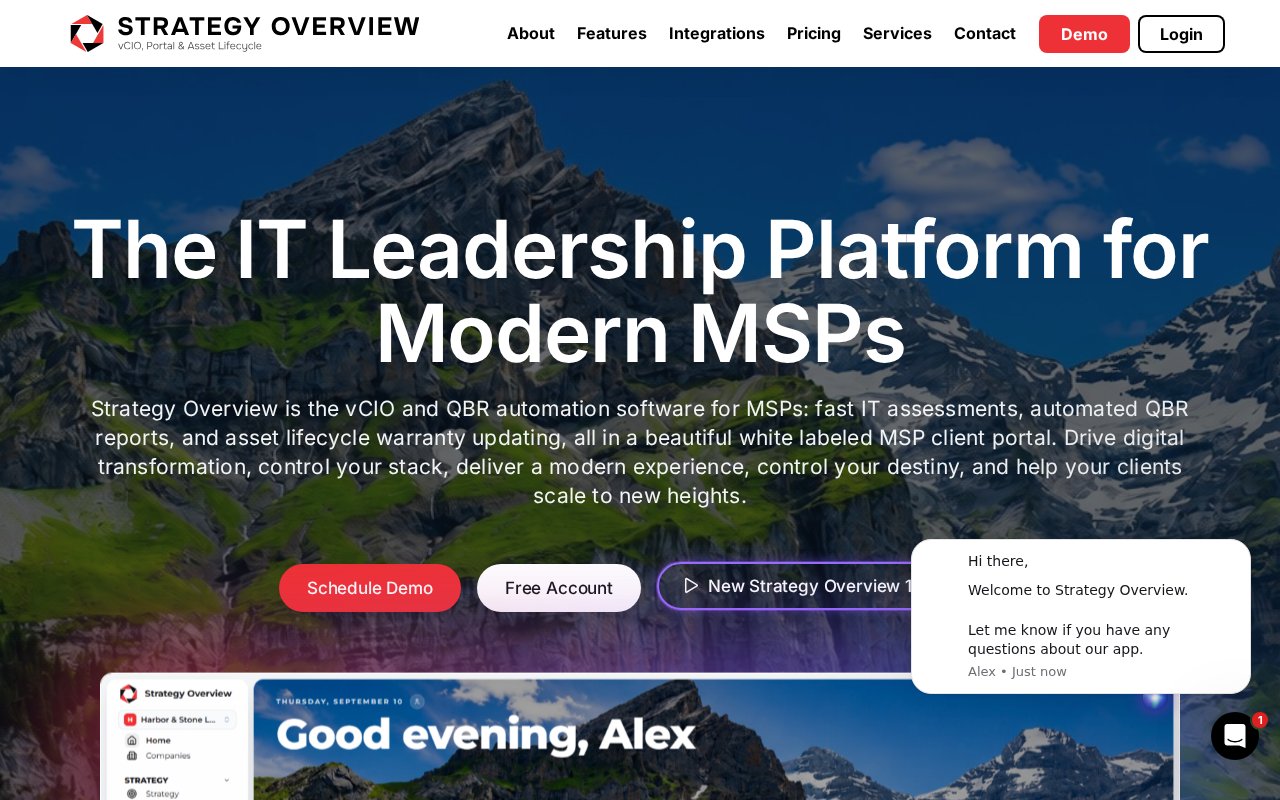
Strategy Overview homepage headline "The IT Leadership Platform for Modern MSPs" over a mountain photo, with Schedule Demo and Free Account buttons
www.strategyoverview.com, captured November 20, 2026

Strategy Overview, based in White Plains, New York, has been its own company since 2017; it began as a spreadsheet at Red Key Solutions, an MSP. The review starts from your standard. Each client is graded on what the vendor calls 100-plus points, and every red item records a risk, a solution and a cost, so each gap reaches the client with a price attached. On the paid plan, open PSA tickets appear by service board in the QBR and the portal, and the warranty engine covers HP, Lenovo, Dell, Apple, ASUS, Hewlett Packard Enterprise (HPE) and Acer. Microsoft 365 adds multi-factor authentication (MFA) status per user. Approved proposals become projects, and the vendor says those sync with your PSA from November 26, 2026, so approved work lands there as projects and tickets.

Best fit:MSPs who want an open price ladder, a client portal and open PSA tickets on the review slide.

Think twice if:you plan to stay on Free, which leaves out PSA integrations, warranty updating, Microsoft 365 reporting and the branded portal.

03

vCIOToolbox

A review and planning platform whose approved projects sync to the PSA as opportunities and tickets.

Builds
reviews from templates mapped to the client's contract, scorecard, multi-year budget and roadmap
Data sources
ConnectWise, Autotask, HaloPSA, Syncro, Kaseya BMS, Atera; N-able N-central, Datto RMM, NinjaOne; IT Glue, Liongard
Next step into the PSA
approved projects sync as opportunities and tickets
Client view
meeting and presentation view, PDF reports, read-only portal on your own domain
Published pricing
Essentials $75 for 5 companies; Professional from $150 for 10 customers; billing unit and term not stated
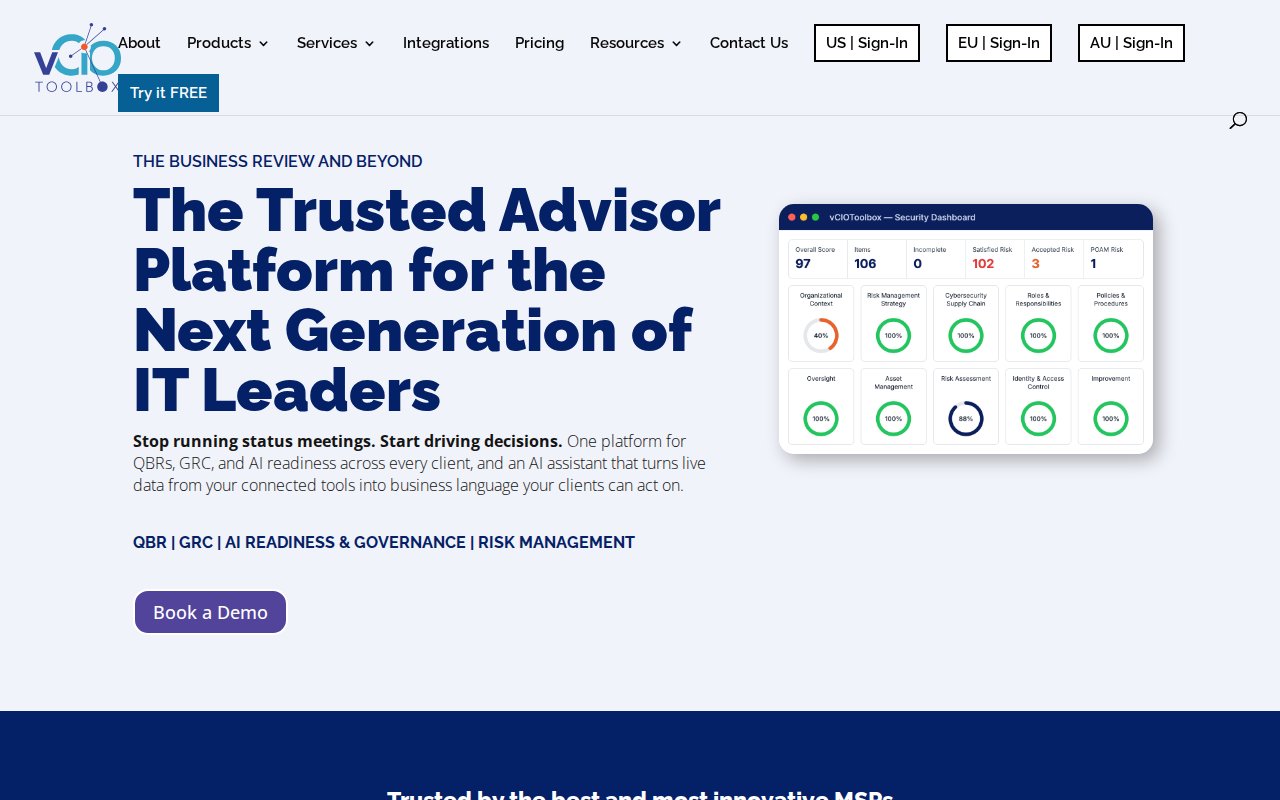
vCIOToolbox homepage headline "The Trusted Advisor Platform for the Next Generation of IT Leaders" beside a security dashboard with scored control areas
vciotoolbox.com, captured November 20, 2026

vCIOToolbox, the trading name of Thinq Ventures, builds reviews from templates mapped to each client's contract and scores the gaps in infrastructure, security, policy and process, each with its business impact. Multi-year budgets and a technology roadmap tie projects to assets and goals. Its best-documented step is the exit, where approved projects sync to your PSA as opportunities and tickets. Quotes are not mentioned on that page. Clients get a read-only portal on your own domain with dashboards, plan progress, scorecard and roadmap. A second product line, Cybrance, adds governance, risk and compliance (GRC) work from $100. Essentials lists warranty updates; the integrations page shows Dell and Lenovo warranty sources, with Meraki marked as coming in December 2026, so check them against your fleet.

Best fit:MSPs who want each review to end in PSA opportunities and tickets, with a compliance product line from the same vendor.

Think twice if:you have more than 10 clients and want a list price, because the published tiers stop there.

04

myITprocess

Kaseya's strategic planning tool, with a published scoring method and a QBR report builder.

Builds
alignment reviews from a Standards Library; QBR reports with alignment, budget, warranty, Microsoft 365 Secure Score, roadmap and progress sections
Data sources
one PSA at a time from Autotask, Kaseya BMS or ConnectWise; IT Glue; network vendors for warranty
Next step into the PSA
Autotask opportunities and tickets from recommendations; tickets into ConnectWise or Kaseya BMS
Client view
meeting presentation mode that records client decisions, PDF report; client portal not found on the help pages checked
Published pricing
standalone price not published; Kaseya 365 Ops is $129 per user a month, 3-user minimum, one-year term
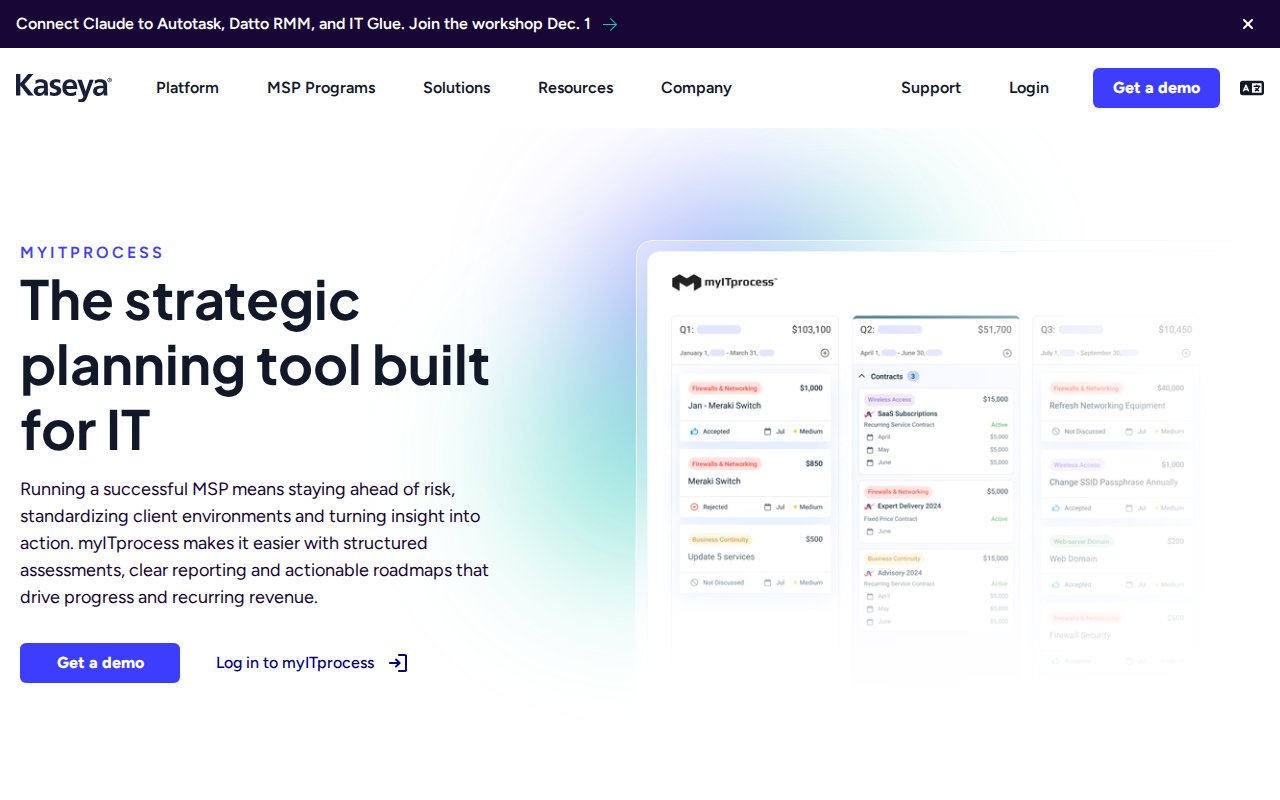
Kaseya's myITprocess page headline "The strategic planning tool built for IT" beside a quarterly roadmap with dollar totals
www.kaseya.com, captured November 20, 2026

myITprocess is a Kaseya product, sold in the Kaseya 365 Ops bundle or alone by quote. It publishes how its numbers work. An engineer answers yes or no to questions from your Standards Library, the vCIO rates each for business risk, and the help center gives the weights: High priority 5 points, Medium 3, Low 1; Aligned scores 100%, Marginal 50%, Highly Vulnerable 0%. You can show a client exactly why a score moved. Its meeting presentation mode shows each recommendation as a slide and records the client's decision. The QBR Report Builder assembles alignment, budget, hardware warranty, roadmap and progress sections into a PDF. Warranty lookup covers nine brands, including Dell, HP and Lenovo. Ticket and service-level charts come through its Executive Summary section, which draws on Autotask, Kaseya BMS and other Kaseya modules. The Kaseya 365 Ops price buys seven modules, a PSA among them, so it is not a like-for-like figure.

Best fit:MSPs on Autotask, Kaseya BMS or ConnectWise who want a scoring method they can explain to a client line by line.

Think twice if:you need a client portal or a standalone list price, neither of which appears on the pages we checked.

Report-first tools and a client portal

They produce part of the review well and leave the other slides to you or to another system.

05

Scopable

Quoting and vCIO software priced per MSP user, with QBR decks and a client quote portal on the Free plan.

Builds
standard assessments, QBR decks from templates, roadmaps, quotes with e-signature
Data sources
ConnectWise Manage live, HaloPSA in alpha, one PSA at a time; Microsoft 365; NinjaOne; Liongard
Next step into the PSA
recommendations go to its own quote builder; quotes write value, stage and close date back to the linked ConnectWise opportunity
Client view
QBR decks as PDF, assessments by share link, client portal for quotes and e-signature
Published pricing
Free; Pro $39 and Max $99 per user a month; unlimited clients on every plan
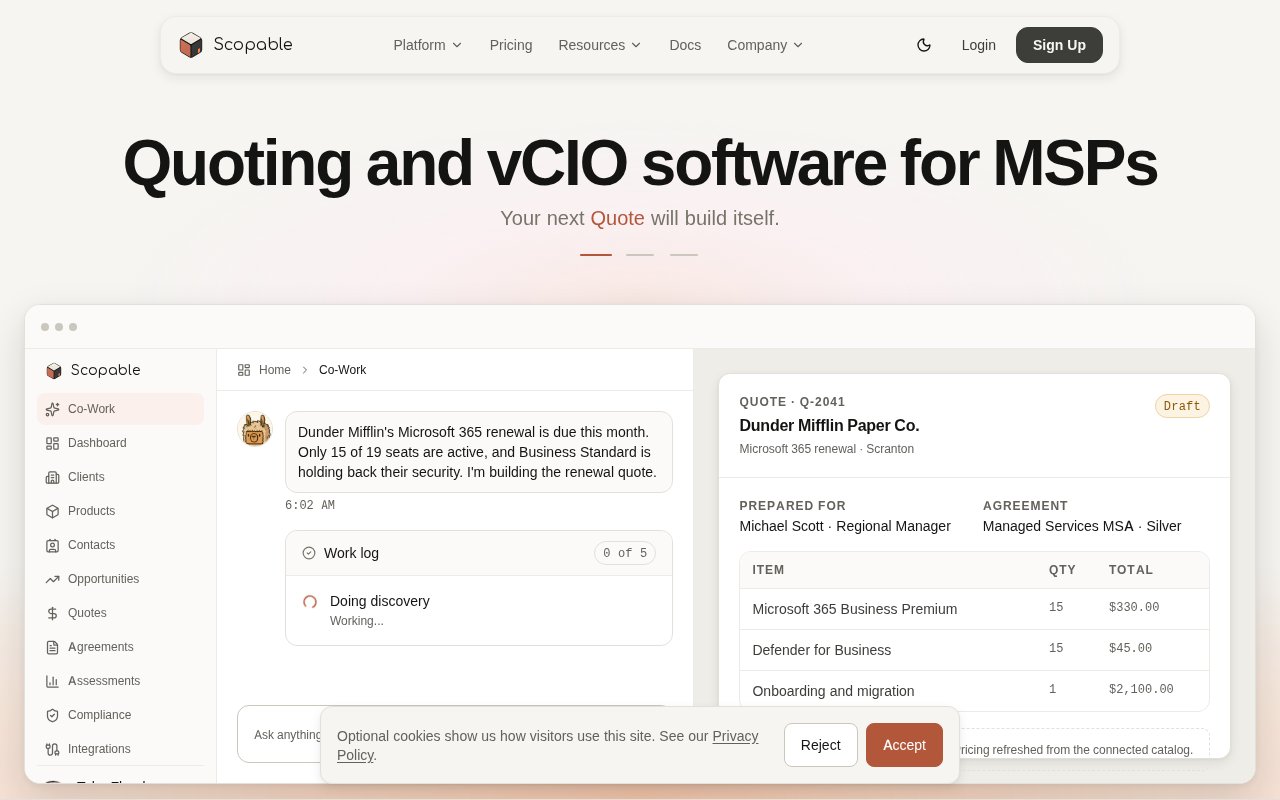
Scopable homepage headline "Quoting and vCIO software for MSPs" above a draft Microsoft 365 renewal quote in the product
scopable.io, captured November 20, 2026

Scopable calls itself quoting and vCIO software, built for MSPs of 10 to 60 people. The quote is the point: assessment recommendations hand off to its own quote builder, with e-signature. Free includes assessments, QBR decks, roadmaps, quotes, the portal and e-signature for unlimited clients and seats, capped at three quote templates and monthly credits. Microsoft 365 sync puts users, licenses and MFA posture on the security slide. ConnectWise Manage is the live PSA, HaloPSA is in alpha, and only one PSA connects at a time. A hardware warranty report and a multi-year forecast were not on the pages we checked, and its trust page says there is no System and Organization Controls (SOC) 2 Type II report or third-party penetration test yet. Per-user pricing means 40 clients cost the same as four.

Best fit:smaller MSPs that want QBR decks, roadmaps and quotes in one place without paying per client.

Think twice if:you run Autotask, Kaseya BMS or Syncro, none of which appears on its integrations page.

06

QBR Studio

A report-first QBR tool that computes service metrics and tracks commitments from one review to the next.

Builds
service level agreement (SLA) attainment, tickets, patching and backups; costed refresh plan; roadmap with a commitment ledger
Data sources
ConnectWise Manage, Autotask, HaloPSA, NinjaOne; comma-separated values (CSV) import for other systems
Next step into the PSA
PSA opportunities or quotes not found
Client view
branded client page by share link with no login, print-ready PDF
Published pricing
quote only; flat monthly price, unlimited clients, no setup fee, month to month
QBR Studio homepage headline "The vCIO's quarterly review, carried through decisions." over a photo of two people reviewing a tablet
qbrstudio.com, captured November 20, 2026

QBR Studio is a reporting tool and says plainly what it leaves out. It computes SLA attainment, tickets, patching and backups before any narrative is drafted, and you approve each summary before it publishes. Its commitment ledger tracks each recommendation as proposed, approved, declined or done and carries it into the next report, a direct answer to the "what did we promise last quarter" slide. Lifecycle views show aging devices with warranty and refresh-budget figures; it names no manufacturer lookup. Clients open a branded page by share link with no login, and you can see when they viewed it. Connections to your systems are read-only. The vendor says it has no dashboards and no full client portal. It lists a graded environment and a client scorecard; assessments against your own standard and a security score were not on the pages we checked. Pricing is flat and monthly, by quote, with no self-serve trial.

Best fit:MSPs whose reviews are mostly service metrics and follow-up, and who want a flat price with unlimited clients.

Think twice if:you need a full client portal, which the vendor says it does not offer, or assessments against your own standard and a security score, which were not on the pages we checked.

07

CloudRadial

A client portal platform with on-demand QBRs and a vCIO account planner built in.

Builds
On-Demand QBRs, vCIO Account Planner with drag-and-drop roadmaps, scored assessments, warranty reporting
Data sources
Autotask, ConnectWise Manage, HaloPSA, Kaseya BMS, Syncro; IT Glue, Hudu, Liongard; Microsoft 365 usage
Next step into the PSA
planner push to opportunities or quotes not found
Client view
client portal branded as the MSP, custom-styled PDF reports
Published pricing
Starter $145, Professional from $795, Enterprise from $1,795 a month; annual commitment; setup fee of $145, $795 or $1,795 by plan
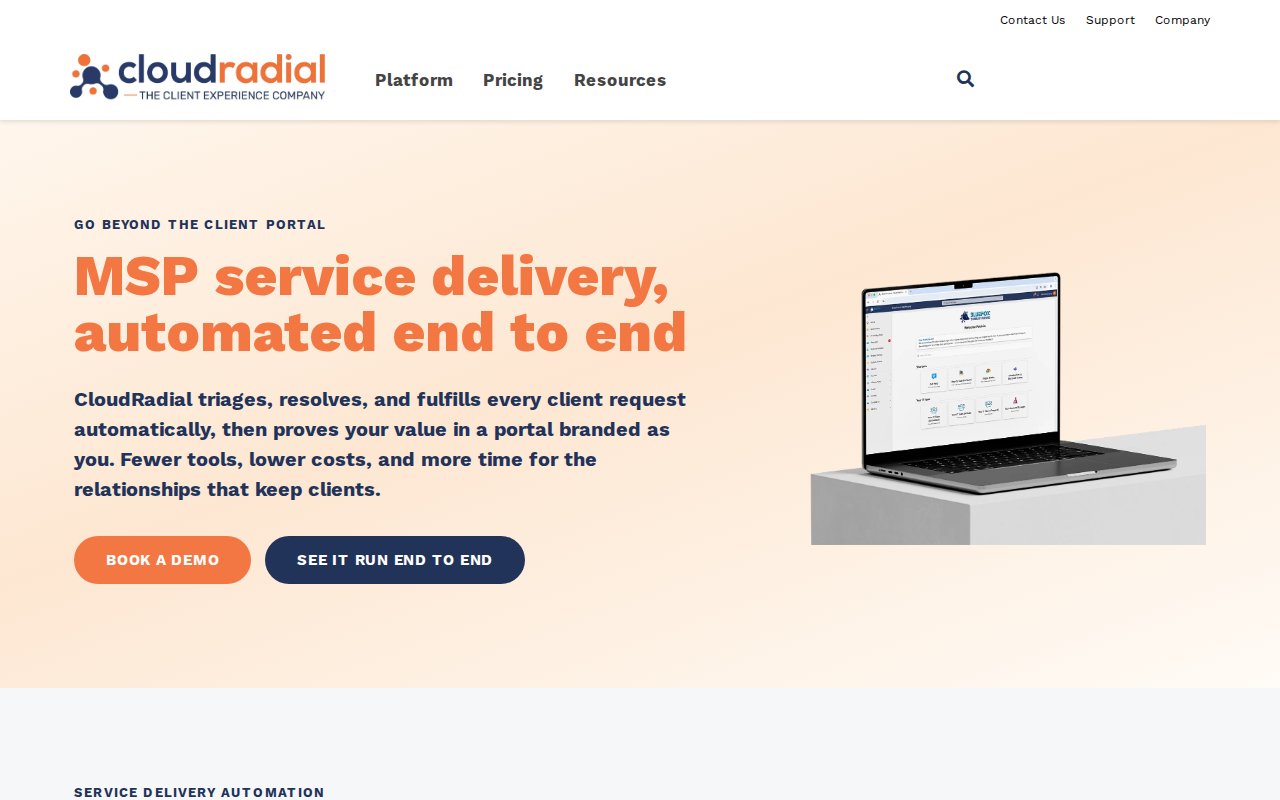
CloudRadial homepage promoting automated service delivery and a client portal branded as the provider, with a laptop showing the portal
www.cloudradial.com, captured November 20, 2026

CloudRadial is a client portal first, branded as the MSP, with passwordless two-factor sign-in for clients. Read it as the portal option rather than a roadmap tool to judge head to head with the four whole-cycle platforms. Its On-Demand QBRs build on Microsoft 365 license usage and adoption, and exceptions to your best practices, sent to clients nightly, can be added to the vCIO Account Planner. There, roadmaps are drag-and-drop per client, and a Sales Matrix rolls planner cards up across clients. Its warranty page names Dell and Lenovo (the page title adds Microsoft Surface) and says it syncs warranty data from ConnectWise and Autotask. A multi-year budget and a push of planner items into PSA opportunities were not on the pages we checked. The pricing page's plan cards do not mention On-Demand QBRs, assessments or the planner, so ask which plan includes them before you sign.

Best fit:MSPs who want clients working in a branded portal, with the review as one part of that relationship.

Think twice if:you want month-to-month terms, since every subscription is an annual commitment and each suite carries a one-time setup fee.

also considered

Also considered

  • vCIO Hero: Invarosoft's scored audits with Good, Better and Best options, from $99 a month for up to 100 end-user licenses; no named integrations on the pages we checked.
  • Microsoft 365 Lighthouse: no additional cost for Cloud Solution Provider (CSP) partners, with Secure Score per tenant and CSV export; a data source for the security slide.
  • Salesbuildr: quoting software whose Whitespace module (Advanced plan and up) maps service gaps per client and turns one into a quote or opportunity.
  • ScalePad Cognition360: ConnectWise-only business intelligence from $449 a month for 25 PSA users, Power BI licenses extra.
decision aid

A sample quarterly business review agenda and the tool that produces each slide

Practitioners describe an annual strategic review led by the vCIO and a quarterly operational review led by the account manager; one sample hour shared by an MSP gives metrics about 10 minutes. The grid maps that quarterly agenda; "not found" means not on the vendor pages we checked.

Sample QBR agenda mapped to what each tool's own pages say it produces, November 20, 2026
Agenda itemWhat the slide needsDocumented by (of the seven)
1. Follow-up on last reviewStatus of last quarter's recommendationsQBR Studio commitment ledger; myITprocess recommendation statuses in its roadmap report and a progress report comparing reviews; ScalePad CS roadmap status; Strategy Overview proposals; CloudRadial planner; vCIOToolbox plan progress; Scopable not found
2. Service and ticket metricsTickets and service levels from the PSAQBR Studio (SLA attainment, tickets); myITprocess through its Executive Summary with Autotask or Kaseya BMS; open tickets by service board: Strategy Overview (paid plan); ScalePad CS lists a Service Performance Review template, contents not described; not found for the other three
3. Security and riskScores, MFA, Secure ScoremyITprocess (Secure Score from IT Glue), Strategy Overview, Scopable (MFA), vCIOToolbox (risk register, GRC line), ScalePad CS, CloudRadial; not found for QBR Studio
4. Standards scoreScore against your own standardmyITprocess (published weights), Strategy Overview (100-plus points); scored assessments in the others; QBR Studio lists a graded environment, standard not named
5. Hardware and warrantyAge, warranty, refresh datesScalePad CS (40-plus makers), myITprocess (9), Strategy Overview (7), CloudRadial (Dell, Lenovo; title adds Surface; PSA warranty sync), vCIOToolbox (Dell, Lenovo; Meraki coming); QBR Studio no maker lookup named; Scopable not found
6. BudgetCosts by quarter and yearMulti-year: ScalePad CS, vCIOToolbox; by month, quarter and year: Strategy Overview; by quarter: myITprocess; refresh plan: QBR Studio; multi-year not found: Scopable, CloudRadial
7. Roadmap and projectsInitiatives over coming quartersAll seven
8. Next steps into the PSAApproved work as opportunities or ticketsvCIOToolbox, myITprocess, ScalePad CS; PSA-synced projects from November 26, 2026: Strategy Overview; own quote builder with ConnectWise opportunity updates: Scopable; not found: QBR Studio, CloudRadial
9. DeliveryHow the client sees itPDF: all seven; live presentation: ScalePad CS, Strategy Overview, vCIOToolbox, myITprocess (meeting presentation); share link: QBR Studio, ScalePad CS (password-protected), Scopable (assessments); portal: Strategy Overview, vCIOToolbox, CloudRadial; quote portal: Scopable

MFA is multi-factor authentication. Warranty counts are the number of brands each vendor lists; we did not test match rates. Strategy Overview's ticket, warranty and portal cells assume its paid plan.

What the grid shows, on the pages we checked:

  • QBR Studio documents service-level and ticket metrics directly, myITprocess adds them through Autotask or Kaseya BMS, and Strategy Overview shows open PSA tickets by service board. For the other four, pull that slide from your PSA's own reports, which is where your choice of PSA software for MSPs shows up.
  • Four describe a route into the PSA: vCIOToolbox, myITprocess and ScalePad CS create opportunities or tickets, and Strategy Overview says projects sync from November 26. Scopable quotes update the linked ConnectWise opportunity.
  • Warranty breadth runs from two listed brands at vCIOToolbox to 40-plus lookups at ScalePad CS, as each vendor states it.
  • All seven produce a PDF. PowerPoint export was not found for any of them.

What no tool replaces is the conversation about the client's business, which practitioners say should take most of the hour.

how to choose

How to choose a tool for your client reviews

Work through these in order; each step takes tools off the list.

  1. Write your agenda first and mark the slides you still build by hand; those slides are what you are buying.
  2. Match your PSA and RMM to each vendor's named integrations; myITprocess and Scopable connect one PSA at a time.
  3. Check warranty brands against your clients' fleet; the lists run from two brands to more than 40, and every maker outside the list is a date you keep yourself.
  4. Decide where next steps go: a PSA opportunity, ticket or project, or the tool's own quote builder.
  5. Decide how the client sees the result: a live presentation, a PDF, a share link or a portal they sign in to.
  6. Check the billing unit and term: 12 months on ScalePad CS paid plans, one year on Kaseya 365 Ops, an annual commitment at CloudRadial, month to month at QBR Studio, month to month or yearly at Strategy Overview.

On the demo, ask which plan includes each slide on your agenda, which PSA fields sync and in which direction, which warranty brands work today, and how co-managed clients count toward the bill.

Red flags

  • A demo that shows only ticket charts and never a budget or a roadmap.
  • Warranty dates you would still type in for most of your fleet.
  • A per-client or per-tier price with no plan sheet saying which features it includes.
pricing

What these tools cost for an MSP with 40 clients

The example MSP has 40 client companies, three staff on the tool (owner, vCIO and account manager) and 15 users per client, so 600 end users. Figures are list prices before tax.

Published list prices for 40 clients, read November 20, 2026
Tool and planUnitMonthlyFirst year
ScalePad CSPer client$1,000$12,000 (12-month term)
Strategy Overview Pro, monthlyPer company tier (up to 50)$695$8,340
Strategy Overview Pro, annualPer company tier (up to 50)$626$7,506
myITprocess in Kaseya 365 OpsPer MSP user, 3-user minimum$387$4,644 (seven modules, one-year term)
Scopable Free, Pro, Max (3 users)Per MSP user$0, $117, $297$0, $1,404, $3,564
CloudRadial Starter (500 portal users or fewer)Fixed, up to 500 portal users$145$1,885 with setup
CloudRadial ProfessionalSynced users or agentsFrom $795From $10,335 with setup
vCIOToolboxNot statedNot published above 10 customersNot published above 10 customers
QBR StudioFlat per MSPQuote onlyQuote only

ScalePad CS 40 x $25. Strategy Overview's 25-company tier does not cover 40, so Pro (50) applies: $695 x 12, or $8,340 less 10% paid yearly (the calculator shows $626 a month). Kaseya 365 Ops 3 x $129 x 12; 3 is Kaseya's floor for new customers, and existing Autotask or IT Glue customers match their highest license count. Scopable 3 x $39 and 3 x $99, then x 12. CloudRadial 12 months plus the published setup fee ($145 or $795), and the page says some new subscriptions require a Jumpstart implementation priced by product; Starter covers up to 500 portal users, so 600 end users point to Professional. vCIOToolbox publishes tiers only up to 10 customers.

Read the totals as examples, not a ranking. A per-MSP-user price stays flat as you add clients, a per-client price grows with each one, and the Kaseya 365 Ops figure buys a bundle that includes a PSA. Strategy Overview prices in tiers, so check its calculator against your real client count.

faq

Frequently asked questions

What is the difference between a vCIO review and a QBR?

Several MSPs describe two meetings. The vCIO review is annual and strategic: the vCIO meets the owner or executives about the roadmap and the multi-year budget. The QBR is quarterly and operational: the account manager covers service, open issues and next steps with the day-to-day contact. myITprocess, for one, runs the alignment review as its own step.

Do small clients actually want QBRs?

Practitioners are split. Several say very small clients want problems fixed rather than a quarterly report. Some MSPs tier the cadence by client, tie reviews to the client's financial calendar, and in quiet quarters send a short note on only what changed.

What should a QBR cover?

Use the agenda above: follow-up on last quarter, a short metrics section, security and standards, hardware and warranty, budget, roadmap and agreed next steps. One MSP's sample hour gives about 10 minutes to metrics, tied to what they meant for the business, and the rest to the client's own plans and decisions.

Can a spreadsheet or slide template do the job?

For a handful of clients, yes. The cost is pulling ticket, warranty and license data by hand every quarter, which practitioners describe as the real time sink. Free plans let you test the workflow: Strategy Overview Free covers 3 companies without PSA, warranty or Microsoft 365 data, ScalePad's Free plan covers 1 client with one-way sync, and Scopable Free has no client limit.

How do MSPs price vCIO services?

Practitioners describe three patterns: a monthly retainer separate from user count, vCIO work folded into a higher managed-services tier, or a retainer plus project fees. The tool cost above is one input to that price, not the price itself. For where vCIO work sits in a per-user model, see what a per-user MSP price covers.

What data must be clean before a tool helps?

Practitioners suggest one system of record for devices and contacts, one-way sync, and matching on serial number or host name; they report that sync loops between tools create orphaned assets. Warranty lookups depend on it too: myITprocess needs a manufacturer and serial number per device. ScalePad CS bills on unique managed clients synced, so ask how co-managed clients count.

Screenshots captured from each vendor's live site on November 20, 2026.