MSP buying guide

Best Microsoft 365 Backup for MSPs (2026)

Eight cloud-to-cloud backup products compared on what each vendor says it backs up and restores, how it bills across client tenants, and what a published price buys.

8  products2  with published prices4  say one-to-one chats are not backed up

8 products, 6 workloads checked, verified November 20, 2026

A Software as a Service (SaaS) backup for Microsoft 365 earns its fee on the day a client wants back a departed user's mailbox, a deleted SharePoint library or a Teams chat, and the products split on exactly those restores. To run one product across every client tenant, start with Datto SaaS Protection for a partner portal built around MSPs, NinjaOne SaaS Backup if you already run NinjaOne's remote monitoring and management (RMM) tool, Veeam Data Cloud for Microsoft 365 if clients need Entra ID policies restored, and Afi for Teams one-to-one chats and a published $3 per-user monthly price.

"Teams" can mean channels and nothing else: four vendors' own pages say one-to-one chats are not backed up, and a fifth includes them on one plan only. Six of the eight quote only.

Microsoft also sells Microsoft 365 Backup. Its pages cover Exchange, OneDrive and SharePoint, list Teams as "coming in the future" and limit restores to tenant admins, and we found no multi-tenant console. It appears below as a reference row.

This page is for the owner or service lead of an MSP with 20 to 150 clients on Microsoft 365. Server and workstation backup is a different job, covered in our guide to backup and disaster recovery (BCDR) for MSPs.

Where our money comes from

We do not sell any of these products, take commissions from any vendor on this page, or accept payment for placement.

methodology

How we chose and checked these products

  1. We included cloud-to-cloud Microsoft 365 backup products offered to MSPs for many client tenants.
  2. We read each vendor's own product, documentation, help and pricing pages on November 20, 2026; every vendor fact here traces to them.
  3. No trials, no hands-on tests, no timed restores and no paid placement. Frequency and retention are as each vendor states them.
  4. "Not listed" means we did not find it on the vendor pages we reviewed, not that the product lacks it.
  5. Companies with "MSP" in their name are left out under our naming rule. ConnectWise Cloud Backup, formerly SkyKick, was not assessed because its pages could not be loaded during our review.
  6. Numbering is navigational; order within a group is not a ranking.

Last reviewed: November 20, 2026

comparison

The eight products at a glance

Eight Microsoft 365 backup products for MSPs, from vendors' own pages, verified November 20, 2026
ProductGroupTeams private chatsEntra IDFrequency (as stated)RetentionPublished price
Datto SaaS ProtectionPer-user backupOne-to-one chats not backed up (help article)Separate product3x daily plus on demandIndefinite or configurableQuote only
NinjaOne SaaS BackupPer-user backupBackup + Archiving plan onlyEntra Backup plans1x to 12x daily by workload (docs); every 4 to 6 hours (questions page)UnlimitedQuote only
Veeam Data Cloud for Microsoft 365Per-user backupNot backed up (help center)Advanced plan or standaloneEvery 24 hours by defaultSet per tenant; default 7 years (product page) or 1 year (provider guide)$2.63 to $3.50 per user a month (Foundation)
AfiPer-user backupOne-to-one chats listedIncluded in all plans (docs)3x daily (plan card)Unlimited$3 per user a month
AvePoint Cloud BackupPer-user backupOne-to-one and group chats (docs)ListedOnce a day by default; up to 4x1 to 99 years or unlimited, by subscriptionQuote only
KeepitPer-user backupOwn custom app requiredSeparate serviceTwice daily5 or 10 years by tier; unlimited add-onQuote only
N-able Cove Data ProtectionWider platformNot backed up (vendor page)Not listedUp to 6x daily (mail, Teams); 4x (files, sites)7 yearsQuote only
Acronis Backup for Microsoft 365Wider platformExcluded (vendor page)Users, groups, Conditional AccessDaily; up to 6x on higher packFlexible to indefinite (Acronis Cloud); 1 year (Microsoft-hosted)Quote only; minimum monthly commitment

"3x" means three times; other figures with "x" read the same way. "Per-user backup" is cloud-to-cloud backup sold to MSPs per user; "Wider platform" is Microsoft 365 backup inside a broader backup or security platform. Veeam prices are its US list prices for direct buyers, billed annually. "Not listed" means not found on the vendor pages we reviewed. Prices are before tax, as published on November 20, 2026.

entries

The eight products, grouped by how they are sold

Cloud-to-cloud backup sold to MSPs per user

Standalone Microsoft 365 backup run from a partner console and resold per user.

01

Datto SaaS Protection

Datto's cloud-to-cloud backup, formerly Backupify, which Datto says is built exclusively for MSPs.

Workloads
mail, calendars, contacts and shared mailboxes; OneDrive; SharePoint; Teams channel files and conversations; not backed up per its help article: Teams one-to-one chats, public folders, Planner
Backup frequency and retention
3x daily plus on demand; indefinite or configurable retention
Console and buying route
partner portal with licenses, profitability and per-client status; daily backup success report; 14-day trial
Published price
quote only; per-license pricing with volume discounts across all clients' licenses
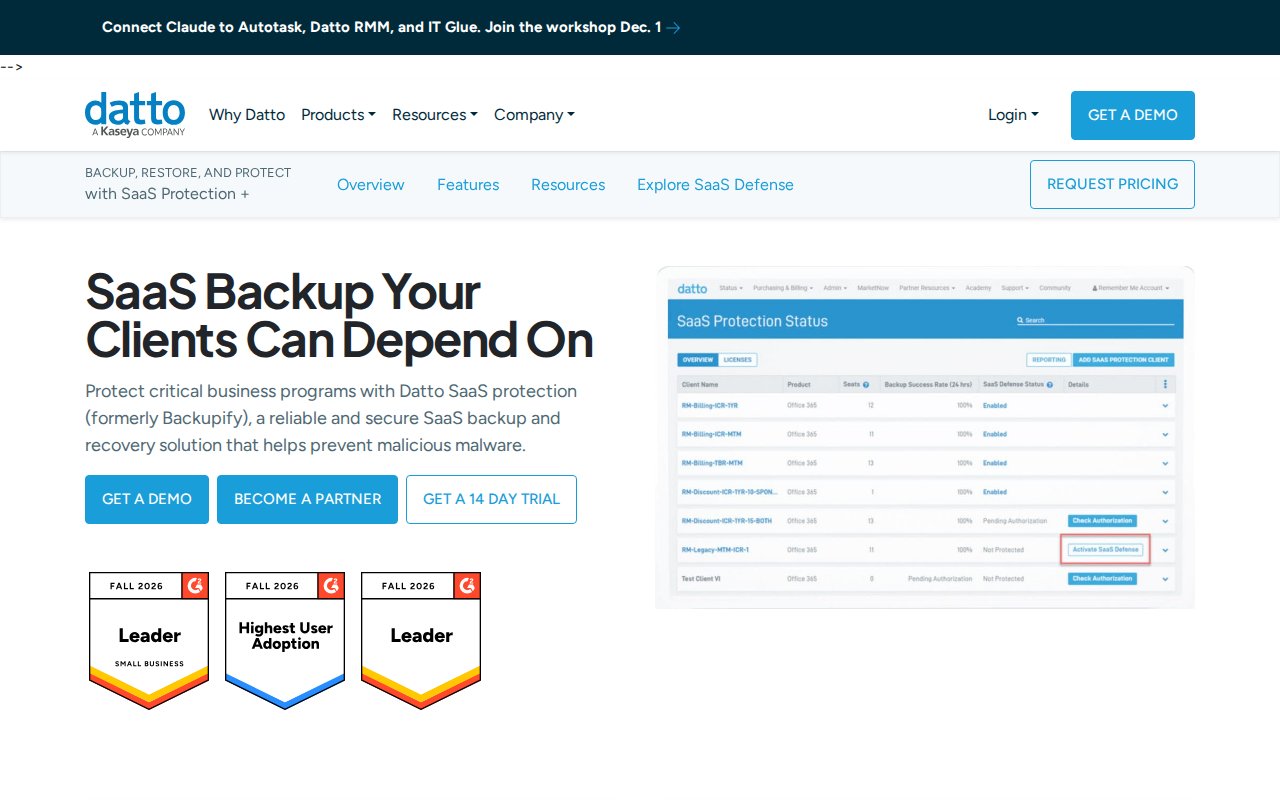
Datto SaaS Protection page headline "SaaS Backup Your Clients Can Depend On" beside a partner portal listing clients, seats and backup success rates
www.datto.com, captured November 20, 2026

Datto SaaS Protection, formerly Backupify, comes from Datto, a Kaseya company, and Datto says it is built exclusively for MSPs. The partner portal is the draw: licenses, profitability and backup status per client on one screen. Backups run three times a day and on demand, retention can be indefinite, and restores are point in time and non-destructive, to the same or another user, with Outlook data file (PST) export.

Read the help article, not the marketing page. The marketing page says chats can be recovered; the help article says Teams one-to-one chats are not backed up, and neither are public folders, shared calendars or Planner. Backup for Microsoft Entra ID is a separate Datto product, and pricing is per license by quote.

Best fit:MSPs who want one portal showing licenses, profitability and backup status for every client, with three backups a day kept as long as they choose.

Think twice if:your clients need Teams one-to-one chats, public folders or Planner, which Datto's help article says are not backed up, or Entra ID, which is a separate Datto product.
02

NinjaOne SaaS Backup

The backup product formerly sold as Dropsuite, now run from the NinjaOne console.

Workloads
mailboxes, shared mailboxes, public folders; OneDrive MyFiles; SharePoint sites, libraries and lists; Teams public and private channels; Planner; private chats on Backup + Archiving only
Backup frequency and retention
on Backup Only, email up to 12x a day and OneDrive, contacts and calendars 1x a day per its docs; every 4 to 6 hours per its questions page; unlimited retention
Console and buying route
same console as NinjaOne RMM; multi-tenant with role-based access and client-specific billing; distributors or NinjaOne direct
Published price
quote only; billed per user backed up
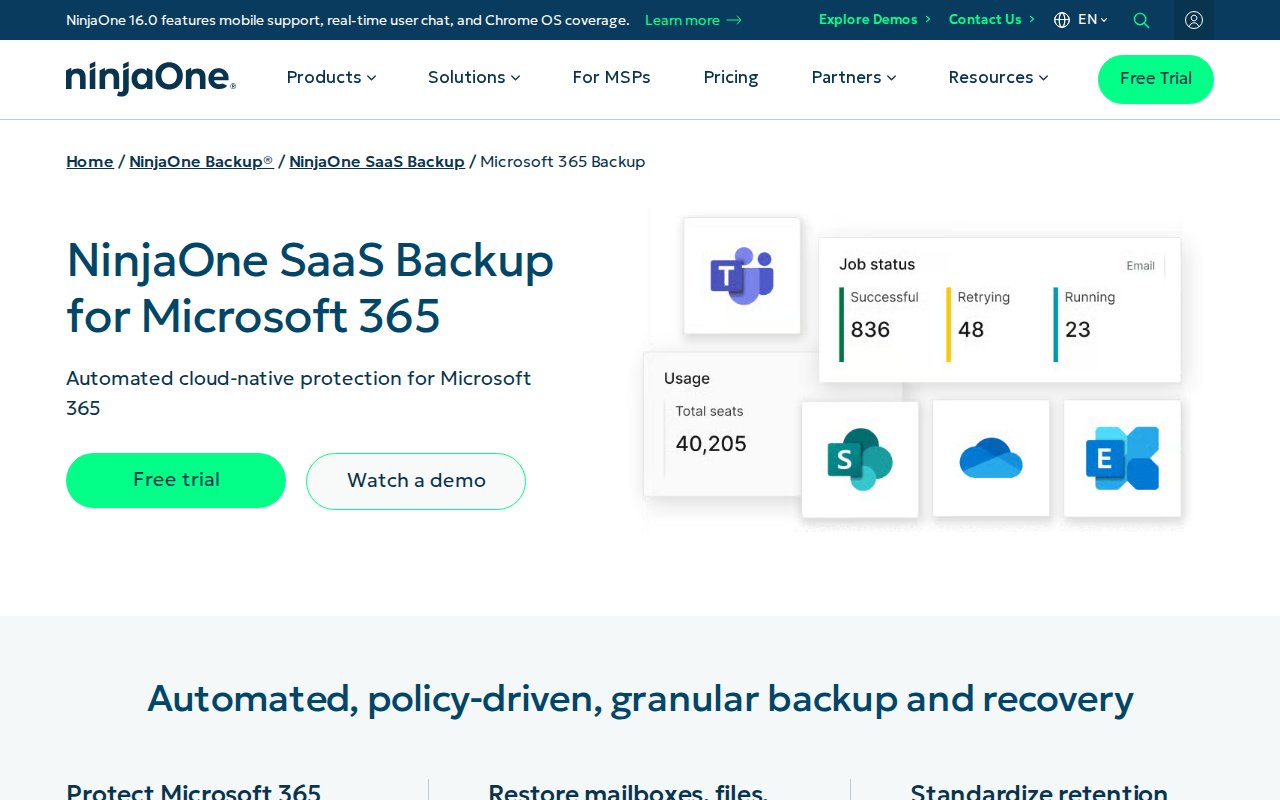
NinjaOne SaaS Backup for Microsoft 365 page with a job status panel and Teams, SharePoint, OneDrive and Exchange icons
www.ninjaone.com, captured November 20, 2026

NinjaOne SaaS Backup is the product MSPs knew as Dropsuite: NinjaOne announced on June 2, 2025 that it had completed the acquisition. It runs in the same console as NinjaOne's RMM, with role-based isolation and billing per client.

Coverage includes shared mailboxes, public folders, Planner tasks and private Teams channels. Restores go in place, to another user, or across tenants when you hold admin rights to both, with an end-user portal. Private Teams chats, eDiscovery and legal hold come only with Backup + Archiving, and OneDrive backup covers a user's MyFiles and needs an Exchange license. On Backup Only, the docs list email up to 12 backups a day but OneDrive, contacts and calendars once; its frequently asked questions page says every four to six hours. Ask which applies to your plan.

Best fit:MSPs already on NinjaOne's RMM who want cross-tenant restore and an end-user portal in the console they use every day.

Think twice if:clients need Teams private chats, eDiscovery or legal hold, which its docs tie to the Backup + Archiving plan rather than Backup Only, or OneDrive backup for users without an Exchange license.

03

Veeam Data Cloud for Microsoft 365

Veeam's hosted Microsoft 365 backup, with Entra ID restore and a published US list price.

Workloads
user, shared and archive mailboxes; OneDrive; SharePoint; Teams posts, tabs and files in all channel types; one-on-one and group chats not backed up per its help center; Entra ID on the Advanced plan or standalone
Backup frequency and retention
policies run every 24 hours by default; retention set per tenant and not lowered later, defaulting to 7 years on the product page and 1 year in the provider guide; immutability included
Console and buying route
service provider portal with multi-tenant dashboards; MSPs rent it through Veeam's service provider program
Published price
Foundation $3.50 (10 to 50 users) to $2.63 (251+ users) per user a month, US list price for direct buyers, billed annually
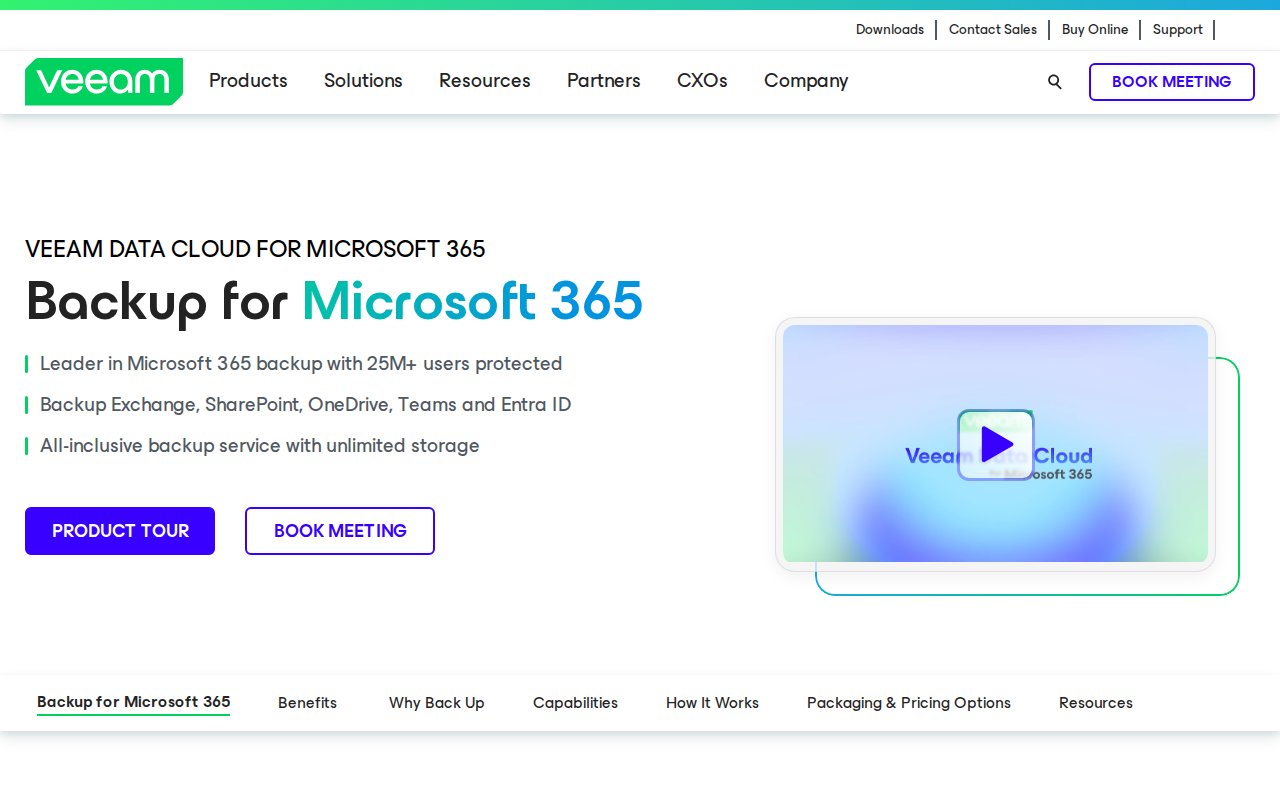
Veeam Data Cloud for Microsoft 365 page headline "Backup for Microsoft 365" listing Exchange, SharePoint, OneDrive, Teams and Entra ID
www.veeam.com, captured November 20, 2026

Veeam Data Cloud for Microsoft 365 is Veeam's hosted service (Veeam Backup for Microsoft 365 is the self-managed version), and MSPs can rent it through Veeam's service provider program, priced in points per user. Entra ID depth is the reason to look. The help center lists restores of users, groups, roles, applications, Conditional Access and Intune policies, on the Advanced plan or as a standalone service at $1.08 per enabled member user.

Policies run every 24 hours by default. Retention is set per tenant and cannot be lowered later; the product page says seven years by default, the provider guide one year. Immutability costs nothing extra, and on Foundation or Premium you can reassign backups to your own Azure account within 30 days of canceling. Its help center says one-on-one and group chats are not backed up.

Best fit:MSPs whose clients need Entra ID objects such as Conditional Access and Intune policies restored, and who want a published list price to anchor the quote.

Think twice if:clients need Teams private chats, which its help center says are not backed up, or you need a dollar figure for the service provider route, whose points carry no published price.

04

Afi

A cloud backup vendor that publishes a per-user price and sells to partners month to month.

Workloads
user, shared, resource and group mailboxes with in-place archives; OneDrive; SharePoint including legacy pages; Teams channels, private channels and one-to-one chats; Entra ID users, groups, roles, Conditional Access and Intune policies, in every Microsoft 365 plan per its docs
Backup frequency and retention
3x daily on its plan card; unlimited retention and versions
Console and buying route
multi-tenant partner portal with license monitoring and an onboarding link; month to month, no minimum partner fee
Published price
$3 per user a month or $36 a year, from 5 users; volume quote at 500+ users
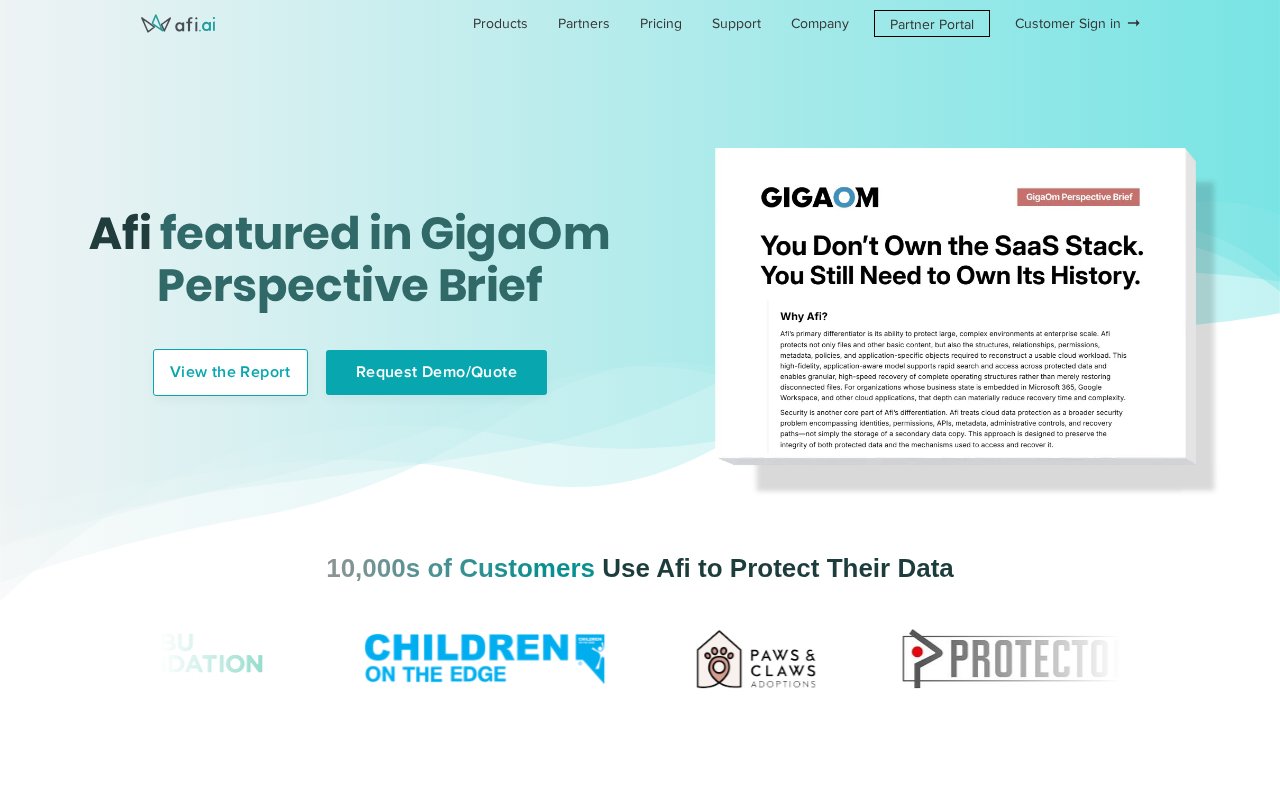
Afi homepage headline "Afi featured in GigaOm Perspective Brief" with View the Report and Request Demo/Quote buttons
afi.ai, captured November 20, 2026

Afi, based in Coral Springs, Florida, publishes what six of the eight products here keep behind a quote: $3 per user a month, or $36 a year, from five users. Archived (deleted) users are kept indefinitely without a separate license.

Its Microsoft 365 page and docs list the hard cases: Teams one-to-one chats and private channels, shared mailboxes, in-place archives, Entra ID and Intune. Partners get a multi-tenant portal, an onboarding link that needs no client admin account, a consolidated invoice and month-to-month terms. Restores go in place or to another account, with PST export and end-user self-service. Its docs put Entra ID backup, Conditional Access policies included, in every Microsoft 365 plan, and Afi states System and Organization Controls (SOC) 2 Type II compliance. We found no named PSA or RMM integration.

Best fit:MSPs who want Teams one-to-one chats listed, a published per-user price and month-to-month partner terms with no minimum fee.

Think twice if:you need a named professional services automation (PSA) or RMM integration, which we did not find on Afi's pages.

05

AvePoint Cloud Backup

AvePoint's Microsoft 365 backup, sold to MSPs through the AvePoint Elements multi-tenant platform.

Workloads
Exchange, OneDrive, SharePoint, Groups, Teams and Teams chat, public folders, Power Platform apps; Entra ID and Intune
Backup frequency and retention
once a day by default for new customers, adjustable to 4x daily; Express syncs Microsoft's restore points every 6 hours; retention 1 to 99 years or unlimited, by subscription
Console and buying route
AvePoint Elements multi-tenant platform with pooled licensing; sold through distributor marketplaces
Published price
quote only; per-user or capacity-based pricing
AvePoint Cloud Backup page headline with Request Demo and Learn More buttons
www.avepoint.com, captured November 20, 2026

AvePoint Cloud Backup lists Exchange, OneDrive, SharePoint, Groups, Teams, Teams chat, public folders and the Power Platform apps, plus Entra ID and Intune. Restores are app-aware, bringing back configurations, versions and permissions, and can go to another tenant. Backups sit in AvePoint's cloud or storage you provide, and AvePoint states SOC 2 and International Organization for Standardization (ISO) 27001 among its certifications.

For MSPs, AvePoint Elements is the multi-tenant platform, with licenses pooled across clients. Backups run once a day by default for new customers, adjustable to four, which AvePoint says it cannot guarantee. Missing from the pages we read: a price, since AvePoint sells through distributor marketplaces, and shared or archive mailboxes. Cloud Backup Express is a narrower tier on Microsoft 365 Backup Storage, so confirm which product a quote covers.

Best fit:MSPs whose clients ask for a long list of stated security certifications, a choice of AvePoint's cloud or their own storage, and Teams chat named in the coverage.

Think twice if:you want a price without going through a distributor, or four backups a day guaranteed, which AvePoint's docs say it cannot promise.

06

Keepit

Microsoft 365 backup kept in Keepit's own data centers, independent of Microsoft, with a partner console.

Workloads
mail including in-place archives and public folders; OneDrive; SharePoint; Groups, Teams and Planner; private chats through their own custom app
Backup frequency and retention
twice daily; up to 5 or 10 years by tier, unlimited as an add-on
Console and buying route
Partner Management Console; 1, 2 or 3-year terms or monthly consumption, per a 2024 partner post
Published price
quote only; per seat, falling with volume, no fees for storage or restores
Keepit page headline "Backup and recovery for Microsoft 365" with Get a demo and Product sheet buttons
www.keepit.com, captured November 20, 2026

Keepit, based in Copenhagen, runs its own data centers independent of Microsoft, two mirrored sites per region, with a US region among six. Keepit is ISO 27001 certified and offers a SOC 2 Type II report on request.

Coverage includes in-place archives, public folders, Groups, Teams conversations and Planner. Private chats need their own custom Entra app registration, kept apart from other workloads, and Entra ID is a separate Keepit service covering users, groups, roles, Conditional Access and Intune policies. Backups run twice a day; Keepit says more would not help because Microsoft throttles requests. Retention runs five or ten years by tier, or unlimited as an add-on. Departed users' data stays at no extra cost, and a licensed shared mailbox counts as a seat.

Best fit:MSPs whose clients want backups held in data centers independent of Microsoft, with a US region and departed users kept at no extra cost.

Think twice if:you want more than two backups a day, Teams private chats without registering a dedicated custom app, or Entra ID in the same service.

Microsoft 365 backup inside a wider backup or security platform

Products that add Microsoft 365 to the console you may already use for servers, workstations or security.

07

N-able Cove Data Protection

N-able's backup platform, with Microsoft 365 in the same dashboard as server and workstation backup.

Workloads
Exchange user and shared mailboxes including In-Place Archive; OneDrive; SharePoint with permissions; Teams channel messages, posts and files; private and group chats, Groups, public folders and Planner not backed up per its docs
Backup frequency and retention
up to 6 sessions a day for Exchange and Teams, 4 for OneDrive and SharePoint, fixed schedule; 7-year retention
Console and buying route
same dashboard as server and workstation backup; trial and demo
Published price
quote only; per device or per user, volume discounts
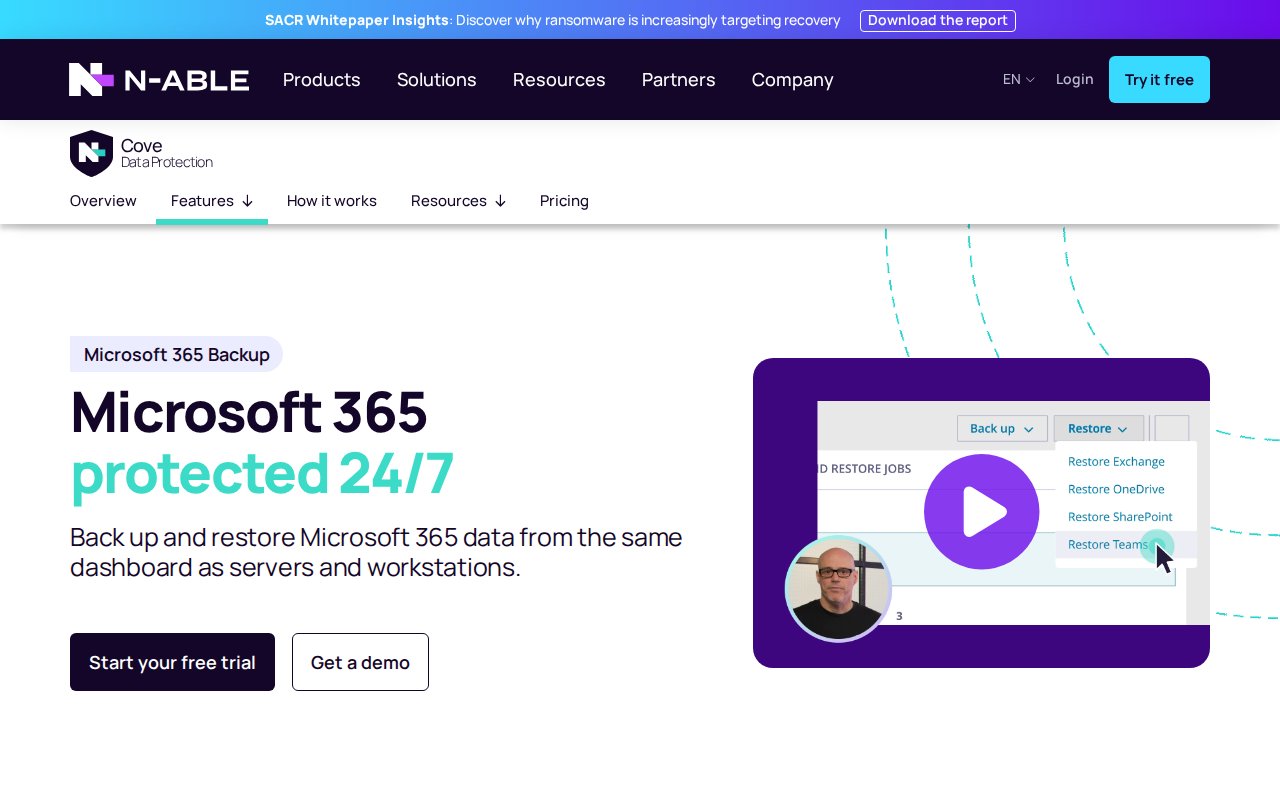
N-able Cove Data Protection page headline "Microsoft 365 protected 24/7" beside a restore menu for Exchange, OneDrive, SharePoint and Teams
www.n-able.com, captured November 20, 2026

N-able Cove Data Protection backs up Microsoft 365 from the same dashboard as servers and workstations, so the case for it rests on what you already run. Exchange and Teams get up to six backup sessions a day, OneDrive and SharePoint up to four, on a schedule you cannot change, and every workload keeps seven years. Data sits in one of nine regions, the US among them, immutable by default.

The limits are on its own pages. Private and group chats outside channels are not backed up, which Cove puts down to limits on Microsoft's side. Its docs say Groups, public folders and Planner are not backed up either, and Entra ID was not listed. Pricing is per device or per user, by quote.

Best fit:MSPs who already back up servers and workstations with Cove and want Microsoft 365 in the same dashboard, stored in one of nine regions including the US.

Think twice if:clients need Teams private chats or public folders, which Cove's docs say are not backed up, Entra ID, which we did not find listed, or a backup schedule you can change.

08

Acronis Backup for Microsoft 365

Agentless, multi-tenant Microsoft 365 backup inside Acronis's wider protection platform.

Workloads
user, shared and group mailboxes, in-place archives; OneDrive; SharePoint sites; Teams channels and files; Entra ID users, groups and Conditional Access policies
Backup frequency and retention
daily, up to 6x a day on the higher pack; flexible including indefinite on Acronis Cloud, one year on Microsoft-hosted storage
Console and buying route
multi-tenant console; group plans add new users, sites and teams automatically; contact sales
Published price
quote only; per seat with a minimum monthly commitment
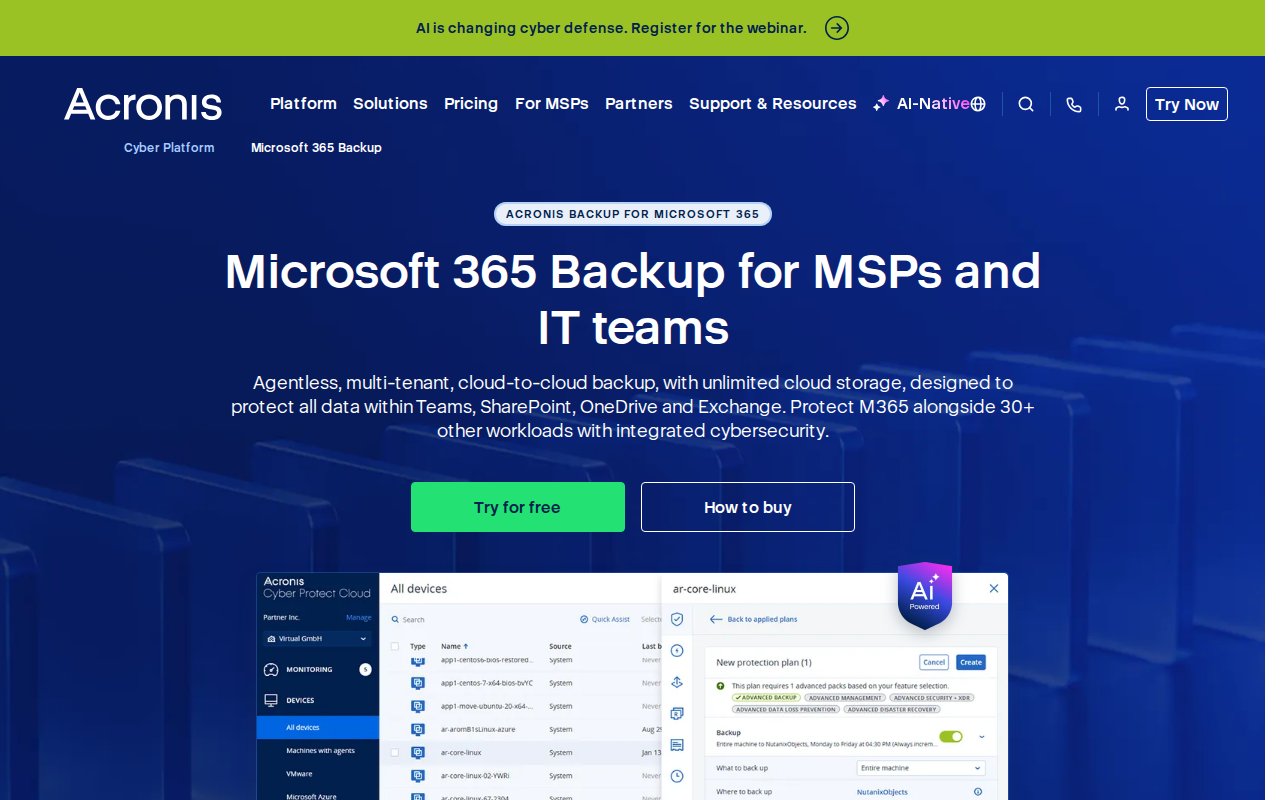
Acronis page headline "Microsoft 365 Backup for MSPs and IT teams" above a Cyber Protect Cloud console screenshot
www.acronis.com, captured November 20, 2026

Acronis Backup for Microsoft 365, run from the Acronis Cyber Protect Cloud console, is sold to MSPs and in-house information technology (IT) teams as one workload among more than 30 in an agentless, multi-tenant platform. It covers user, shared and group mailboxes, and Entra ID users, groups and Conditional Access policies, which you can compare with the live tenant to restore deleted users or overwritten attributes. Group plans pick up new users, sites and teams on their own.

Backups run daily, up to six times a day on the higher Ultimate pack. On Teams, its page says private chats are excluded, and channel conversations download as HyperText Markup Language (HTML) files rather than restoring into Teams. Retention can be indefinite on Acronis Cloud but is one year on Microsoft-hosted storage. Pricing follows a minimum monthly commitment, by quote.

Best fit:MSPs who want shared and group mailboxes and Entra ID Conditional Access policies covered in a platform that also protects other workloads.

Think twice if:clients need Teams private chats, which Acronis excludes, or channel conversations restored into Teams rather than downloaded.

also considered

Also considered

decision aid

Restore-scope matrix: what each product backs up and restores

Match the columns to what your clients need restored. Not listed = not found on the vendor pages we reviewed on November 20, 2026; ask the vendor.

What each product's own pages say it backs up and restores, November 20, 2026
ProductMailboxesOneDrive and SharePointTeams channel postsTeams private chatsEntra IDRestore options
Datto SaaS ProtectionUser and shared; public folders not backed upBack up and restoreBacked up, 1,000-reply capOne-to-one chats not backed up (help article)Separate productIn place, other user, PST
NinjaOne SaaS BackupShared, public foldersOneDrive MyFiles; SharePoint sitesPublic and private channelsBackup + Archiving onlyEntra Backup plansCross-tenant, PST, end-user portal
Veeam Data Cloud for Microsoft 365User, shared, archiveBack up and restoreAll channel typesNot backed up (help center)Advanced plan or standaloneItem to whole site, bulk
AfiUser, shared, group, archiveBack up and restoreChannels, private channelsOne-to-one chats listedUsers, groups, roles, Conditional AccessIn place, other account, PST, self-service
AvePoint Cloud BackupExchange, public foldersBack up and restoreBacked upOne-to-one and group chats (docs)ListedApp-aware, cross-tenant
KeepitArchives, public foldersBack up and restoreConversations, channelsOwn custom app requiredSeparate serviceIn place, PST
N-able Cove Data ProtectionUser, shared, archive; public folders not supportedBack up and restoreMessages, posts, repliesNot backed up (vendor page)Not listedOriginal or new location
Acronis Backup for Microsoft 365User, shared, group, archiveBack up and restoreHTML download onlyExcluded (vendor page)Users, groups, Conditional AccessIn place, other mailbox
Microsoft 365 Backup (reference)User and shared, with archivesWhole account or site; files from last 14 daysComing in the futureComing in the futureNot listedAdmins only, same or new location

PST is the Outlook data file format. "Back up and restore" means the vendor states both. Microsoft 365 Backup is Microsoft's own paid service, shown for reference; it is not one of the eight entries.

Private chats and Entra ID are where the eight split. Entra ID means identity settings, such as Conditional Access policies, you may need to roll back. Whichever you pick, run a test restore of a Teams chat, a SharePoint library and a deleted user before you sell it.

how to choose

How to choose a Microsoft 365 backup for your clients

  1. List what each client needs back: mailboxes and archives, SharePoint libraries, Teams private chats, Entra ID objects such as Conditional Access policies, and the years of retention compliance demands.
  2. Check the console at your tenant count: per-client status, onboarding without the client's admin account, and whether it runs where your technicians already work.
  3. Decide where the backup lives. Microsoft's own service keeps backups inside Microsoft 365's data trust boundary; Keepit runs its own data centers; Cove, Afi and NinjaOne name regions that include the US.
  4. Get the billing rules in writing before you set a client price (questions in the pricing section below).
  5. Run the test restore during the trial, the way a client would ask for it.

Managing the tenants themselves (policies, licenses, user changes) is a different job, covered in our guide to Microsoft 365 management tools.

Red flags

  • A quote with no rule for departed users.
  • "Teams covered" with no word on private chats.
  • Backups stored only inside the tenant you are protecting.
  • A trial that does not let you run a test restore.
pricing

What Microsoft 365 backup costs for 80 clients

The example MSP has 80 client tenants and 1,200 protected users, 15 per client, at list prices before tax with no discounts.

Published list prices for 1,200 protected users, read November 20, 2026
Product and planUnitMonthlyYearly
AfiPer user$3,600$43,200
Veeam Foundation, 10 to 50 user tier pricePer user$4,200$50,400
Veeam Foundation, 251+ user tier pricePer user$3,156$37,872
Veeam Advanced (adds Entra ID), listed pricePer user$3,996$47,952
Microsoft 365 Backup (reference)Per gibibyte (GiB) of protected content$153.60 per tebibyte (TiB)$1,843.20 per TiB
Datto, NinjaOne, AvePoint, Keepit, Cove, AcronisPer user, license or seatQuote onlyQuote only

Afi 1,200 x $3 (or $36 a year); Afi quotes volume at 500+ users, so this is the list figure. Veeam 1,200 x $3.50, $2.63 and $3.33, then x 12; Veeam lists Advanced at $3.33 beside a struck-through $3.71; $3.33 equals the 251+ Foundation price plus the $0.70 Veeam allocates to Entra ID in Advanced, and no Advanced price is shown for smaller tiers. Microsoft 1,024 GiB x $0.15. GiB is gibibyte; TiB is tebibyte.

Afi's price is per protected user, and archived users cost nothing. Veeam's list prices are for direct buyers, tiered by user count; whether pooled client users reach a tier is a question for Veeam, since its MSP route is priced in points per user with no published dollar value. Microsoft 365 Backup bills $0.15 per gibibyte (GiB) a month, about $153.60 per tebibyte (TiB), with no per-user fee and an Azure subscription in each tenant, so its cost follows data, not headcount.

Units and inclusions differ, so read the totals as examples, not a ranking. For the six quote-only products, ask:

  • How is a departed user billed, and for how long?
  • Does a shared mailbox use a license?
  • Is there a minimum user count or monthly commitment?
  • What term is the price for: monthly, one year or longer?

What you charge clients is a separate decision; see what a per-user MSP price covers.

faq

Frequently asked questions

Does Microsoft back up Microsoft 365 data?

Microsoft sells a separate, paid service, Microsoft 365 Backup, at $0.15 per GiB of protected content a month, covering Exchange, OneDrive and SharePoint, with Teams listed as coming in the future. Recycle bins, version history and retention policies keep data for a while inside the tenant, but they are not point-in-time copies you control.

Is a retention policy a backup?

No. A retention policy keeps data inside the same tenant for compliance; it gives you no point-in-time copy outside it to restore after a bad sync or an admin mistake. Even Microsoft 365 Backup keeps its copies inside Microsoft 365's data trust boundary. A retention setting inside a backup product only decides how long the backup copies are kept.

Does Microsoft 365 backup cover Teams chats?

It depends on the product and the plan. Afi lists one-to-one chats, AvePoint lists one-to-one and group chats, Keepit needs its own custom app, and NinjaOne includes private chats on Backup + Archiving only. Datto, Veeam, Cove and Acronis state that one-to-one chats are not backed up, and Microsoft lists Teams as coming. Get the answer in writing.

Is Microsoft 365 Backup enough for MSP clients?

It can suit a single tenant that wants 10-minute restore points for recent Exchange, OneDrive and SharePoint data. For an MSP the gaps are practical: no Teams yet, restores by tenant admins only, an Azure subscription in each tenant, backups kept inside Microsoft 365's data trust boundary, and no multi-tenant console that we found in its documentation.

How are departed users and shared mailboxes billed?

Afi and Keepit keep departed users at no extra cost. NinjaOne keeps deactivated users restorable without a paid license. Datto and Cove bill departed users while backups remain. Veeam counts a user only with a restore point in the last 31 days. Veeam and Datto do not charge for unlicensed shared mailboxes, Acronis charges for none, and Cove waives one protected alone; NinjaOne and Keepit count licensed ones. We found neither rule for AvePoint.

Can I switch backup vendors without losing history?

Plan for a parallel run. We found no way to import another vendor's backups on the pages we reviewed, so keep the old service until the history you must retain ages out. On Foundation or Premium, Veeam lets you reassign backups to your own Azure account within 30 days of canceling, and Microsoft moves control from its own backup to a partner app, but back only by support ticket.

Screenshots captured from each vendor's live site on November 20, 2026.