Hiring a managed information technology (IT) provider hands one outside company the keys to your email, files, laptops, firewall and backups, usually on a monthly contract. This guide to the best managed IT services in San Diego compares eight managed service providers (MSPs) with a local address, so you can shortlist two or three before the sales calls start.
San Diego County is a wide service area. Between them, these firms name La Jolla, Downtown, La Mesa, Chula Vista, Poway and Encinitas as places they work, and one also runs an office in Newport Beach. Several build their offer around bioscience, defense contractors and healthcare.
The range is wide: one firm publishes a $49.99 monthly remote plan, another builds its help desk for organizations with 100 or more users, and Skyriver prices from your count of users, devices and locations.
This page is for owners and office managers at companies of roughly 5 to 300 people. It will not help much if you run a full internal IT department, need a single repair visit, or operate outside San Diego County. The numbers on the entries are there for navigation; entry 1 is not a winner and entry 8 is not last place.
The short answer
- If you supply the Department of Defense, start with Skyriver IT or FIT Solutions. Both put defense compliance work on their own sites, and FIT builds enclaves for controlled data.
- If you have 100 or more users, start with Managed Solution, which builds its help desk for organizations that size.
- If you run a 5 to 50 person office, start with TechiT Services for per-user pricing and three offices across the county.
- If you want a published price first, start with AnytechSD, whose remote plans begin at $49.99 a month.
How this list was built
Each provider had to clear four bars:
- Checked at the source. Every fact on this page was read on the provider's own website or its Google Business Profile. Clutch (hourly rates) or LinkedIn (team counts, founding years) appear only where a fact card says so.
- Local presence. An office in San Diego County or a stated San Diego service area.
- Ongoing managed services. A monthly support relationship is on offer, beyond one-off projects.
- A working site that is plainly the company. The homepage loads and matches the business behind the Google listing.
Left out: any firm with "MSP" in its name, national brands we could not tie to a San Diego office, and firms whose own site did not say they serve the area. Where a provider's site was silent on a detail, the detail is missing below; silence on a website says nothing about the company. Last reviewed November 16, 2026.
Each entry opens with a fact card. Review summaries are our reading of each firm's most recent Google reviews (up to 40), pulled in November 2026. Pricing marked Clutch is the hourly band the firm reports on its Clutch profile. Team counts and founding years marked LinkedIn come from the firm's LinkedIn page. Fields we could not confirm are left off the card.
Compare the top managed IT companies in San Diego
Each row shows the firm's headquarters (HQ), nearest office or stated service area, its Google rating, its support coverage and one thing it is known for. Google ratings are from each firm's Google Business Profile, read in November 2026. Under Google, n/a means we found no rating we could match to the firm; under Support, it means we could not confirm its support hours.
| Provider | Support | Known for | |
|---|---|---|---|
 FIT SolutionsSan Diego, CA | 24/7 cyber team | Dedicated engineers, no tiered help desk | |
 Skyriver ITSan Diego, CA | 24/7 help desk | Compliance for defense and bioscience firms | |
 EXCEDEOSan Diego, CA | 24/7 help desk | Flat monthly rate, client since 2005 | |
 Managed SolutionSan Diego, CA | 24/7 help desk | 5x Microsoft Solution Partner | |
 TechiT ServicesSan Diego, CA (3 offices) | Business hours | Per-user pricing, three county offices | |
Skyline IT ServicesSan Diego, CA | Business hours | Since 1999; bilingual support | |
 Network AnticsSan Diego, CA (Downtown) | 24/7 support | Medical practices and software integrations | |
 AnytechSDSan Diego, CA (Downtown) | 24/7 phone line | Remote support plans from $49.99/month |
The eight San Diego providers, entry by entry
1. FIT Solutions
fitsolutions.biz- Google rating
- 5.0 (634 reviews)
- HQ
- San Diego, CA
- Support
- 24/7/365 cyber team and emergency hotline
- Founded
- 2012 on LinkedIn
- Team
- 120 on LinkedIn
What Google reviewers say: Engineers call back quickly and stay with a problem until it is fixed; some callers waited a long time before getting help. Our summary of the 40 most recent Google reviews, November 2026. The firm replied to 31 of them.

FIT Solutions skips the usual help desk ladder. Its managed IT page says there is no tiered help desk: each client gets a dedicated team of engineers, a dedicated account manager and a personal support phone number. The managed agreement includes unlimited engineer support hours, so engineer time is not metered. The same page describes quarterly business planning sessions.
The firm is based on West B Street and lists Chula Vista, La Mesa, Poway and Encinitas among its service areas, with further offices in Park Ridge, Illinois and Costa Rica. Two practices stand out. One builds controlled unclassified information (CUI) enclaves for defense suppliers chasing Cybersecurity Maturity Model Certification (CMMC). The other supports skilled nursing and senior living operators. A cyber team and emergency hotline run 24/7/365.
Best fit: A firm that wants a dedicated team of engineers, including defense suppliers working toward CMMC.
Think twice if: You want a published price before the first call; ask FIT how its plans are priced.
2. Skyriver IT
skyriverit.com- Google rating
- 4.9 (116 reviews)
- Offices
- San Diego, CA; office in Newport Beach
- Support
- 24/7 live help desk
- Pricing
- $150 to $199/hr on Clutch
- Founded
- 2011
- Team
- 30 on LinkedIn
What Google reviewers say: Quick, patient help desk staff, even with less technical employees. Our summary of the 40 most recent Google reviews, November 2026. The firm replied to 6 of them.
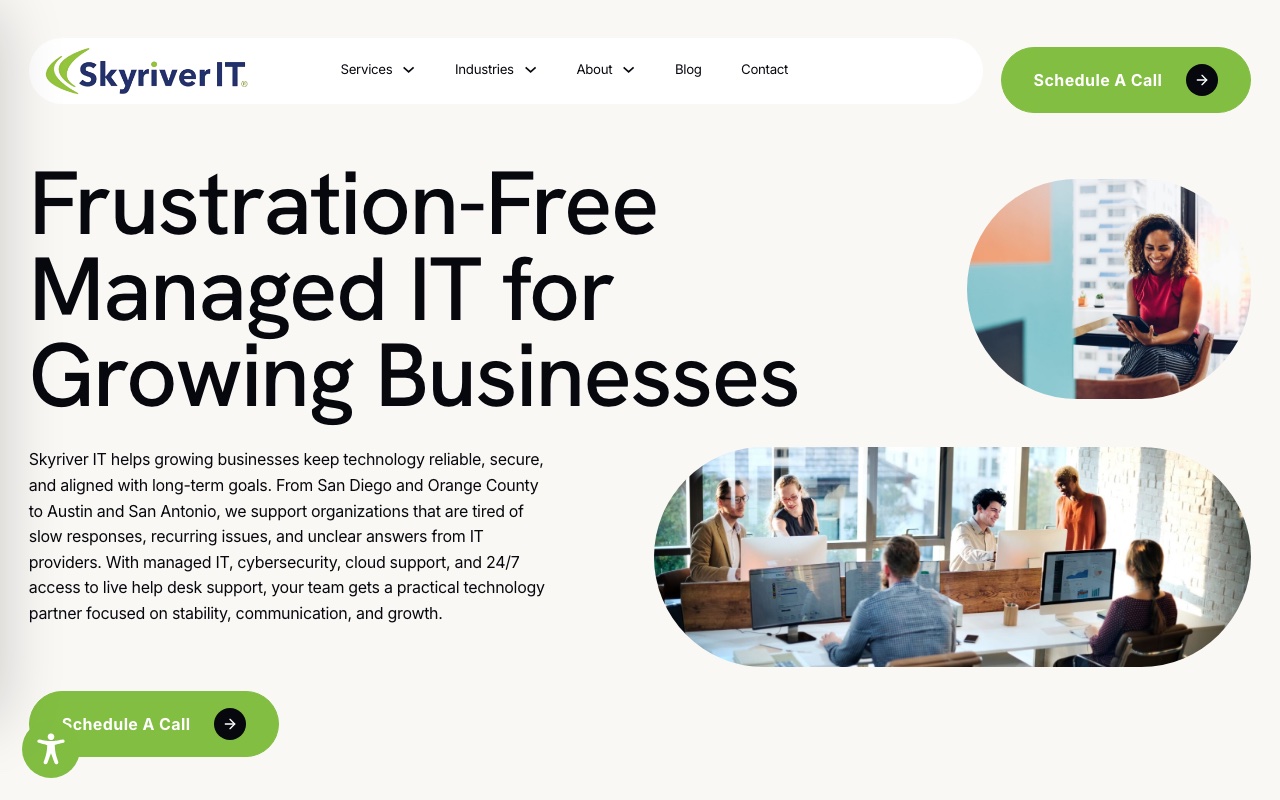
Compliance paperwork is where Skyriver IT puts much of its weight. Its San Diego page lists CMMC, the Defense Federal Acquisition Regulation Supplement (DFARS) clause 7012, International Traffic in Arms Regulations (ITAR), the National Institute of Standards and Technology (NIST) Special Publication (SP) 800-171 controls, the Health Insurance Portability and Accountability Act (HIPAA) and System and Organization Controls (SOC) 2 readiness. That menu lines up with the clients it names on its homepage: bioscience, manufacturing, defense contractors, legal, healthcare and construction.
Siyamak Khorrami founded the firm in San Diego in 2011. Its main office is on Greenwich Drive, and a second office sits in Newport Beach. The homepage states 500+ clients served and an average response time under 15 minutes. Support runs through a 24/7 live help desk, and the managed IT page says Skyriver can work alongside a small internal IT team instead of replacing it. Pricing follows a review of your users, devices and locations.
Best fit: Biotech, manufacturing or defense supply chain companies that want audit preparation and daily support from one firm.
Think twice if: You need a firm number early; Skyriver prices after it reviews your users, devices and locations.
3. EXCEDEO
excedeo.com- Google rating
- 4.9 (32 reviews)
- HQ
- San Diego, CA
- Support
- 24/7/365 US-based help desk
- Founded
- 2003
- Team
- 10 on LinkedIn
What Google reviewers say: Engineers respond quickly and fix issues by phone or onsite. Our summary of the 32 most recent Google reviews, November 2026. The firm did not reply to any of them.

Mariela Collins started EXCEDEO in 2003, and the firm works from Camino Del Rio South. Managed IT is billed at a flat monthly rate, which makes budgeting simple for organizations that dislike variable invoices. Behind it sits a US-based help desk that the homepage describes as available 24/7/365.
The compliance page covers HIPAA, Payment Card Industry (PCI) rules, SOC reporting, ITAR and CMMC, and its page on who it helps names manufacturing, life sciences, healthcare, nonprofits, federal government contractors and schools. EXCEDEO is a Microsoft Partner and Cloud Solution Provider, and its security page includes penetration testing alongside the routine work. The services list also covers cloud work. The testimonials page includes a client who has used the firm since 2005 and a fire protection district chief.
Best fit: Manufacturers, life sciences firms, nonprofits and schools that want one predictable bill and compliance help.
Think twice if: You expect after-hours onsite visits; the office keeps weekday business hours, so ask how onsite work in the evening is handled.
4. Managed Solution
managedsolution.com- Google rating
- 5.0 (79 reviews)
- HQ
- San Diego, CA
- Support
- 24/7/365 US-based help desk
- Founded
- 2002
- Team
- 100 on LinkedIn
What Google reviewers say: Help desk staff respond quickly and resolve issues fast. Our summary of the 40 most recent Google reviews, November 2026. The firm replied to 1 of them.
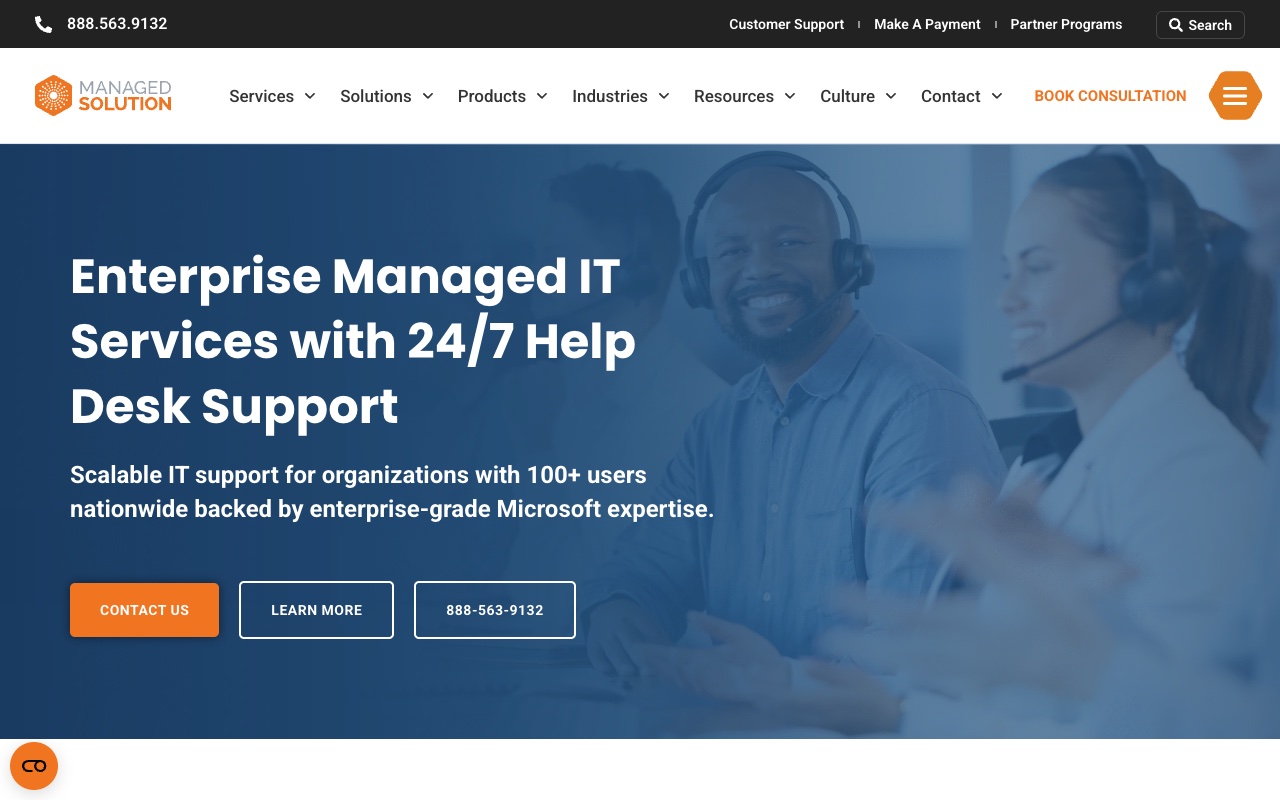
The largest buyers on this list should look at Managed Solution first. Its homepage pitches IT support to organizations of 100 users and up, and the firm, established in 2002, lists its headquarters on West Washington Street. A US-based help desk runs 24/7/365.
The contact page lists the firm as a 5x Microsoft Solution Partner, and the service menu runs through Microsoft security, Azure cloud management and backup and disaster recovery. Co-managed IT is a named service, which suits a company that already employs an IT manager and wants extra hands rather than a full handover. Local references on its about page include BIOCOM and San Diego Eye Bank, and the firm won a 2025 MSP Today Product of the Year award for automation built into its help desk.
Best fit: A 100 to 300 person organization running Microsoft 365 and Azure, or one with in-house IT that needs a co-managed partner.
Think twice if: You have fewer than 100 users; the firm says its managed help desk is built for organizations with 100 or more.
5. TechiT Services
techit-services.com- Google rating
- 4.9 (44 reviews)
- Offices
- La Jolla, Downtown San Diego and La Mesa
- Support
- Monday to Friday, 8:00 AM to 5:00 PM
- Founded
- 2012
What Google reviewers say: Knowledgeable technicians who fix network and email problems quickly. Our summary of the 40 most recent Google reviews, November 2026. The firm replied to 9 of them.

Three offices, one team. TechiT Services works from La Jolla Village Drive, West Broadway downtown and El Cajon Boulevard in La Mesa, and its locations page says all three share the same technicians, the same phone number and the same pricing. In a county this spread out, one phone number and one price list keep things simple.
The company is family owned and has served San Diego County since 2012, founded by Ryan Faught. Managed IT for small businesses of 5 to 50 employees is priced per user per month, and the free 15-minute consultation comes with no obligation. The firm names law firms, nonprofits, veterinary practices and accounting firms among the offices it supports. It also takes residential work.
Best fit: A 5 to 50 person office, such as a law firm, veterinary clinic or accounting practice, that values onsite visits and monthly per-user billing.
Think twice if: You need someone on the phone at night; posted business hours are Monday to Friday, 8:00 AM to 5:00 PM.
6. Skyline IT Services
skylineits.com- Google rating
- 5.0 (27 reviews)
- HQ
- San Diego, CA
- Support
- Monday to Friday, 8 AM to 5 PM
- Founded
- 1999
What Google reviewers say: Responsive, knowledgeable technicians who resolve office issues quickly. Our summary of the 27 most recent Google reviews, November 2026. The firm did not reply to any of them.

Founded in 1999, Skyline IT Services carries the earliest founding year of any firm on this page. Its office is on Fifth Avenue downtown. It packages its work under its own names: SkyCare for managed IT, SkyAegis for cybersecurity and SkyVault for backup. Managed clients pay a flat rate, and the about page lists bilingual support among its commitments, a point worth raising if part of your staff prefers a second language.
Blindsgalore has been a client since 2003. A VIZ Explorer testimonial says that Skyline provides desktop support to about 100 employees and covers after-hours support when needed. The support page names medical offices, retail and manufacturing among the environments it handles, and the services list includes Microsoft 365 and remote workforce setups.
Best fit: Medical offices, retailers and manufacturers that want a long-tenured local firm on a flat rate.
Think twice if: You expect a staffed 24/7 line; the contact page gives weekday hours by appointment, so ask how after-hours calls are covered.
7. Network Antics
networkantics.com- Google rating
- 5.0 (35 reviews)
- HQ
- San Diego, CA
- Support
- 24x7 support, 365 days a year
- Pricing
- $150 to $199/hr on Clutch
- Founded
- 2011 on LinkedIn
What Google reviewers say: Responsive, knowledgeable team that answers the phone and follows up. Our summary of the 35 most recent Google reviews, November 2026. The firm replied to 3 of them.
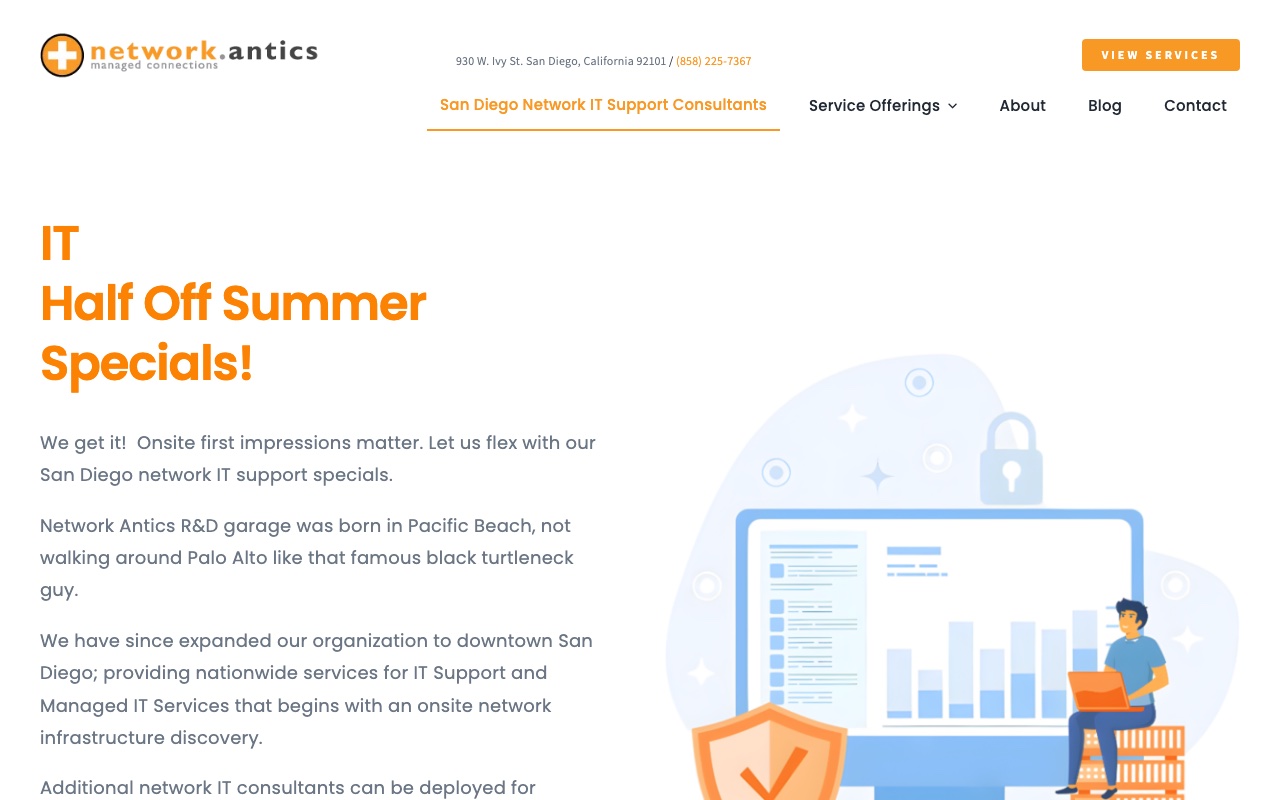
Network Antics traces its start to a research and development garage in Pacific Beach. The firm has since moved downtown to West Ivy Street, and its homepage aims monthly maintenance squarely at environments under 50 employees. The managed support team is reachable 24x7, 365 days a year.
For medical practices, it supports eClinicalWorks infrastructure and provides network and security assessments for HIPAA. The firm builds software integrations as well; one homepage testimonial describes connecting a Toast point-of-sale system to ADP payroll. Its services also include security, compliance and cloud work.
Its compliance page describes a 90 day "Make IT Work Better and Secure IT" plan, offered at no additional cost. Break/fix work sits beside the monthly plans, and the homepage mentions half off specials for new relationships and retainers.
Best fit: A medical practice or small office under 50 people that also needs a payroll or point-of-sale integration built.
Think twice if: You have more than 50 employees; its monthly maintenance service is pitched at environments under 50.
8. AnytechSD
anytechsd.com- Google rating
- 4.9 (126 reviews)
- HQ
- San Diego, CA
- Support
- Phone line 24/7
- Pricing
- From $49.99/month (remote plans)
- Founded
- 2010
What Google reviewers say: Fast turnaround on computer repairs, often finished the same day. Our summary of the 40 most recent Google reviews, November 2026. The firm replied to 2 of them.

AnytechSD puts its prices on the homepage. Three remote support plans are listed: Silver at $49.99 a month, Gold at $89.99 and Platinum at $124.99. That entry point makes it a sensible first call for a very small office that mostly needs someone to pick up the phone and fix things remotely.
Shain Cox started the business as AnyTech CA in Santa Barbara in 2010 before moving to San Diego, where it now runs a service center inside Downtown Works on West B Street. The homepage invites calls 24/7. Beyond help desk work, it runs network cabling, installs video surveillance and handles backup and data recovery, and it names healthcare, life sciences, manufacturing and non-profit organizations among the sectors it serves. It also repairs home computers.
Best fit: A very small office that wants cheap remote help plus someone to run cable or install cameras.
Think twice if: You want a full managed IT agreement with a defined scope; its published plans are remote support tiers, so ask what a managed contract covers.
What a managed IT plan covers
A managed IT plan is a monthly contract under which an outside firm runs and watches your technology. It answers staff calls, keeps devices patched and protected, and gets your data back when something fails. You pay a recurring fee instead of paying for each repair.
The standard stack usually includes:
- Help desk for staff questions and fixes
- Remote monitoring of laptops, desktops and servers
- Patching and endpoint security on every device
- Email and Microsoft 365 administration
- Backup and restore
- Network and firewall management
- Setting up new staff and closing accounts when people leave
- Vendor management and periodic planning reviews
Managed detection and response, and compliance work, are often add-ons or sit in higher tiers, so check which tier a quote describes.
Two kinds of software sit behind the service. Remote monitoring and management (RMM) tools watch and patch devices, and professional services automation (PSA) tools run tickets and billing. ConnectWise, Kaseya, NinjaOne, N-able and HaloPSA are common examples. Ask which tools a provider runs and who holds the admin accounts, so access stays with your business if the relationship ends.
What managed IT costs in San Diego
Providers price managed IT per user per month, per device per month, in tiered bundles, or by the hour or block of hours for break-fix and project work. Hardware, licensing, onboarding and projects are often billed on top.
On this page, TechiT Services prices per user per month for offices of 5 to 50 employees, EXCEDEO and Skyline IT Services charge a flat rate, Skyriver IT quotes from your users, devices and locations, and Managed Solution gives custom quotes. AnytechSD lists remote support plans at $49.99, $89.99 and $124.99 a month. Two of the eight list a Clutch hourly band; a per-user monthly price was not confirmed for any of them. Both bands are $150 to $199 an hour.
Across the 489 providers on our city guides, 22 publish a per-user monthly starting price on their own sites; the median is $100 (range $44.99 to $179). Firms that publish prices on their own sites are not a random sample of the market, so treat that median as a reference point and expect your quote to differ.
Licensing often hides inside a per-user price. Microsoft's list prices from July 1, 2026 are $7 per user a month for Microsoft 365 Business Basic, $14 for Business Standard and $22 for Business Premium. Ask each finalist to show the license line apart from the management fee.
Estimated MSP pricing per user a month, 2026
By NUOPTIMA's estimate, a typical fully managed IT plan runs about $150 per user a month, above most published starting prices, which often cover only the help desk or part of the service. Plans that add more security services and a 24/7 security operations center run closer to $250, and hardware supplied as a service is billed on top. MSP owners report that specialists in financial services, healthcare and law charge closer to $400. See the full MSP pricing research, built on a scan of 2,003 MSP websites, including what even a top-tier plan can leave out.
Service promises these providers publish
Two of the eight state a service promise in writing on their own sites. The table shows each one as the firm words it; ask the others what they will commit to in a contract.
| Provider | Response target | Onsite time | Contract term | Onboarding or exit terms |
|---|---|---|---|---|
| Skyriver IT | Average response under 15 minutes | not confirmed | not confirmed | not confirmed |
| Network Antics | not confirmed | not confirmed | not confirmed | Free 90 day IT improvement and security plan |
Promises as each firm states them, read in November 2026. A linked cell opens the page we read it on; the rest were read on the firm's homepage or a page already linked in this table. "Not confirmed" means we did not find that promise in writing; the firm may still offer it.
Which model fits your business
A fully managed plan is one of four ways to run IT. The table compares who does the work, which hours are covered, how the cost is shaped and who each model suits.
| Model | Who runs IT | Coverage hours | Cost shape | Best for |
|---|---|---|---|---|
| Fully managed | The provider runs it end to end | Set by the contract; business hours or around the clock | Flat monthly fee, usually per user or per device | Firms with no internal IT staff |
| Co-managed | Your IT staff and the provider share the work | The provider covers agreed gaps, such as after hours | Monthly fee for the agreed scope | Firms with one or two IT people who need backup |
| In-house | Your own employees | Their working hours, unless someone is on call | Salaries, benefits, tools and training | Larger firms with steady, specialized needs |
| Break-fix | An outside technician, when something breaks | When you call; no monitoring between calls | Hourly or per job | Very small offices with simple setups |
How to choose a managed IT provider in San Diego
Start with the hours you need covered. Six of the eight mention 24/7 support or a 24/7 phone line, while TechiT Services and Skyline IT Services post weekday office hours. A 12 person accounting office may never call after 6 PM. A lab running instruments over the weekend may need someone on call.
Compliance deserves a direct question. If you supply the Department of Defense, handle regulated research data or see patients, ask each finalist who on its staff has carried a client through an assessment, and ask for a reference you can call.
A stated response time is a marketing figure until it sits in the contract. Skyriver IT states an average response under 15 minutes. A service level agreement (SLA) is the written commitment, with a remedy when the provider misses it. Ask for the SLA itself and check that it covers eight terms:
- Response time by priority, from a server outage to a password reset
- Onsite time when a visit is needed
- Resolution targets as well as first response
- Uptime for the systems they manage
- Patching schedule, including how fast critical patches go out
- Backup restore tests, how often, and who sees the results
- Security alert coverage at night and on weekends
- Exit terms: notice period, data return and credential handover
Those terms matter because incidents are expensive. Coalition's 2026 claims report puts the average 2025 claim loss across its own policyholders at $116,000, and business email compromise at $27,000. A 2026 Nationwide survey, reported by Risk & Insurance, found 42% of the small business owners it surveyed carry cyber insurance.
Read the exit terms before the start date. Ask every finalist for its term length and notice period.
You can also ask an artificial intelligence (AI) assistant what it says about each finalist.
Switching providers and the first 90 days
Read your current contract's notice period and termination terms first. Before you give notice, collect the things that keep you in control:
- Admin credentials for every system, including Microsoft 365 global admin
- Domain and registrar access
- Proof of who owns the backups, and how to reach them
- Network diagrams, license lists and other documentation
Overlap the old and new provider for a month where the contract allows, so nothing goes dark during the handover. When the old provider leaves, ask it to confirm in writing that every account has been handed over and its own access removed.
Then ask the new provider for a written 90 day plan. A typical one runs like this:
- Days 1 to 30: discovery and stabilization, documenting the network, taking over monitoring and fixing urgent problems.
- Days 31 to 60: standardizing devices and settings, and closing the security gaps found in discovery.
- Days 61 to 90: regular planning reviews, with a roadmap and budget for the year ahead.
If a finalist cannot describe its first 90 days, ask to see an onboarding plan from a past client with the details removed.
Nearby cities and guides
For nearby markets, see the best managed IT service providers in Anaheim, Bakersfield, Las Vegas and Phoenix. Three buyer guides go deeper: managed IT services for small and midsize businesses, how to evaluate IT help desk support and criteria for IT compliance services.
See how your MSP shows up in local search and AI answers
If you run a managed services firm in San Diego, this is the comparison your buyers read before they call anyone. We help MSPs get found through local search engine optimization (SEO) for MSPs, a stronger Google Business Profile for MSPs and AI search visibility, so your firm makes the list when an owner searches for best managed IT services in San Diego.