A Brooklyn office of 20 to 300 people often runs on Microsoft 365, Wi-Fi stretched through an older building and a couple of apps the business cannot work without. When the office manager also keeps all of that running, problems wait for a free hour. A managed service provider (MSP) takes on that information technology (IT) work for a monthly fee, from the help desk to backups and security. Below are eight firms offering some of the best managed IT services Brooklyn businesses can hire, each checked against its own website.
Seven of the eight are based in the borough, from Park Slope to Flatbush Avenue. The eighth, INVAR Technologies, works from Manhattan and New Jersey and keeps a page for Brooklyn clients. The order reflects fit for a typical Brooklyn office. It is not a score.
The list is for Brooklyn owners and office managers who want an outside team to carry IT day to day, rather than a one-off project quote or a laptop repair counter.
The short answer
- If you need response times in writing, start with The NetSys Group, which lists phone, remote and on-site targets by severity.
- If your office runs on Macs, start with Point, which specializes in Apple and mixed setups.
- If you run an accounting firm or a home care agency, start with CompuConnect, whose stated focus is those two fields.
- If you want to try a provider first, start with GSR IT Consultants, which offers per-call service next to its monthly plans.
How this list was built
We kept a firm only if it passed all four checks:
- A managed services offer. Ongoing support beyond one-off projects.
- A Brooklyn presence. A Brooklyn office, or a stated Brooklyn service area, on the firm's own site.
- Checkable facts. Facts come from the firm's own website, and any other source is marked on the card.
- A real company site. A live website that is clearly the business itself.
We left out directories, lead-generation sites, franchise pages we could not load and sites that blocked every attempt to read them.
Provider sites last reviewed on November 16, 2026.
Each entry opens with a fact card. Review summaries are our reading of each firm's most recent Google reviews (up to 40), pulled in November 2026. Pricing marked Clutch is the hourly band the firm reports on its Clutch profile. Team counts and founding years marked LinkedIn come from the firm's LinkedIn page. Fields we could not confirm are left off the card.
Brooklyn managed IT providers at a glance
Each row shows the firm's headquarters (HQ), nearest office or stated service area, its Google rating, its support coverage and one thing it is known for. Google ratings are from each firm's Google Business Profile, read in November 2026. Under Google, n/a means we found no rating we could match to the firm; under Support, it means we could not confirm its support hours.
| Provider | Support | Known for | |
|---|---|---|---|
 The NetSys GroupBrooklyn, NY (Park Slope) | 24/7 emergencies | 10-minute phone response on critical issues | |
 PointBrooklyn, NY; office in Orlando | n/a | Apple, Windows and mixed offices | |
 CompuConnectBrooklyn, NY; office in Brick, NJ | 24/7 monitoring | CPA firms and home healthcare agencies | |
 INVAR TechnologiesNew York, NY; Paramus, NJ | 24/7 support | New hardware sold at cost, no markup | |
PointerTech ITBrooklyn, NY | n/a | One team from wiring to cloud | |
GSR IT ConsultantsBrooklyn, NY | 24/7 support | Monthly plans or pay per call | |
Technical DifficultiesBrooklyn, NY (Flatbush Ave) | After-hours line | Data recovery alongside managed IT | |
 Brooklyn Tech SupportBrooklyn, NY | Emergency response | You talk to the engineer who designed your setup |
Eight managed IT providers serving Brooklyn
1. The NetSys Group
netsysgroup.com- Google rating
- 5.0 (32 reviews)
- HQ
- Brooklyn, NY; only office in Park Slope
- Support
- Help desk 4 a.m. to 11 p.m. daily; 24/7 emergencies
- Founded
- 1998
What Google reviewers say: Clear guidance on technology and available IT services. Our summary of the 32 most recent Google reviews, November 2026. The firm replied to 32 of them.
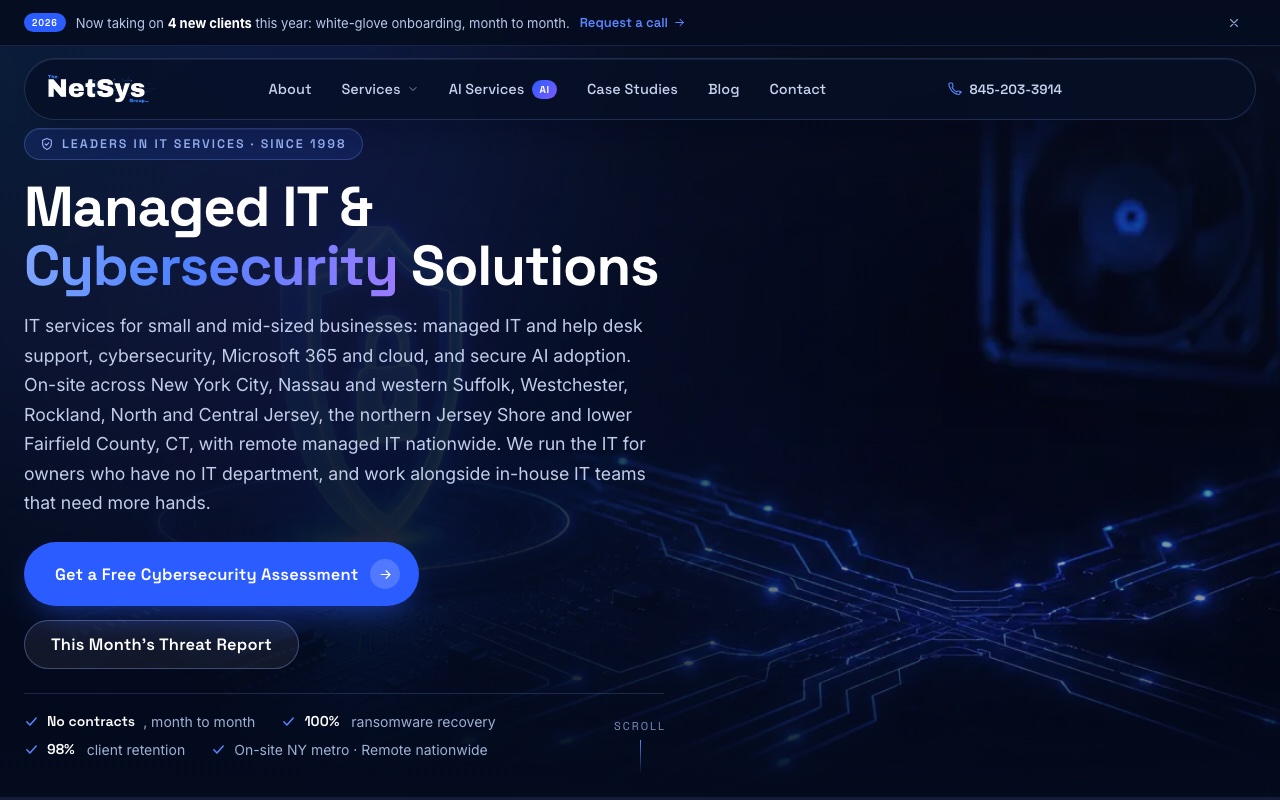
The NetSys Group puts its response times in writing and splits them by severity. A critical issue gets a phone response within 10 minutes and remote work within 30. A standard issue gets a call within 30 minutes and remote work within an hour. On-site help can come in as little as an hour for critical problems, or up to six hours for standard ones, depending on the agreement. Its only office is on Prospect Park Southwest in Park Slope. Its Brooklyn page is frank about travel: Downtown Brooklyn is about ten minutes away by car, DUMBO and Sunset Park 15 to 20, and engineers cover all of Kings County on site.
Agreements run month to month and are priced per user after an assessment. The help desk answers seven days a week, 4 a.m. to 11 p.m. Eastern, with emergency service around the clock.
Best fit: A healthcare, law, accounting or construction office that wants published response targets and a month-to-month agreement.
Think twice if: Your team works in Greenpoint, Canarsie or Coney Island and often needs someone on site fast: the firm's own page puts those areas 30 to 45 minutes from Park Slope.
2. Point
point.co- Google rating
- 5.0 (91 reviews)
- HQ
- Brooklyn, NY; second office in Orlando, FL
- Founded
- 2005
What Google reviewers say: Quick responses to requests for IT support. Our summary of the 40 most recent Google reviews, November 2026. The firm replied to 32 of them.

Apple, Microsoft and mixed offices are the specialty at Point, which works from Montague Street and has a second office in Orlando. The industries it lists range from creative agencies and hedge funds to venture capital firms, fintech companies and startups. The firm says it keeps its team in Brooklyn so it can respond quickly across the borough and nearby areas.
Two promises stand out. Calls are answered in under 60 seconds, and a missed one earns a $100 credit. New clients get up to $5,000 of network upgrades at onboarding, a 90-day money-back guarantee and what Point calls a six-month easy exit. Point lists certifications from Apple, Microsoft, Okta, Amazon Web Services (AWS) and Jamf. Ask Point for a written managed IT quote that lists exclusions.
Best fit: A team of 40 or more people working on Macs, or on a mix of Mac and Windows machines.
Think twice if: You have fewer than 15 people: Point says it supports companies growing from 15 to more than 200 employees, with a sweet spot of 40 or more.
3. CompuConnect
compuconnect.it- Google rating
- 5.0 (147 reviews)
- HQ
- Brooklyn, NY; second office in Brick, NJ
- Support
- 24/7 monitoring; live receptionist support
- Pricing
- $200 to $300/hr on Clutch
- Founded
- 2017 on LinkedIn
- Team
- 12 on LinkedIn
What Google reviewers say: Quick responses when customers need help with IT issues. Our summary of the 40 most recent Google reviews, November 2026. The firm replied to 40 of them.
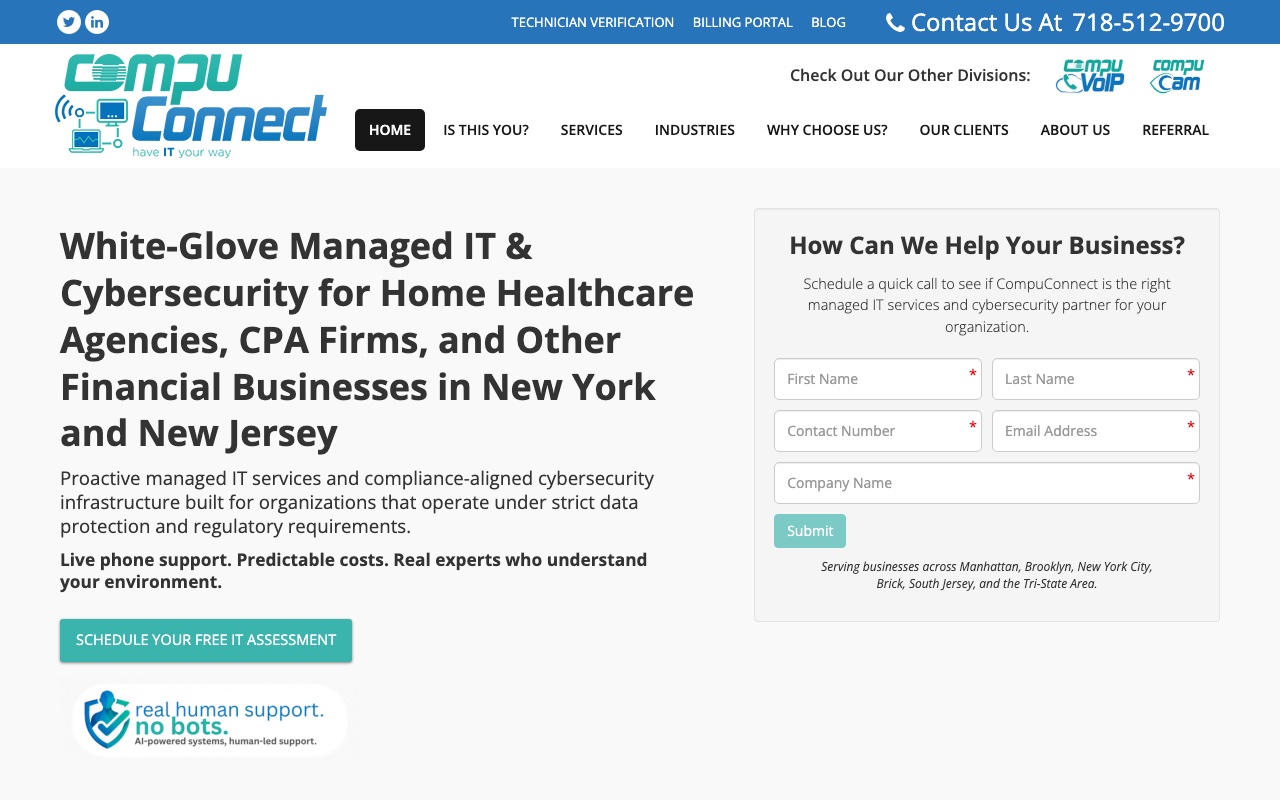
Founder Yiddy Lemmer is a Brooklyn native, and CompuConnect works from Grand Avenue with a second office in Brick, New Jersey. The firm aims what it calls white-glove managed IT and cybersecurity at two groups: home healthcare agencies, and certified public accountant (CPA) firms and other financial businesses in New York and New Jersey. Brand Accounting appears on its client page with a testimonial.
Calls reach a live receptionist, with no bots, and systems are monitored 24/7. Its FAQ says most requests get an initial response within 30 minutes, and the firm aims to respond to critical issues within an hour. Pricing is flat-rate, contract terms vary with each client's needs, and the firm offers a 30-day money-back guarantee. The service list is still wide, from help desk and Microsoft 365 to internet phone systems, cabling and on-site repair.
Best fit: An accounting practice or home care agency in Brooklyn that wants a provider whose stated focus is its own industry.
Think twice if: You work outside accounting, finance or home healthcare: ask how many clients they support in your industry.
4. INVAR Technologies
invar.nyc- Google rating
- 4.5 (21 reviews)
- Offices
- New York, NY and Paramus, NJ
- Support
- 24/7 support and monitoring
- Founded
- 2003
- Team
- 26 on LinkedIn
What Google reviewers say: Quick responses and fast help resolving technical problems. Our summary of the 21 most recent Google reviews, November 2026. The firm replied to 2 of them.
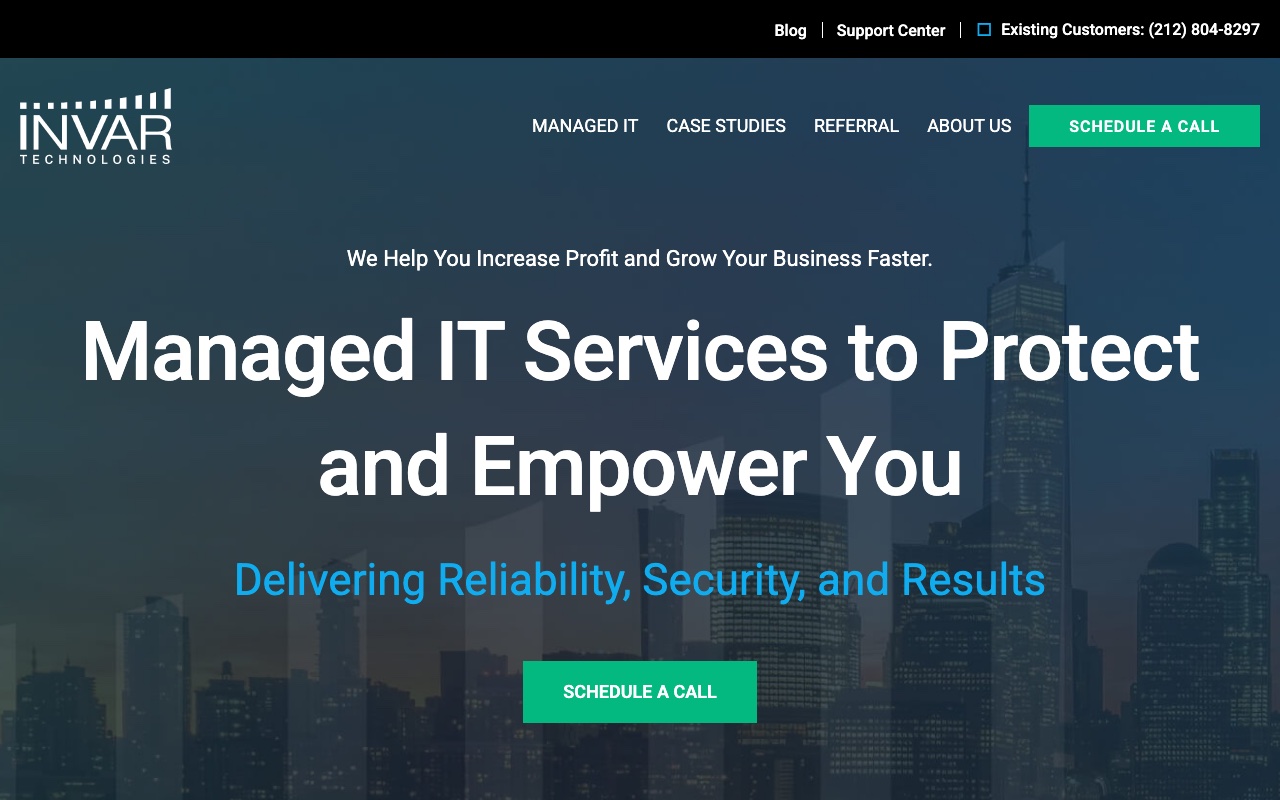
In business since 2003, INVAR Technologies keeps a dedicated page for managed IT clients in Brooklyn. Two policies are spelled out on its site. New hardware is sold at cost with no markup, and the help desk stays in-house instead of being outsourced.
The firm states a 7-second average support wait and a 17-minute average resolution time, backed by 24/7 support and monitoring. Pricing is flat-rate, with a money-back guarantee. Named clients include Grameen America, a nonprofit whose case study covers New York State Department of Financial Services (DFS) compliance, and the manufacturer Mosner Family Brands. INVAR says it supports Health Insurance Portability and Accountability Act (HIPAA) and DFS compliance work, sets up cloud environments on Azure and AWS, and offers a virtual chief information officer (vCIO) service.
Best fit: A Brooklyn nonprofit, manufacturer or regulated financial business that needs compliance help and expects to buy new hardware.
Think twice if: You want a provider with an office in the borough: INVAR's listed offices are on Duane Street in Manhattan and in Paramus, New Jersey.
5. PointerTech IT
pointertechit.com- Google rating
- 5.0 (18 reviews)
- Office
- Brooklyn, NY (110 Green St)
- Founded
- 2023 on LinkedIn
What Google reviewers say: Quick responses and fast service for IT needs. Our summary of the 18 most recent Google reviews, November 2026. The firm replied to 18 of them.
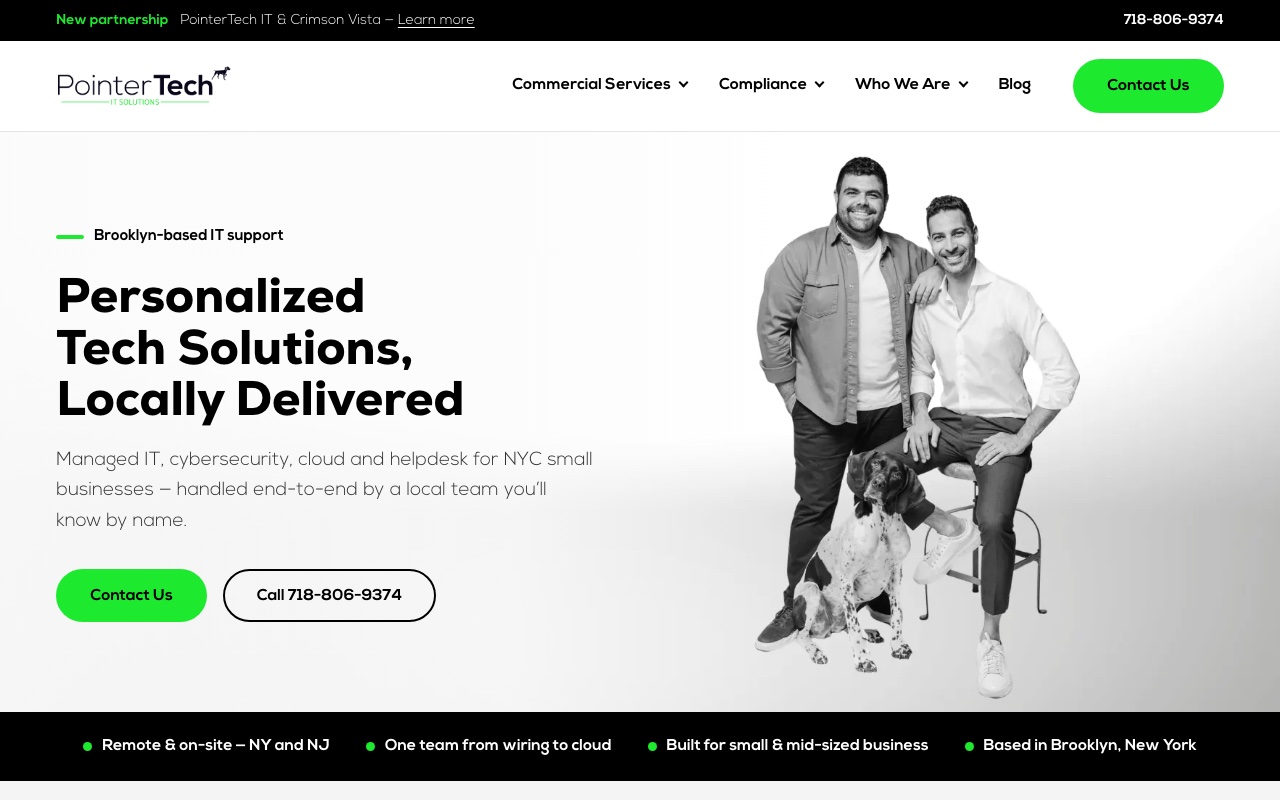
The pitch at PointerTech IT is one local team from the cabling inside your walls to Microsoft 365 in the cloud. From its office on Green Street, the firm handles wiring and network infrastructure, phone systems, cybersecurity and the ongoing help desk. Most everyday problems are fixed remotely, and technicians go out for hands-on jobs across New York and New Jersey. Its Ubiquiti, Snap One and Cisco credentials fit that physical network work.
The clearest proof on the site is a case study for Treff & Lowy, a Brooklyn law firm, covering a cloud migration, a Microsoft 365 consolidation and security improvements. For deeper security work, PointerTech partners with Crimson Vista, a cybersecurity engineering firm, on assessments, penetration testing, incident-response exercises and compliance preparation. Clients can buy ongoing support or individual projects, and both are scoped before work starts.
Best fit: A small Brooklyn office, such as a law practice, that wants wiring, network setup and ongoing support from one vendor.
Think twice if: You need guaranteed response times: ask for the help desk hours and response targets in writing before you sign.
6. GSR IT Consultants
gsrhelp.com- Google rating
- 5.0 (28 reviews)
- Office
- Brooklyn, NY (2609 E 14th St)
- Support
- Available 24/7
- Founded
- 2015
- Team
- 4 full-time
What Google reviewers say: Quick responses and fast solutions to IT problems. Our summary of the 28 most recent Google reviews, November 2026. The firm did not reply to any of them.
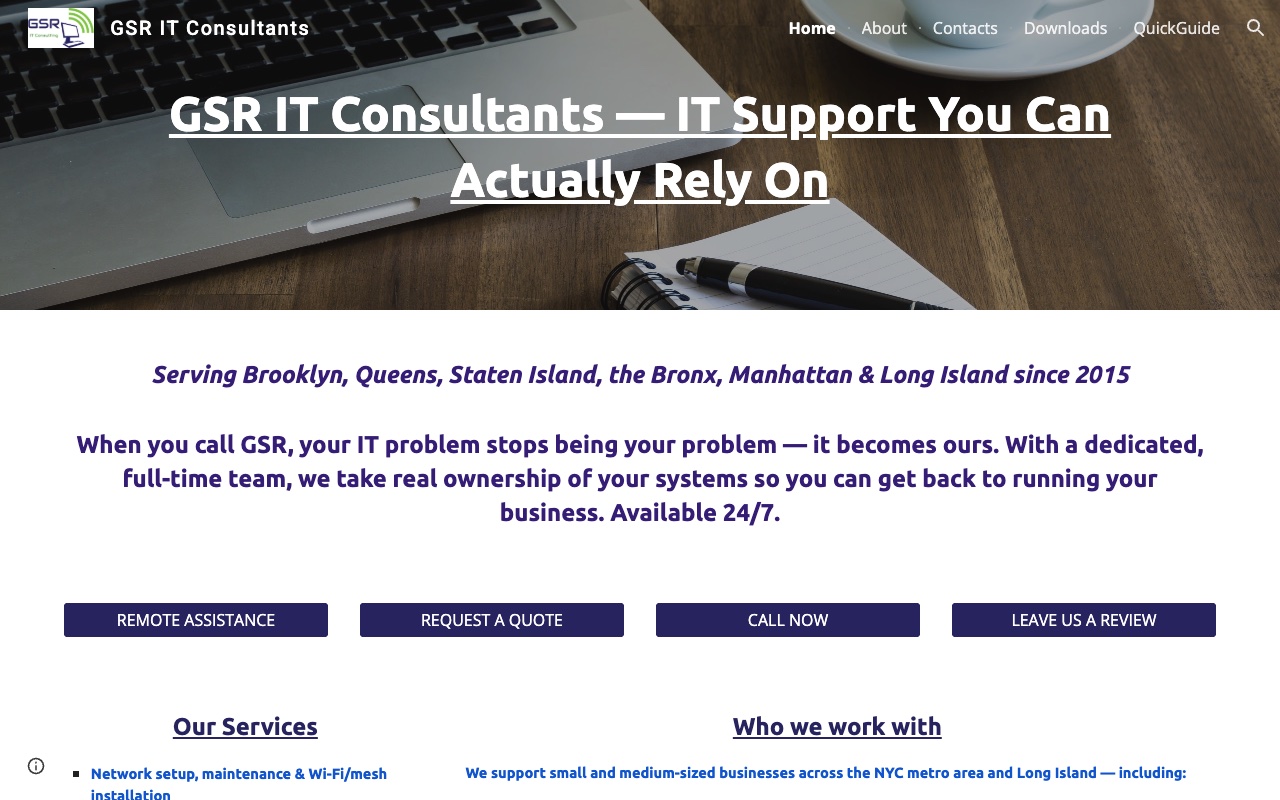
A dedicated, full-time team of four is how GSR IT Consultants describes itself, and it says it is available 24/7 from an office on East 14th Street. Since 2015 it has served Brooklyn, Queens, Staten Island, the Bronx, Manhattan and Long Island. Medical offices are a named focus, and the homepage carries a testimonial from AllHealth Diagnostic & Treatment Center.
The buying model is the reason to look closely. You can sign up for a monthly service plan or pay per call, with a custom quote based on the size of your business. For an office that has never used an outside provider, starting per call is a low-risk way to see how the team works before handing over everything. Services cover the daily basics: help desk, cybersecurity, backup and disaster recovery, and network setup.
Best fit: A medical office or small business that wants a small team it can get to know and the option to start on a per-call basis.
Think twice if: You run several sites or many users: GSR describes a team of four, so ask how they cover vacations and two outages at once.
7. Technical Difficulties
technicaldifficulties.biz- Google rating
- 4.9 (285 reviews)
- Office
- Brooklyn, NY (1999 Flatbush Avenue)
- Support
- Emergency after-hours line
What Google reviewers say: Fast turnaround on repairs and technical support requests. Our summary of the 40 most recent Google reviews, November 2026. The firm replied to 35 of them.
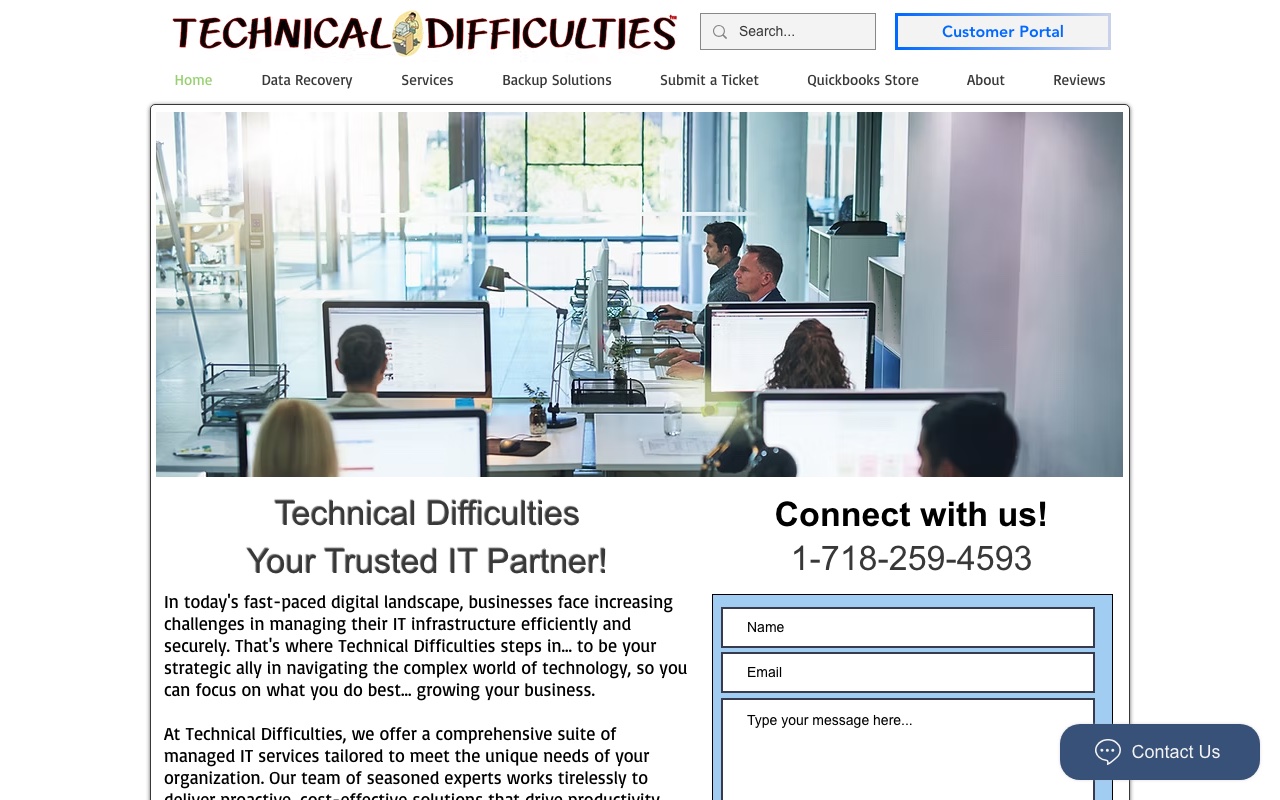
Customers have relied on Technical Difficulties since 2000, and the shop works from 1999 Flatbush Avenue. Its managed IT covers the routine work that keeps an office quiet: proactive maintenance, patch and update management, help desk support, and server and endpoint security.
For threats, it resells Huntress managed detection and response, which puts a 24/7 security operations center behind your laptops and servers. The shop also runs data recovery services. Having the same people run your backups and your recovery work matters on the day a drive fails and someone has to get files back. For problems outside business hours, there is an emergency after-hours line. If that long local history is the draw, ask for two or three long-standing clients you can call.
Best fit: A small Brooklyn office that values a long-standing local shop and wants backup and recovery from the same people.
Think twice if: You expect to drop in with a laptop: the firm says it no longer accepts walk-ins and asks customers to call ahead.
8. Brooklyn Tech Support
brooklynsupport.com- Google rating
- 4.0 (1 reviews)
- HQ
- Brooklyn, NY
- Support
- Daytime help desk; emergency response after hours
- Founded
- 2020
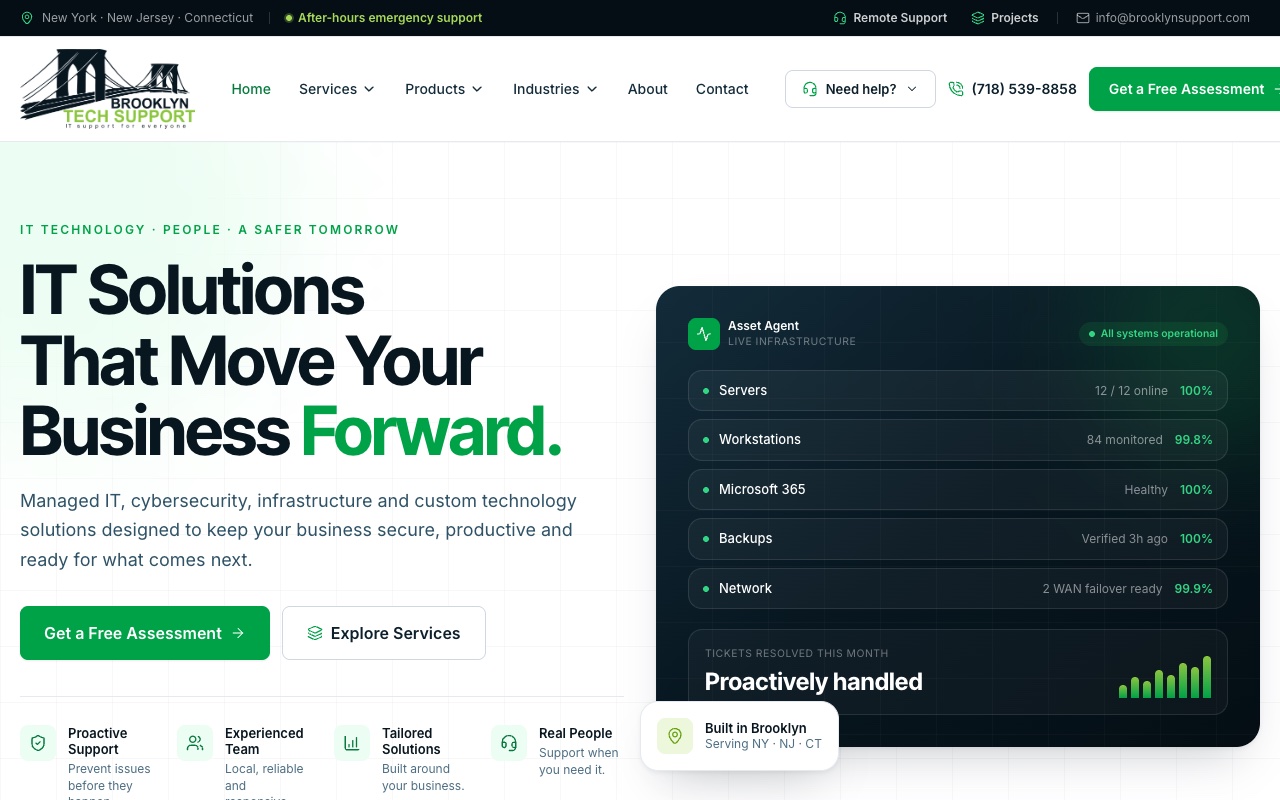
At Brooklyn Tech Support, customers speak directly with the engineer who designed their environment. Founded in 2020, the firm builds its own software, including monitoring, device management, artificial intelligence (AI) voice and integration tools.
Most managed IT agreements are priced monthly per user or per device. Support runs in the daytime, with emergency response on evenings, weekends and holidays. Alongside the help desk, cybersecurity with managed detection and response, and Microsoft 365 and Azure work, it sells hosted phone systems, so one vendor can carry both your computers and your phones. Projects and hardware are scoped separately or bundled, depending on the plan. Among the industries it names are retail, restaurants, warehousing and logistics, medical and dental, real estate, professional services, education and nonprofits. Ask which of its in-house tools would run on your machines.
Best fit: A Brooklyn shop, restaurant or warehouse that wants IT and a cloud phone system from the same provider.
Think twice if: You need a fixed response time: the firm says targets are set per agreement and most requests are acknowledged the same business day, so get your target written into the contract.
What a managed IT plan covers
A managed IT plan is a monthly agreement under which an outside firm runs your technology day to day. It answers staff tickets, watches your machines and fixes problems before they stop work. You pay a steady fee instead of a bill for each repair.
A plan usually covers:
- Help desk for staff questions and tickets
- Remote monitoring of laptops, desktops and servers
- Patching and endpoint security
- Email and Microsoft 365 administration
- Backup and restore
- Network and firewall management
- Account setup and removal as people join and leave
- Vendor management and periodic planning reviews
Managed detection and response and compliance work are often add-ons or sit in a higher tier. Technical Difficulties and Brooklyn Tech Support list detection and response among their services, and INVAR sells vCIO advice, so ask whether those sit inside the monthly fee.
Two kinds of software run behind the service. Remote monitoring and management (RMM) tools watch and patch your devices, and professional services automation (PSA) tools track tickets and billing. Common platforms include ConnectWise, Kaseya, NinjaOne, N-able and HaloPSA, and Brooklyn Tech Support says it builds some monitoring and device management tools itself. Ask which tools a provider runs and who holds the admin accounts, because those accounts decide how cleanly you can leave later.
What managed IT costs in Brooklyn
Managed IT is usually priced per user per month, per device per month, in tiered bundles, or by the hour or block of hours for break-fix work and projects. Hardware, licensing, onboarding and projects are often billed on top.
One of the eight lists a Clutch hourly band; a per-user monthly price was not confirmed for any of them. That band is CompuConnect's, at $200 to $300 an hour on Clutch. The firms describe several pricing models: The NetSys Group prices per user per month after an assessment, Brooklyn Tech Support per user or per device, CompuConnect and INVAR at a flat rate, and GSR IT Consultants by monthly plan or per call. Ask every finalist to price the same headcount and device count, with exclusions listed.
Across the 489 providers on our city guides, 22 publish a per-user monthly starting price on their own sites; the median is $100 (range $44.99 to $179). Treat that as a rough marker. Firms that publish prices on their own sites are not a random sample of the market.
Licensing is the part of a quote you can check yourself. From July 1, 2026, Microsoft's list prices are $7 per user a month for Microsoft 365 Business Basic, $14 for Business Standard and $22 for Business Premium. If a per-user quote includes licenses, take those out to see what the managed service itself costs.
Service promises these providers publish
Five of the eight state a response target, contract term or money-back guarantee on their own sites. The table shows each one as worded, with a link to the page it was read on.
| Provider | Response target | Onsite time | Contract term | Onboarding or exit terms |
|---|---|---|---|---|
| The NetSys Group | Critical: phone in 10 min, remote in 30 min | 1 to 6 hours by severity, per agreement | Month to month | not confirmed |
| Point | Calls answered in under 60 seconds | not confirmed | not confirmed | 90-day money-back; 6-month easy exit |
| CompuConnect | 30-minute first response on most requests | not confirmed | not confirmed | 30-day money-back guarantee |
| INVAR Technologies | Averages: 7-second wait, 17-minute resolution | not confirmed | not confirmed | Money-back guarantee |
| Brooklyn Tech Support | Set per agreement; most acknowledged same day | not confirmed | not confirmed | not confirmed |
Promises as each firm states them, read in November 2026. A linked cell opens the page we read it on; the rest were read on the firm's homepage or a page already linked in this table. "Not confirmed" means we did not find that promise in writing; the firm may still offer it.
Which model fits your business
The NetSys Group and Point also sell co-managed IT, where the provider shares the work with your own IT staff. The table compares the four common ways to run IT.
| Model | Who runs IT | Coverage hours | Cost shape | Best for |
|---|---|---|---|---|
| Fully managed | The provider runs it end to end | Set by the contract; business hours or around the clock | Flat monthly fee, usually per user or per device | Firms with no internal IT staff |
| Co-managed | Your IT staff and the provider share the work | The provider covers agreed gaps, such as after hours | Monthly fee for the agreed scope | Firms with one or two IT people who need backup |
| In-house | Your own employees | Their working hours, unless someone is on call | Salaries, benefits, tools and training | Larger firms with steady, specialized needs |
| Break-fix | An outside technician, when something breaks | When you call; no monitoring between calls | Hourly or per job | Very small offices with simple setups |
How to choose a managed IT provider in Brooklyn
Read response figures closely. NetSys publishes targets by severity, CompuConnect a first response within 30 minutes on most requests, INVAR averages and Point an answer time. An average describes past tickets. A target in your service level agreement (SLA) is something you can hold the provider to, so ask which figure goes into the contract.
Check exit terms. NetSys runs month to month, and Point, CompuConnect and INVAR offer money-back guarantees. Ask what notice period applies once those windows close.
Plan for on-site work. Remote fixes cover most days, but a failed switch, new cabling or an office move needs someone in the room. NetSys's own page puts parts of the borough 45 minutes from Park Slope, so ask where the technician starts and what a visit costs.
Put security on the first agenda. Coalition's 2026 claims report puts the average 2025 claim loss across its own policyholders at $116,000, and their average funds transfer fraud loss at $141,000. If you keep patient records or client tax files, ask whether multi-factor authentication (MFA) covers every account.
Get these SLA terms in writing:
- Response time for each ticket priority
- Onsite arrival time
- Resolution time targets
- Uptime commitment
- Patching schedule
- Backup restore tests, and how often they run
- Who watches security alerts after hours
- Exit terms and how your data comes back
Questions for the first call:
- How many Brooklyn clients in this industry do you support?
- Who covers the account when the usual technician is out?
- What does the quote leave out: hardware, projects or on-site visits?
- What do you hand back when a client leaves?
Switching providers and the first 90 days
Start with the contract you have now. Find the notice period, the termination terms and any auto-renewal date, and put that date on the calendar. If a finalist offers a money-back window, ask when it starts. Before you give notice, collect what you need to leave cleanly:
- Admin credentials for every system
- Domain and registrar access
- Microsoft 365 global admin rights
- Proof of who owns the backups, and where they are kept
- Network diagrams, documentation and license lists
Where the contract allows it, keep the old provider on for a month of overlap so nothing drops during the handover. Then ask the new provider for its onboarding plan in writing. A typical one runs like this:
- Days 1 to 30: discovery and stabilization, with every device, account and backup documented.
- Days 31 to 60: standard setups across the office and fixes for the security gaps that discovery turned up.
- Days 61 to 90: a first planning review, with a budget and a roadmap for the year.
Ask each finalist what onboarding costs and what it covers before you sign.
Nearby cities and guides
For nearby markets, see the best managed IT providers in New York City, Fairfield, New Jersey, Stamford and Philadelphia. For the buying process, read the guides on managed IT services for small and midsize businesses, how to evaluate IT help desk support and criteria for IT compliance services.
See how your MSP shows up in local search and AI answers
Running an MSP yourself? When a Park Slope dental practice looks for IT help, NUOPTIMA can show whether your firm comes up, through local search for MSPs, search marketing for MSPs and AI search visibility. The Google Business Profile guide for MSPs covers the listing work you can do yourself, so buyers looking for the best managed IT services Brooklyn has can find you.