If you run a 20 to 300 person company and your information technology (IT) support has stopped keeping pace with the business, this page compares the best managed IT services in Houston on facts you can check yourself. Every firm below is a managed service provider (MSP) selling ongoing IT support for a monthly fee. Confirm which monitoring, help desk, security and planning work each fee includes.
Houston adds its own pressures. Hurricane season tests every backup plan, and the metro spreads across enough counties that "local" can mean very different drive times. Several firms below speak to one or both.
This page is not for enterprises with a large in-house IT department, for buyers who only want to pay per call when something breaks, or for businesses outside Greater Houston. Each firm was checked for support hours, pricing, compliance work and any service level agreement (SLA) terms it publishes.
The numbering is for navigation only and does not rank the firms.
The short answer
- If you want prices before the first call, start with Chrysalis Tech Group or Uprite Services, which print per-user plans on their own websites, or Preactive IT Solutions, which states what most clients pay.
- If you run a construction or engineering firm, start with Preactive IT Solutions. It specializes in that segment and publishes help desk targets of under 30 minutes to respond and under 90 minutes to resolve.
- If you want response times in the contract, start with PennComp, which writes them into its service agreements.
- If you want phones, cabling and IT from one vendor without a long-term contract, start with RTC Business Solutions.
How this list was built
Every provider had to clear four checks:
- Verified at the source. Facts come from the provider's own live website and its Google Business Profile. Where a fact card uses Clutch (hourly rates) or LinkedIn (team counts, founding years), it says so.
- A Houston area presence. An office in Greater Houston, or a stated service area that covers it.
- A managed services offer. Ongoing monthly support, rather than project work only.
- A live site that is clearly the company. The domain resolves and belongs to the firm named.
We left out project-only and break-fix shops, domains that were dead or now serve a different business, and firms with no Houston area office or service area. Where a field is missing from an entry or the table, we could not verify it. Ask them directly.
Last reviewed: November 16, 2026.
Each entry opens with a fact card. Review summaries are our reading of each firm's most recent Google reviews (up to 40), pulled in November 2026. Pricing marked Clutch is the hourly band the firm reports on its Clutch profile. Team counts and founding years marked LinkedIn come from the firm's LinkedIn page. Fields we could not confirm are left off the card.
Compare the top managed IT companies in Houston
Each row shows the firm's headquarters (HQ), nearest office or stated service area, its Google rating, its support coverage and one thing it is known for. Google ratings are from each firm's Google Business Profile, read in November 2026. Under Google, n/a means we found no rating we could match to the firm; under Support, it means we could not confirm its support hours.
| Provider | Support | Known for | |
|---|---|---|---|
Chrysalis Tech GroupThe Woodlands and Humble, TX | n/a | 24/7 for managed | Servers hosted in hurricane-rated data center |
RTC Business Solutions (RTC)Houston, TX | 24/7 service desk | Phones, cabling and IT, one vendor | |
Quinn Technology SolutionsHouston, TX | 24/7 help desk | Fully managed or co-managed IT | |
 AldridgeHouston, TX | 24/7 support | 40+ years; offices across Texas | |
Truewater IT Support of HoustonHouston, TX | 24/7 help desk | Houston-based network operations center | |
 Preactive IT SolutionsHouston, TX | 24/7 monitoring | Construction and engineering focus | |
 PennCompHouston, TX | 24/7 monitoring | Response times written into contracts | |
 Uprite ServicesHouston, TX | 24/7 on-call | 120-day guarantee; 10 to 300 users |
The best managed IT service providers in Houston
1. Chrysalis Tech Group
chrysalistechgroup.com- HQ
- The Woodlands and Humble, TX
- Support
- 24/7 for managed IT clients
- Pricing
- From $125 per user/month
- Founded
- 2009
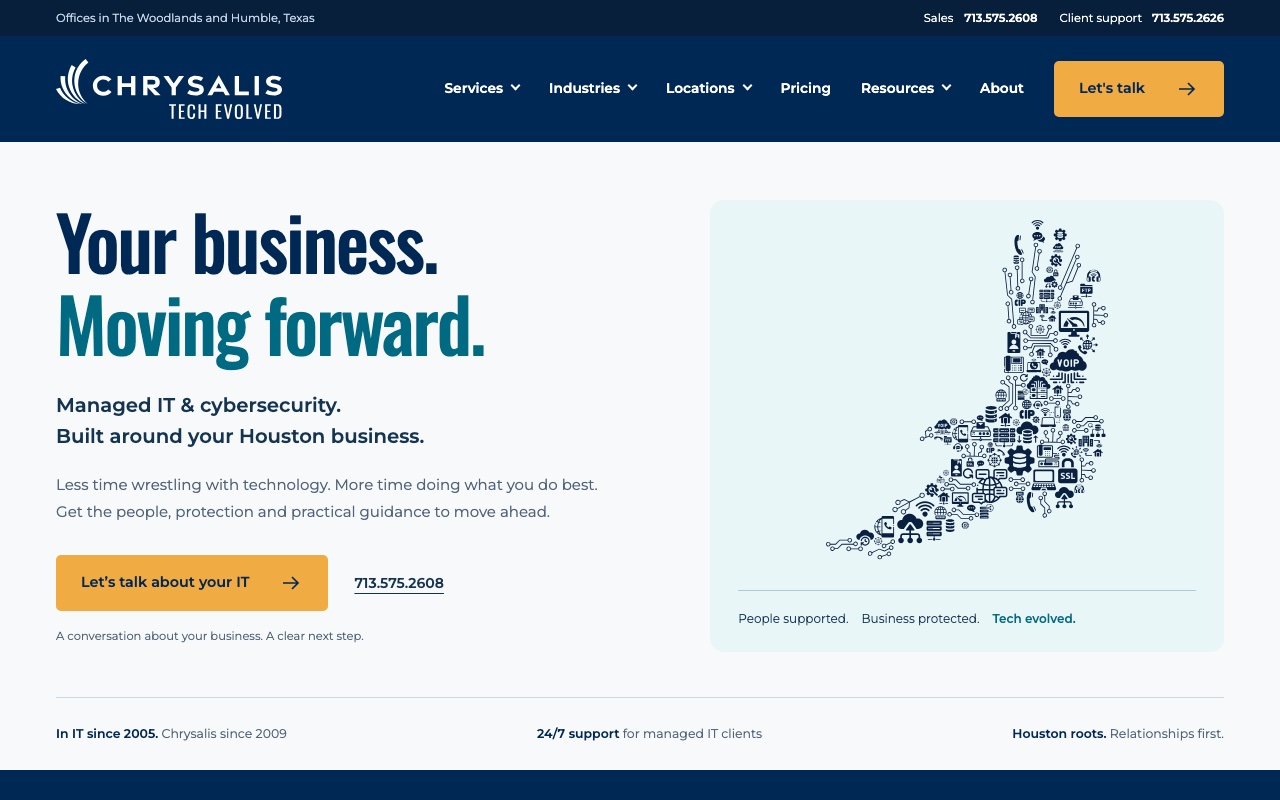
Prices are on the website at Chrysalis Tech Group: Essential from $125 per user per month, Secure from $175 and Complete from $225. The team has worked in IT since 2005, first as Home Data Systems, and has traded as Chrysalis since 2009. For hurricane season, client servers sit in the Fibertown data center, which is rated for up to a Category 5 hurricane.
Compliance work covers the Cybersecurity Maturity Model Certification (CMMC), the Health Insurance Portability and Accountability Act (HIPAA), the Federal Trade Commission (FTC) Safeguards Rule and Payment Card Industry (PCI) standards. Healthcare clients get a signed business associate agreement. Managed clients have 24/7 support, and the services reach past help desk and security into virtual chief information officer (vCIO) planning, artificial intelligence (AI) advisory, cabling and phone systems.
Best fit: A Greater Houston business with CMMC or HIPAA obligations that wants to see a price range before the first call.
Think twice if: you want an office inside the city of Houston itself. Both offices are in The Woodlands and Humble, and the firm serves the rest of Greater Houston remotely and onsite.
2. RTC Business Solutions (RTC)
rtcbs.com- Google rating
- 5.0 (7 reviews)
- HQ
- Houston, TX
- Support
- 24-hour service desk
- Founded
- 1983 on LinkedIn
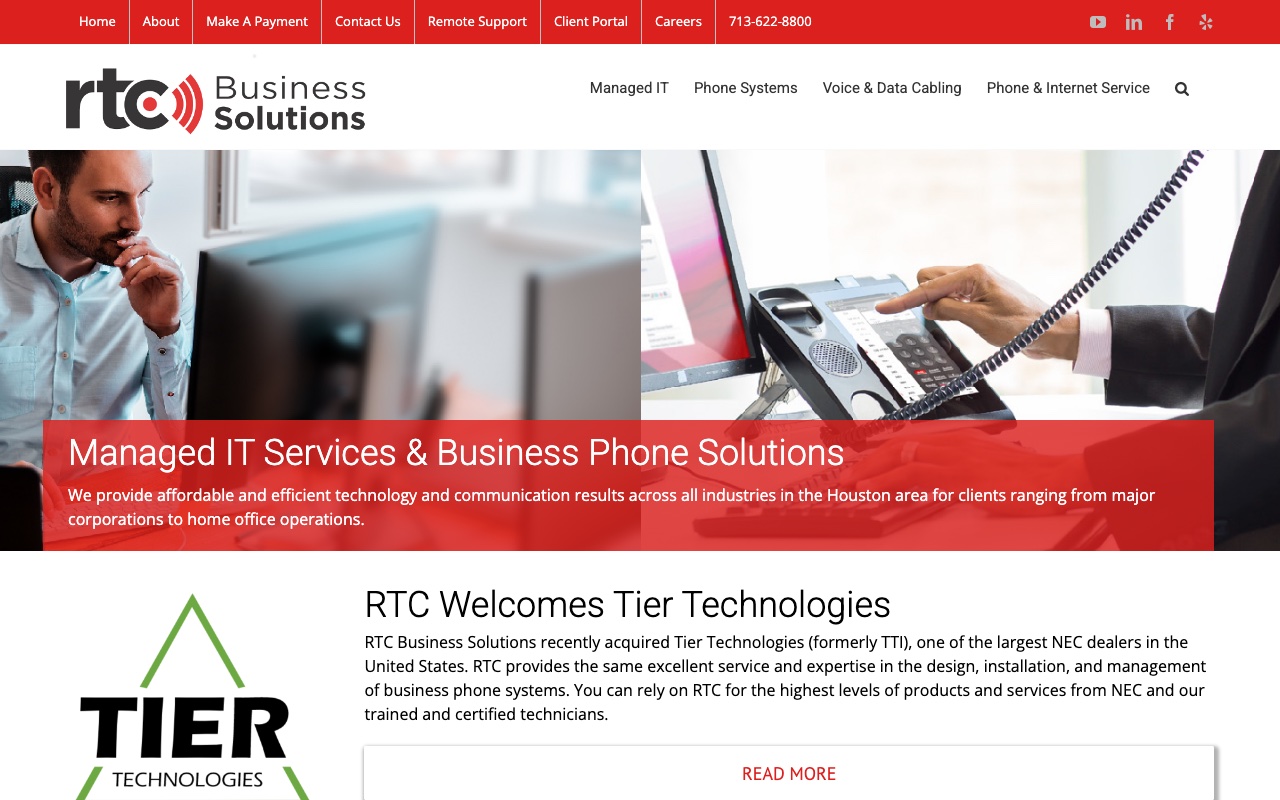
RTC Business Solutions comes to managed IT from the telephone side. The firm describes itself as one of the largest and oldest privately held telecommunications companies in Texas, serving customers for more than three decades. In December 2021 it acquired Tier Technologies, formerly TTI Houston, which added NEC and M3S phone systems and cabling work.
The managed IT side runs a service desk staffed 24 hours a day, plus Microsoft cloud services, managed cybersecurity, patch management and backup and recovery. RTC lists itself as a certified Microsoft Partner and an NEC Authorized Double-Diamond Dealer. Pricing is a fixed monthly rate, and the site says no long-term contract is required. The stated service area runs to 14 counties, from Harris and Fort Bend out to Jefferson and Walker. Its cybersecurity page points to healthcare clients and HIPAA.
Best fit: A company that wants its phones, cabling and IT support from one vendor without signing a long-term contract.
Think twice if: you need response-time commitments in writing before you sign. Ask RTC which targets its fixed monthly agreement includes.
3. Quinn Technology Solutions
quinn-tech.com- Google rating
- 5.0 (214 reviews)
- HQ
- Houston, TX
- Support
- 24/7 help desk
- Founded
- 2013
- Team
- 17 on LinkedIn
What Google reviewers say: Quick responses and repairs help keep office computers working. Our summary of the 40 most recent Google reviews, November 2026. The firm replied to 40 of them.

Russell Quinn has worked in IT since 1992 and founded Quinn Technology Solutions in 2013. The support pitch is specific. Callers reach a technician who knows their setup, with "no queues, no transfers," and the help desk runs 24/7. The team also cites more than 90 years of combined IT experience.
You can hand Quinn everything through fully managed IT, or keep your own IT person and use co-managed IT to cover the gaps. Security and compliance work spans HIPAA, System and Organization Controls (SOC) 2 and PCI, alongside network security, data backup and recovery, and cloud services. Its site names Houston, Katy, Sugar Land, The Woodlands, Conroe, Galveston, Pearland, Pasadena and Cypress, plus surrounding areas. Its Google listing averages 5.0 across 214 reviews, enough volume to read for patterns before you call.
Best fit: A business with one in-house IT person who needs backup on the help desk and on compliance work.
Think twice if: your office sits beyond the towns its site names, from Conroe in the north to Galveston on the coast. Ask whether they cover your address before you book a call.
4. Aldridge
aldridge.com- Google rating
- 4.8 (132 reviews)
- HQ
- Houston, TX
- Support
- 24/7 IT support
- Pricing
- $150 to $199/hr on Clutch
- Founded
- 1984 on LinkedIn
- Team
- 160 on LinkedIn
What Google reviewers say: Fast help and troubleshooting resolve reviewers' IT issues. Our summary of the 40 most recent Google reviews, November 2026. The firm replied to 2 of them.
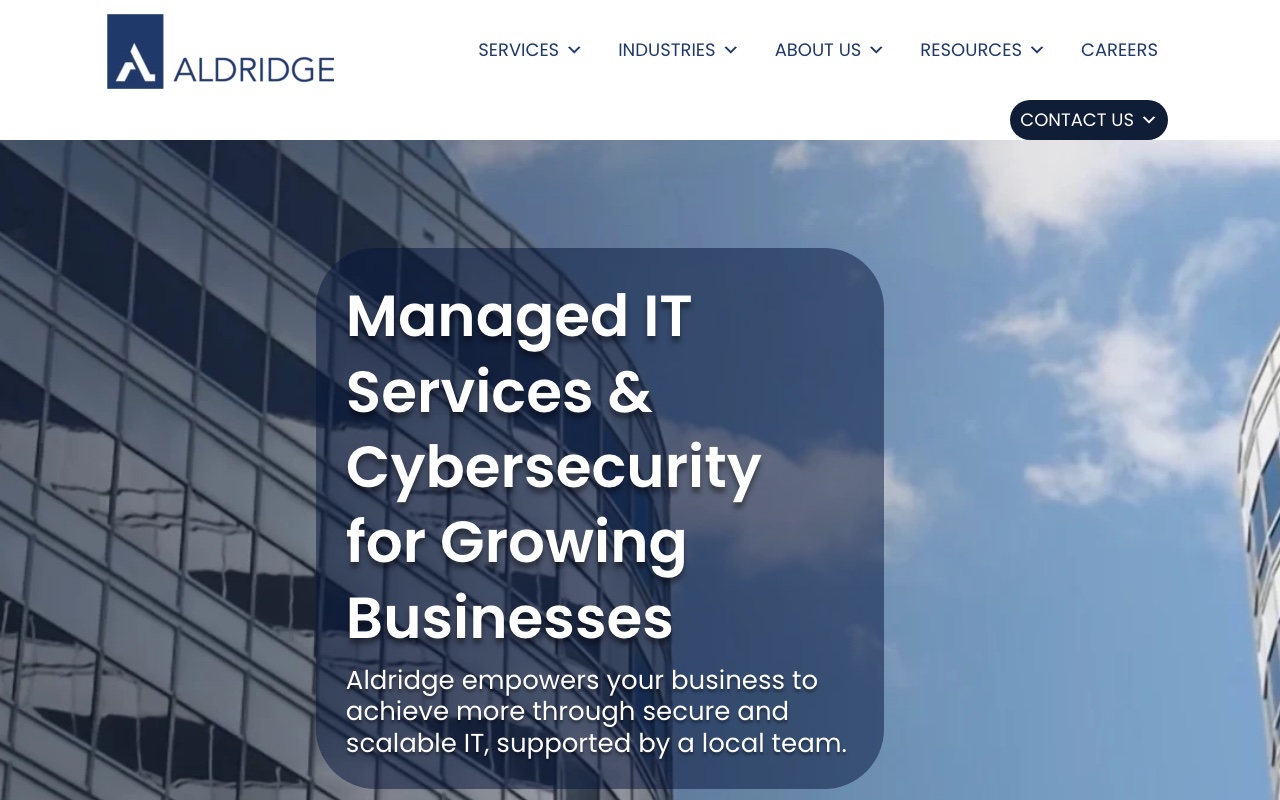
Houston is one of several Aldridge locations. The firm also runs offices in Dallas/Irving, Fort Worth, San Antonio, Austin and the Seattle area, and says it has helped Houston businesses for over 40 years. Its main offer is what it calls secure IT outsourcing: fully managed IT and cybersecurity sold as one service.
If you already employ IT staff, co-managed IT splits the work instead. Around that sit help desk, infrastructure management, cloud and strategic IT guidance, with 24/7 support stated in its Houston material. Testimonials on the Houston page come from healthcare, real estate, engineering and manufacturing clients. Ask for a reference from whichever of those four industries sits closest to yours. The Houston listing averages 4.8 across 132 Google reviews.
Best fit: A mid-sized company with Texas offices beyond Houston that wants one provider across every site.
Think twice if: you want a firm whose whole business is in Houston. Houston is one of several Aldridge locations, so ask which engineers are assigned to Houston clients.
5. Truewater IT Support of Houston
truewater.com- Google rating
- 5.0 (100 reviews)
- HQ
- Houston, TX
- Support
- Live 24/7 help desk in Houston
- Founded
- 2001 on LinkedIn
- Team
- 21 on LinkedIn
What Google reviewers say: Quick responses and computer fixes keep work interruptions short. Our summary of the 40 most recent Google reviews, November 2026. The firm replied to 35 of them.
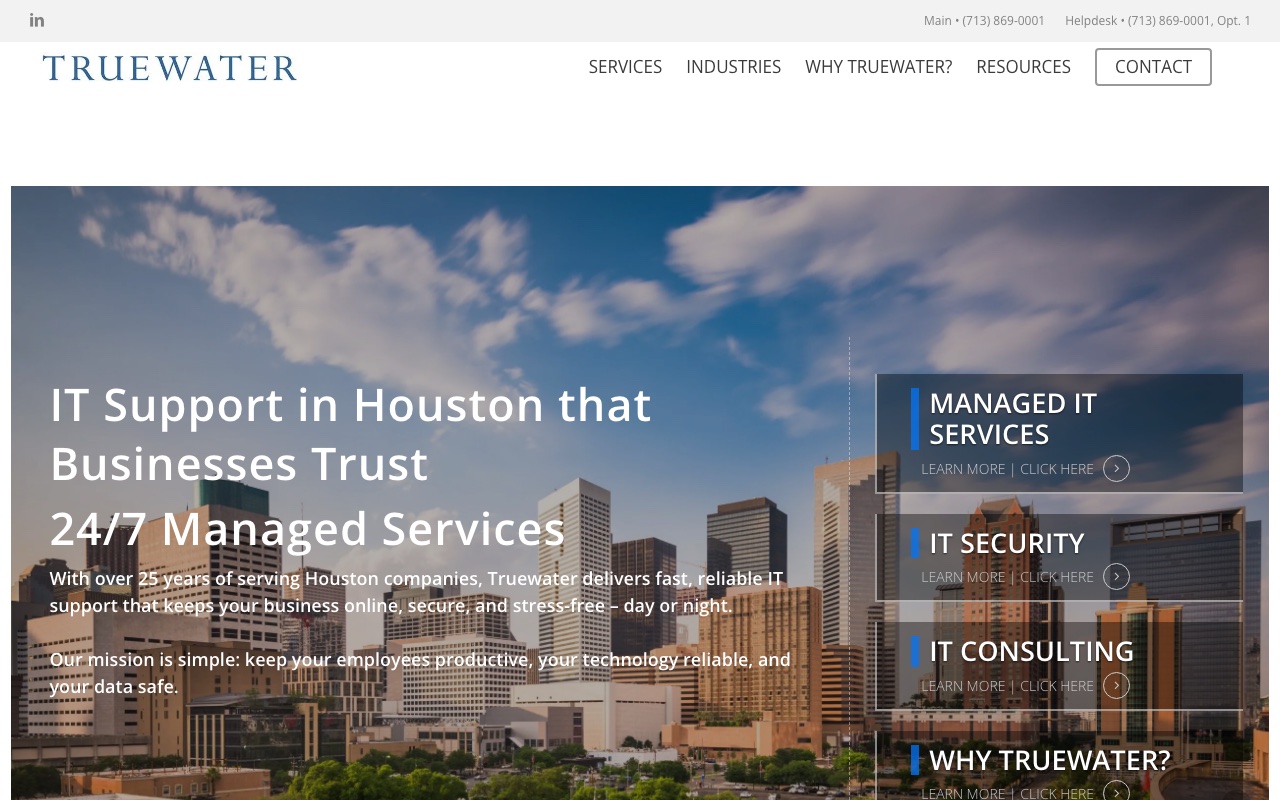
Storm risk runs through the pitch at Truewater IT Support of Houston. Its cloud services and TrueBDR backup are built around Houston weather and outages. The help desk and network operations center are Houston-based and answer live 24/7.
The firm states over 25 years serving Houston companies and claims 99.99% average uptime for managed clients. Ask to see the uptime reporting behind that number before you sign. Managed IT is sold at a flat rate. The rest of the menu covers network and cybersecurity, IT consulting, disaster recovery and internet phone systems. Compliance services include HIPAA, Sarbanes-Oxley and PCI, and the site lists Truewater as a Microsoft partner. The homepage names nine industries it supports, from healthcare and oil and gas to legal, accounting and veterinary clinics.
Best fit: A business in one of the industries Truewater names, such as healthcare or oil and gas, that wants a live Houston answer at any hour and backup designed for hurricane season.
Think twice if: you want a large team behind the help desk. Truewater's LinkedIn page lists 21 employees, so ask how many engineers cover nights and weekends.
6. Preactive IT Solutions
preactiveit.com- Google rating
- 5.0 (120 reviews)
- HQ
- Houston, TX
- Support
- 24/7 monitoring
- Pricing
- Typically $160 to $180 per user/month
- Founded
- 2003 on LinkedIn
- Team
- 40 on LinkedIn
What Google reviewers say: Fast support and troubleshooting get reviewers back to work. Our summary of the 40 most recent Google reviews, November 2026. The firm replied to 40 of them.

Construction and engineering firms are the specialty at Preactive IT Solutions, and its help desk publishes its own numbers. The help desk page states a response target under 30 minutes and a resolution target under 90 minutes on average, with Q3 2026 averages of 9 and 68 minutes. It says it has served the Houston market since 2003 and lists offices in Houston, Austin and Beaumont.
Day to day you get a help desk, onsite support, 24/7 monitoring and Microsoft 365 managed services, plus co-managed IT for firms with their own staff. Compliance support covers the National Institute of Standards and Technology (NIST) framework, CMMC, HIPAA and the Defense Federal Acquisition Regulation Supplement (DFARS). The firm says most clients pay $160 to $180 per user per month, depending on how complex their setup is. Its help-desk page lists staffed hours of 6 a.m. to 6 p.m., Monday to Friday, with an on-call technician after hours, though its Houston page describes a 24/7 help desk. Separate response and resolution targets matter, because a fast first reply does not fix a down server.
Best fit: A construction or engineering firm that wants published help desk targets and help with NIST or CMMC requirements.
Think twice if: you want a person at the help desk around the clock. The Houston page says 24/7 but the help-desk page gives weekday hours, so ask which applies to your contract.
7. PennComp
penncomp.com- Google rating
- 5.0 (84 reviews)
- HQ
- Houston, TX
- Support
- 24/7 monitoring
- Founded
- 1988
- Team
- 32 on LinkedIn
What Google reviewers say: Prompt responses and troubleshooting get reviewers back to work quickly. Our summary of the 40 most recent Google reviews, November 2026. The firm replied to 15 of them.
PennComp has provided managed IT to Houston businesses since 1988, 38 years in the city, and pairs that history with a stated 98% client retention rate. The sharper selling point is contractual. Response times are defined in the SLA rather than offered as best effort.
Fees are a fixed monthly amount per user, which keeps the bill predictable as headcount moves up or down. The service list is short: managed IT, 24/7 proactive monitoring, Microsoft 365, cybersecurity and onsite support, from a Microsoft Solutions Partner. The Google listing averages 5.0 across 84 reviews. On the first call, ask to see the SLA table itself. The response time for a down server, a locked account and a new hire's laptop should each be a number.
Best fit: An owner who wants response times in the contract and a per-user fee that scales with headcount.
Think twice if: you want to compare prices before speaking to anyone. Ask PennComp for its per-user fee and SLA times in writing, then set them against the published rates from Chrysalis and Uprite.
8. Uprite Services
uprite.com- Google rating
- 4.8 (68 reviews)
- HQ
- Houston, TX
- Support
- Houston engineers on call 24/7
- Pricing
- $100 to $138 per user/month
- Founded
- 1999
- Team
- 42 professionals across Texas
What Google reviewers say: Prompt responses and quick fixes reduce interruptions to work. Our summary of the 40 most recent Google reviews, November 2026. The firm replied to 33 of them.

Uprite Services aims squarely at Houston companies with 10 to 300 users. It publishes Houston plans from $100 to $138 per user per month, and the same page also mentions plans from $40. It has worked in Texas since 1999, with Houston engineers on call 24/7 and a claimed five-minute average first response.
The exit terms stand out. Uprite offers a 120-day guarantee with an exit, so read the exact wording before you sign. Services cover help desk, 24/7 monitoring, cybersecurity, backup, Microsoft 365 and Azure administration, and IT planning. Uprite holds a SOC 2 Type 1 report from 2023 and says it has appeared on the MSP 501 list seven years running. A second office on Space Center Boulevard serves Southeast Houston.
Best fit: A company of 10 to 300 users that wants published prices and an early way out if the fit is wrong.
Think twice if: you have more than 300 users. Its Houston page is written for companies up to that size.
What a managed IT plan covers
A managed IT plan is a monthly contract under which an outside provider runs your day-to-day technology. It watches your systems, fixes problems, keeps software current and plans what comes next, for a fee agreed in advance instead of a bill per call.
The standard stack usually includes:
- A help desk for staff questions and problems
- Remote monitoring of devices and servers
- Patching of operating systems and software
- Endpoint security on every laptop and desktop
- Email and Microsoft 365 administration
- Backup and restore
- Network and firewall management
- User onboarding and offboarding
- Vendor management, such as calls to your internet carrier
- Periodic planning reviews
Security services such as managed detection and response, and compliance work, are often add-ons or sit in a higher tier. Ask which tier covers what before you compare quotes.
Behind the service sit two kinds of software. Remote monitoring and management (RMM) tools watch and patch your devices, and professional services automation (PSA) tools run tickets and billing. ConnectWise, Kaseya, NinjaOne, N-able and HaloPSA are common examples. Ask which tools they run and who holds the admin accounts, so access stays with your company if you ever leave.
What managed IT costs in Houston
Providers price managed IT in a few ways: per user per month, per device per month, tiered bundles, or hourly and block-of-hours billing for break-fix and project work. Hardware, licensing, onboarding and projects are often billed on top of the monthly fee.
Three of the eight list a Clutch hourly band; three of the eight print a per-user monthly price on their own sites. Chrysalis Tech Group starts its Essential plan at $125 per user a month. Uprite Services lists Houston plans at $100 to $138 per user a month. Preactive IT Solutions says most of its clients pay $160 to $180 per user a month. On Clutch, Aldridge and Preactive IT Solutions sit at $150 to $199 an hour and Uprite Services at $100 to $149. PennComp charges a fixed monthly fee per user, and RTC and Truewater describe flat or fixed monthly rates, so ask each for a written figure.
Across the 489 providers on our city guides, 22 publish a per-user monthly starting price on their own sites; the median is $100 (range $44.99 to $179). Firms that put prices on their websites are not a random sample of the market, so treat that median as a rough reference point.
Licensing is often folded into the per-user fee. Microsoft's list prices from July 1, 2026 are $7 per user a month for Microsoft 365 Business Basic, $14 for Business Standard and $22 for Business Premium. Ask any provider how much of its quote is Microsoft's.
Estimated MSP pricing per user a month, 2026
By NUOPTIMA's estimate, a typical fully managed IT plan runs about $150 per user a month, above most published starting prices, which often cover only the help desk or part of the service. Plans that add more security services and a 24/7 security operations center run closer to $250, and hardware supplied as a service is billed on top. MSP owners report that specialists in financial services, healthcare and law charge closer to $400. See the full MSP pricing research, built on a scan of 2,003 MSP websites, including what even a top-tier plan can leave out.
Service promises these providers publish
Four firms on this page state a response target or a contract term in writing on their own sites. Read each one as the firm's own wording, and ask for the same wording in your contract.
| Provider | Response target | Onsite time | Contract term | Onboarding or exit terms |
|---|---|---|---|---|
| RTC Business Solutions (RTC) | not confirmed | not confirmed | No long-term contract required | not confirmed |
| Preactive IT Solutions | Under 30 minutes; Q3 2026 average 9 minutes | not confirmed | not confirmed | not confirmed |
| PennComp | Response times written into the SLA | not confirmed | not confirmed | not confirmed |
| Uprite Services | Claims a 5-minute average first response | not confirmed | not confirmed | not confirmed |
Promises as each firm states them, read in November 2026. A linked cell opens the page we read it on; the rest were read on the firm's homepage or a page already linked in this table. "Not confirmed" means we did not find that promise in writing; the firm may still offer it.
Which model fits your business
There are four common ways to run IT for a business. The table compares who does the work, which hours are covered and how the cost is shaped, so you can match a model to your staff.
| Model | Who runs IT | Coverage hours | Cost shape | Best for |
|---|---|---|---|---|
| Fully managed | The provider runs it end to end | Set by the contract; business hours or around the clock | Flat monthly fee, usually per user or per device | Firms with no internal IT staff |
| Co-managed | Your IT staff and the provider share the work | The provider covers agreed gaps, such as after hours | Monthly fee for the agreed scope | Firms with one or two IT people who need backup |
| In-house | Your own employees | Their working hours, unless someone is on call | Salaries, benefits, tools and training | Larger firms with steady, specialized needs |
| Break-fix | An outside technician, when something breaks | When you call; no monitoring between calls | Hourly or per job | Very small offices with simple setups |
How to choose a managed IT provider in Houston
Pricing. Chrysalis and Uprite print per-user prices, Preactive states the per-user range most of its clients pay, and PennComp sets its fixed monthly fee per user too. Ask every firm for a per-user figure and for what it bills on top: projects, after-hours onsite visits, new hardware.
Support hours. All eight state round-the-clock coverage of some kind, but the wording differs. Monitoring checks your systems for problems, which is different from a person answering the phone at 2 a.m. Quinn and Truewater state a 24/7 help desk, RTC a 24-hour service desk and Uprite engineers on call. Preactive states 24/7 monitoring, but its help desk keeps weekday business hours and routes after-hours calls to an on-call technician.
Storms and security. Ask where your data lives when the power goes out. Chrysalis hosts client servers in a Category 5 rated facility, and Truewater builds its backup around Houston weather. Coalition's 2026 Cyber Claims Report puts the average 2025 claim loss across its own policyholders at $116,000, and the average business email compromise loss at $27,000. Those are the losses the security and backup terms in a contract exist to limit.
Contract and exit. RTC states that no long-term contract is required, and Uprite pairs its 120-day guarantee with an exit option. Ask the others for term length and notice period.
Service level terms to get in writing:
- Response time by priority
- Onsite arrival time
- Resolution time
- Uptime target
- Patching schedule
- Backup restore tests, and how often they run
- Security alert coverage at night and on weekends
- Exit terms and how your data comes back
Questions for the first call:
- Who answers the phone at night and on weekends, and where are they based?
- Which clients in my industry do you support, and can I speak to one?
- How is my data backed up before a hurricane, and when did you last test a restore?
Switching providers and the first 90 days
Start with the contract you already have. Find the notice period and the termination terms, and check whether the agreement renews on its own. Before you give notice, collect what you need to run without the old provider:
- Admin credentials for every system
- Domain and registrar access
- Microsoft 365 global admin rights
- Proof of who owns the backups and where they are stored
- Network diagrams, license lists and other documentation
Where the contract allows, overlap the old and new provider for a month so nothing falls between them. Then ask the new provider for a written 90-day plan. A typical one looks like this:
- Days 1 to 30: discovery and stabilization, with every device, account and backup documented
- Days 31 to 60: setups standardized and security gaps from discovery closed
- Days 61 to 90: regular planning reviews begin
Ask for that plan before you sign, with a named contact for each phase and a date for the first planning review. Check the new contract's own exit terms at the same time, so the next switch is easier than this one.
Nearby cities and guides
If you also buy IT support for offices elsewhere in the region, see the best managed IT providers in Austin, San Antonio, Lafayette and Dallas. For the buying process, read managed IT services for small and midsize businesses, how to evaluate IT help desk support and criteria for IT compliance services, or see how Houston MSPs rank in AI search.
See how your MSP shows up in local search and AI answers
If you run an MSP, this is the kind of page buyers read before they call anyone. Our guides to local search engine optimization (SEO) for MSPs, MSP SEO, AI search visibility and Google Business Profile for MSPs show what it takes to appear when someone looks for the best managed IT services in Houston.